19

雨中骑行的橘猫
Enlarge

雨中骑行的橘猫

Prompt
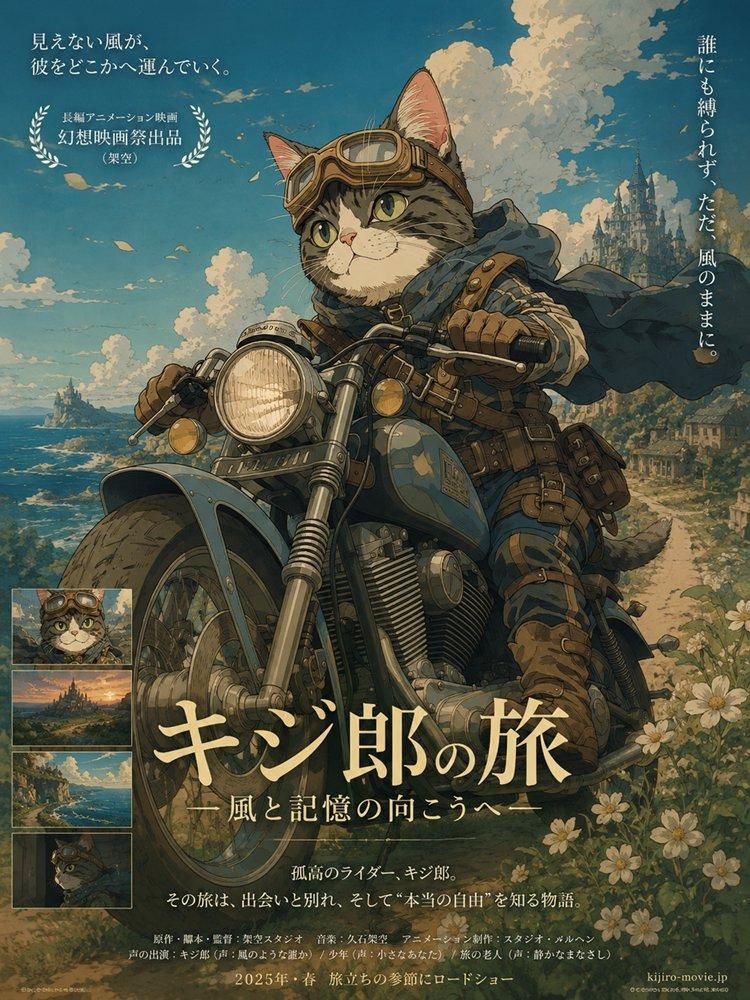
Create a cinematic, ultra-detailed single-scene image of a cute {argument name="animal" default="orange tabby cat"} riding a {argument name="scooter color" default="yellow"} vintage Vespa-style scooter through a rainy Japanese city street. The cat is upright like a tiny commuter, with realistic fluffy orange-and-white fur, wide expressive eyes, white paws on the handlebars, and a striped tail visible behind the scooter. It wears {argument name="accessories" default="large yellow headphones, a thick mustard-yellow scarf, a transparent hooded raincoat, a yellow tote bag, and yellow clogs"}. The scooter headlight is glowing warmly, water droplets bead on the clear raincoat and scooter body, and the wet asphalt reflects headlights and lane markings. The background shows a misty urban road with passing cars, guardrails, greenery, utility poles, and Japanese traffic signs softened by rain and shallow depth of field. Use cozy slice-of-life anime realism with Studio Ghibli-inspired warmth, photoreal fur detail, believable rain physics, soft gray overcast lighting, cinematic composition, shallow depth of field, reflective roads, and 4K movie-quality detail.
Category
Posters & Typography
Model
GPT Image 2
Views7
Source ID
18834
Published
May 7, 2026

Guide

About "雨中骑行的橘猫"

What is this prompt for?

"雨中骑行的橘猫" AI image prompt for GPT Image 2 (Posters & Typography). 一个温馨的电影感图像提示词,用于生成一只可爱的橘猫在雨后的日本街道上骑着黄色踏板车的写实图像。 Copy it on Picva and recreate the look in one…

The full copyable prompt and example visuals above are ready for AI image generation or one-click recreate in Picva.

How to use this prompt

  1. Step 1

    Open the prompt detail

    Review the example visuals, category, and full prompt text for "雨中骑行的橘猫".

  2. Step 2

    Copy the prompt

    Copy the prompt body from this page, or load it directly in Studio.

  3. Step 3

    Pick a model (GPT Image 2)

    Prefer GPT Image 2. If you switch models, keep subject and composition and tweak style terms.

  4. Step 4

    Generate and export

    Recreate the look in Picva, or export into your workflow for editing and publishing.

FAQ

What is the "雨中骑行的橘猫" prompt?
It is an AI image-generation prompt for GPT Image 2 in the Posters & Typography category. This page includes the full prompt text, example visuals, and a one-click recreate path in Picva.
How do I use this prompt to generate an image?
Copy the prompt from this page, or use Generate / Studio. Paste it into a compatible image model, or recreate the look in Picva with optional reference images.
Which model is this prompt for?
This page lists GPT Image 2. Most descriptive prompts also transfer to nearby image models such as GPT Image, Flux, or Midjourney with light style tweaks.
Can I use the result commercially?
You can usually copy the prompt for creation, but commercial use of the final image depends on the model terms, reference-image rights, and the generated content. Follow the source author and platform rules.