17

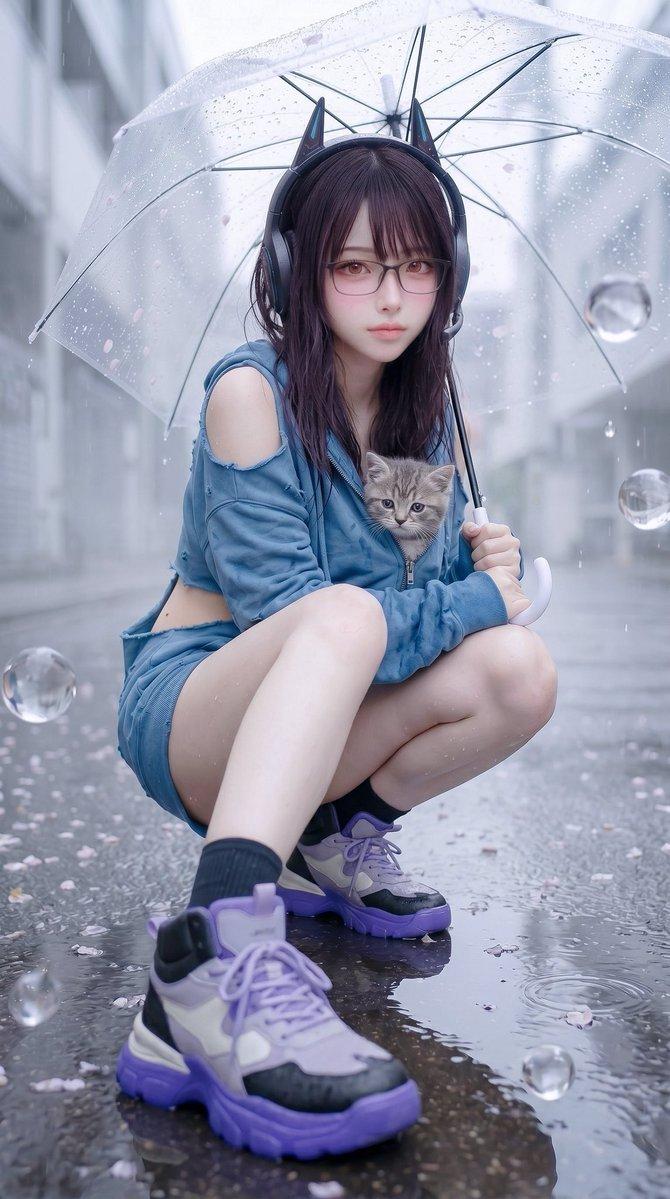
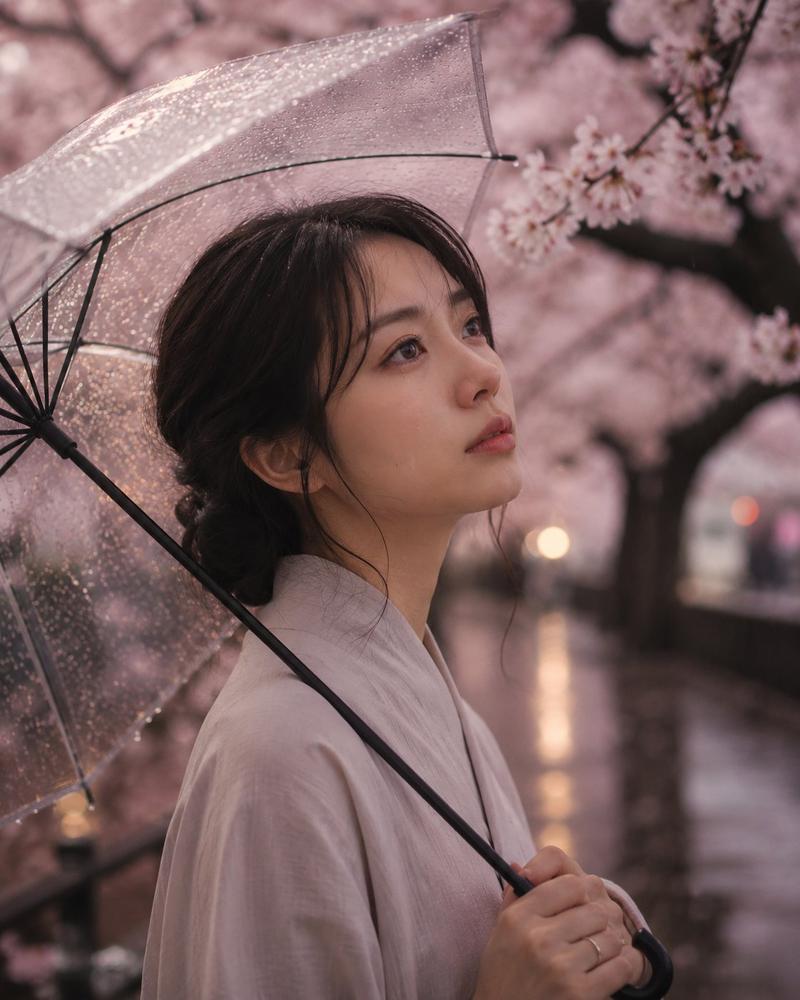
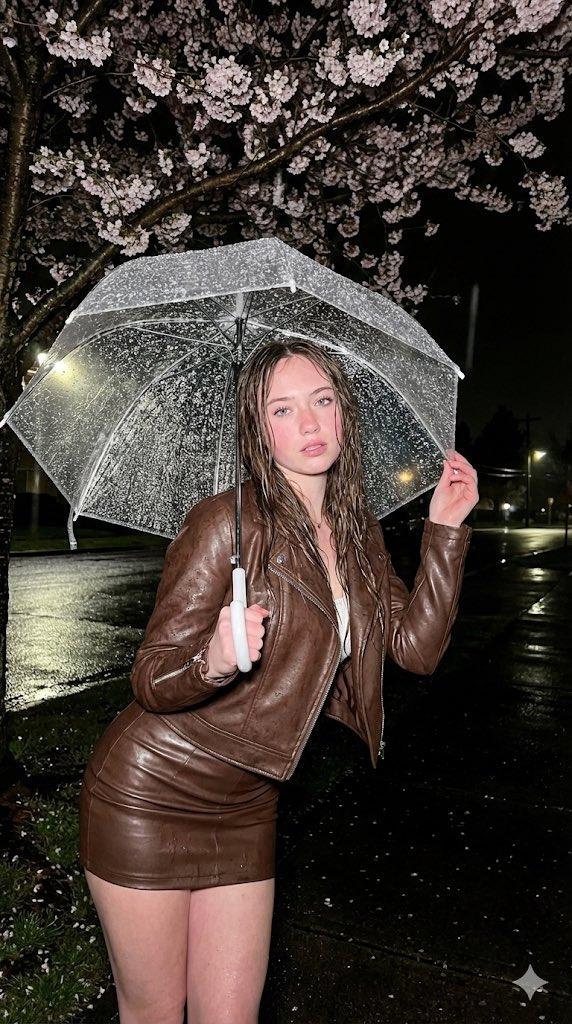
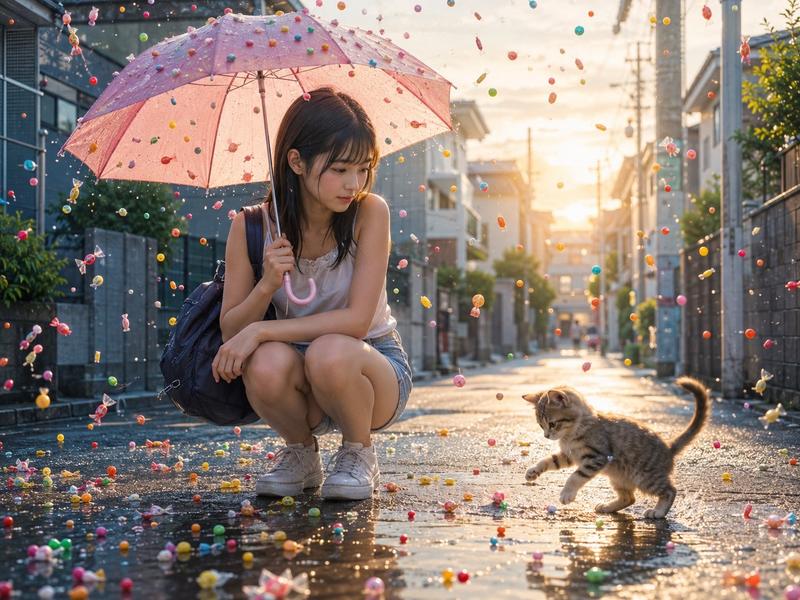
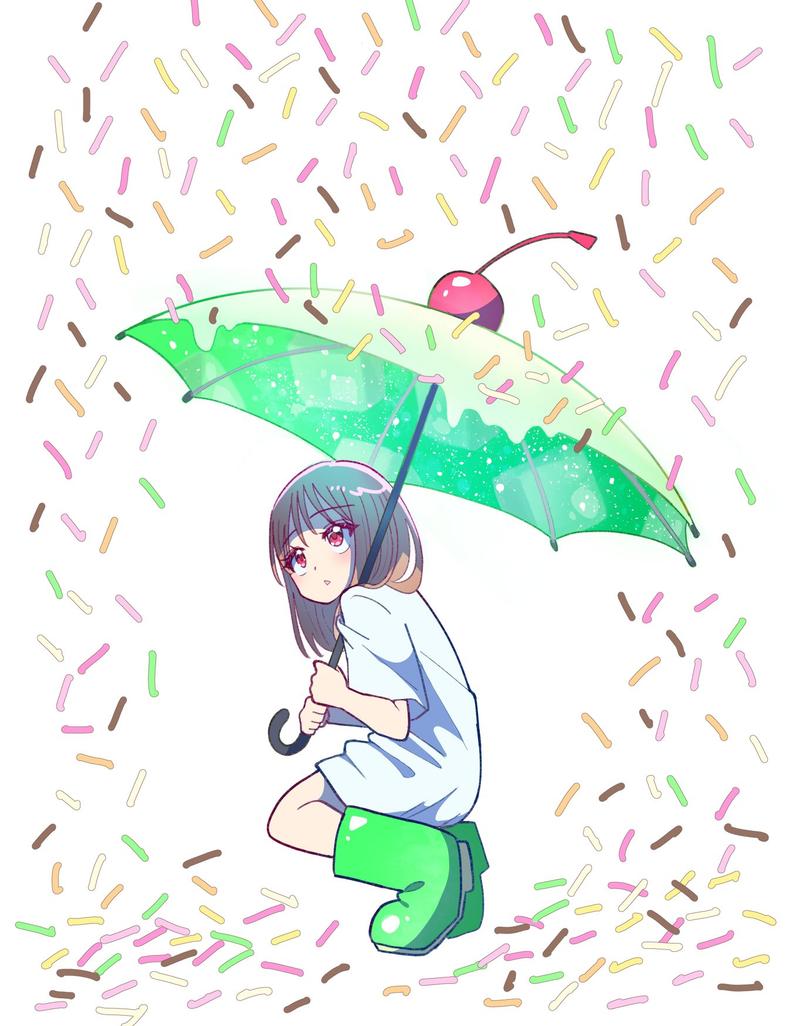
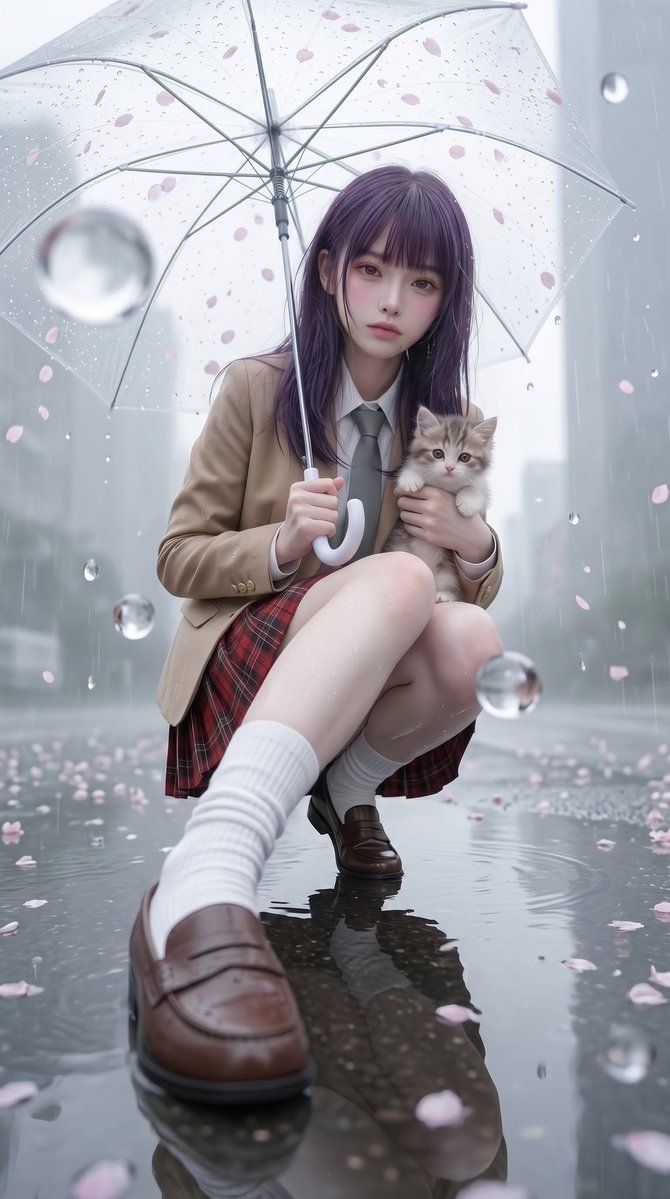
雨中樱花女学生肖像
Enlarge

Example images

雨中樱花女学生肖像

Prompt
Create a vertical cinematic photorealistic portrait of {argument name="character description" default="a Japanese high school girl with long dark purple hair"} crouching in the middle of a rainy city street, viewed from an extremely low wide-angle perspective with one loafer and white ribbed sock large in the foreground and her reflection visible in the glossy puddled asphalt. She wears {argument name="school uniform" default="a beige blazer, white shirt, gray necktie, red plaid skirt, white knee socks, and brown penny loafers"}, holding a transparent clear umbrella above her head with delicate pink cherry blossom petals scattered across the canopy and floating through the rain. Her face is softly obscured by a smooth rectangular blur, while her posture remains gentle and intimate. In her other arm she cradles {argument name="animal" default="a small fluffy gray-and-white kitten"} against her chest. The background is a misty modern urban street with tall buildings dissolved into pale gray bokeh, falling rain streaks, oversized suspended water droplets, ripples in puddles, and scattered sakura petals on the wet ground. Use a dreamy spring-rain atmosphere, soft diffused overcast light, shallow depth of field, glossy reflections, realistic fabric texture, wet skin highlights, detailed umbrella ribs and raindrops, emotional quiet mood, high-end fashion editorial composition, ultra-detailed photorealism, 9:16 vertical aspect ratio.
Category
Posters & Typography
Model
GPT Image 2
Views2
Source ID
19314
Published
May 9, 2026

Guide

About "雨中樱花女学生肖像"

What is this prompt for?

"雨中樱花女学生肖像" AI image prompt for GPT Image 2 (Posters & Typography). 生成一张梦幻般的写实风格竖版肖像,描绘了一位在雨中樱花城市背景下,撑着雨伞并怀抱小猫的女学生。 Copy it on Picva and recreate the look in o…

The full copyable prompt and example visuals above are ready for AI image generation or one-click recreate in Picva.

How to use this prompt

  1. Step 1

    Open the prompt detail

    Review the example visuals, category, and full prompt text for "雨中樱花女学生肖像".

  2. Step 2

    Copy the prompt

    Copy the prompt body from this page, or load it directly in Studio.

  3. Step 3

    Pick a model (GPT Image 2)

    Prefer GPT Image 2. If you switch models, keep subject and composition and tweak style terms.

  4. Step 4

    Generate and export

    Recreate the look in Picva, or export into your workflow for editing and publishing.

FAQ

What is the "雨中樱花女学生肖像" prompt?
It is an AI image-generation prompt for GPT Image 2 in the Posters & Typography category. This page includes the full prompt text, example visuals, and a one-click recreate path in Picva.
How do I use this prompt to generate an image?
Copy the prompt from this page, or use Generate / Studio. Paste it into a compatible image model, or recreate the look in Picva with optional reference images.
Which model is this prompt for?
This page lists GPT Image 2. Most descriptive prompts also transfer to nearby image models such as GPT Image, Flux, or Midjourney with light style tweaks.
Can I use the result commercially?
You can usually copy the prompt for creation, but commercial use of the final image depends on the model terms, reference-image rights, and the generated content. Follow the source author and platform rules.