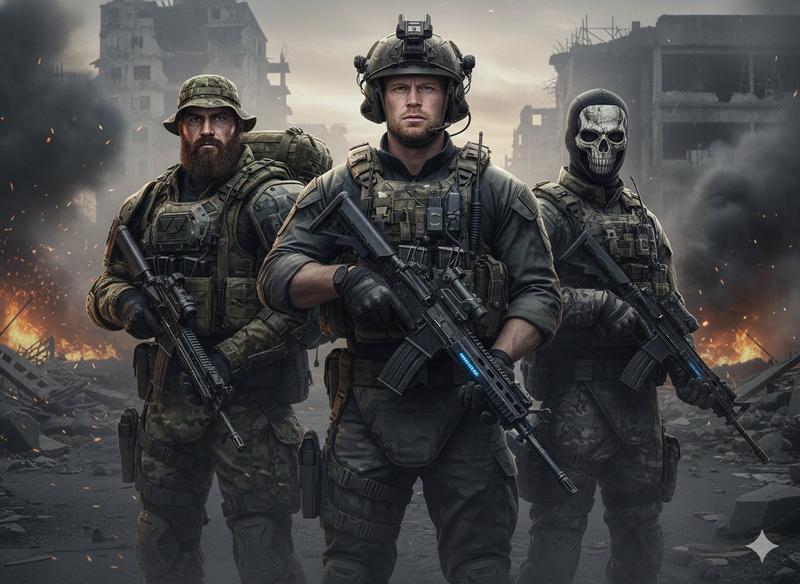
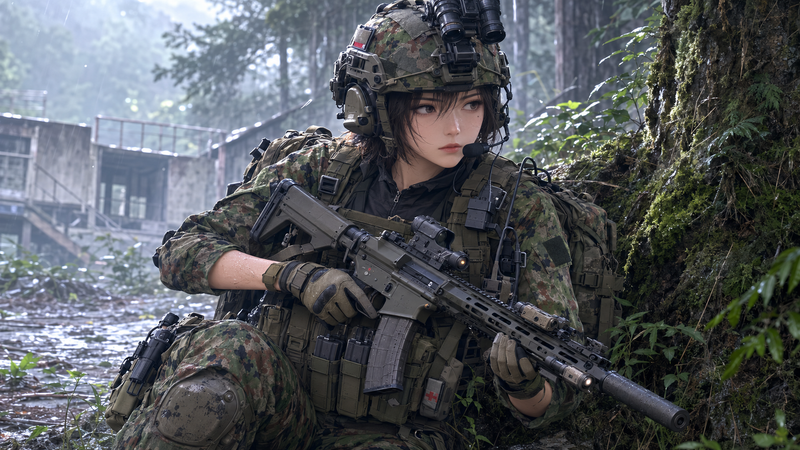
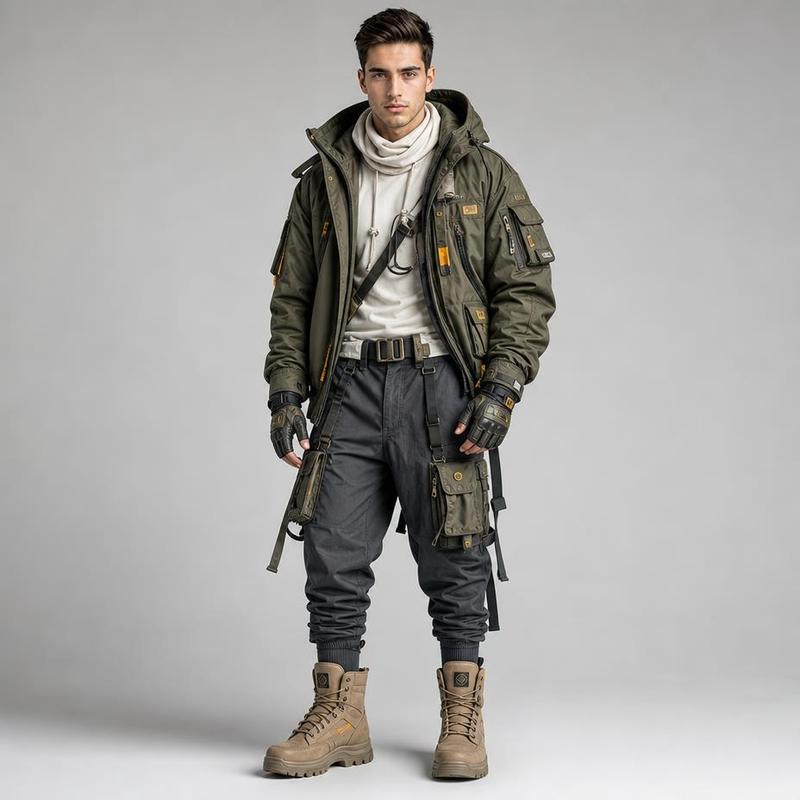
战术特勤装备展示图
Prompt
{"type":"photorealistic tactical character sheet montage","title_text":"{argument name=\"headline text\" default=\"TACTICAL OPERATOR UNIT 72 - GEAR & STANCE MONTAGE\"}","overall_style":"clean studio reference board on a white background, high-resolution realistic photography look, sharp black divider lines, bold condensed uppercase typography, muted military color palette, catalog-like gear and stance documentation","subject":{"identity":"adult male tactical operator with short dark hair and anonymized blurred square over the face in every visible face view","build":"athletic average build","clothing":"gray long-sleeve tactical uniform shirt and matching gray tactical pants with reinforced knee pads and cargo pockets","gear":"olive drab plate carrier with MOLLE webbing, front magazine pouches, shoulder patches, black body camera or radio module on chest, tactical belt with holster and utility pouches, olive gloves, sturdy dark tactical boots, handgun used in stance and movement poses","colors":"gray fabric uniform, olive drab armor and gloves, black handgun and accessories, tan-green pouches"},"layout":{"canvas":"wide horizontal sheet, approximately 16:9, white studio background with thin black panel borders","sections_count":4,"sections":[{"title":"TACTICAL READY STANCE (PROFILE)","position":"large left panel occupying about half the width and upper-left area","description":"full-body side profile of the operator kneeling on one knee in a tactical ready stance, arms extended forward aiming a black pistol to the right, plate carrier and belt visible, face covered by a rectangular blur","pose_count":1},{"title":"REAR LOADOUT VIEW","position":"bottom center-left inset panel overlapping within the left half","description":"rear full-body view of the same operator standing upright, back facing camera, showing the rear plate carrier, backpack-like MOLLE panel, belt pouches, gloves at sides, holster and radio gear visible","pose_count":1},{"title":"OPERATOR PORTRAIT","position":"central tall panel","description":"waist-up front portrait of the operator holding a pistol low across the body, looking toward camera, face anonymized with a large blurred rectangle, tactical vest details and front magazine pouches emphasized","pose_count":1},{"title":"DYNAMIC MOVEMENT","position":"right tall panel","description":"full-body three-quarter view of the operator walking or advancing with knees bent, pistol held low in both gloved hands, tactical vest and belt gear visible, face anonymized with a blurred rectangle","pose_count":1}],"total_operator_figures":4,"visible_labels_count":5,"visible_labels":["TACTICAL OPERATOR UNIT 72 - GEAR & STANCE MONTAGE","TACTICAL READY STANCE (PROFILE)","REAR LOADOUT VIEW","OPERATOR PORTRAIT","DYNAMIC MOVEMENT"]},"camera_and_lighting":"studio product-reference lighting, soft shadows on white floor, realistic proportions, crisp gear detail, neutral documentary perspective","rendering_instructions":"create a single cohesive montage sheet with exactly 4 operator poses and 5 visible text labels, keep all panels separated by thin black lines, maintain consistent uniform and equipment across every pose, make the face intentionally obscured by a simple rectangular blur rather than showing facial features"}- Category
- Charts & Infographics
- Model
- GPT Image 2
- Creator
- AIFictionUnleashed
- Source ID
- 18836
- Published
- May 7, 2026
Views4