16

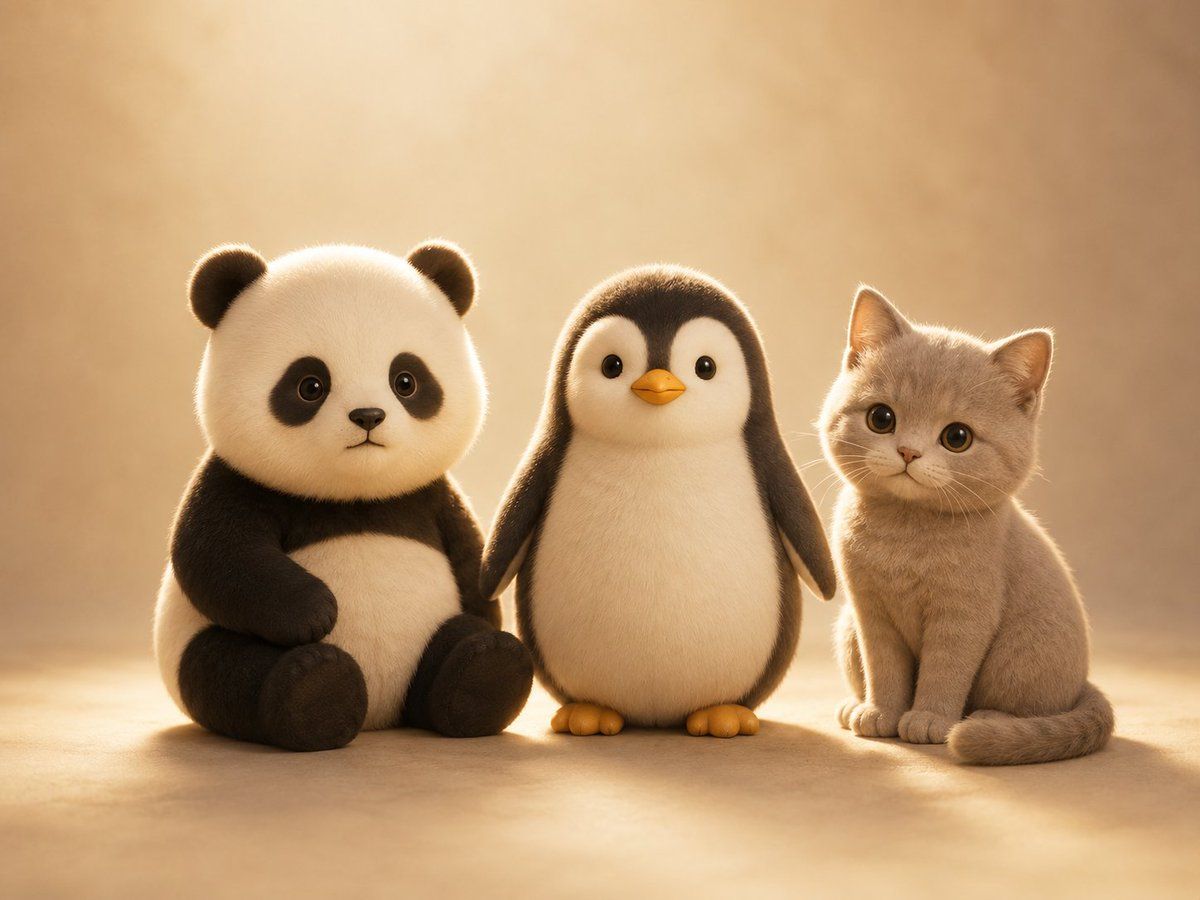
可爱动物毛绒三件套
Enlarge

可爱动物毛绒三件套

Prompt
Create a warm, softly lit studio portrait of three adorable plush-like baby animals sitting side by side on a beige floor against a smooth beige background: on the left, a seated {argument name="left animal" default="baby panda"} with black-and-white fuzzy fur, round ears, stubby paws, and its face intentionally covered by a flat opaque tan square censor block; in the center, a small {argument name="center animal" default="baby penguin"} standing upright with fluffy cream belly, dark brown-black back and head, tiny orange beak and feet, glossy black eyes, and rounded flippers hanging at its sides; on the right, a {argument name="right animal" default="light beige kitten"} sitting neatly with big round eyes, small ears, soft short fur, visible whiskers, and curled tail. Use a cute toy-like 3D rendered style with realistic fur fibers, gentle rim light, shallow depth of field, golden backlighting, soft shadows on the ground, cozy nursery-like atmosphere, centered composition, high detail, cinematic warmth, no text.
Category
Posters & Typography
Model
GPT Image 2
Views4
Source ID
18875
Published
May 7, 2026

Guide

About "可爱动物毛绒三件套"

What is this prompt for?

"可爱动物毛绒三件套" AI image prompt for GPT Image 2 (Posters & Typography). 生成一张温馨的 3D 工作室肖像,包含大熊猫、企鹅和小猫,毛发柔软,光影舒适,适用于可爱角色设计或社交媒体视觉素材。 Copy it on Picva and recreate th…

The full copyable prompt and example visuals above are ready for AI image generation or one-click recreate in Picva.

How to use this prompt

  1. Step 1

    Open the prompt detail

    Review the example visuals, category, and full prompt text for "可爱动物毛绒三件套".

  2. Step 2

    Copy the prompt

    Copy the prompt body from this page, or load it directly in Studio.

  3. Step 3

    Pick a model (GPT Image 2)

    Prefer GPT Image 2. If you switch models, keep subject and composition and tweak style terms.

  4. Step 4

    Generate and export

    Recreate the look in Picva, or export into your workflow for editing and publishing.

FAQ

What is the "可爱动物毛绒三件套" prompt?
It is an AI image-generation prompt for GPT Image 2 in the Posters & Typography category. This page includes the full prompt text, example visuals, and a one-click recreate path in Picva.
How do I use this prompt to generate an image?
Copy the prompt from this page, or use Generate / Studio. Paste it into a compatible image model, or recreate the look in Picva with optional reference images.
Which model is this prompt for?
This page lists GPT Image 2. Most descriptive prompts also transfer to nearby image models such as GPT Image, Flux, or Midjourney with light style tweaks.
Can I use the result commercially?
You can usually copy the prompt for creation, but commercial use of the final image depends on the model terms, reference-image rights, and the generated content. Follow the source author and platform rules.