16

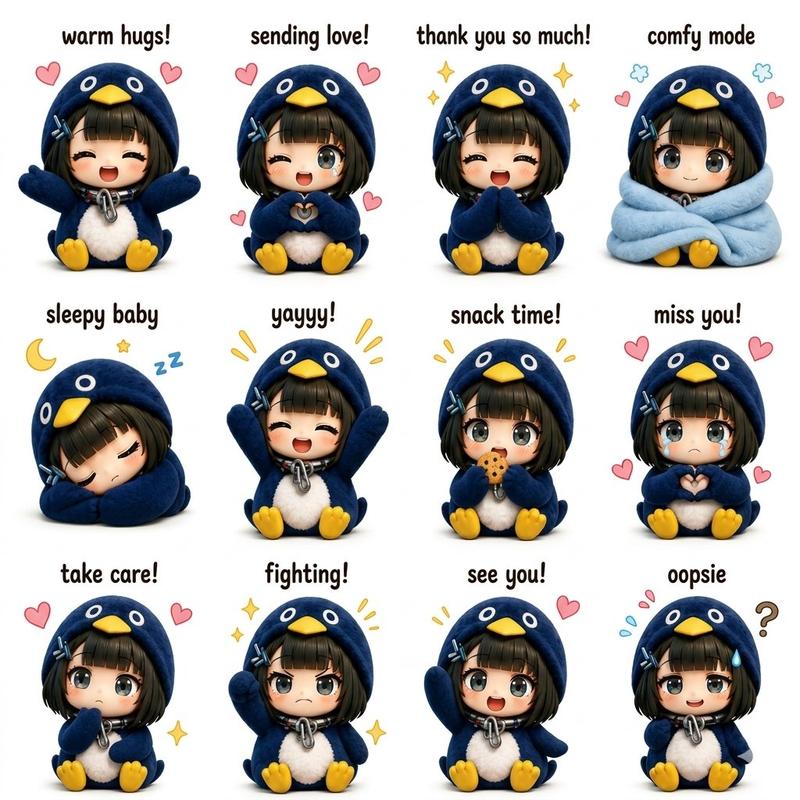
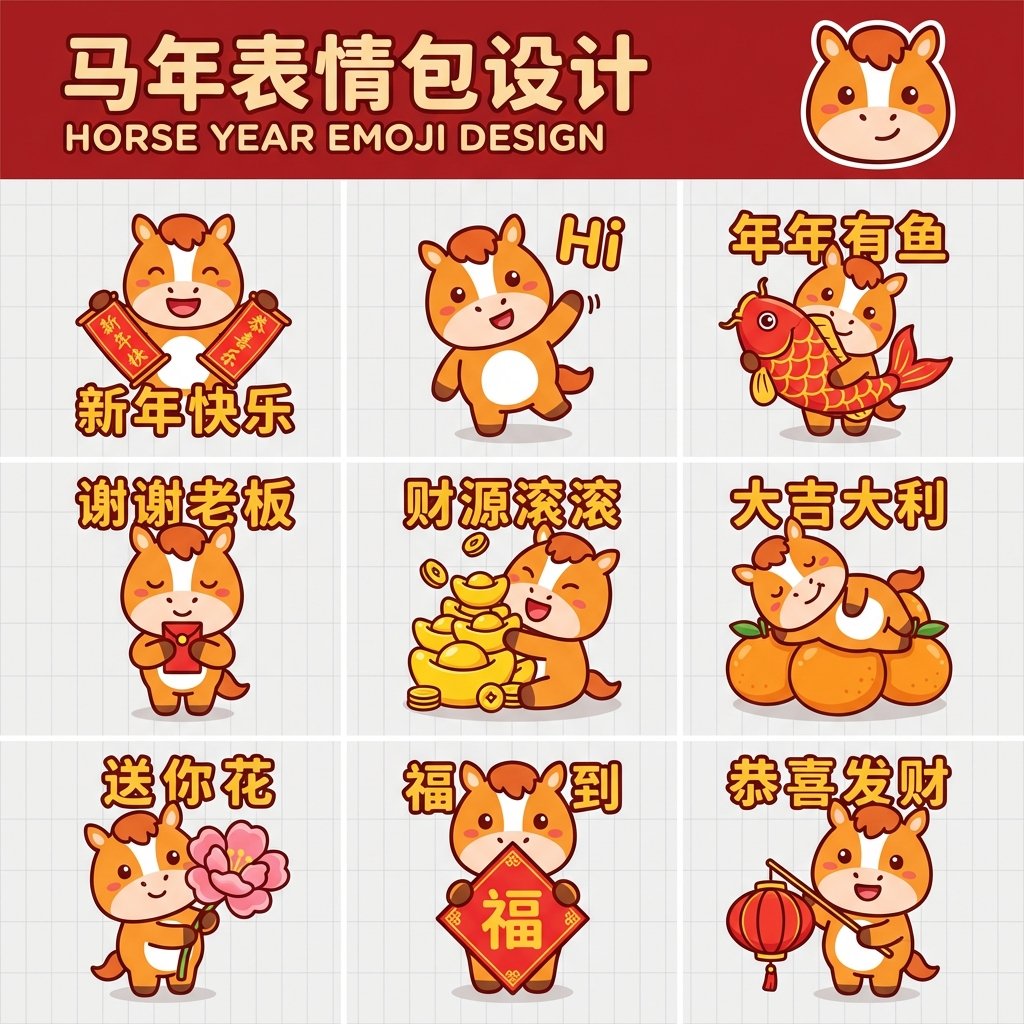
Q 版企鹅表情包网格
Enlarge

Q 版企鹅表情包网格

Prompt
Create a cute viral cartoon {argument name="character" default="penguin"} character named “{argument name="name" default="Gugu Gaga"}” in a soft 3D chibi style. Design a vertical 3:4 poster layout with multiple different poses and expressions of the same penguin character. Use a {argument name="aesthetic" default="pastel aesthetic"} with soft lighting, smooth shading, rounded shapes, and a clean kawaii design. The penguin should have a black and white body, tiny yellow feet, rosy cheeks, glossy big eyes, and a playful baby-like personality.

Include 12 different poses/emotions in a neat grid layout:

1. waving hello

2. shy pose

3. sitting happily

4. winking thumbs up

5. holding a pink heart

6. dancing

7. sleepy with night cap

8. surprised face

9. eating cookie

10. grumpy angry face

11. sliding on belly

12. making heart with hands

Add a large cute title at the top saying “GUGU GAGA – DIFFERENT POSES”. Use pastel blue, pink, and white colors with tiny doodles like stars, hearts, sparkles, and music notes around the character. Make it look like a trendy viral sticker-pack poster for social media. High detail, ultra clean, soft shadows, toy-like 3D rendering, adorable expression consistency across all poses, professional composition, 3:4 aspect ratio.
Category
Posters & Typography
Model
GPT Image 2
Creator
Aijaz
Views16
Source ID
21302
Published
May 18, 2026

Guide

About "Q 版企鹅表情包网格"

What is this prompt for?

"Q 版企鹅表情包网格" AI image prompt for GPT Image 2 (Posters & Typography). 为名为 Gugu Gaga 的可爱企鹅生成一张包含 12 种姿势的角色表,采用柔和的 3D Q 版风格和马卡龙色系。 Copy it on Picva and recreate t…

The full copyable prompt and example visuals above are ready for AI image generation or one-click recreate in Picva.

How to use this prompt

  1. Step 1

    Open the prompt detail

    Review the example visuals, category, and full prompt text for "Q 版企鹅表情包网格".

  2. Step 2

    Copy the prompt

    Copy the prompt body from this page, or load it directly in Studio.

  3. Step 3

    Pick a model (GPT Image 2)

    Prefer GPT Image 2. If you switch models, keep subject and composition and tweak style terms.

  4. Step 4

    Generate and export

    Recreate the look in Picva, or export into your workflow for editing and publishing.

FAQ

What is the "Q 版企鹅表情包网格" prompt?
It is an AI image-generation prompt for GPT Image 2 in the Posters & Typography category. This page includes the full prompt text, example visuals, and a one-click recreate path in Picva.
How do I use this prompt to generate an image?
Copy the prompt from this page, or use Generate / Studio. Paste it into a compatible image model, or recreate the look in Picva with optional reference images.
Which model is this prompt for?
This page lists GPT Image 2. Most descriptive prompts also transfer to nearby image models such as GPT Image, Flux, or Midjourney with light style tweaks.
Can I use the result commercially?
You can usually copy the prompt for creation, but commercial use of the final image depends on the model terms, reference-image rights, and the generated content. Follow the source author and platform rules.