16

深大寺参道背景
Enlarge

深大寺参道背景

Prompt
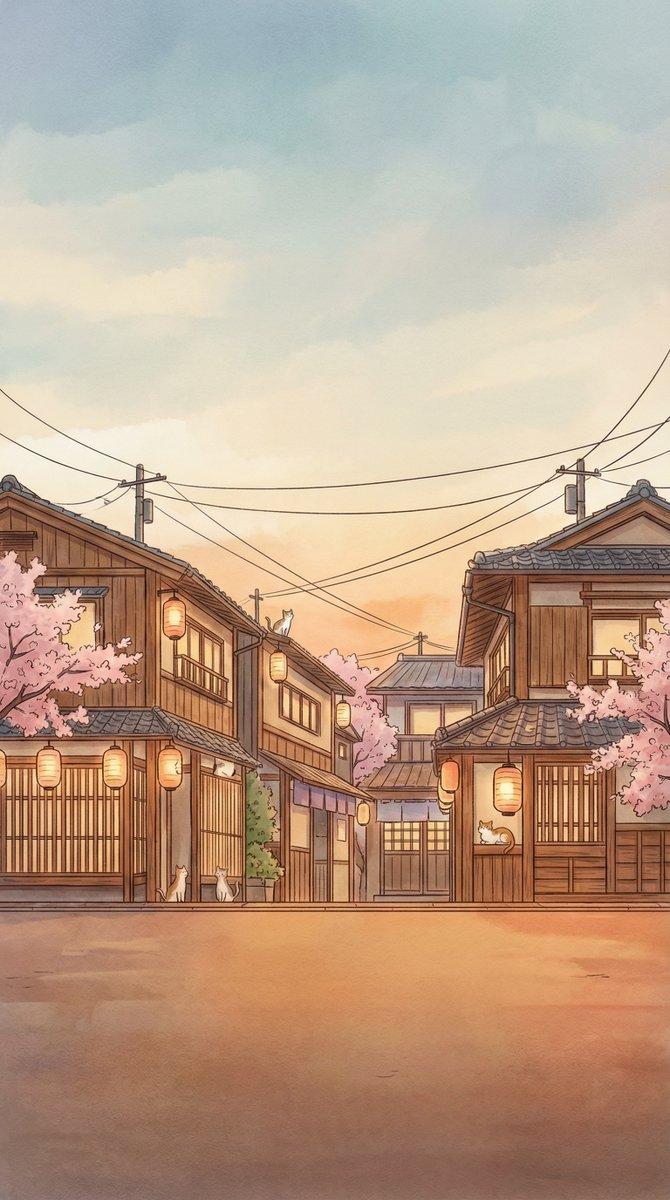
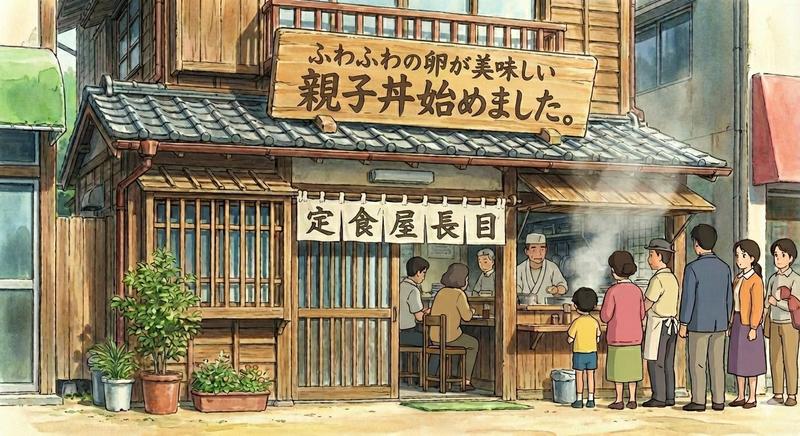
Create a highly detailed anime-style background illustration of a quiet Japanese temple approach street near {argument name="location" default="Jindaiji Temple approach in Chofu, Tokyo"} on a clear spring or early summer morning. Show a gently curving stone-paved path leading from the foreground toward a set of shrine-temple steps and a thatched-roof gate on the left, with traditional wooden shop buildings lining the right side. The main shop is a soba restaurant with dark timber beams, tiled roofs, warm paper lanterns, a blue noren curtain, menu boards, and visible Japanese signage including {argument name="shop sign text" default="そば処"} and {argument name="temple sign text" default="深大寺参道"}. Include exactly 3 prominent vertical signs: one large wooden temple-approach sign in the left foreground, one pale blue hanging banner on the right shop, and one map/information board at the far right. Add exactly 4 visible shop lanterns around the restaurant frontage. Surround the street with dense leafy green trees, shrubs, potted plants, small white flowers, mossy stones, and a shallow clear water basin or stream at the lower right reflecting sunlight. Use soft dappled light filtering through the tree canopy, realistic perspective, lush layered foliage, intricate roof tiles and wood textures, peaceful nostalgic atmosphere, no people, wide cinematic composition, 16:9 aspect ratio, painterly but crisp Studio Ghibli-inspired Japanese background art.
Category
Charts & Infographics
Model
GPT Image 2
Views4
Source ID
18943
Published
May 7, 2026

Guide

About "深大寺参道背景"

What is this prompt for?

"深大寺参道背景" AI image prompt for GPT Image 2 (Charts & Infographics). 生成一张宁静的动画风格日本寺庙参道背景,包含传统荞麦面店、招牌、绿植及斑驳的阳光。 Copy it on Picva and recreate the look in one clic…

The full copyable prompt and example visuals above are ready for AI image generation or one-click recreate in Picva.

How to use this prompt

  1. Step 1

    Open the prompt detail

    Review the example visuals, category, and full prompt text for "深大寺参道背景".

  2. Step 2

    Copy the prompt

    Copy the prompt body from this page, or load it directly in Studio.

  3. Step 3

    Pick a model (GPT Image 2)

    Prefer GPT Image 2. If you switch models, keep subject and composition and tweak style terms.

  4. Step 4

    Generate and export

    Recreate the look in Picva, or export into your workflow for editing and publishing.

FAQ

What is the "深大寺参道背景" prompt?
It is an AI image-generation prompt for GPT Image 2 in the Charts & Infographics category. This page includes the full prompt text, example visuals, and a one-click recreate path in Picva.
How do I use this prompt to generate an image?
Copy the prompt from this page, or use Generate / Studio. Paste it into a compatible image model, or recreate the look in Picva with optional reference images.
Which model is this prompt for?
This page lists GPT Image 2. Most descriptive prompts also transfer to nearby image models such as GPT Image, Flux, or Midjourney with light style tweaks.
Can I use the result commercially?
You can usually copy the prompt for creation, but commercial use of the final image depends on the model terms, reference-image rights, and the generated content. Follow the source author and platform rules.