17

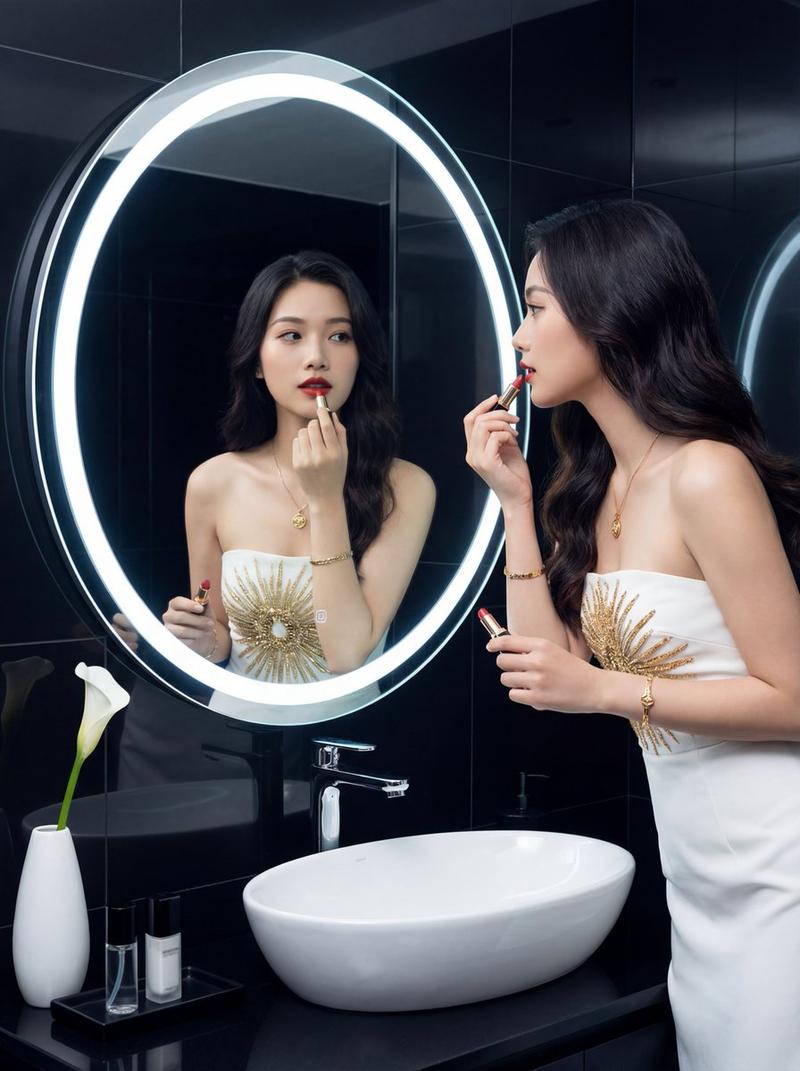
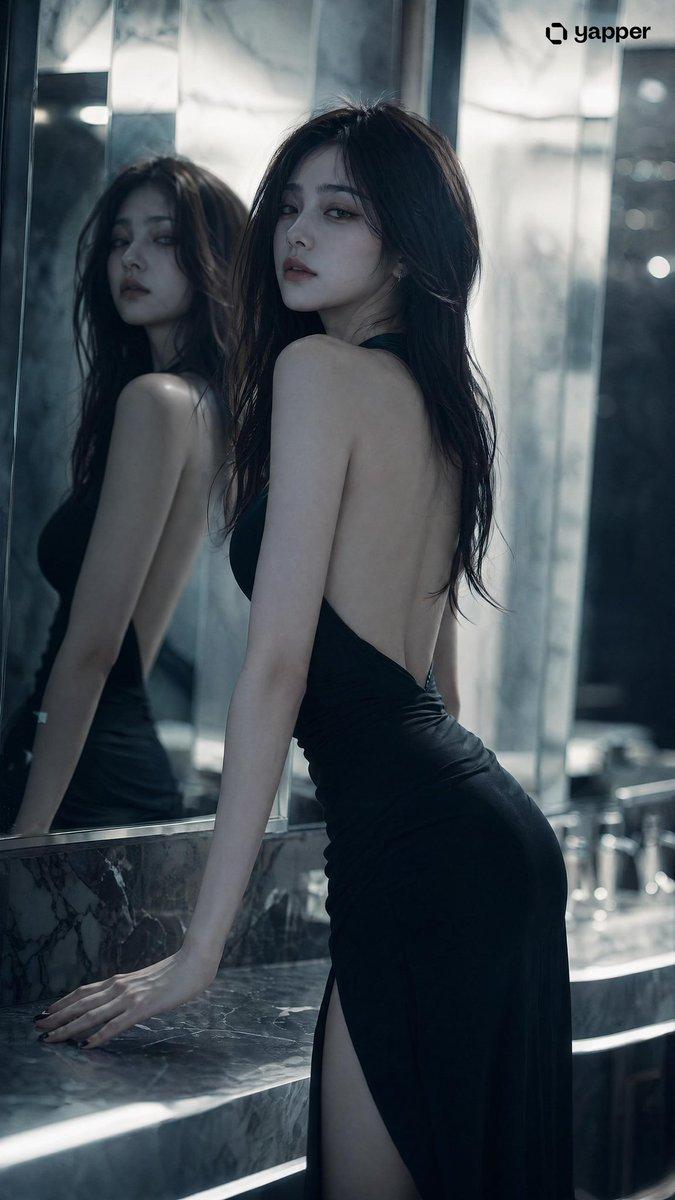
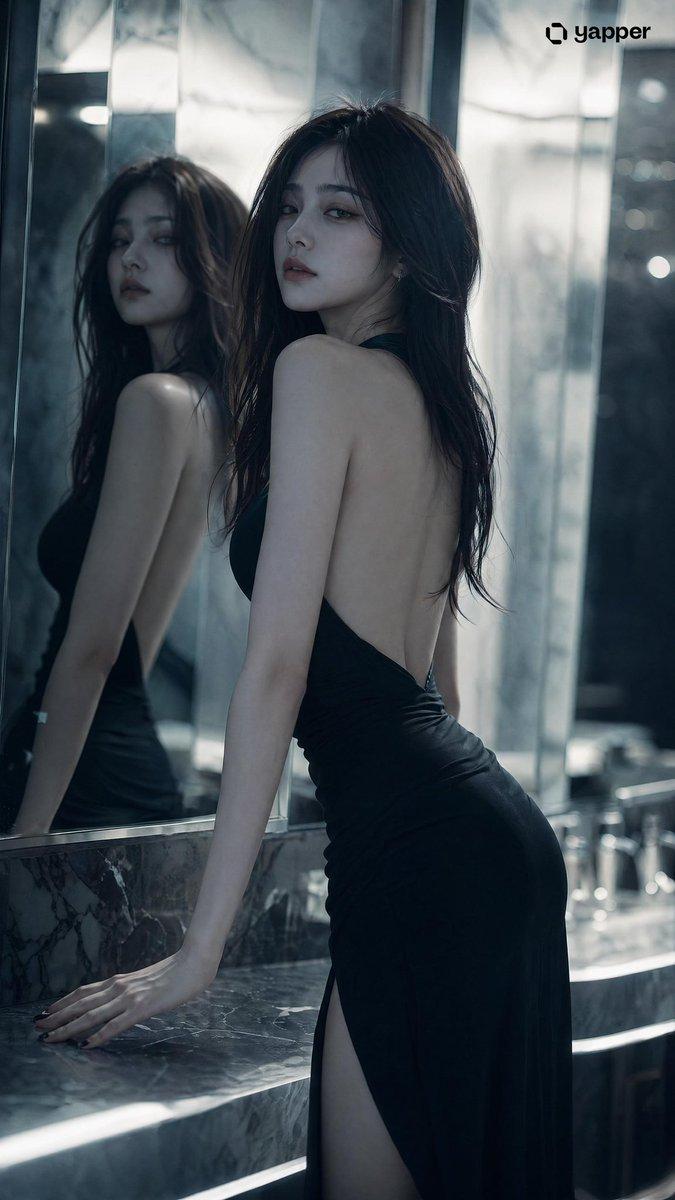
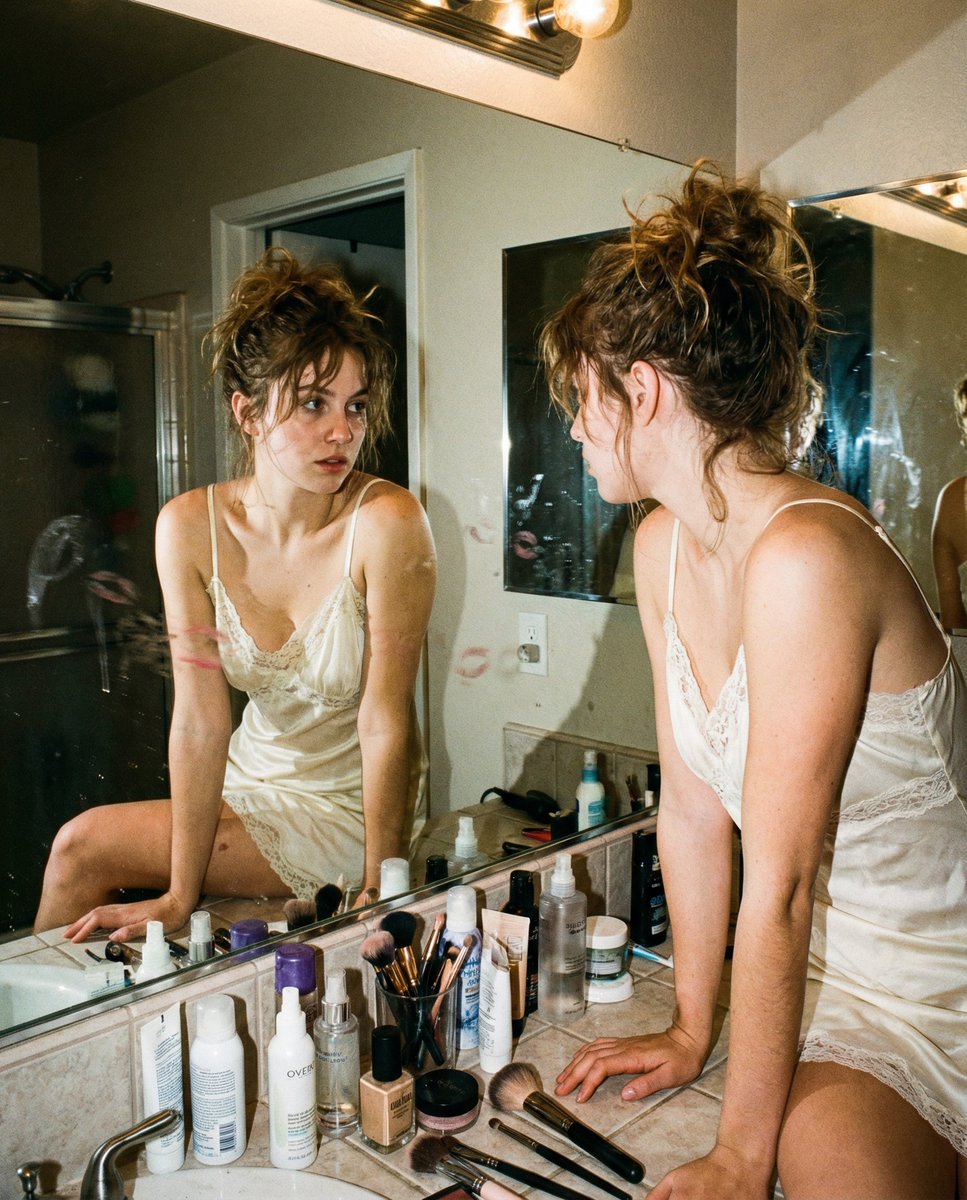
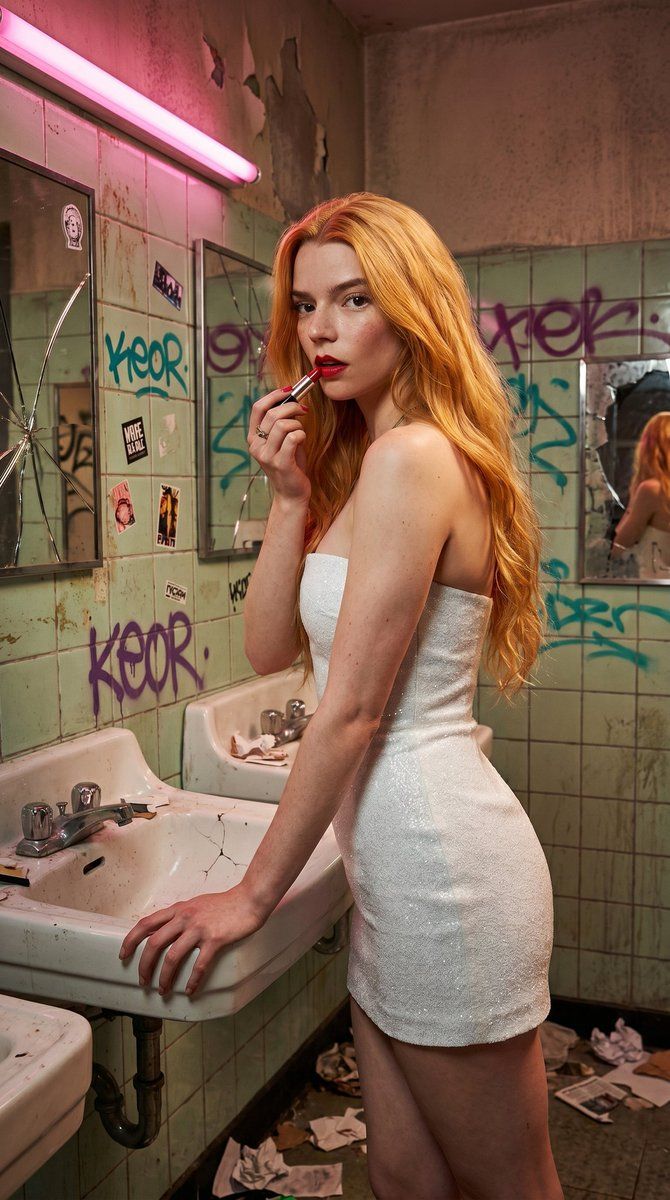
粗粝都市洗手间时尚人像
Enlarge

Example images

粗粝都市洗手间时尚人像

Prompt
A highly detailed cinematic photograph of a {argument name="subject description" default="beautiful young woman with long wavy fiery blonde hair and fair skin with light freckles"}, standing in a {argument name="location" default="uncleaned neglected public restroom with peeling light green tiles covered in colorful graffiti and stickers"}. She is wearing a {argument name="outfit" default="sleek white glitter strapless mini dress"} and applying vibrant red lipstick with a lipstick tube in her right hand while her left hand rests on the edge of a sink. Her head is slightly turned to the side with a confident gaze. The environment features cracked mirrors with reflections, scattered trash and paper on the floor and counters, a little graffiti written 'Keor' somewhere, a pink fluorescent light tube on the ceiling casting dramatic pink and warm lighting, damaged walls, and an overall gritty urban atmosphere with high detail, realistic textures, and moody cinematic composition.
Category
Charts & Infographics
Model
GPT Image 2
Creator
KeorUnreal
Views2
Source ID
18999
Published
May 8, 2026

Guide

About "粗粝都市洗手间时尚人像"

What is this prompt for?

"粗粝都市洗手间时尚人像" AI image prompt for GPT Image 2 (Charts & Infographics). 一张电影感摄影提示词,描述了一位身穿闪亮迷你裙的女性在布满涂鸦、破败不堪的公共洗手间内涂口红,配以戏剧性的粉色灯光。 Copy it on Picva and recreate…

The full copyable prompt and example visuals above are ready for AI image generation or one-click recreate in Picva.

How to use this prompt

  1. Step 1

    Open the prompt detail

    Review the example visuals, category, and full prompt text for "粗粝都市洗手间时尚人像".

  2. Step 2

    Copy the prompt

    Copy the prompt body from this page, or load it directly in Studio.

  3. Step 3

    Pick a model (GPT Image 2)

    Prefer GPT Image 2. If you switch models, keep subject and composition and tweak style terms.

  4. Step 4

    Generate and export

    Recreate the look in Picva, or export into your workflow for editing and publishing.

FAQ

What is the "粗粝都市洗手间时尚人像" prompt?
It is an AI image-generation prompt for GPT Image 2 in the Charts & Infographics category. This page includes the full prompt text, example visuals, and a one-click recreate path in Picva.
How do I use this prompt to generate an image?
Copy the prompt from this page, or use Generate / Studio. Paste it into a compatible image model, or recreate the look in Picva with optional reference images.
Which model is this prompt for?
This page lists GPT Image 2. Most descriptive prompts also transfer to nearby image models such as GPT Image, Flux, or Midjourney with light style tweaks.
Can I use the result commercially?
You can usually copy the prompt for creation, but commercial use of the final image depends on the model terms, reference-image rights, and the generated content. Follow the source author and platform rules.