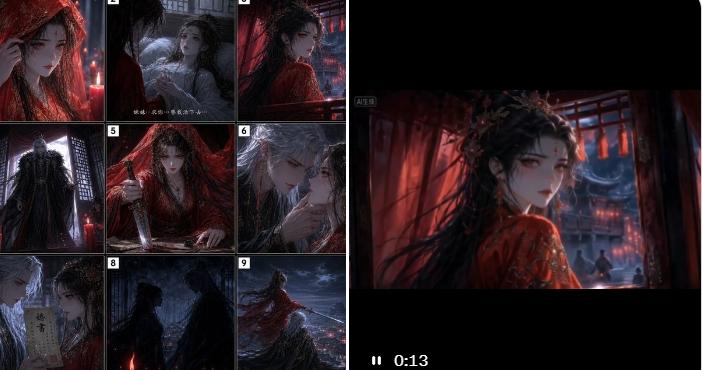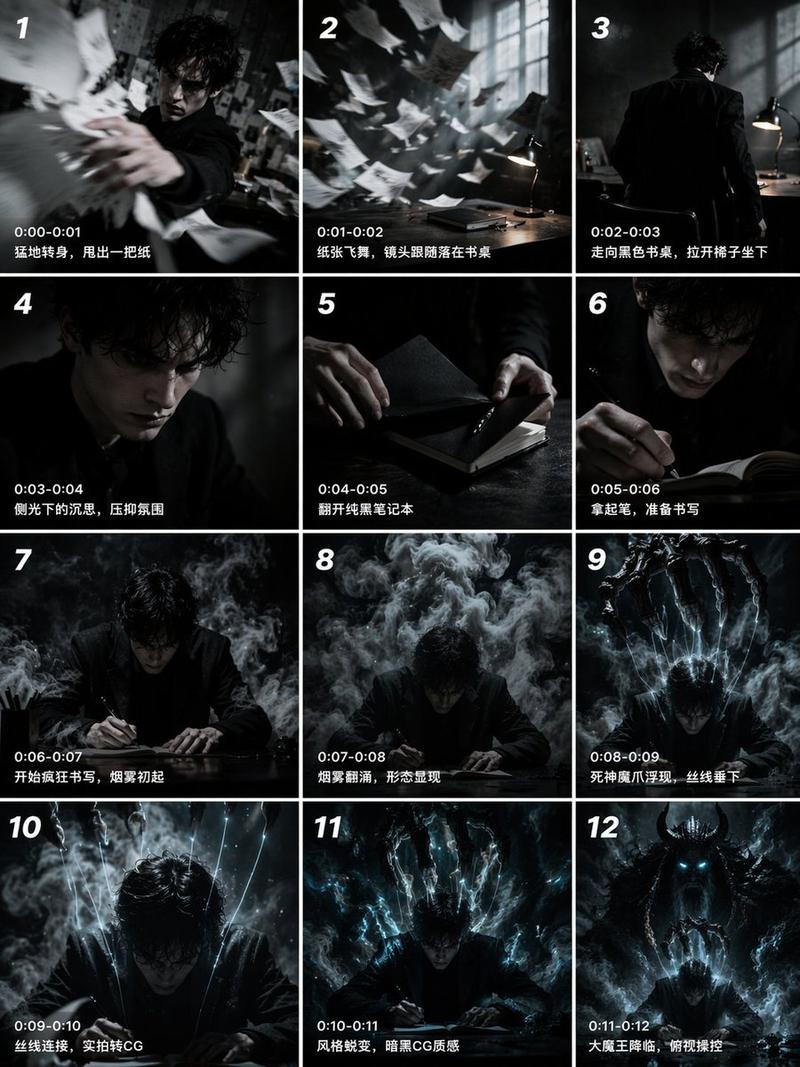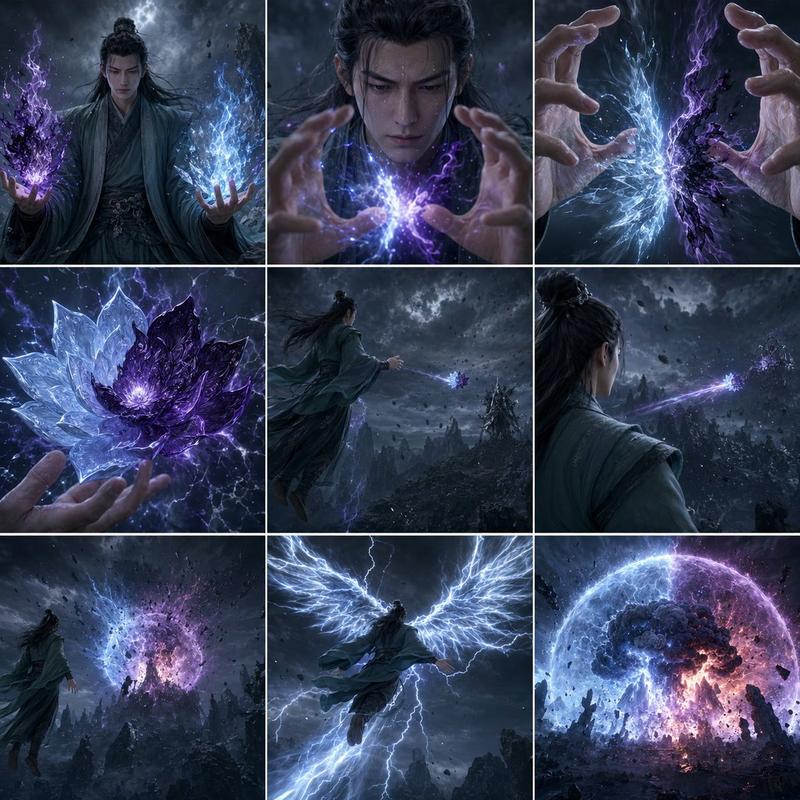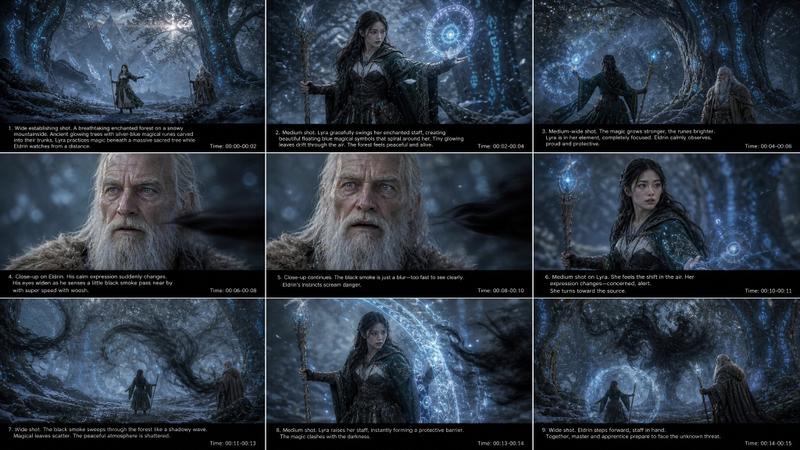
暗黑奇幻故事板信息图
Prompt
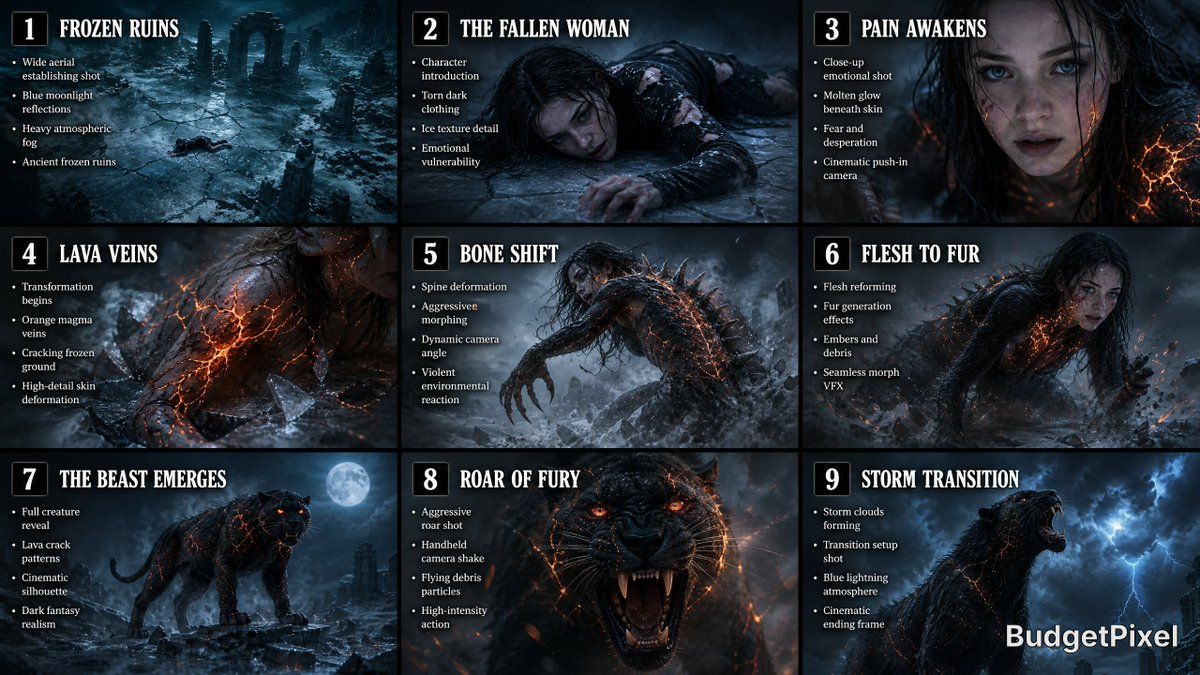
Create a wide cinematic 9-panel storyboard infographic for a dark fantasy transformation sequence. Style: ultra-realistic photography, cinematic concept art, film-production storyboard aesthetic, hyper-detailed textures, realistic lighting, movie pre-visualization quality. Layout: clean 3x3 grid with evenly spaced frames, each panel clearly numbered with bold cinematic titles and short bullet-point production notes beneath each image. Color grading: cold teal-blue moonlight mixed with warm orange lava glow, dramatic contrast, volumetric fog, realistic shadows, cinematic atmosphere. Aspect ratio: ultra-wide storyboard sheet, professional Hollywood pre-production design. PANEL 1 — “Frozen Ruins” Wide aerial establishing shot of a devastated frozen ruin at night. Shattered icy ground, drifting fog, ancient broken pillars covered in frost, snow blowing through the ruins. Tiny exhausted dark-haired woman visible lying on the ice. Bullet points inside panel: • Wide aerial establishing shot • Blue moonlight reflections • Heavy atmospheric fog • Ancient frozen ruins PANEL 2 — “The Fallen Woman” Medium-wide shot of the exhausted woman lying on cracked ice. Torn black-gray clothing, pale skin, trembling fingers, visible breath in cold air. Emotion: pain, desperation, exhaustion. Bullet points: • Character introduction • Torn dark clothing • Ice texture detail • Emotional vulnerability PANEL 3 — “Pain Awakens” Close-up on her face as she struggles to rise. Frost on skin, strands of dark hair across face, eyes filled with fear. Small glowing orange cracks begin appearing beneath her skin. Bullet points: • Close-up emotional shot • Molten glow beneath skin • Fear and desperation • Cinematic push-in camera PANEL 4 — “Lava Veins” Extreme close-up of glowing lava-like cracks spreading across her arm and neck. Skin illuminated from within by molten orange energy. Ice beneath her starts cracking violently. Bullet points: • Transformation begins • Orange magma veins • Cracking frozen ground • High-detail skin deformation PANEL 5 — “Bone Shift” Dynamic side-angle shot of her spine bending unnaturally while fingers elongate. Bones visibly shifting under skin with realistic body horror deformation. Fog and snow swirl around violently. Bullet points: • Spine deformation • Aggressive morphing • Dynamic camera angle • Violent environmental reaction PANEL 6 — “Flesh to Fur” Mid-transformation sequence. Human body partially dissolving into black fur and panther anatomy. Limbs reshaping fluidly. Embers erupt into the cold air. Bullet points: • Flesh reforming • Fur generation effects • Embers and debris • Seamless morph VFX PANEL 7 — “The Beast Emerges” Full reveal of the massive black panther standing on shattered ice. Glowing lava cracks across body, fiery orange eyes, steam rising from fur. Dramatic moonlight silhouette. Bullet points: • Full creature reveal • Lava crack patterns • Cinematic silhouette • Dark fantasy realism PANEL 8 — “Roar of Fury” Intense close-up action shot of the panther roaring directly toward camera. Motion blur, handheld shake energy, flying debris, glowing embers, ultra-detailed fur simulation. Bullet points: • Aggressive roar shot • Handheld camera shake • Flying debris particles • High-intensity action PANEL 9 — “Storm Transition” Final cinematic frame. The roaring panther sharply turns its head toward the sky as dark storm clouds begin forming overhead. Blue lightning faintly visible in distance. Dramatic ending composition. Bullet points: • Storm clouds forming • Transition setup shot • Blue lightning atmosphere • Cinematic ending frame Overall design requirements: • Professional film storyboard infographic • Clean 3x3 grid composition • Bold numbered panels • Large cinematic titles • Minimal modern typography • Consistent visual continuity between frames • Hyper-realistic dark fantasy style • Realistic photography textures • Volumetric lighting and fog • Warm orange vs cool teal cinematic palette • Production-quality concept art • 8K ultra-detail • Smooth visual storytelling progression • Looks like a Hollywood movie pre-visualization board
- Category
- Charts & Infographics
- Model
- GPT Image 2
- Creator
- Sharon Riley
- Source ID
- 19010
- Published
- May 8, 2026
Views7