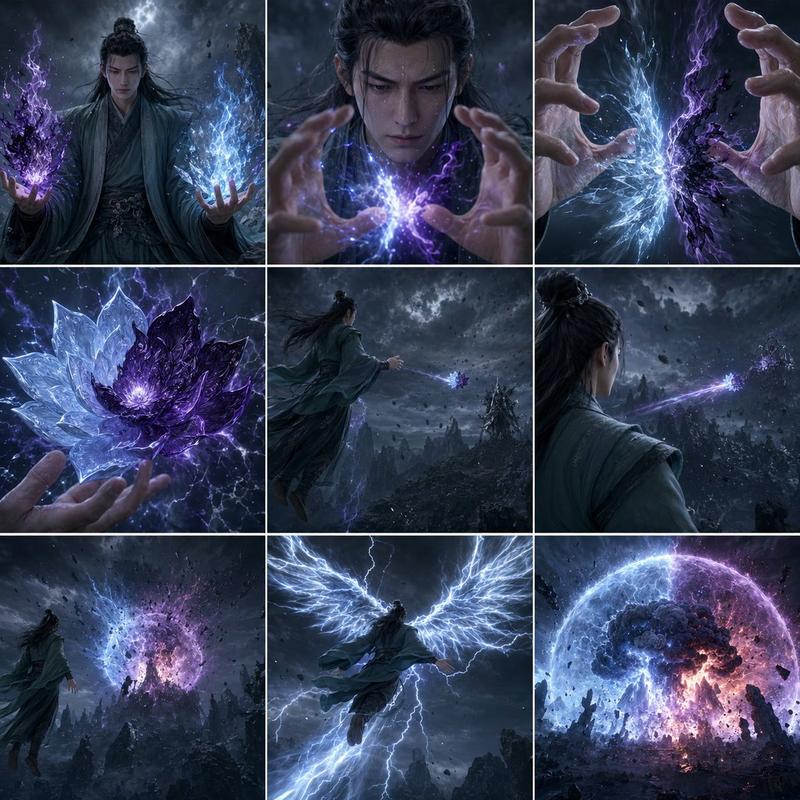
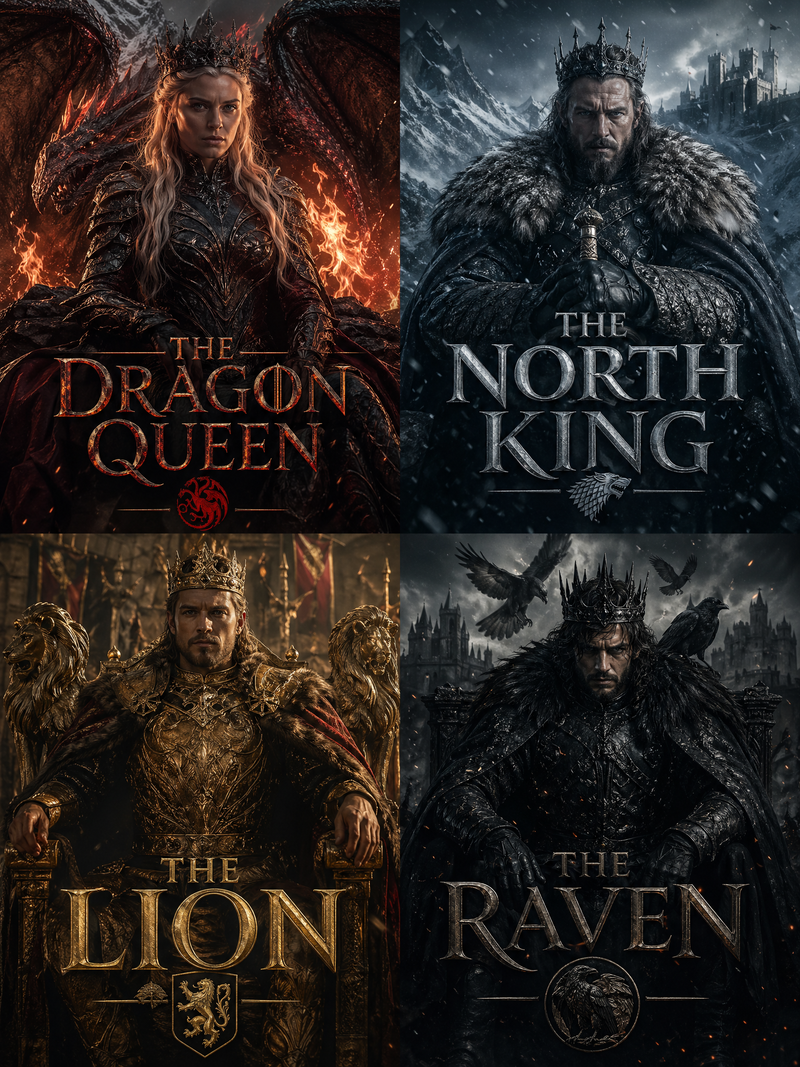
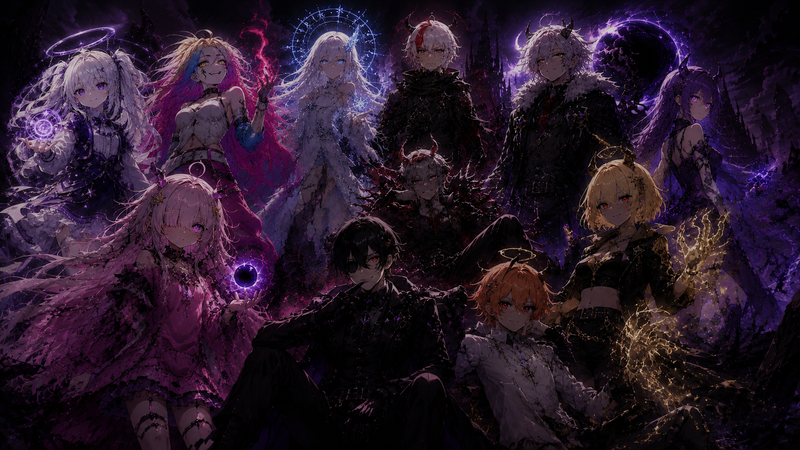
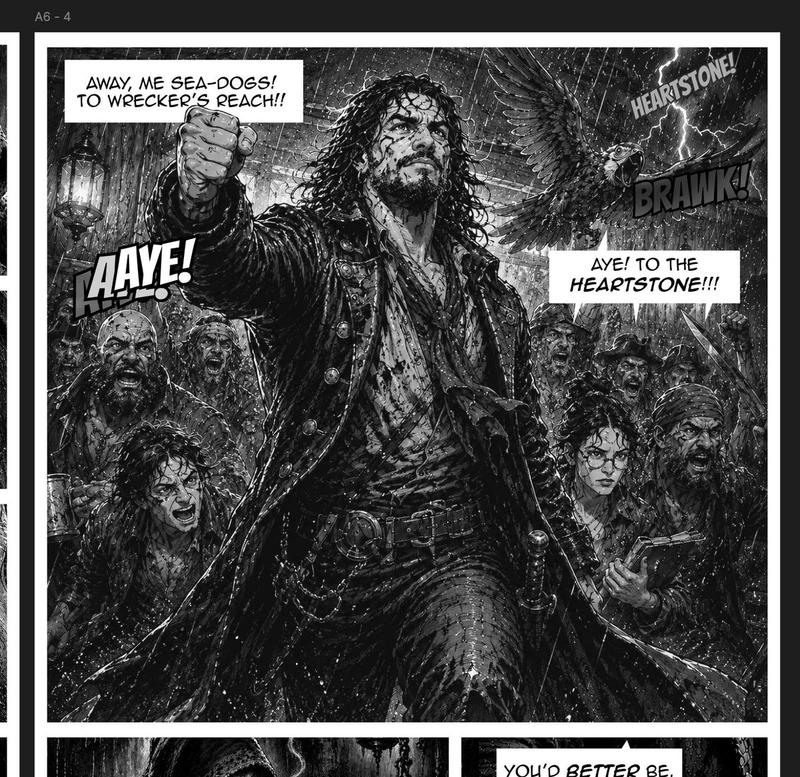
奇幻法师分镜网格
Prompt
Goal: Create a cinematic fantasy storyboard contact sheet for a short video sequence titled around {argument name="scene concept" default="an apprentice mage and an elder wizard confronting a shadow force in an enchanted winter forest"}.

Canvas: Widescreen 16:9 image formatted as a 3 x 3 storyboard grid, exactly 9 panels separated by thin white borders. Each panel has a cinematic frame on top and a black caption strip along the bottom with small white production text. Overall palette is cold blue, silver, charcoal, and black, with glowing cyan magic.

Visual style: Dark high-fantasy film stills, photoreal cinematic lighting, misty snowy forest, ancient twisted trees with faint blue runes carved into bark, distant jagged mountains, drifting snow, shallow depth of field in close-ups, volumetric moonlight, dramatic atmosphere, no cartoon styling. The magic appears as luminous circular sigils, floating runes, blue particles, and transparent protective barriers.

Main characters: A young female apprentice mage named {argument name="apprentice name" default="Lyra"}, with long dark hair, pale skin, determined expression, wearing layered dark leather-and-cloth robes with a hooded cloak and holding a carved wooden staff topped with a glowing blue crystal. An elderly wizard named {argument name="elder name" default="Eldrin"}, with long white hair, full white beard, weathered face, blue-gray eyes, wearing heavy brown-gray fur and travel robes, holding a walking staff. The threat is {argument name="shadow threat" default="black smoke"}, moving like a fast dark blur or wave among the trees.

Layout and exact panel content: Use exactly 9 numbered storyboard panels.

1. Wide establishing shot: a breathtaking enchanted forest on a snowy mountainside. Ancient glowing trees with silver-blue magical runes curve into their trunks. Lyra practices magic beneath a massive sacred tree while Eldrin watches from a distance. Caption text: "1. Wide establishing shot. A breathtaking enchanted forest on a snowy mountainside. Ancient glowing trees with silver-blue magical runes carved into their trunks. Lyra practices magic beneath a massive sacred tree while Eldrin watches from a distance." Time label at lower right: "Time: 00:00-00:02".

2. Medium shot: Lyra gracefully swings her enchanted staff, creating a beautiful floating blue magical symbol that spirals around her. Tiny glowing leaves drift through the air. The forest feels peaceful and alive. Caption text: "2. Medium shot. Lyra gracefully swings her enchanted staff, creating a beautiful floating blue magical symbols that spiral around her. Tiny glowing leaves drift through the air. The forest feels peaceful and alive." Time label: "Time: 00:02-00:04".

3. Medium-wide shot from behind Lyra: the magic grows stronger, the runes brighten, Lyra is in her element, completely focused. Eldrin calmly observes, proud and protective. Caption text: "3. Medium-wide shot. The magic grows stronger, the runes brighter. Lyra is in her element, completely focused. Eldrin calmly observes, proud and protective." Time label: "Time: 00:04-00:06".

4. Close-up on Eldrin: his calm expression suddenly changes. His eyes widen as he senses a little black smoke pass nearby with super speed and a whoosh. Caption text: "4. Close-up on Eldrin. His calm expression suddenly changes. His eyes widen as he senses a little black smoke pass near by with super speed with woosh." Time label: "Time: 00:06-00:08".

5. Close-up continues on Eldrin: black smoke is just a blur, too fast to see clearly. Eldrin's instincts scream danger. Caption text: "5. Close-up continues. The black smoke is just a blur—too fast to see clearly. Eldrin’s instincts scream danger." Time label: "Time: 00:08-00:10".

6. Medium shot on Lyra: she feels the shift in the air. Her expression changes from focused to concerned and alert. She turns toward the source. Caption text: "6. Medium shot on Lyra. She feels the shift in the air. Her expression changes—concerned, alert. She turns toward the source." Time label: "Time: 00:10-00:11".

7. Wide shot: black smoke sweeps through the forest like a shadowy wave. Magical leaves scatter. The peaceful atmosphere is shattered. Caption text: "7. Wide shot. The black smoke sweeps through the forest like a shadowy wave. Magical leaves scatter. The peaceful atmosphere is shattered." Time label: "Time: 00:11-00:13".

8. Medium shot: Lyra raises her staff, instantly forming a protective barrier. The magic clashes with the darkness. Show a bright circular blue shield in front of her and dark smoke striking it. Caption text: "8. Medium shot. Lyra raises her staff, instantly forming a protective barrier. The magic clashes with the darkness." Time label: "Time: 00:13-00:14".

9. Wide shot: Eldrin steps forward, staff in hand. Together, master and apprentice prepare to face the unknown threat. Lyra stands inside or behind a glowing blue protective dome while Eldrin stands to the side in the snowy rune-lit forest. Caption text: "9. Wide shot. Eldrin steps forward, staff in hand. Together, master and apprentice prepare to face the unknown threat." Time label: "Time: 00:14-00:15".

Text and typography: Small clean sans-serif white text on black caption bars, with the panel number and shot description aligned lower left, and the timecode aligned lower right. Keep text legible but compact, as in a production storyboard sheet.

Constraints: Exactly 9 panels in a 3-by-3 grid, exactly 2 main characters, exactly 1 shadow-smoke threat, consistent character designs across panels, no extra panels, no logos, no watermark, no modern objects.- Category
- Posters & Typography
- Model
- GPT Image 2
- Creator
- AIARTGALLARY
- Source ID
- 27511
- Published
- Jul 2, 2026
Views0