19

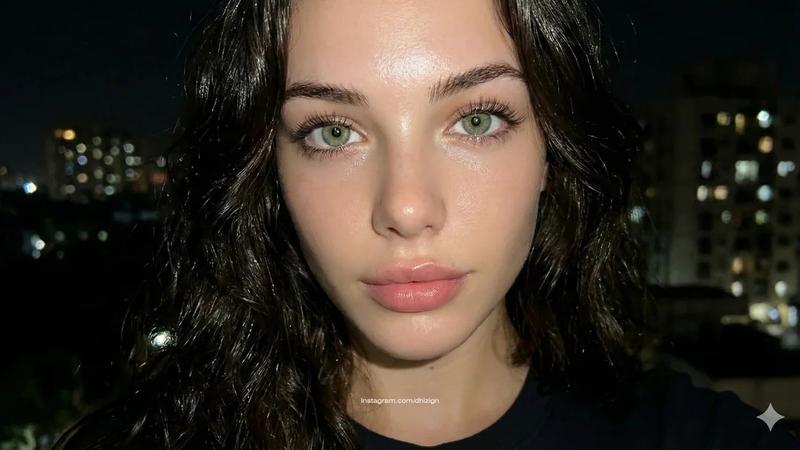
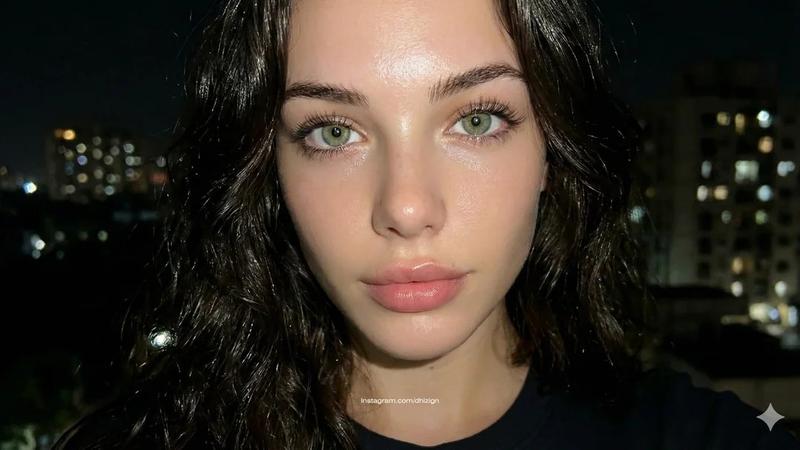
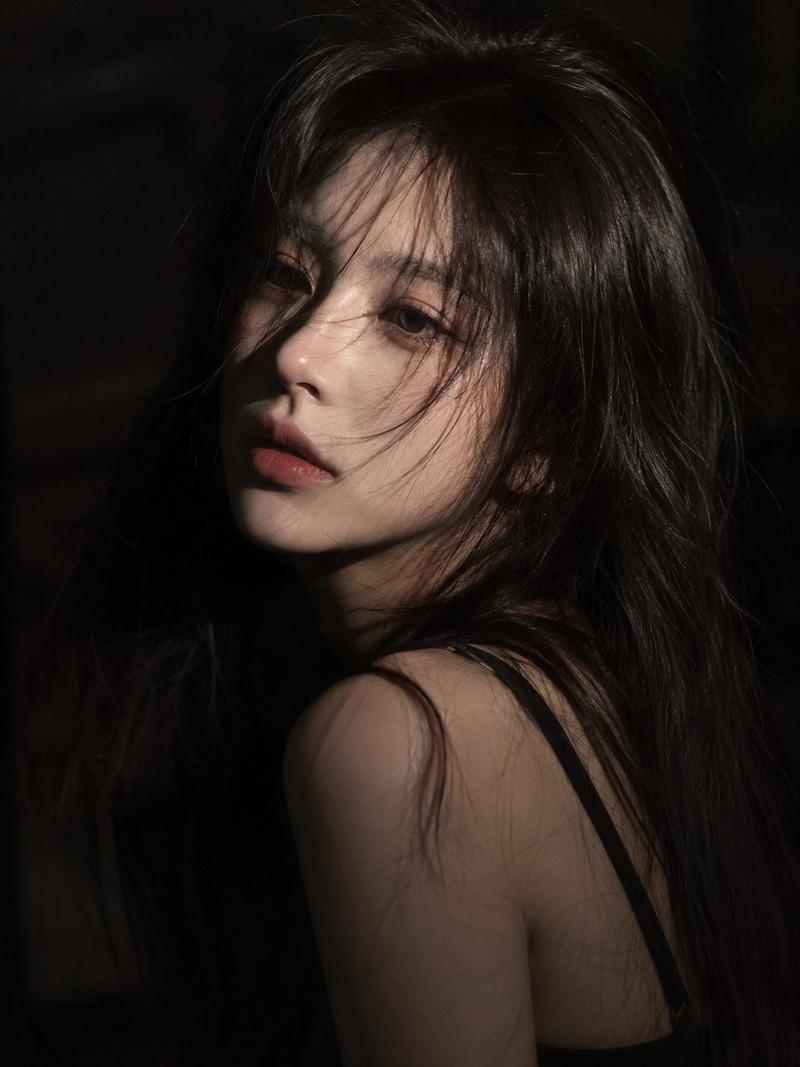
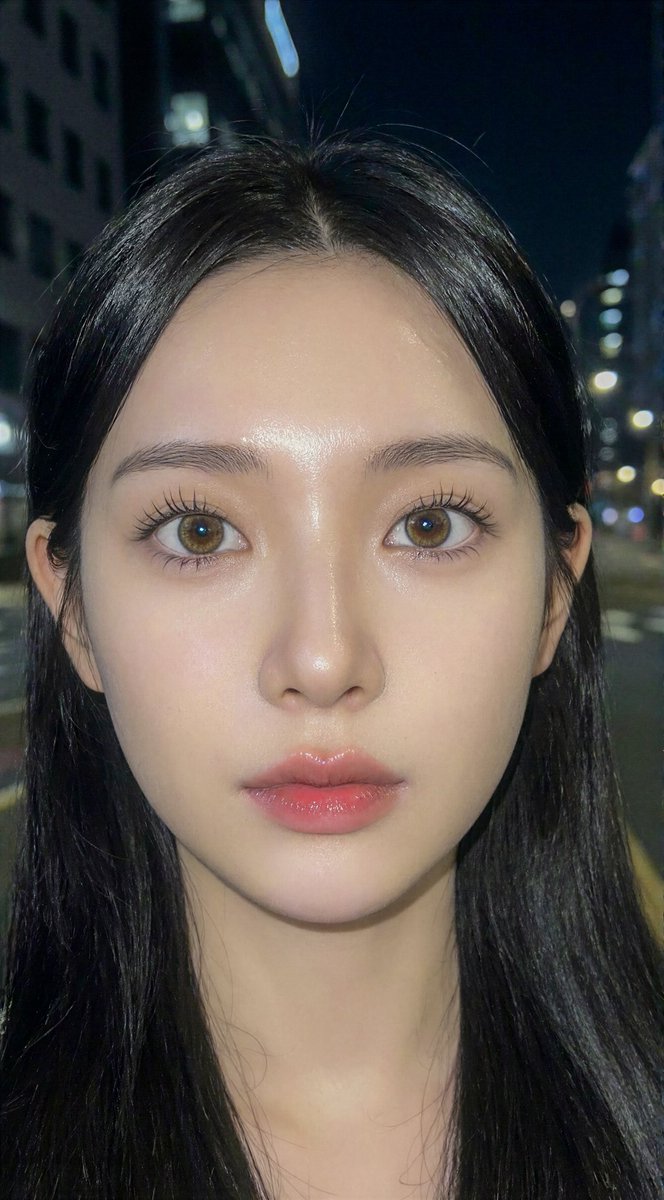
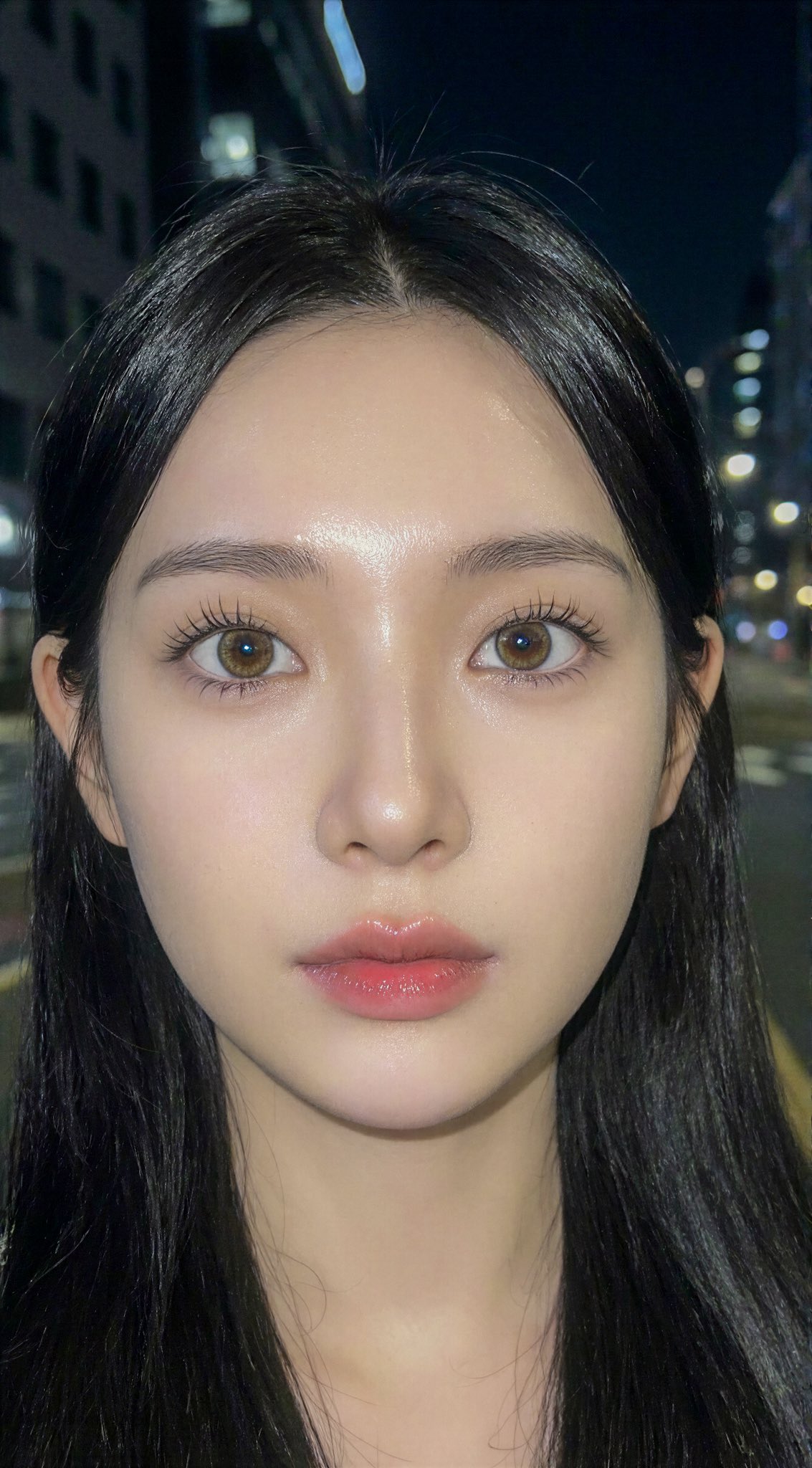
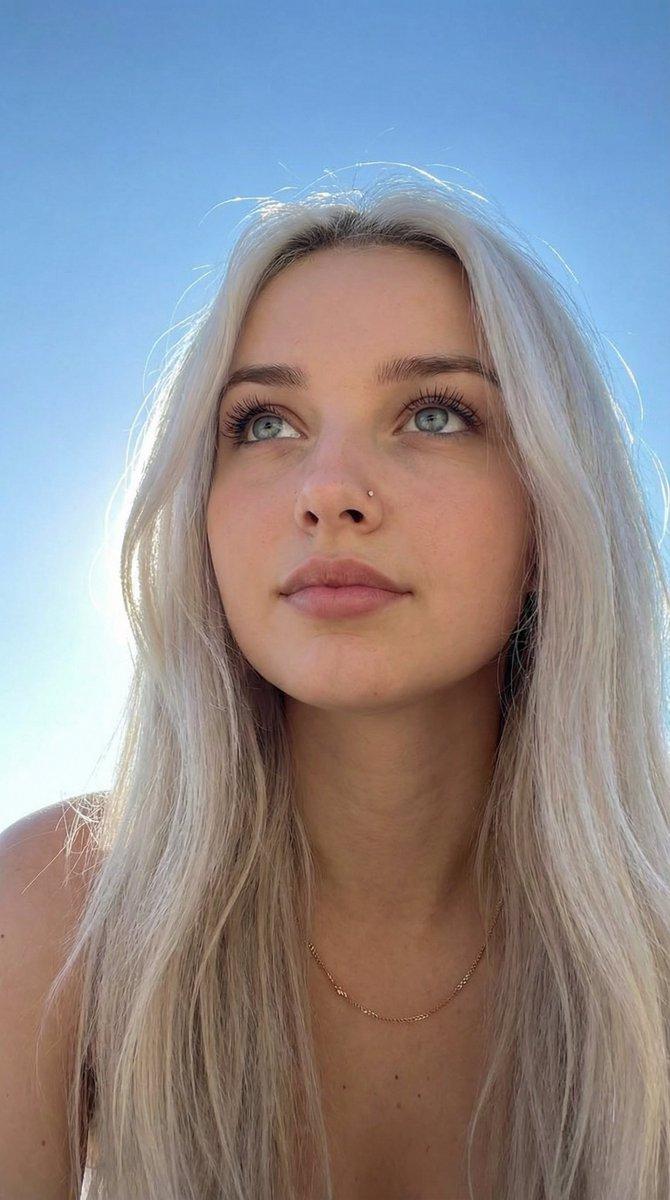
空灵夜色自拍肖像
Enlarge

空灵夜色自拍肖像

Prompt
Super close up, extra details, low quality night selfie. In a vertical 9:16 reverie, the canvas is dominated by the luminous presence of a young woman in her early twenties, her features a study in ethereal symmetry and porcelain grace characteristic of Northern European frost. Her face is framed by a cascading veil of long, platinum blonde hair that catches a warm, golden light from the side, creating a halo of delicate, stray wisps that dance against the deep, obsidian void of the night. Her eyes, deep and captivating with a subtle feline tilt, are accentuated by soft, winged eyeliner and a hint of shimmer at the inner corners, gazing forward with a tranquil, mesmerizing depth. The skin of her face is flawless and radiant, possessing a soft-focus perfection that highlights high, elegant cheekbones and a straight, refined nose. Her lips, full and naturally flushed with a dusty rose hue, are set in a soft, enigmatic expression that enhances her supermodel-like allure. She is dressed in a simple white top layered under a heather gray zip-up hoodie, the metallic teeth of the zipper catching the light and adding a tactile contrast to the softness of her hair and skin. Her build appears lithe and delicate, posed with a natural poise that commands the frame even in this intimate close-up. The light source, positioned to her right, casts a gentle gradient of warmth across her features while leaving the left side in a soft, cinematic shadow, rooting the composition in a moment of quiet, nocturnal beauty.
Category
Photography & Realism
Model
GPT Image 2
Creator
yusra.
Views7
Source ID
19024
Published
May 8, 2026

Guide

About "空灵夜色自拍肖像"

What is this prompt for?

"空灵夜色自拍肖像" AI image prompt for GPT Image 2 (Photography & Realism). 一张年轻女性的超近景夜间自拍提示词,拥有白金色的秀发,呈现柔和的金色光影与电影质感的阴影。 Copy it on Picva and recreate the look in one…

The full copyable prompt and example visuals above are ready for AI image generation or one-click recreate in Picva.

How to use this prompt

  1. Step 1

    Open the prompt detail

    Review the example visuals, category, and full prompt text for "空灵夜色自拍肖像".

  2. Step 2

    Copy the prompt

    Copy the prompt body from this page, or load it directly in Studio.

  3. Step 3

    Pick a model (GPT Image 2)

    Prefer GPT Image 2. If you switch models, keep subject and composition and tweak style terms.

  4. Step 4

    Generate and export

    Recreate the look in Picva, or export into your workflow for editing and publishing.

FAQ

What is the "空灵夜色自拍肖像" prompt?
It is an AI image-generation prompt for GPT Image 2 in the Photography & Realism category. This page includes the full prompt text, example visuals, and a one-click recreate path in Picva.
How do I use this prompt to generate an image?
Copy the prompt from this page, or use Generate / Studio. Paste it into a compatible image model, or recreate the look in Picva with optional reference images.
Which model is this prompt for?
This page lists GPT Image 2. Most descriptive prompts also transfer to nearby image models such as GPT Image, Flux, or Midjourney with light style tweaks.
Can I use the result commercially?
You can usually copy the prompt for creation, but commercial use of the final image depends on the model terms, reference-image rights, and the generated content. Follow the source author and platform rules.