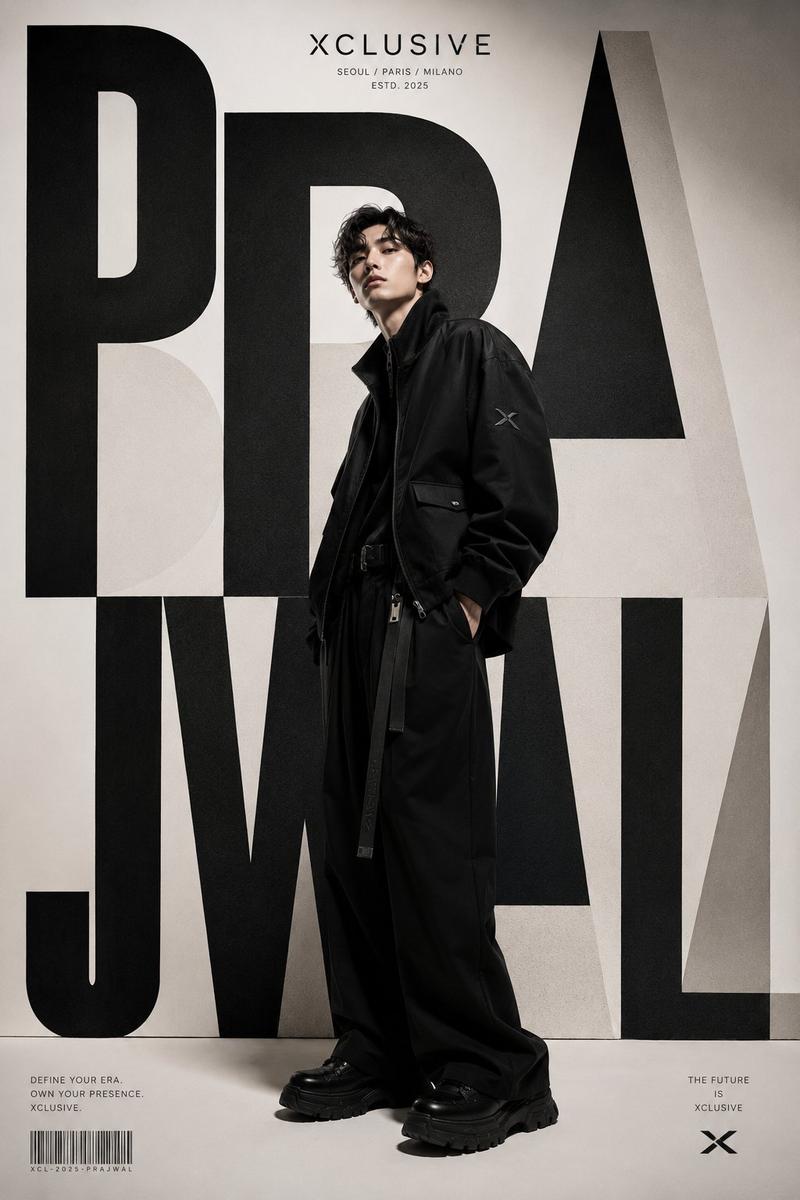
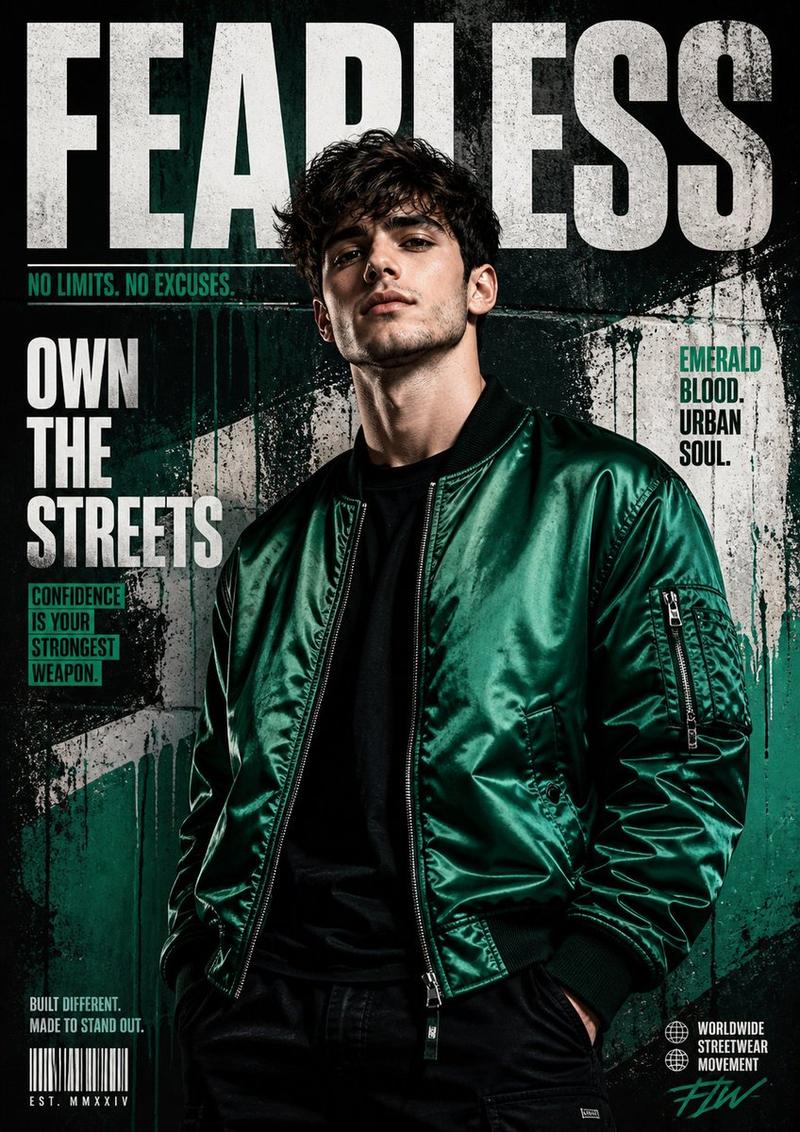
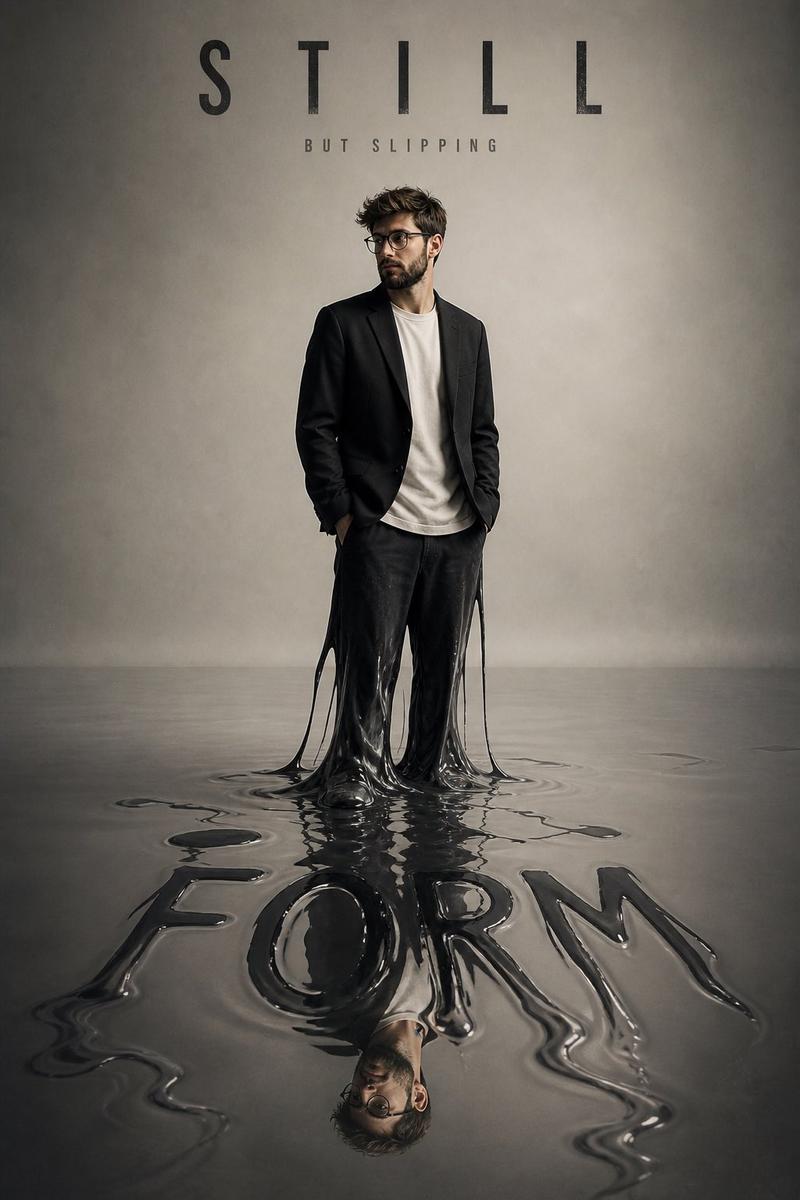
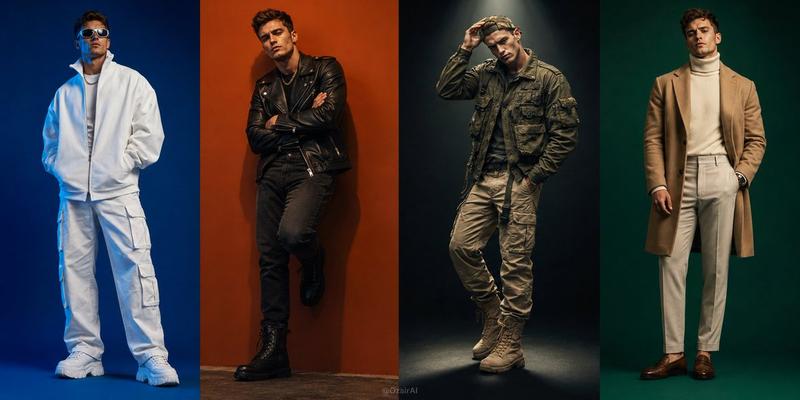
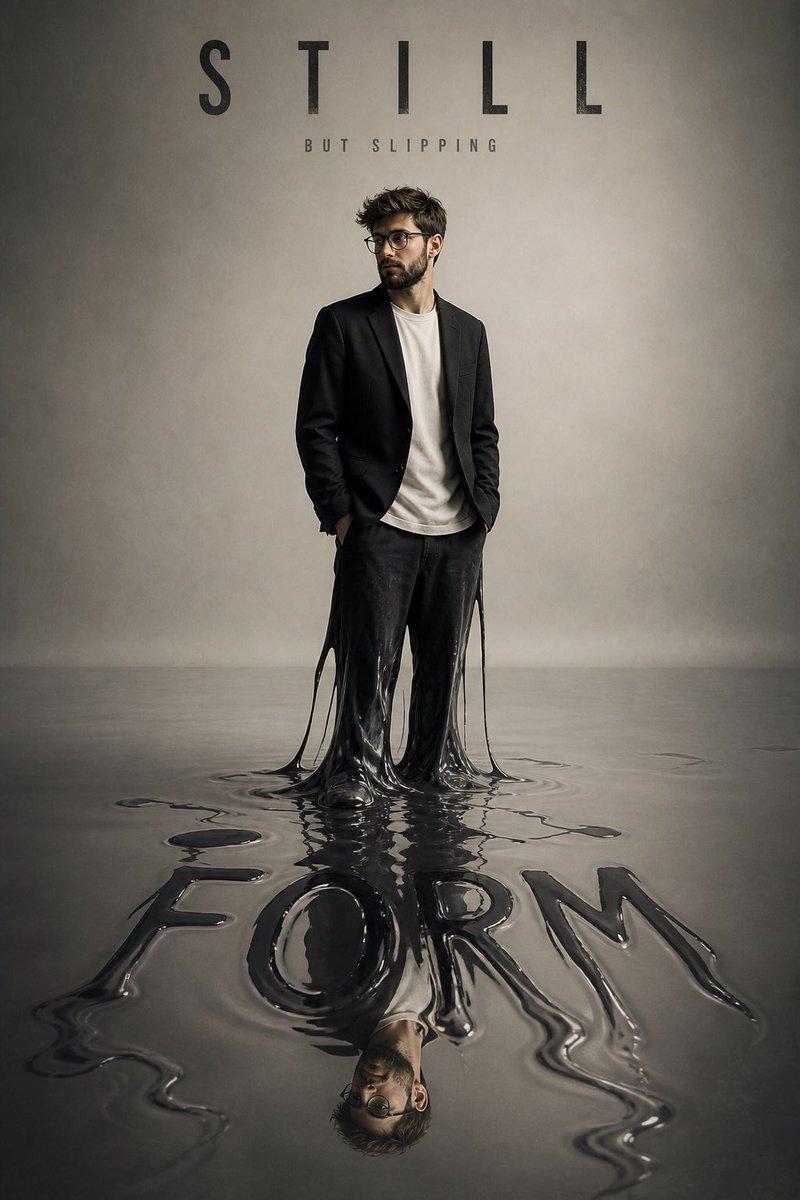
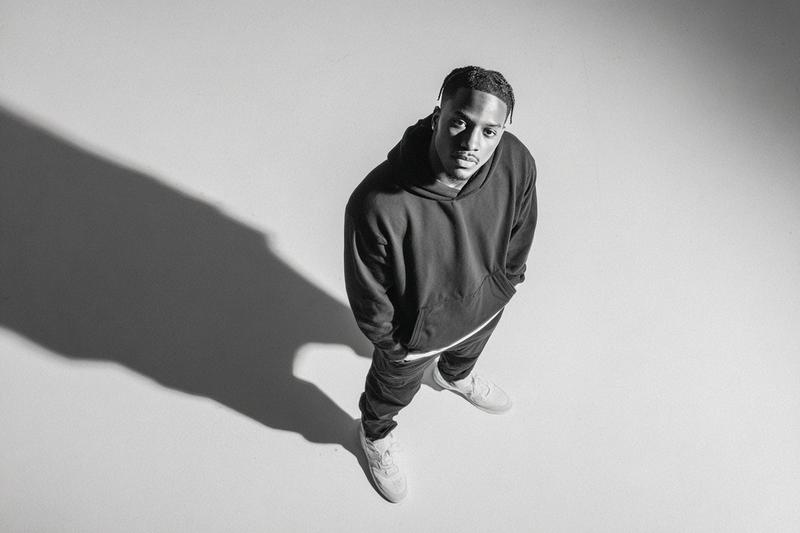
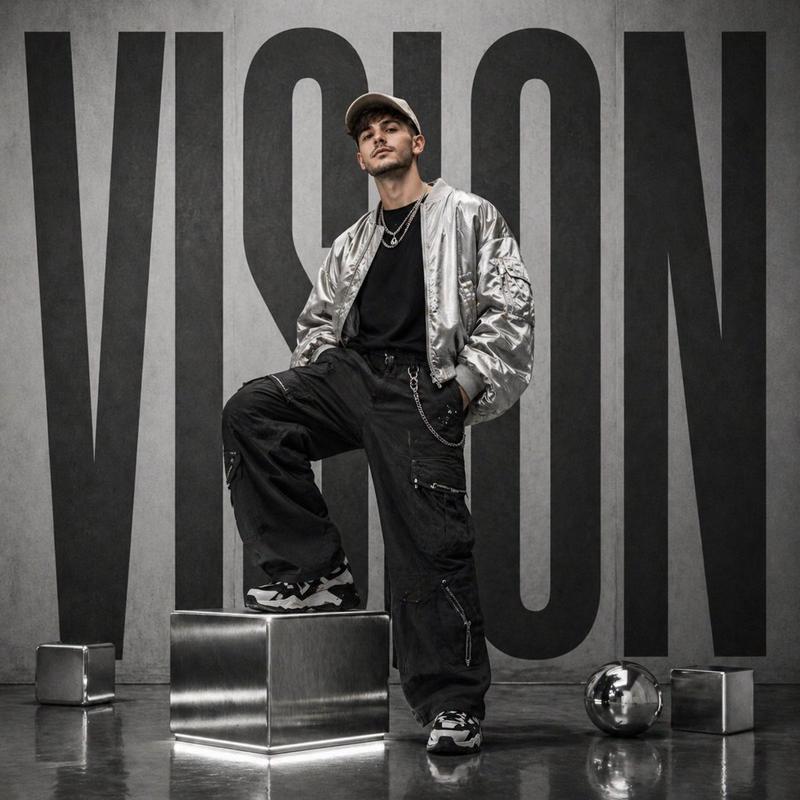
概念时尚阴影肖像
Prompt
Ultra-realistic conceptual fashion portrait using the exact same face as the reference image (same eyes, same beard, same hairstyle, same glasses, strict identity lock, no variation). A {argument name="subject" default="young man"} standing in a minimal studio under strong angled light. His shadow on the wall is fully alive and different, sitting on the ground with a withdrawn, introspective posture. ⚠️ Face rules: * identical to reference image * no distortion, no reinterpretation * same proportions, same gaze, same skin texture. 🔥 Outfit: Modern high-end streetwear with strong visual contrast: * {argument name="jacket" default="cropped black bomber jacket"} (slightly glossy texture) * inner: fitted off-white tee (clean contrast) * pants: wide-leg cargos with structure (matte charcoal) * sneakers: chunky off-white premium sneakers * accessories: thin silver chain + subtle rings. 🎥 Lighting: * strong side light (45° angle) * sharp shadow separation * shadow darker, slightly softer edges * subtle rim light on subject. 🧠 Composition: * subject standing slightly right * shadow sitting on left wall * clean negative space * cinematic balance. ✍️ Typography: * Top: NOT ME (bold, tight kerning) * Below small: BUT STILL ME * Bottom integrated in shadow: OTHER (slightly transparent, large). 🎯 Style direction: * luxury campaign aesthetic * sharp focus, 8K * {argument name="background" default="neutral beige background"} * high contrast but soft skin tones. editorial fashion campaign, Balenciaga style, high-end streetwear photography- Category
- Charts & Infographics
- Model
- GPT Image 2
- Creator
- Duet | AI
- Source ID
- 19077
- Published
- May 8, 2026
Views4