20

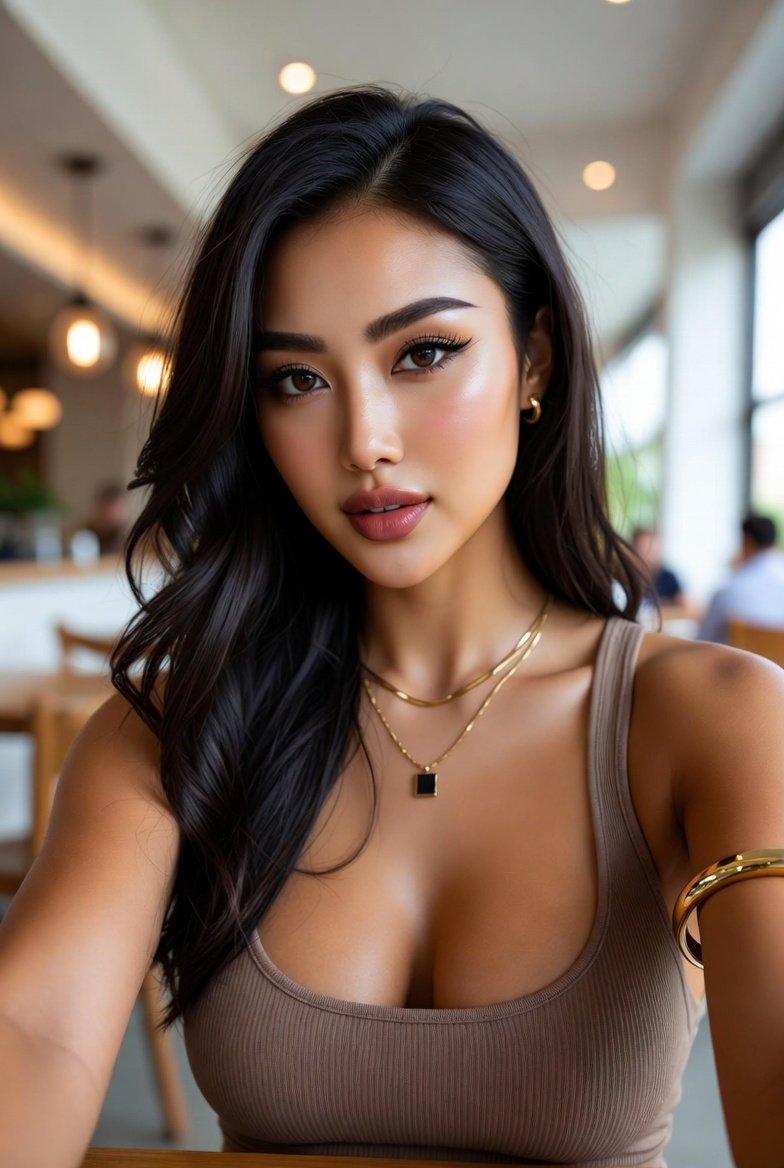
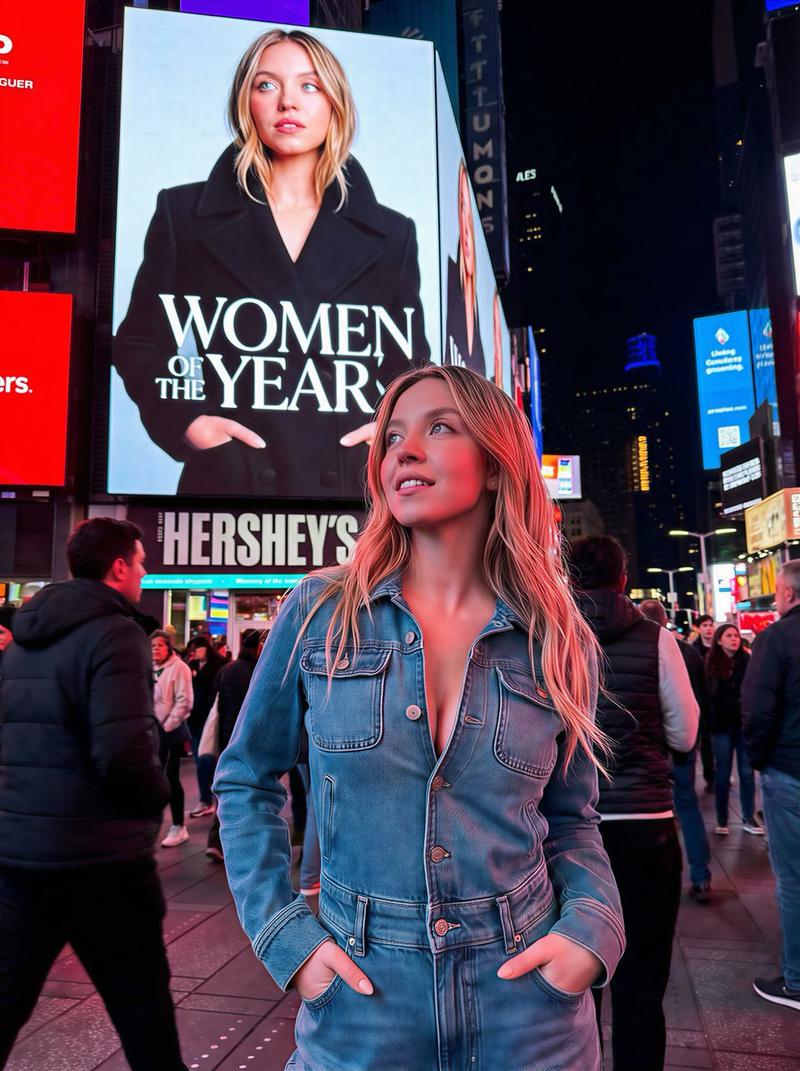
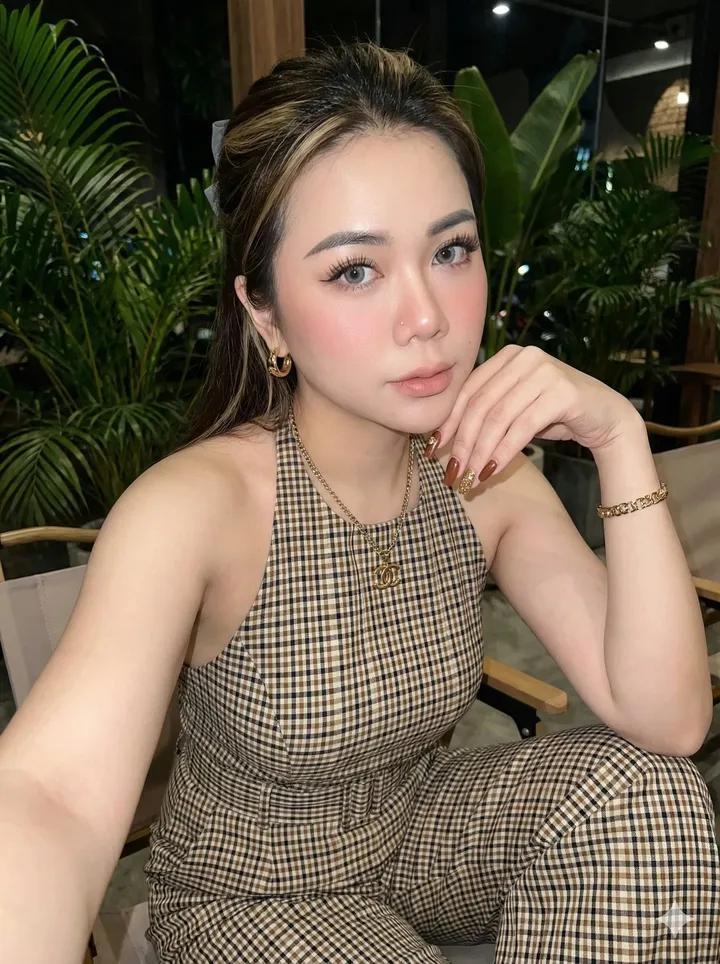
茉莉花丛中的东亚女性蕾丝裙特写
Enlarge

Example images

茉莉花丛中的东亚女性蕾丝裙特写

Prompt
A close-up portrait of a gorgeous East Asian woman surrounded by a dense, vibrant bush of white jasmine and small roses. She is wearing a white lace headwrap and an off-the-shoulder lace dress. Her makeup features strong coral-pink blush, natural-looking long fingernails, and she is lightly touching a jasmine flower. The scene is bathed in golden hour dapple sunlight, casting sharp yet soft patterns of leaf shadows across her face.Small pink petals are subtly placed around her eyes and on her blush, and a single white butterfly is depicted in mid-flight near her right hand. The shot should be shallow depth-of-field, sharp focus on her face, and have a beautiful bokeh of light and flowers in the background. Ultra-detailed, photorealistic, cinematic lighting
Category
Photography & Realism
Model
ChatGPT
Views75
Source ID
14756
Published
May 20, 2026

Guide

About "茉莉花丛中的东亚女性蕾丝裙特写"

What is this prompt for?

"茉莉花丛中的东亚女性蕾丝裙特写" AI image prompt for ChatGPT (Photography & Realism). 一位美丽的东亚女性近景肖像,她被茂密、充满生机的白茉莉和粉红小玫瑰花丛环绕。她戴着白色蕾丝头巾,身穿露肩蕾丝连衣裙。她的妆容带有浓烈的珊瑚粉色腮红,留着自然纤长的指甲,正轻轻抚…

The full copyable prompt and example visuals above are ready for AI image generation or one-click recreate in Picva.

How to use this prompt

  1. Step 1

    Open the prompt detail

    Review the example visuals, category, and full prompt text for "茉莉花丛中的东亚女性蕾丝裙特写".

  2. Step 2

    Copy the prompt

    Copy the prompt body from this page, or load it directly in Studio.

  3. Step 3

    Pick a model (ChatGPT)

    Prefer ChatGPT. If you switch models, keep subject and composition and tweak style terms.

  4. Step 4

    Generate and export

    Recreate the look in Picva, or export into your workflow for editing and publishing.

FAQ

What is the "茉莉花丛中的东亚女性蕾丝裙特写" prompt?
It is an AI image-generation prompt for ChatGPT in the Photography & Realism category. This page includes the full prompt text, example visuals, and a one-click recreate path in Picva.
How do I use this prompt to generate an image?
Copy the prompt from this page, or use Generate / Studio. Paste it into a compatible image model, or recreate the look in Picva with optional reference images.
Which model is this prompt for?
This page lists ChatGPT. Most descriptive prompts also transfer to nearby image models such as GPT Image, Flux, or Midjourney with light style tweaks.
Can I use the result commercially?
You can usually copy the prompt for creation, but commercial use of the final image depends on the model terms, reference-image rights, and the generated content. Follow the source author and platform rules.