18

盘龙灯塔风暴
Enlarge

盘龙灯塔风暴

Prompt
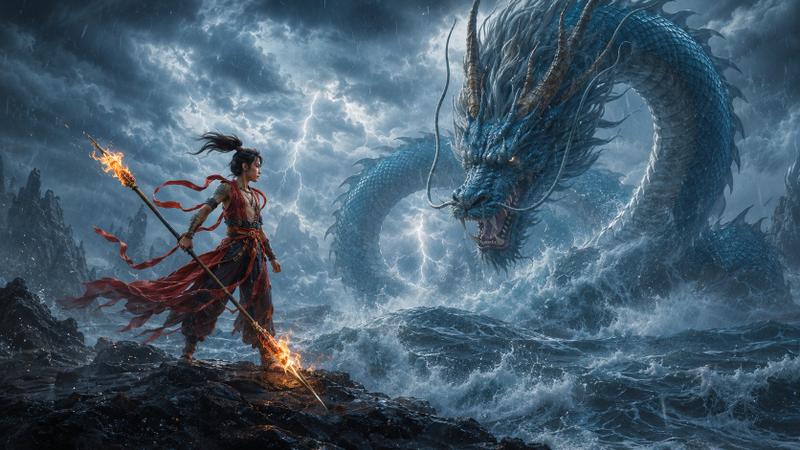
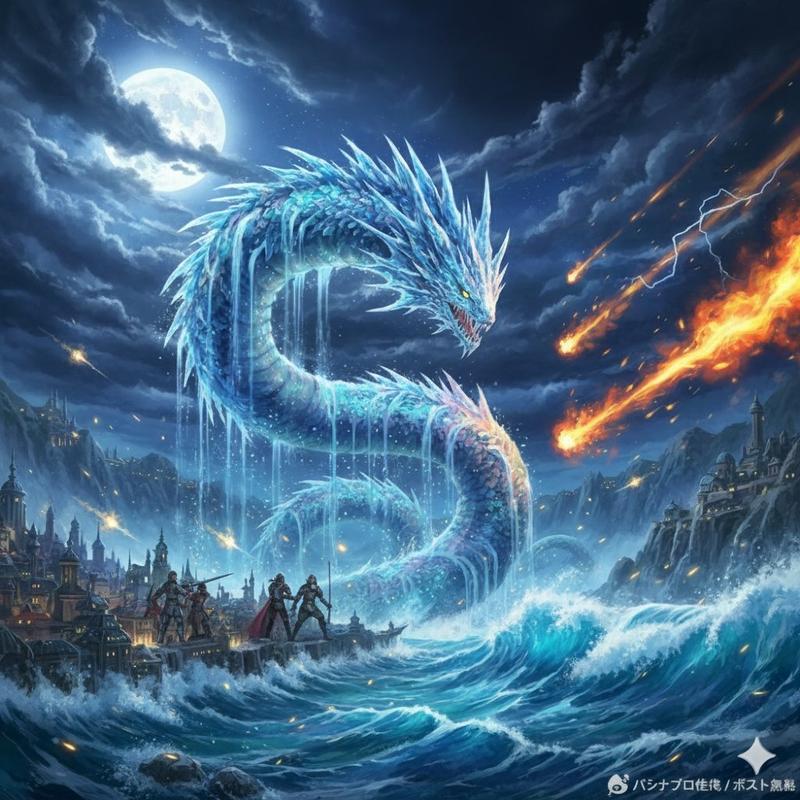
Create a dramatic high-fantasy concept art scene of a {argument name="dragon color" default="red"} dragon coiled tightly around a weathered medieval stone lighthouse on a jagged sea cliff. The dragon is enormous, serpentine, and menacing, with glossy crimson scales, sharp horns and spines, glowing eyes, an open roaring mouth, clawed feet gripping the masonry, a long tail wrapped around the tower base, and one vast torn membrane wing spread across the right side of the composition. The lighthouse is old gray stone with cracks, arched windows glowing warm amber, a circular balcony, and a glass lantern room at the top. Place the scene during a violent {argument name="storm type" default="thunderstorm"} at night: diagonal sheets of heavy rain, purple-black storm clouds, bright branching lightning bolts behind the dragon and tower, and turbulent ocean waves exploding against the cliff below in white foam. Use a low-angle cinematic composition, the lighthouse centered, the dragon wrapping around it in an S-curve, the wing silhouetted against lightning, with intense contrast between cold blue-purple storm light and warm lantern glow. Render in highly detailed fantasy realism with dramatic lighting, sharp textures, wet stone, reflective scales, sea spray, motion in the rain, epic scale, and a dark atmospheric mood.
Category
Posters & Typography
Model
GPT Image 2
Creator
Venice
Views3
Source ID
19163
Published
May 8, 2026

Guide

About "盘龙灯塔风暴"

What is this prompt for?

"盘龙灯塔风暴" AI image prompt for GPT Image 2 (Posters & Typography). 一个电影级奇幻概念艺术提示词,用于生成一条红龙盘绕在中世纪灯塔上,背景为雷电交加的海上风暴。 Copy it on Picva and recreate the look in one c…

The full copyable prompt and example visuals above are ready for AI image generation or one-click recreate in Picva.

How to use this prompt

  1. Step 1

    Open the prompt detail

    Review the example visuals, category, and full prompt text for "盘龙灯塔风暴".

  2. Step 2

    Copy the prompt

    Copy the prompt body from this page, or load it directly in Studio.

  3. Step 3

    Pick a model (GPT Image 2)

    Prefer GPT Image 2. If you switch models, keep subject and composition and tweak style terms.

  4. Step 4

    Generate and export

    Recreate the look in Picva, or export into your workflow for editing and publishing.

FAQ

What is the "盘龙灯塔风暴" prompt?
It is an AI image-generation prompt for GPT Image 2 in the Posters & Typography category. This page includes the full prompt text, example visuals, and a one-click recreate path in Picva.
How do I use this prompt to generate an image?
Copy the prompt from this page, or use Generate / Studio. Paste it into a compatible image model, or recreate the look in Picva with optional reference images.
Which model is this prompt for?
This page lists GPT Image 2. Most descriptive prompts also transfer to nearby image models such as GPT Image, Flux, or Midjourney with light style tweaks.
Can I use the result commercially?
You can usually copy the prompt for creation, but commercial use of the final image depends on the model terms, reference-image rights, and the generated content. Follow the source author and platform rules.