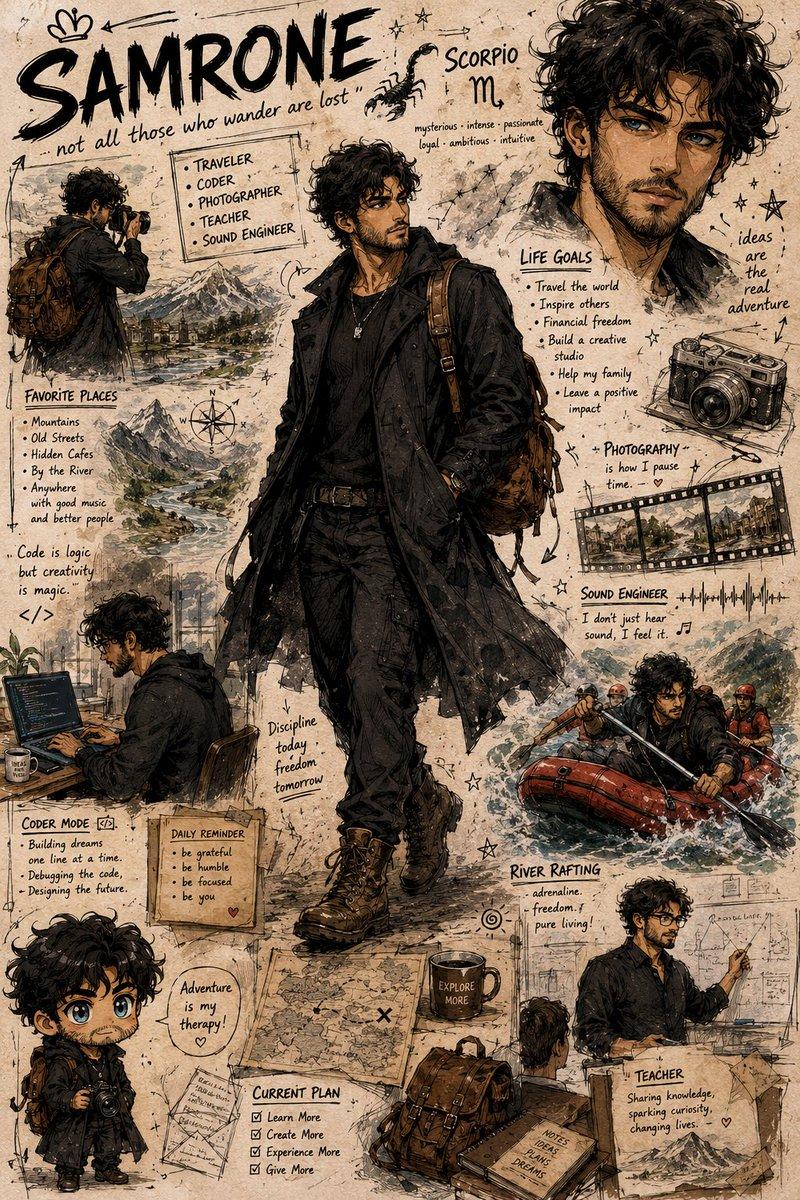
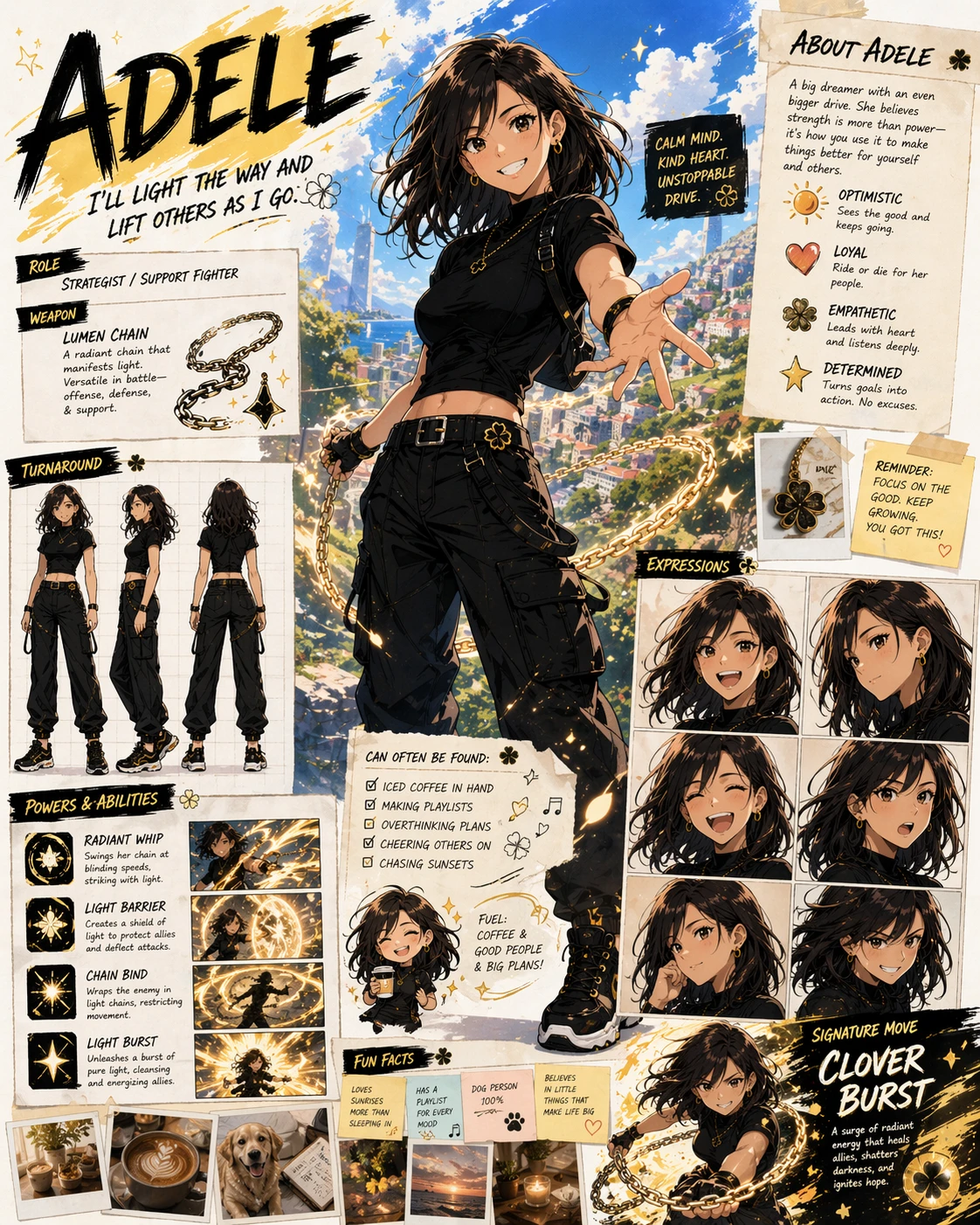
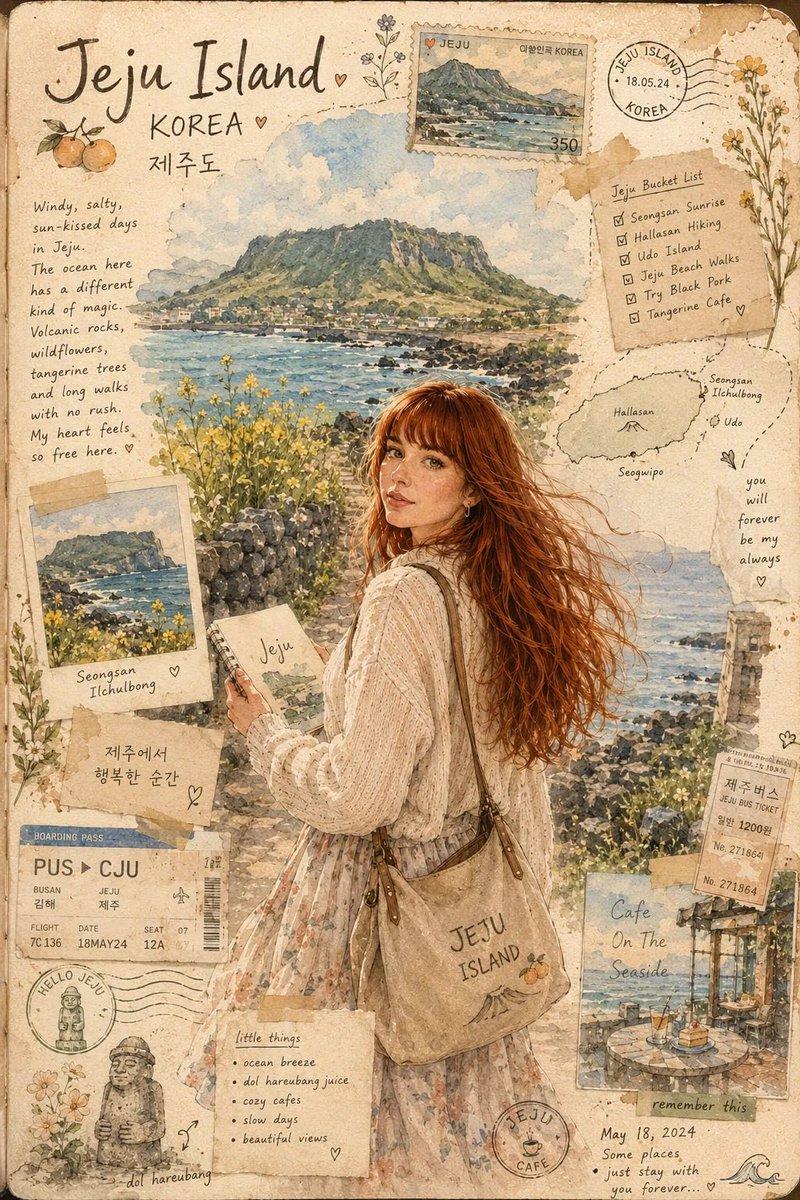
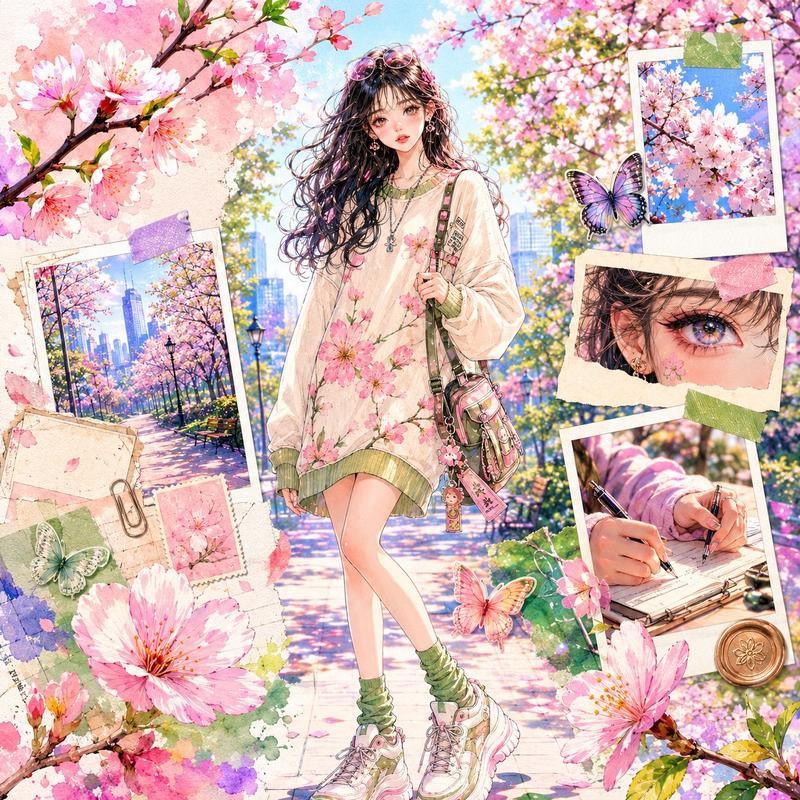
宝可梦训练家档案日志海报
Prompt
Use the uploaded reference image as the exact identity for the main trainer character. Preserve the person’s facial structure, hairstyle, skin tone, expression style, body type, and overall likeness while transforming them into a beautifully illustrated anime-inspired Pokémon trainer poster in a nostalgic adventure-journal aesthetic.

Create a full highly detailed vertical composition designed like a handcrafted Pokémon trainer profile scrapbook page mixed with vintage travel journal art and official Pokémon concept artwork. The final image should feel like a premium collector’s character profile card from a cozy fantasy Pokémon world.

STYLE & ART DIRECTION:
Soft painterly anime illustration
Pokémon official artwork inspired rendering
Hand-painted watercolor + ink line aesthetic
Warm nostalgic storybook tones
Detailed environmental storytelling
Vintage paper textures, taped notes, stickers, stamps, handwritten annotations
Ghibli-like warmth mixed with modern Pokémon promotional art
Extremely detailed but visually clean composition
Rich adventure atmosphere
Cozy slice-of-life fantasy mood
Soft sunlight and cinematic environmental lighting
Highly expressive but natural posing

MAIN CHARACTER:
Transform the reference person into a Pokémon trainer adventurer/traveler while keeping the exact likeness recognizable.
Casual layered adventure outfit
Stylish jacket over graphic shirt
Backpack with travel accessories
Camera hanging from shoulder or neck
Relaxed friendly pose
Confident warm smile
Anime stylization while preserving identity
Slight windswept hair
Natural anatomy and proportions
Fashionable modern Pokémon trainer aesthetic

COMPOSITION:
The page should be designed like a complete trainer profile sheet.
Include:
Large central full-body illustration of the trainer
Multiple Pokémon surrounding the character naturally
Decorative trainer information panels
Vintage scrapbook borders
Handwritten notes and adventure annotations
Polaroid-style snapshots around the edges
Pokémon team cards on one side
Small travel sketches and doodles
Decorative stamps, clips, tape pieces, map textures
Notebook/journal design language
Soft aged parchment paper background
Tiny environmental storytelling details everywhere

BACKGROUND:
Create a beautiful {argument name="setting" default="coastal fantasy Pokémon town"} inspired by:
Mediterranean harbor scenery
Blue ocean water
Sunny skies
Stone buildings
Adventure-world atmosphere
Peaceful vacation vibe
Pokémon-world architecture
Lush greenery and flowers
Soft clouds and distant mountains

POKÉMON INTERACTION:
The Pokémon should interact naturally with the trainer:
Sitting beside them
Looking at camera
Resting on shoulder
Playing around feet
Dynamic but cozy interaction
Natural emotional chemistry

LAYOUT DETAILS:
Top section:
Large handwritten trainer name
“Trainer Profile” heading
Decorative paper labels

Right-side panel:
Character bio stats
Adventure information
Personality traits
Journey notes
Favorite things
Pokémon seen- Category
- Charts & Infographics
- Model
- GPT Image 2
- Creator
- PhotoGPT
- Source ID
- 19235
- Published
- May 9, 2026
Views3