13

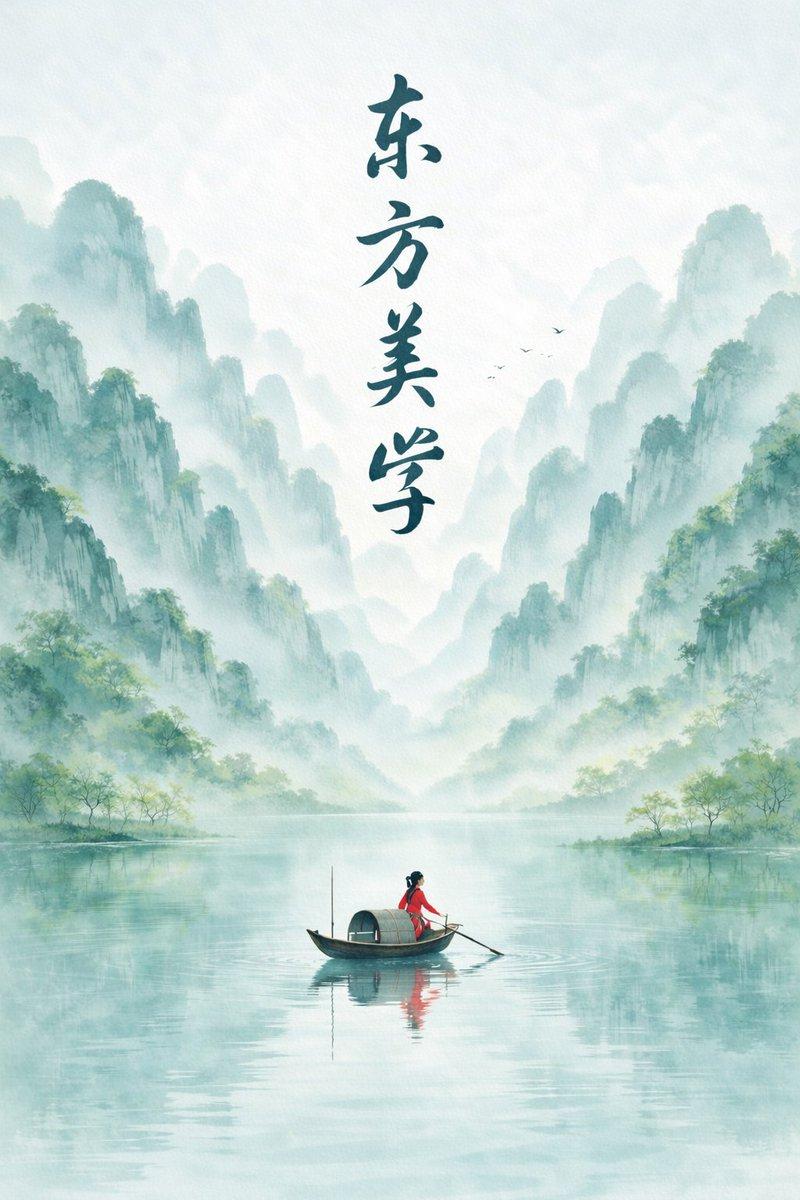
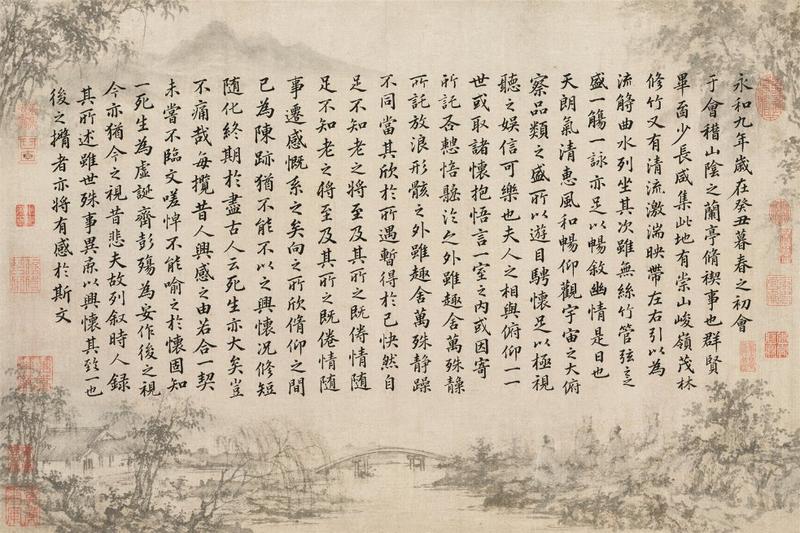
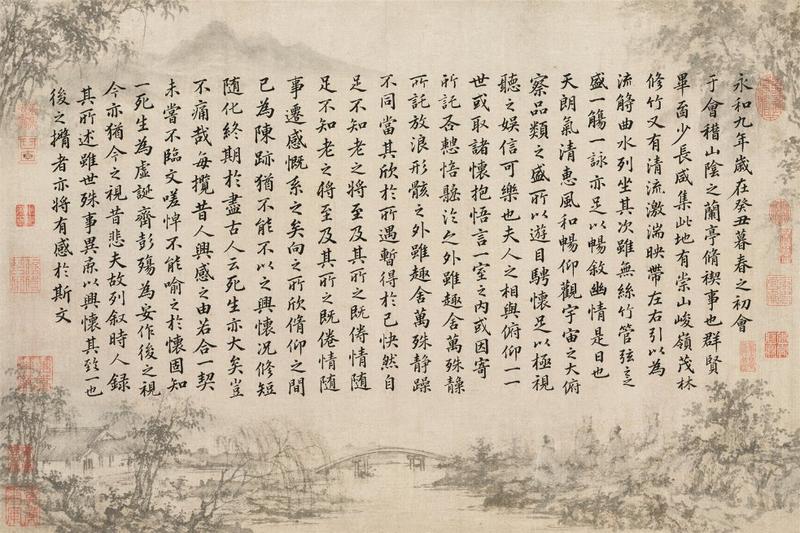
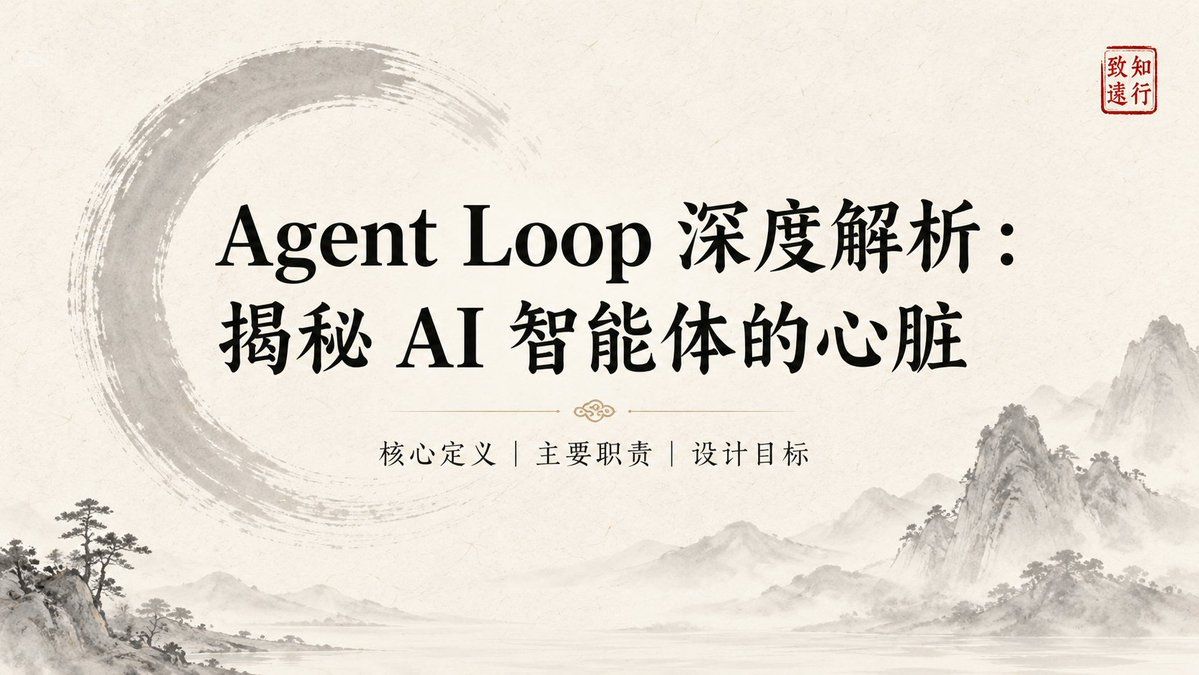
水墨风演示 Slides
Enlarge

水墨风演示 Slides

Prompt
Title: {argument name="标题" default="在此输入幻灯片标题"}

Key Points:
- [要点 1:简洁的描述]
- [要点 2:核心数据或事实]
- [要点 3:关键结论]

Visual Elements: 
[描述视觉元素,例如:纹理宣纸背景 (Textured rice paper background)、水墨山水 (Ink-wash motifs)、简约的圆圈 (Enso circle)、红色印章 (Red seal mark)、雾气效果 (Mist-grey effects)]。
整体风格应保持 {argument name="视觉风格" default="Quiet / Restrained / Wabi-Sabi / Contemporary East-Asian Luxury"}。

Layout Preference: 
[布局说明,例如:左右分割 (Split layout)、居中对齐 (Centered layout)、文字居左且右侧留白 (Left-aligned text with negative space)]。

Text Hierarchy: 
[文字层级,例如:标题使用大号衬线字体 (Large Display Serif),正文使用易读的衬线字体 (Body Serif),确保视觉平衡和清晰的阅读顺序]。

Continuity Note: 
[延续性说明,例如:保持与前一页相同的背景纹理和色调 (#F5F0E8, #2C3E2D),使用相似的印章位置以维持视觉一致性]。
Category
Charts & Infographics
Model
GPT Image 2
Creator
宝玉
Views2
Source ID
19268
Published
May 9, 2026

Guide

About "水墨风演示 Slides"

What is this prompt for?

"水墨风演示 Slides" AI image prompt for GPT Image 2 (Charts & Infographics). 一款用于生成东亚水墨风格演示 Slides 的模板,采用质感宣纸背景及传统纹样设计。 Copy it on Picva and recreate the look in on…

The full copyable prompt and example visuals above are ready for AI image generation or one-click recreate in Picva.

How to use this prompt

  1. Step 1

    Open the prompt detail

    Review the example visuals, category, and full prompt text for "水墨风演示 Slides".

  2. Step 2

    Copy the prompt

    Copy the prompt body from this page, or load it directly in Studio.

  3. Step 3

    Pick a model (GPT Image 2)

    Prefer GPT Image 2. If you switch models, keep subject and composition and tweak style terms.

  4. Step 4

    Generate and export

    Recreate the look in Picva, or export into your workflow for editing and publishing.

FAQ

What is the "水墨风演示 Slides" prompt?
It is an AI image-generation prompt for GPT Image 2 in the Charts & Infographics category. This page includes the full prompt text, example visuals, and a one-click recreate path in Picva.
How do I use this prompt to generate an image?
Copy the prompt from this page, or use Generate / Studio. Paste it into a compatible image model, or recreate the look in Picva with optional reference images.
Which model is this prompt for?
This page lists GPT Image 2. Most descriptive prompts also transfer to nearby image models such as GPT Image, Flux, or Midjourney with light style tweaks.
Can I use the result commercially?
You can usually copy the prompt for creation, but commercial use of the final image depends on the model terms, reference-image rights, and the generated content. Follow the source author and platform rules.