15

中国水墨画与书法
Enlarge

中国水墨画与书法

Prompt
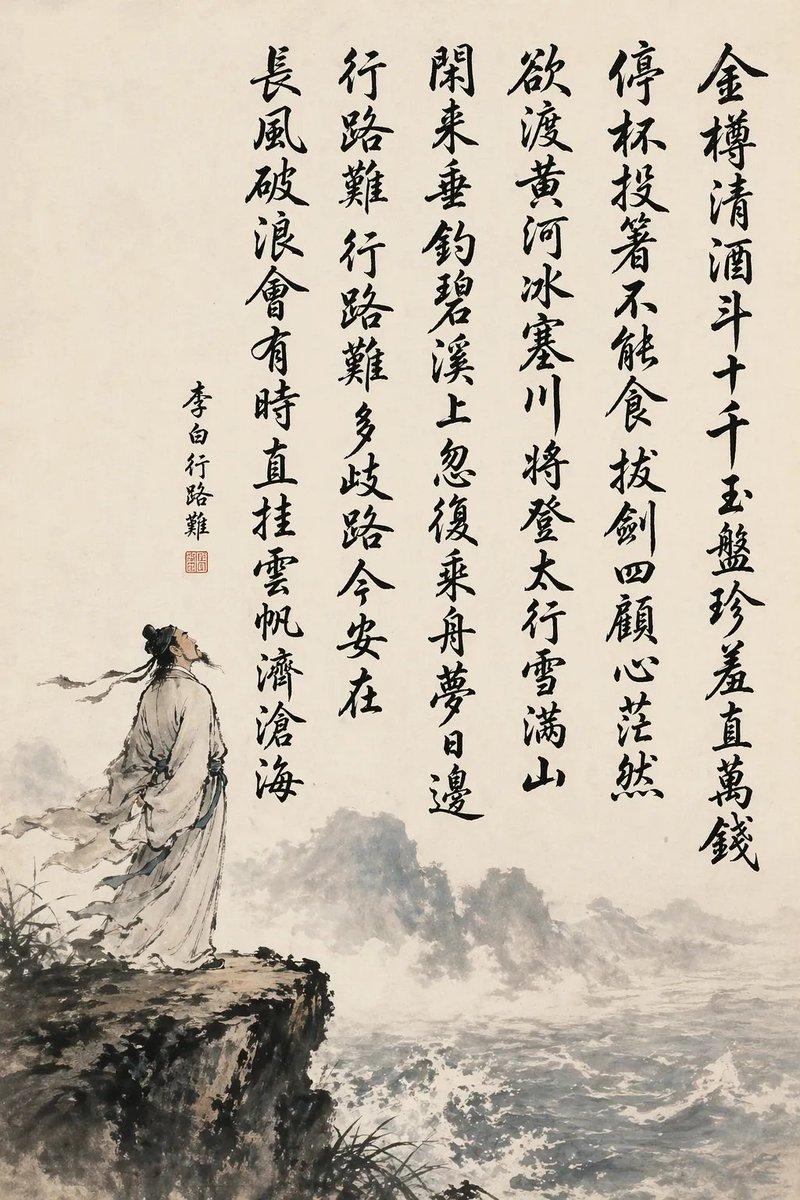
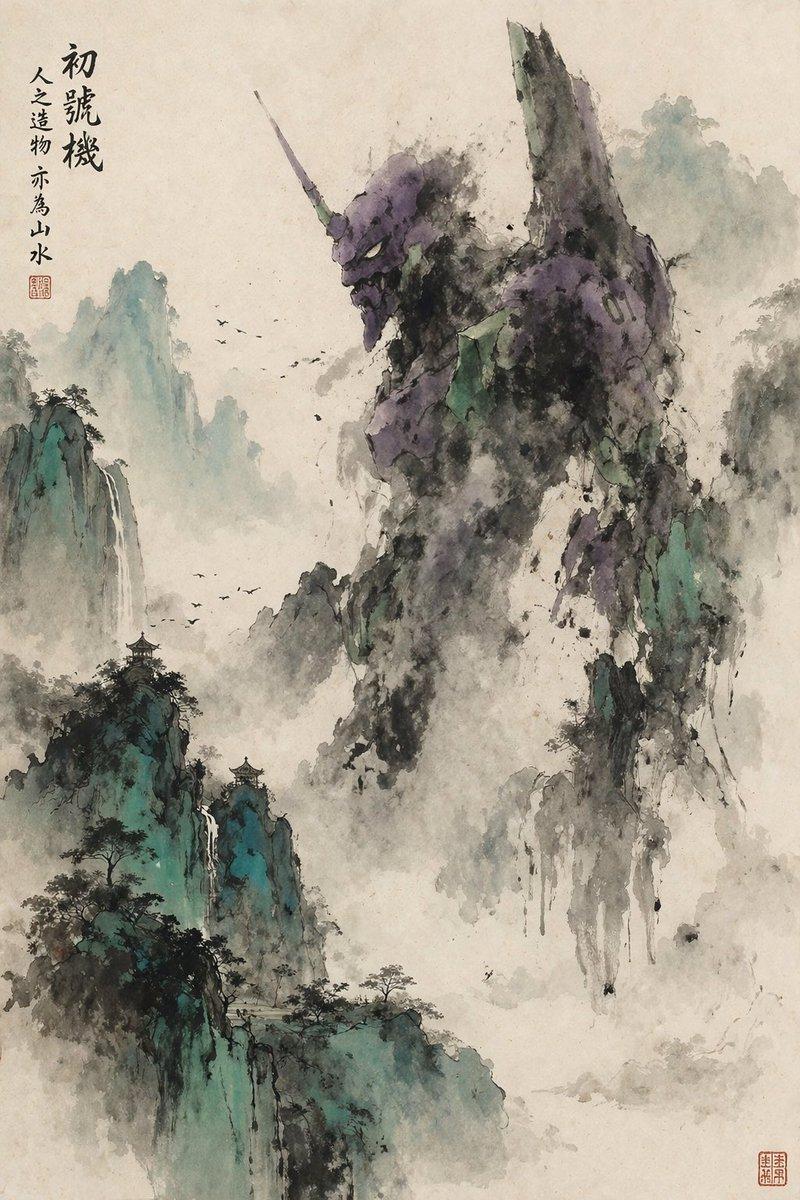
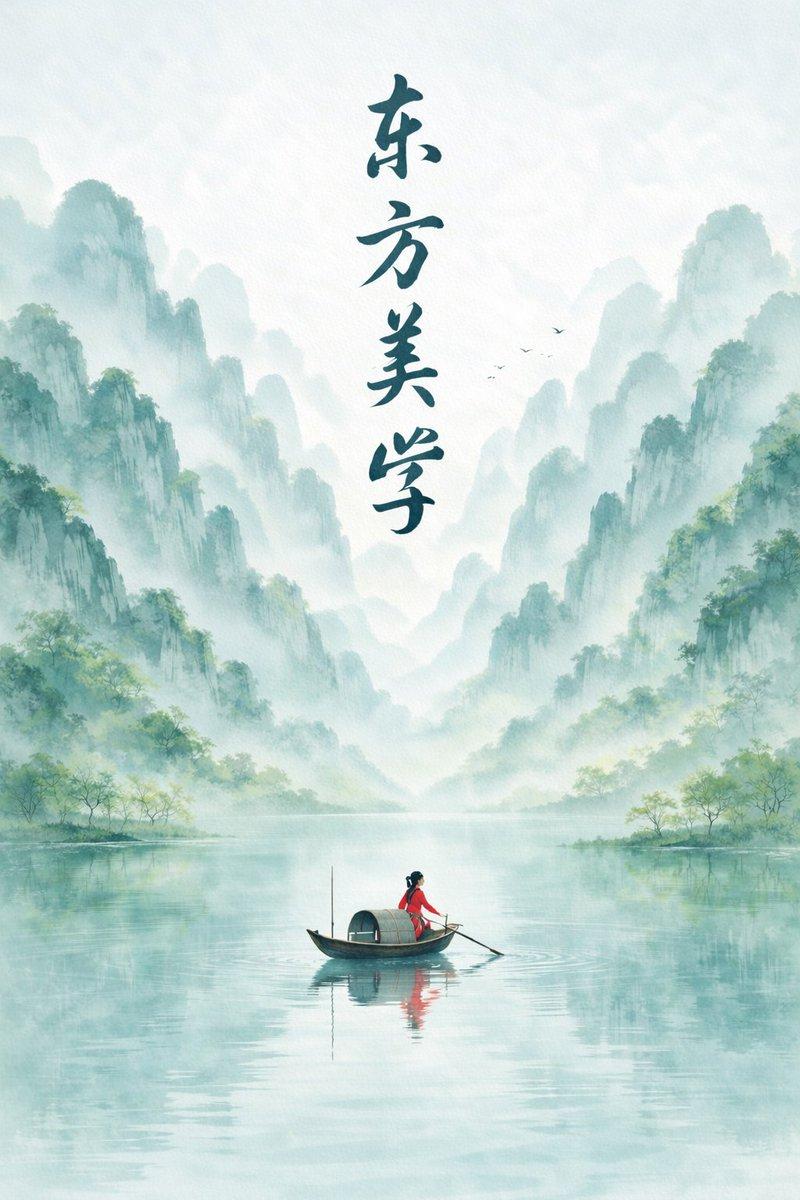
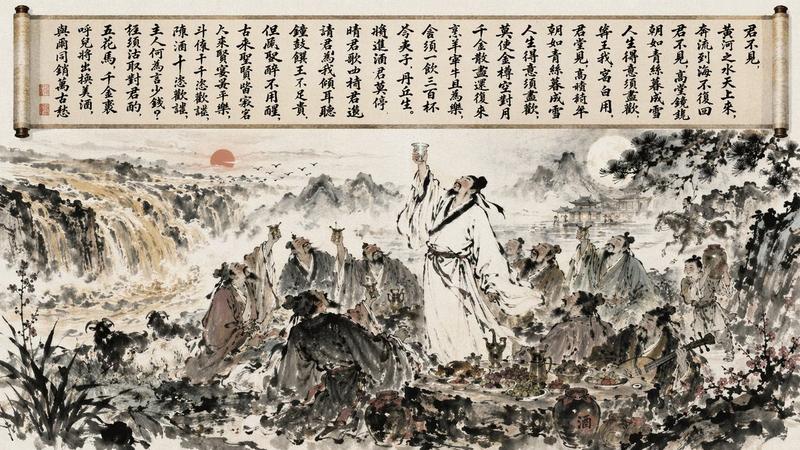
A vertical traditional Chinese ink-wash painting on aged off-white rice paper, minimalist monochrome palette with soft gray washes and deep black brushwork. The composition combines large expressive Chinese calligraphy on the left and center with a misty shanshui landscape on the right. Write the quote in bold hand-brushed characters: “照人如照水,切玉如切泥。” arranged in 2 vertical columns, with 4 large characters in the left column and 4 large characters plus punctuation in the center-right column, each character painted with energetic dry-brush and wet-brush variation, visible tapering strokes, splashes, and ink texture. Add 2 red seal stamps: one small oval seal near the upper left beside the calligraphy, and one square seal near the lower left corner. On the right half, paint towering craggy cliffs with sparse pine trees, drifting fog, and 2 thin waterfalls descending into a calm river. In the lower right foreground, show 2 ancient Chinese scholars in flowing hanfu robes and topknots, seated across a flat stone table on river rocks, leaning over a board game or manuscript in quiet discussion; their forms should be small relative to the landscape. Include still water reflections, distant low islets, and layered atmospheric mist. Overall feeling: contemplative, literati painting, poetic solitude, elegant scholarly mood, Song-dynasty-inspired ink illustration with masterful calligraphy.
Category
Charts & Infographics
Model
GPT Image 2
Views6
Source ID
16575
Published
Apr 27, 2026

Guide

About "中国水墨画与书法"

What is this prompt for?

"中国水墨画与书法" AI image prompt for GPT Image 2 (Charts & Infographics). 此提示词可生成具有古典中国文人风格的水墨画,包含大幅诗意题字与烟雾缭绕的山水景观,适用于文化艺术印刷品或诗意编辑图像。 Copy it on Picva and recreate t…

The full copyable prompt and example visuals above are ready for AI image generation or one-click recreate in Picva.

How to use this prompt

  1. Step 1

    Open the prompt detail

    Review the example visuals, category, and full prompt text for "中国水墨画与书法".

  2. Step 2

    Copy the prompt

    Copy the prompt body from this page, or load it directly in Studio.

  3. Step 3

    Pick a model (GPT Image 2)

    Prefer GPT Image 2. If you switch models, keep subject and composition and tweak style terms.

  4. Step 4

    Generate and export

    Recreate the look in Picva, or export into your workflow for editing and publishing.

FAQ

What is the "中国水墨画与书法" prompt?
It is an AI image-generation prompt for GPT Image 2 in the Charts & Infographics category. This page includes the full prompt text, example visuals, and a one-click recreate path in Picva.
How do I use this prompt to generate an image?
Copy the prompt from this page, or use Generate / Studio. Paste it into a compatible image model, or recreate the look in Picva with optional reference images.
Which model is this prompt for?
This page lists GPT Image 2. Most descriptive prompts also transfer to nearby image models such as GPT Image, Flux, or Midjourney with light style tweaks.
Can I use the result commercially?
You can usually copy the prompt for creation, but commercial use of the final image depends on the model terms, reference-image rights, and the generated content. Follow the source author and platform rules.