16

错位图像接力网格
Enlarge

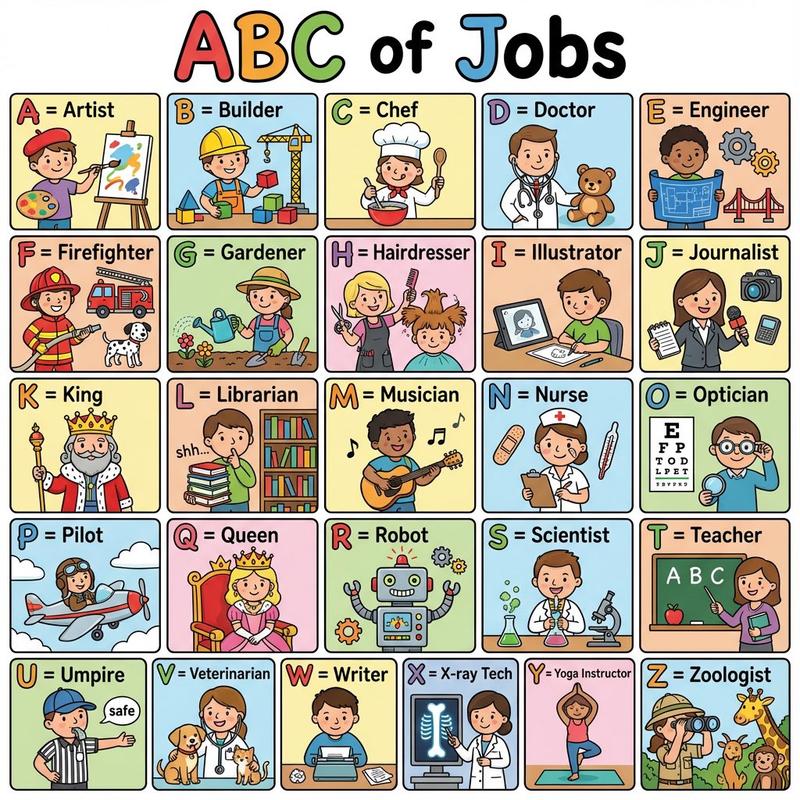
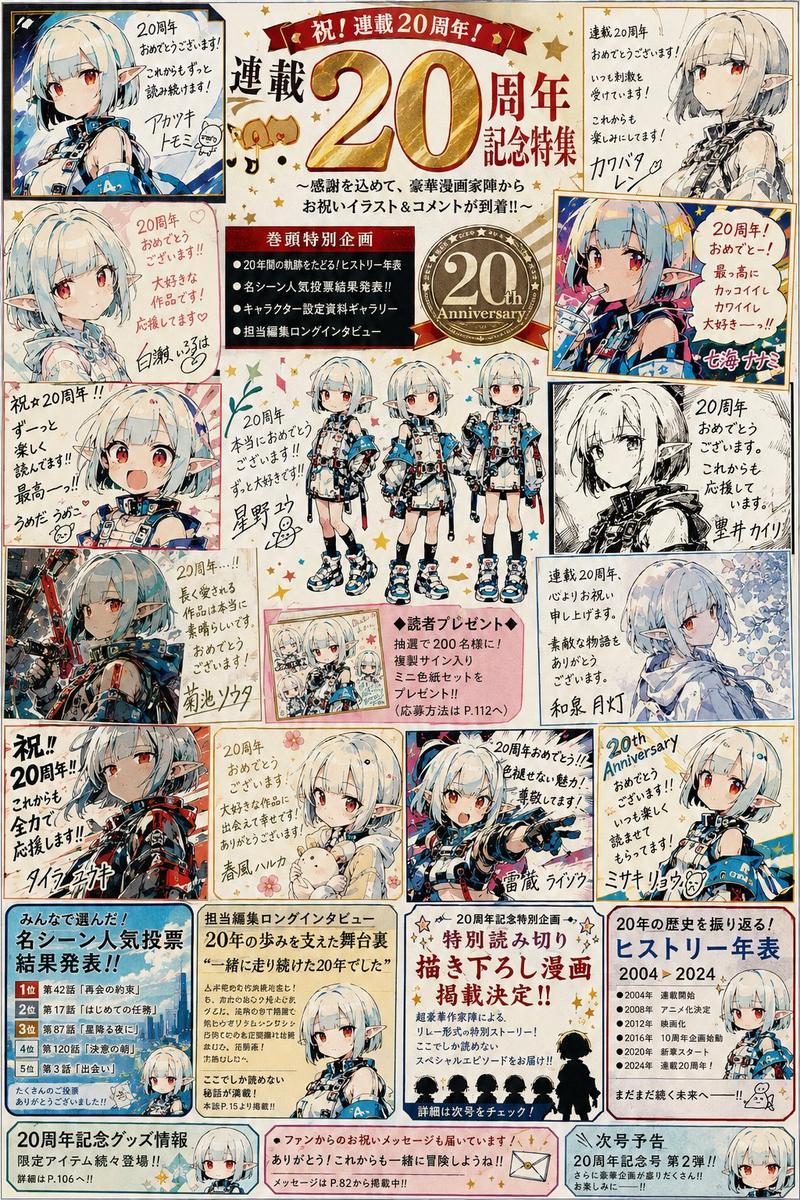
Example images

错位图像接力网格

Prompt
基于所附图像,排列 {argument name="quantity" default="12 个版本"} 并放入一个 {argument name="grid" default="3x4"} 的网格中。请将其表现为图像被依次传递给 12 个不同的人,每个人只看前一个人制作的内容,并错误地认为“这一定是所要求的”或“这是用于此目的的”,从而对其进行重新设计。第一帧的氛围应非常接近原图。随着帧数的推进,让原图的形状、颜色、表情、姿势、构图、主题和情绪逐渐被误解、简化、转换为不同用途,并偏离其原始含义和外观。每一帧都应看起来像是被一个只看过前一帧并判断“这一定是要求”的人重新制作的。根据原图的内容(无论是人物、角色、宠物、食物、风景、建筑还是个人头像),自然地进行改变。不要太严格地固定中间的变化。可以在某一帧将其误解为插画,下一帧误解为吉祥物,或者商业产品、标志、传单、毛绒玩具、食品包装、旅游商品、警告标志、游戏角色、神秘玩具、参考图标或手工制品。变化的走向应与原图及前一帧的外观自然关联。随着帧数的推进,使其看起来像是“你能看出有人在努力做好,但他们稍微误解了要求”。让形状、比例、眼睛、嘴巴、轮廓、颜色布局、纹理、用途、装饰和构图一点点偏移,导致后半部分出现意想不到且幽默的外观。关键不在于图像的退化或噪点,而在于让它看起来像是人类在为不同目的重建时,因为误解了前一个结果而导致的崩坏。在后半部分,不要完全抹去原图的特征,而是不自然地保留一两个元素,如颜色、轮廓、表情、发型、衣服、配饰、姿势、构图或主题。同时,其他元素可以大胆地省略、转换、误解或变成其他东西。让第 12 帧足够大胆,以至于只有了解原图的人才能勉强感知到原始来源,而对于初次观看者来说,它看起来是一个完全不同的神秘实体、产品、角色、工艺品、图标或吉祥物。以一个意想不到且略带滑稽的结局收尾,让人不禁感叹“为什么会变成这样?!”。让每一帧看起来都不同。保持背景为白色且简洁,组织成 3x4 网格以便于查看 12 种变化。在后面的帧中,不要做得太整洁;相反,让一个人的误解被下一个人进一步误解。在第 12 帧中,进行大胆的改变,使得原图的一个特征奇怪地保留了下来,而其他一切几乎完全不同。
Category
Products & E-commerce
Model
GPT Image 2
Views1
Source ID
19280
Published
May 9, 2026

Guide

About "错位图像接力网格"

What is this prompt for?

"错位图像接力网格" AI image prompt for GPT Image 2 (Products & E-commerce). 这是一个复杂的创意提示词,通过 12 个阶段的“刻意误读”,让虚拟的连续创作者对输入图像进行重构,最终生成一个幽默的 3x4 演变网格。 Copy it on Picva and r…

The full copyable prompt and example visuals above are ready for AI image generation or one-click recreate in Picva.

How to use this prompt

  1. Step 1

    Open the prompt detail

    Review the example visuals, category, and full prompt text for "错位图像接力网格".

  2. Step 2

    Copy the prompt

    Copy the prompt body from this page, or load it directly in Studio.

  3. Step 3

    Pick a model (GPT Image 2)

    Prefer GPT Image 2. If you switch models, keep subject and composition and tweak style terms.

  4. Step 4

    Generate and export

    Recreate the look in Picva, or export into your workflow for editing and publishing.

FAQ

What is the "错位图像接力网格" prompt?
It is an AI image-generation prompt for GPT Image 2 in the Products & E-commerce category. This page includes the full prompt text, example visuals, and a one-click recreate path in Picva.
How do I use this prompt to generate an image?
Copy the prompt from this page, or use Generate / Studio. Paste it into a compatible image model, or recreate the look in Picva with optional reference images.
Which model is this prompt for?
This page lists GPT Image 2. Most descriptive prompts also transfer to nearby image models such as GPT Image, Flux, or Midjourney with light style tweaks.
Can I use the result commercially?
You can usually copy the prompt for creation, but commercial use of the final image depends on the model terms, reference-image rights, and the generated content. Follow the source author and platform rules.