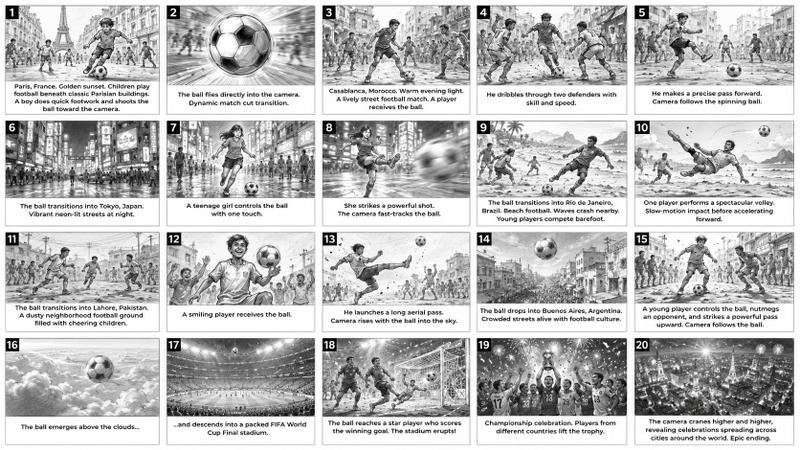
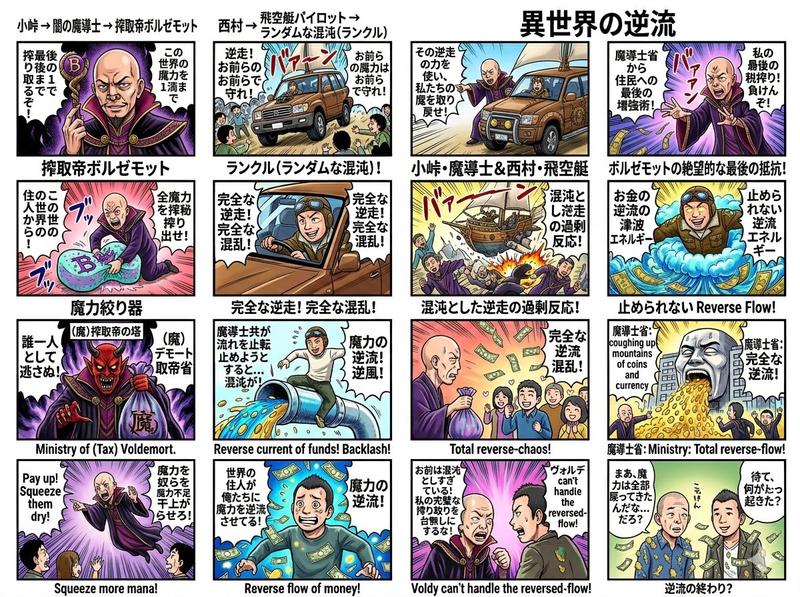
日式机甲快餐分镜脚本
Prompt
Goal: Create a colorful Japanese 15-second TV commercial storyboard for a fictional McDonald's-style superhero robot campaign, titled {argument name="headline text" default="15秒CM ストーリーボード"} with the red subheadline {argument name="subheadline text" default="マックロボ、出動!"}.

Canvas: Landscape 16:9 presentation board on a white background, divided into exactly 8 bordered storyboard panels arranged in a 4-column by 2-row grid. Each panel has a red square number badge in the top-left corner, a vivid illustration area, and a white caption area underneath with red timecode text and black Japanese description text. Add a tiny black disclaimer line along the bottom edge.

Visual style: High-energy Japanese anime commercial storyboard, toy-ad dynamism, saturated reds/yellows/blues, dramatic speed lines, sparks, explosions, city action, glossy mecha rendering, McDonald's-like golden arches branding, thick comic outlines, cinematic lighting. Use a polished generated-image look, not flat vector art.

Main characters and motifs: A family of four eating fast food; their faces should appear intentionally blurred or masked for privacy. A team of exactly 4 transforming meal-themed robots: 1 red burger hero robot with wings, 1 blue dinosaur/T-rex robot, 1 golden lion robot, and 1 golden phoenix/eagle robot. Also show burgers, fries, nuggets, soft drinks, and a giant spaghetti/noodle monster made of curly noodles.

Panel count and contents: Use exactly 8 panels.
1. Panel 1, timecode "0-2秒": The family of four sits at a McDonald's-like restaurant table full of burgers, fries, nuggets, drinks, and small toy robots. Caption: "家族みんなでマクドナルド! おいしい!たのしい!"
2. Panel 2, timecode "2-4秒": Fast food items burst into transformation energy and become the 4 robots: red burger robot, blue dinosaur robot, golden lion robot, golden phoenix robot. Caption: "食べものが光って…ロボに変形! マックロボ、誕生!"
3. Panel 3, timecode "4-6秒": A character introduction grid inside the panel, split into exactly 4 smaller portrait boxes labeled: "パパ:バーガーロボ", "ママ:フェニックスロボ", "お兄ちゃん:ティーレックスロボ", "妹:ライオンロボ". Caption: "それぞれのロボットへ! いくよ、出動!"
4. Panel 4, timecode "6-8秒": The robot team launches into a city street under a blue sky with a McDonald's sign in the background; red winged robot flies forward, other 3 robots run below. Caption: "街をかけぬけ、 マックロボ、出動!"
5. Panel 5, timecode "8-10秒": A huge angry spaghetti/noodle monster towers over city traffic, with forks and flying noodle strands around it. Caption: "街が危ないぞ!"
6. Panel 6, timecode "10-12秒": The 4 robots fight the noodle monster together in the city, with explosions, energy blasts, and dramatic motion. Caption: "チームで力をあわせて、 えいっ! とかーん!"
7. Panel 7, timecode "12-14秒": Victory pose of the 4 robots in the city, red robot centered with wings spread, celebratory red-and-white Japanese impact text across the image: {argument name="impact slogan" default="今日もマックで元気100倍"}. Caption: "今日もマックで元気100倍! マックロボの勝利だ!"
8. Panel 8, timecode "14-15秒": Final brand end card: bright red background with a large yellow McDonald's-style golden arch logo, the family of four and the 4 robots posing together, plus white/yellow slogan text {argument name="end card slogan" default="ワクワクを、いっしょに。 I'm lovin' it"}. Caption: "ワクワクを、いっしょに。 マクドナルド"

Text and layout constraints: Keep all visible title, timecodes, panel numbers, and captions in Japanese exactly as specified. Use bold red timecodes centered under each image. Ensure the 8 panels are clearly separated by thin black borders. Do not add extra panels, extra robots, QR codes, watermarks, or unrelated logos beyond the McDonald's-inspired golden arches visual language.- Category
- Charts & Infographics
- Model
- GPT Image 2
- Creator
- 鈴木匠太 🏃♂️CCO @ ㍿リトプラ
- Source ID
- 21755
- Published
- May 20, 2026
Views2