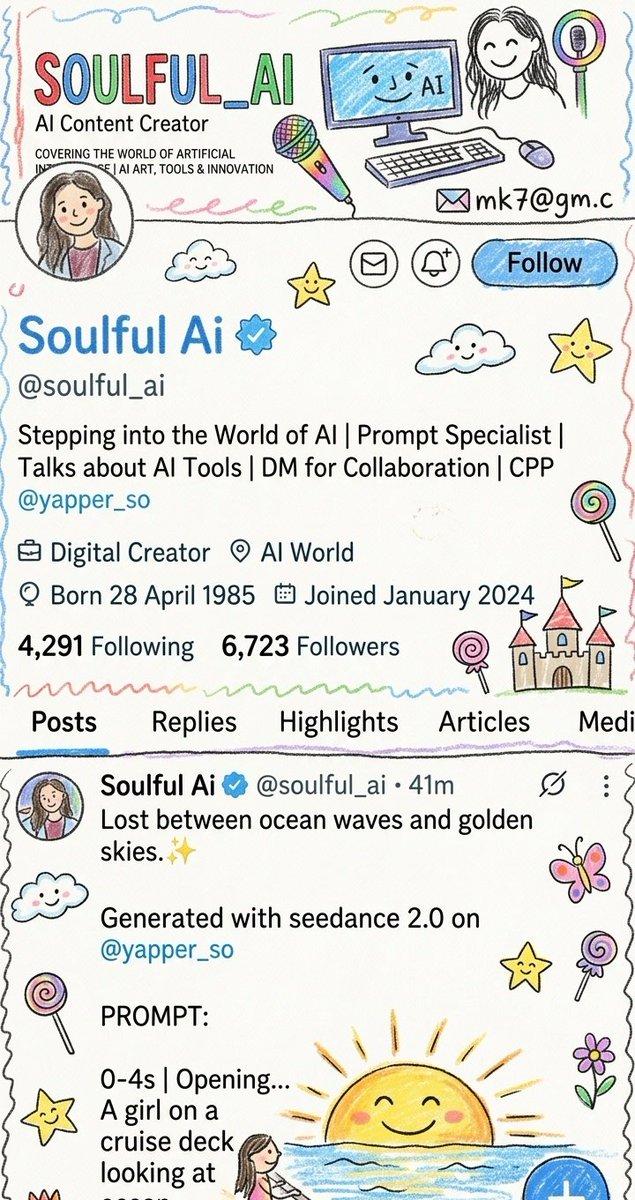
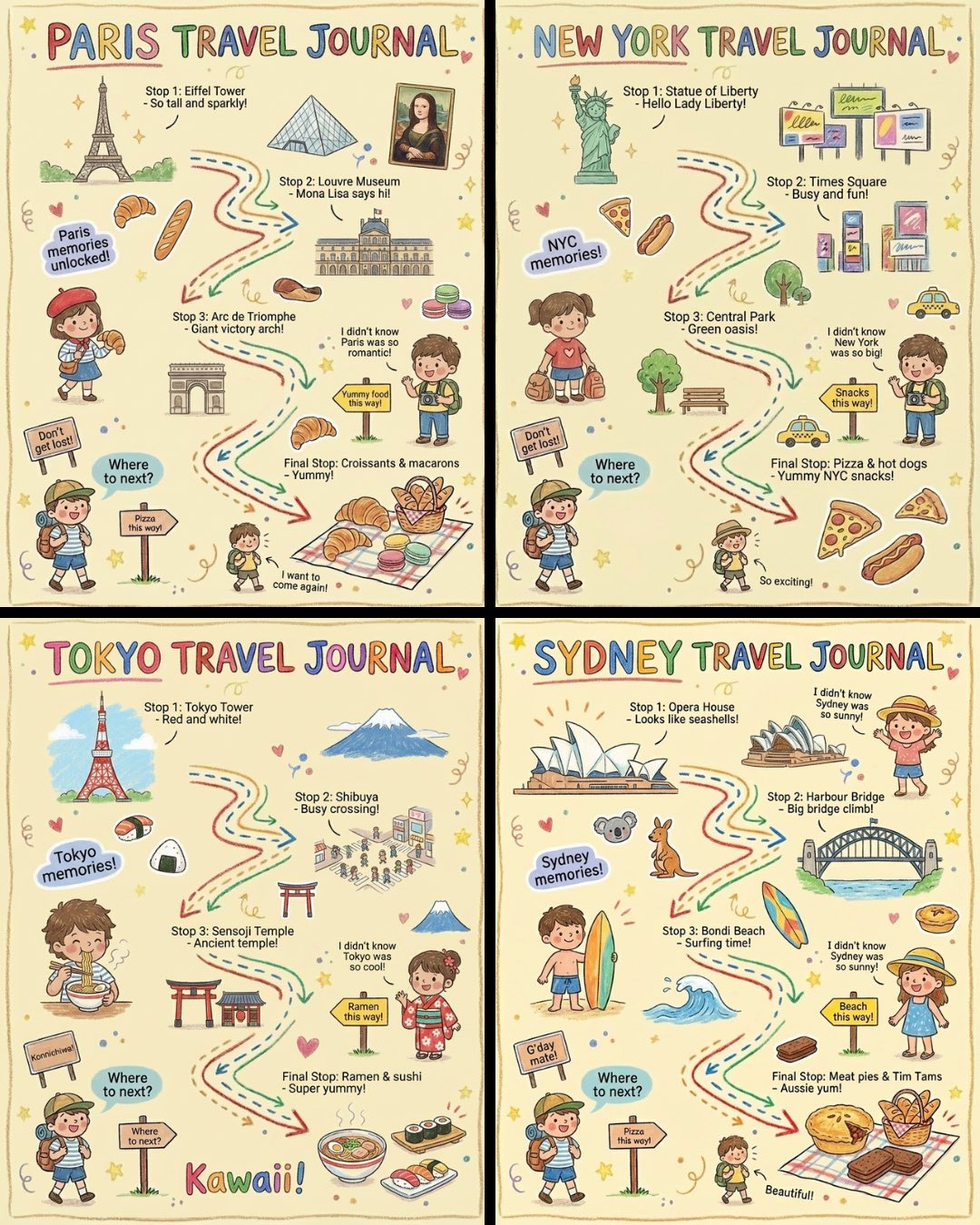
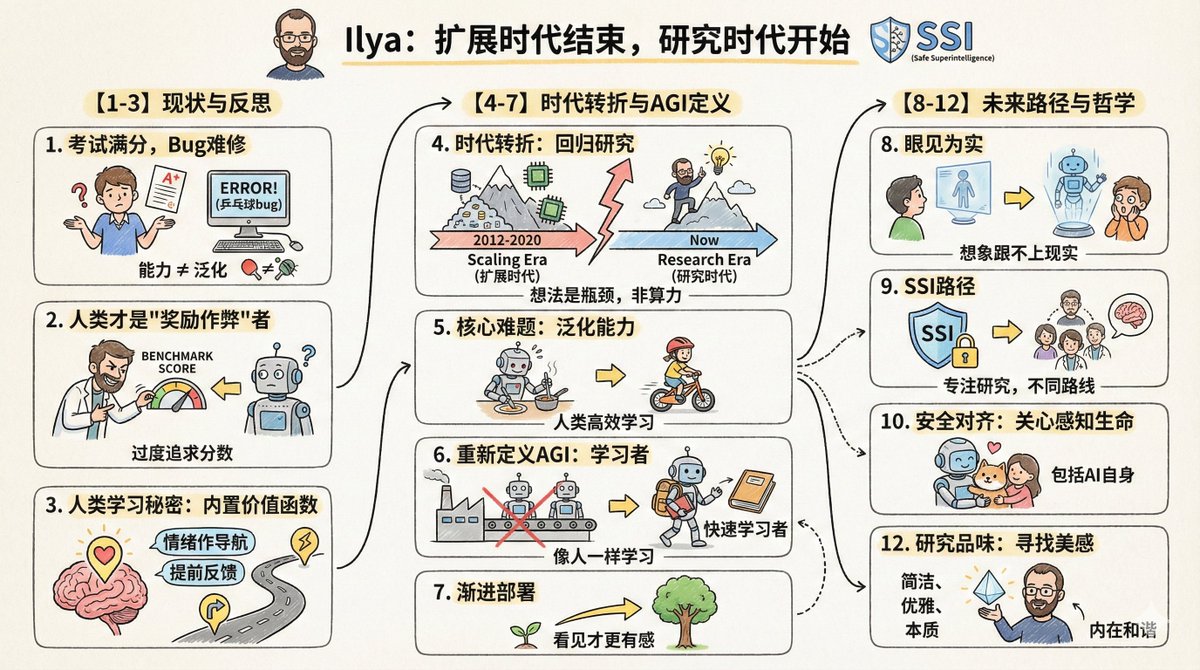
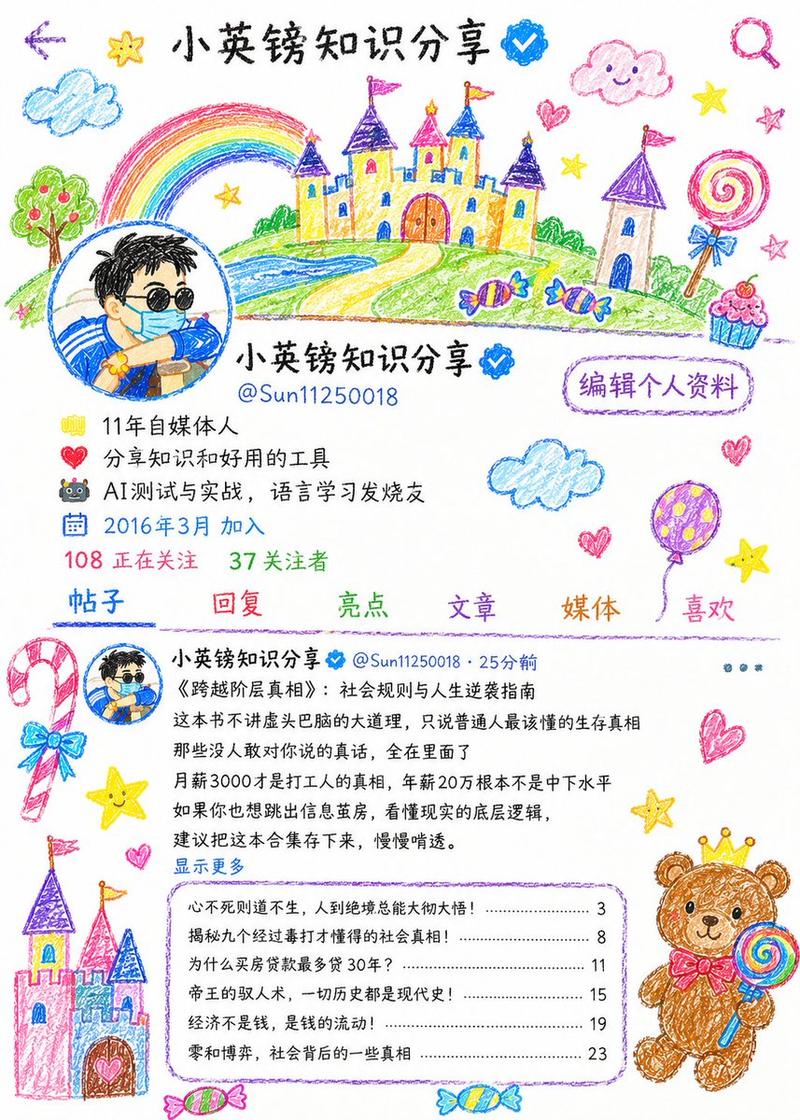
异想天开的设计师个人资料 UI
Prompt
{"type":"whimsical hand-drawn social media profile screen mockup","style":"bright marker-and-crayon doodle illustration on off-white paper texture, black ink outlines, playful childlike icons, rainbow highlights, slightly imperfect hand lettering mixed with clean mobile UI typography","canvas":"vertical smartphone screenshot, 9:16 aspect ratio","profile":{"name":"{argument name=\"profile name\" default=\"Ib Douglas | Visual & Brand Designer\"}","handle":"{argument name=\"profile handle\" default=\"@realibdouglas\"}","bio_line_1":"{argument name=\"bio line\" default=\"I do design | I make brands happy & clear!\"}","bio_line_2":"60+ satisfied friends | DM to work with me","role":"Graphic Designer","location":"{argument name=\"location\" default=\"Port Harcourt, Nigeria\"}","link":"linktr.ee/theibdouglas","joined":"Joined May 2022","following":"1,984 Following","followers":"626 Followers","avatar":"small circular illustrated portrait of a person in a rainbow shirt, face softly blurred/featureless"},"top_navigation":{"count":4,"items":["back arrow at top left","search icon near top center","pencil/edit icon near top right","vertical three-dot menu at far top right"]},"header_banner":{"text":"I help brands stand out and make their voices heard.","email":"[email protected]","decorations_count":11,"decorations":["large castle on left with three colored flags","small castle tower in center","smiling cloud near left-center","green star","red star","small portrait avatar at right","rainbow brush swatch under avatar","blue smiling cloud","small smiling cloud","purple star","large candy circle"]},"profile_decorations":{"count":14,"items":["rainbow star beside profile title","blue outlined star","yellow star","green star","purple star","pink spiral lollipop","three wrapped candies in red/yellow/purple","one small blue candy","two lollipops near lower right","small colored dots"]},"profile_metadata":{"count":4,"rows":["briefcase icon with Graphic Designer","map pin icon with Port Harcourt, Nigeria","link icon with linktr.ee/theibdouglas","calendar icon with Joined May 2022 and chevron"]},"tabs":{"count":5,"labels":["Posts","Replies","Highlights","Articles","partially visible fifth tab"],"appearance":"each tab label sits on a separate pastel brush-stroke highlight; Posts is selected with a blue underline"},"pinned_post":{"label":"Pinned","author":"Ib Douglas | Visual & LOGOFOLIO 2025 ☀️✨","body_lines_count":4,"body_lines":["This year didn’t have many logos, but they meant a lot.","Work, church, and life were busy, but my work tells my story."],"thumbnail_strip_count":3,"thumbnail_strip":["blue circular logo sketch","multicolor swirl logo sketch","green monogram logo sketch"],"decorations_count":9,"decorations":["small avatar at left","lollipop on left","blue star","purple candy","yellow star","castle at lower left","small castle at lower right","wrapped candy at top right","yellow star at right"]},"bottom_navigation":{"count":5,"items":["home icon highlighted blue","people/community icon","compose pencil icon","notification bell with red dot","large floating circular blue plus button over rainbow scribble at bottom right"]},"composition":"Create a faithful vertical mobile profile page screenshot where the clean profile UI is surrounded by playful doodles of castles, clouds, stars, candies, lollipops, rainbows, and marker strokes. Keep all text crisp and readable, with colorful emphasis on selected words and follower numbers."}- Category
- Charts & Infographics
- Model
- GPT Image 2
- Source ID
- 19309
- Published
- May 9, 2026
Views4