LLM 速成课程可视化工具
Prompt
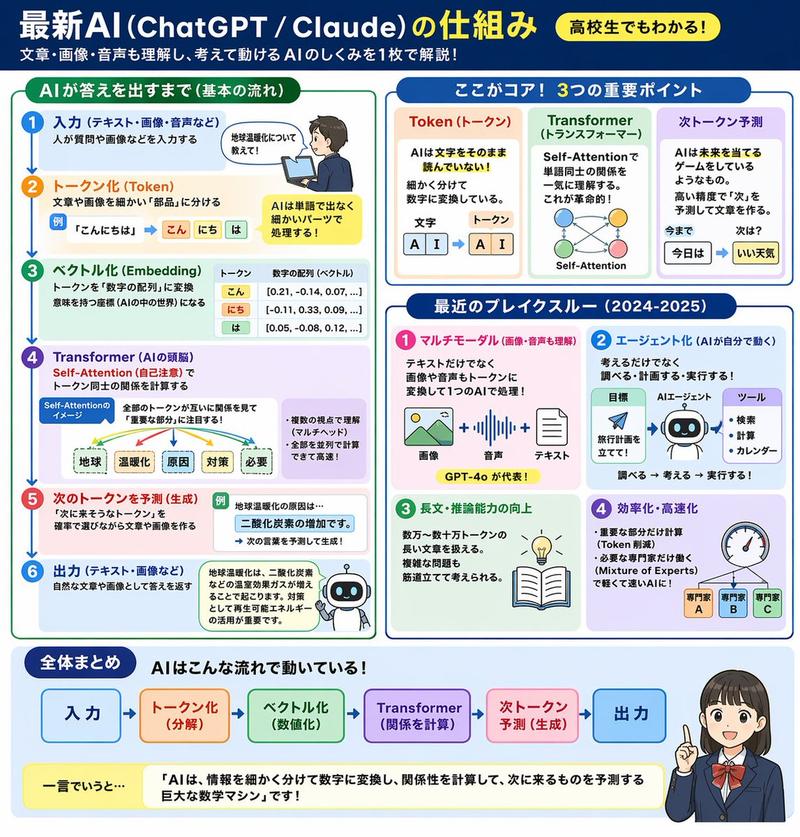
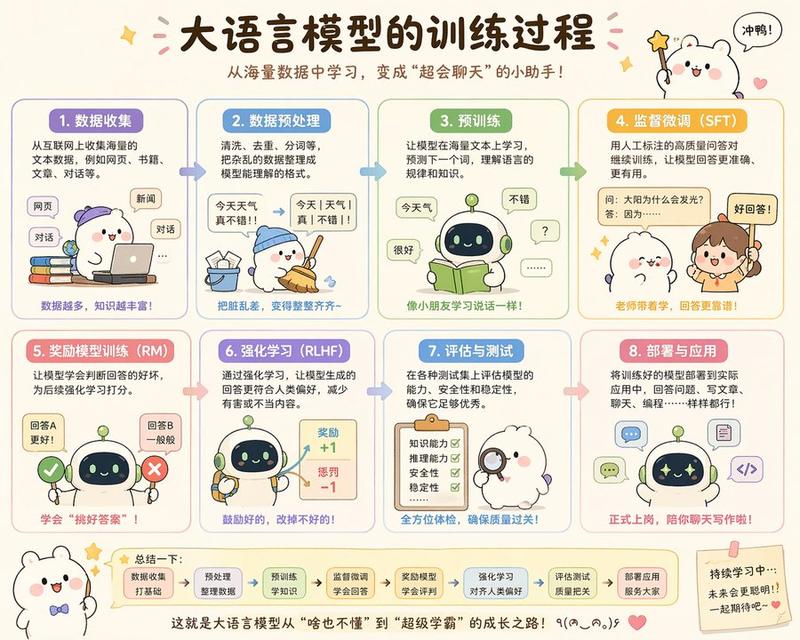
生成LLM的简短速成课程
通读基础知识
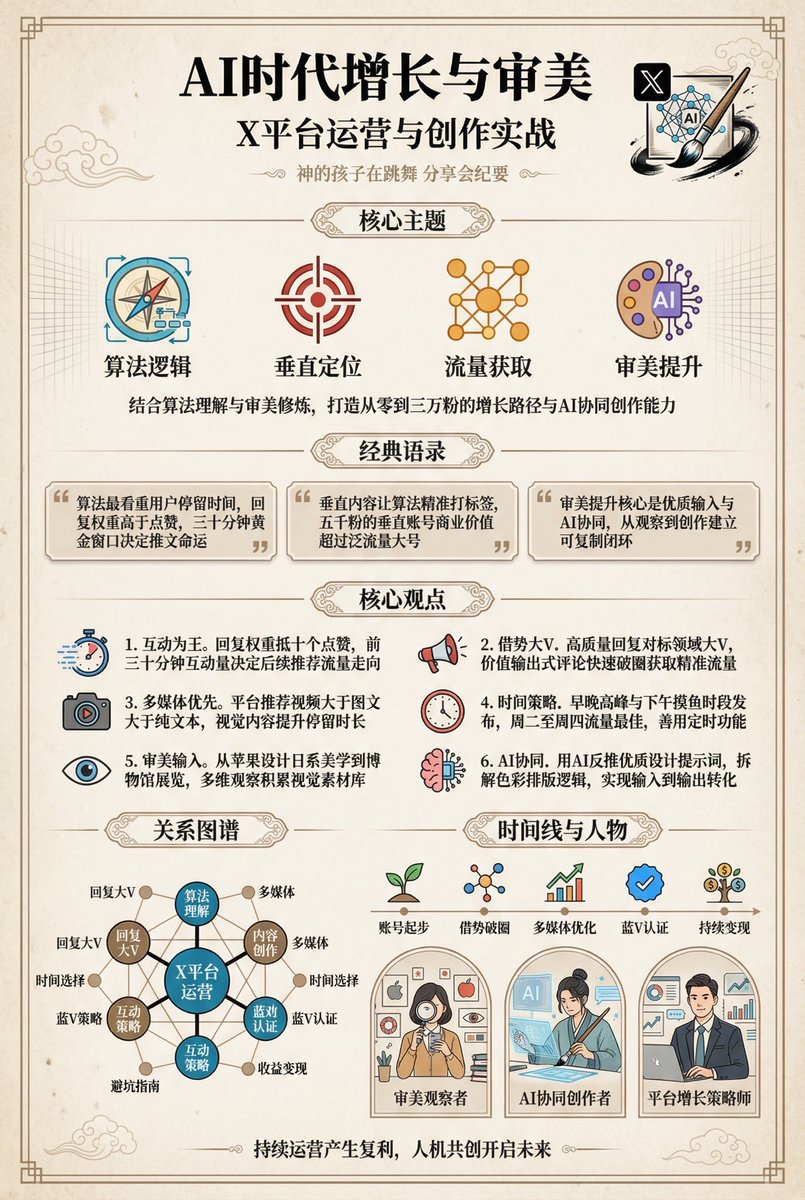
使用新的 ChatGPT Image 2.0 和良好的提示,将这些概念转化为可视化信息图。
- Category
- Charts & Infographics
- Model
- GPT Image 2
- Creator
- Jason Zhu
- Source ID
- 22741
- Published
- May 26, 2026
Views2
19

生成LLM的简短速成课程 通读基础知识 使用新的 ChatGPT Image 2.0 和良好的提示,将这些概念转化为可视化信息图。
Guide
"LLM 速成课程可视化工具" AI image prompt for GPT Image 2 (Charts & Infographics). 一份基于文本的指令,旨在引导 AI 使用 gpt-image-2 为 LLM 速成课程创建可视化信息图。 Copy it on Picva and recreate the…
The full copyable prompt and example visuals above are ready for AI image generation or one-click recreate in Picva.
Step 1
Review the example visuals, category, and full prompt text for "LLM 速成课程可视化工具".
Step 2
Copy the prompt body from this page, or load it directly in Studio.
Step 3
Prefer GPT Image 2. If you switch models, keep subject and composition and tweak style terms.
Step 4
Recreate the look in Picva, or export into your workflow for editing and publishing.