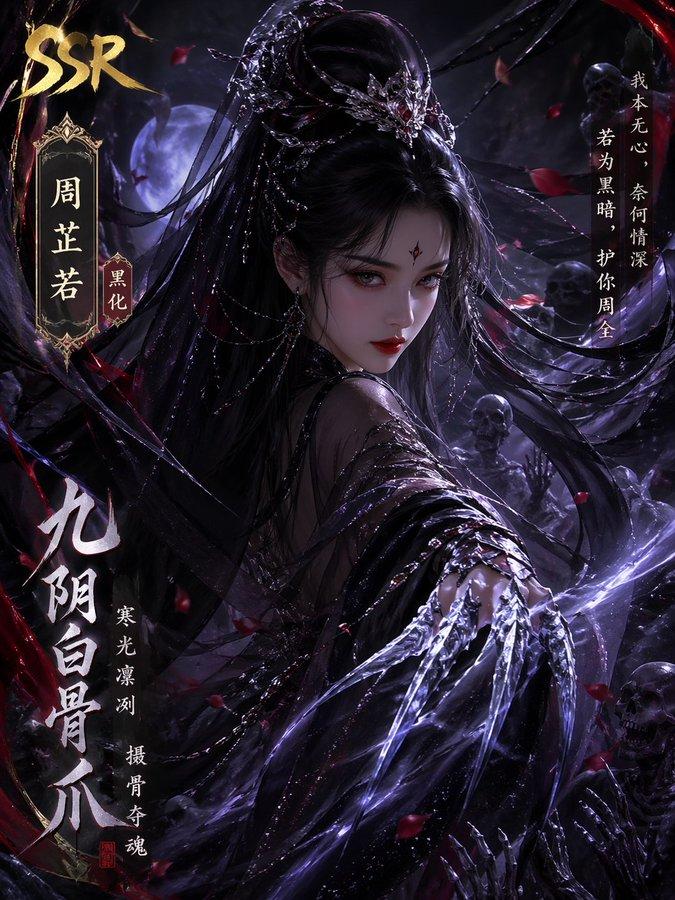
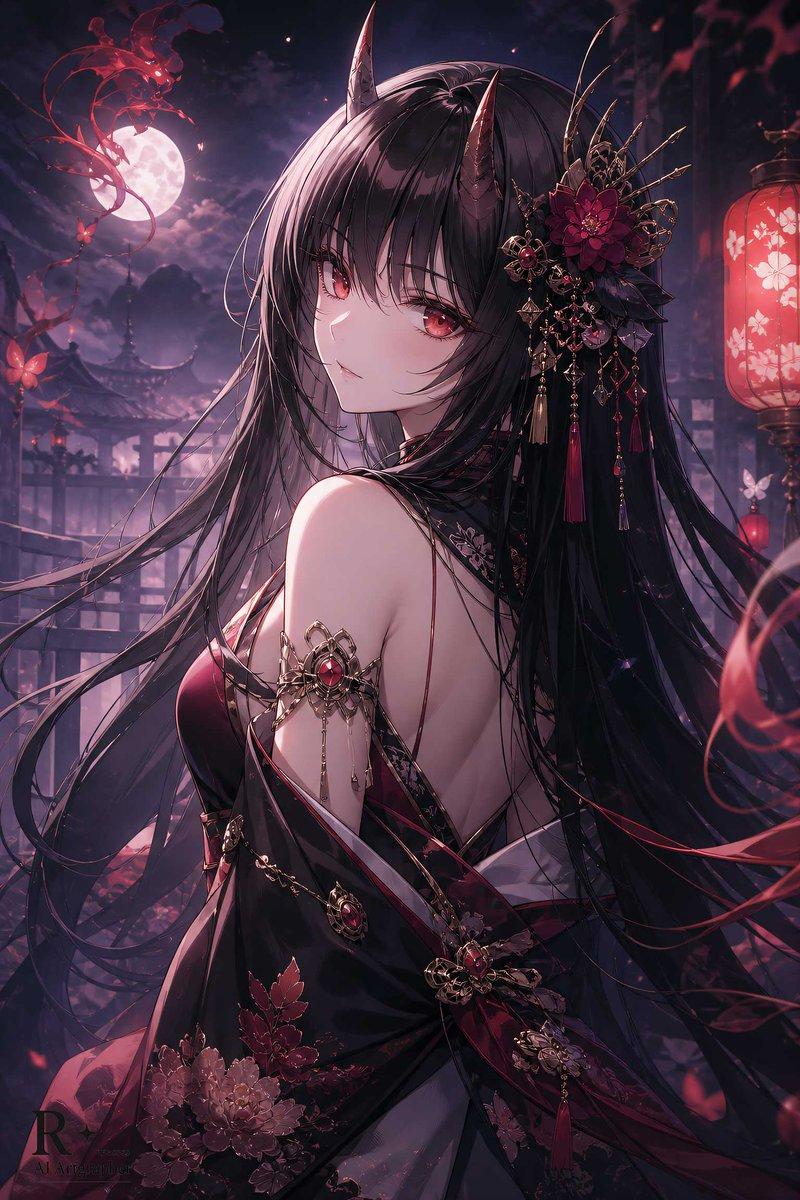
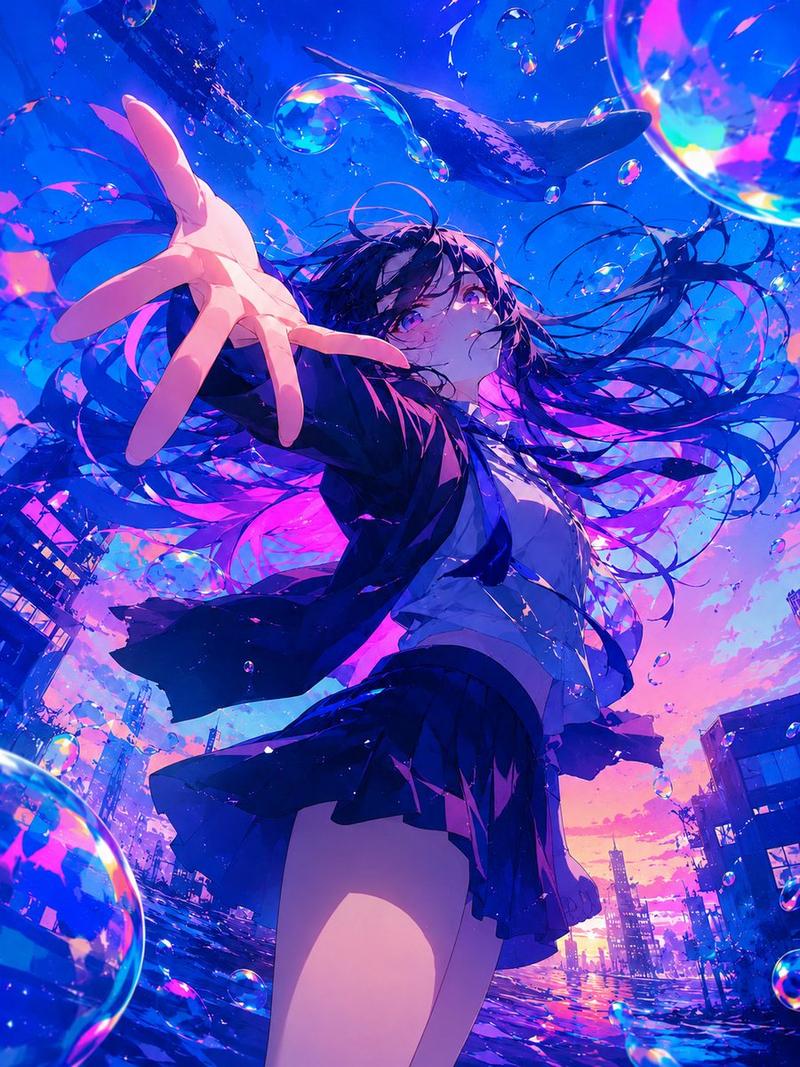
暗黑风玖辛奈查克拉锁链海报
Prompt
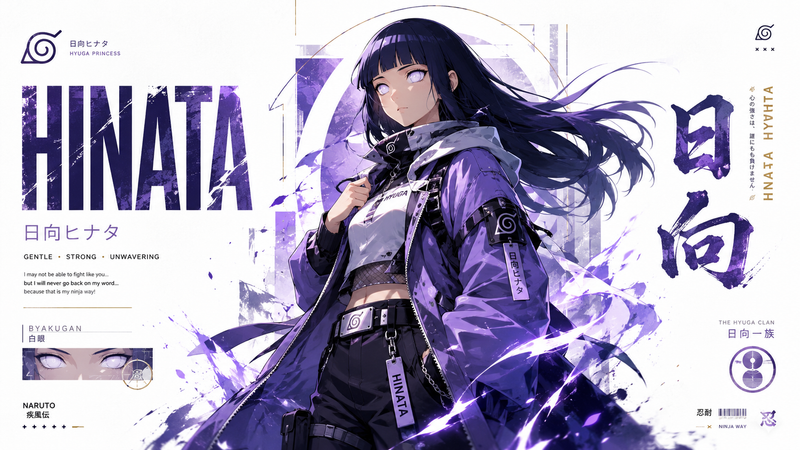
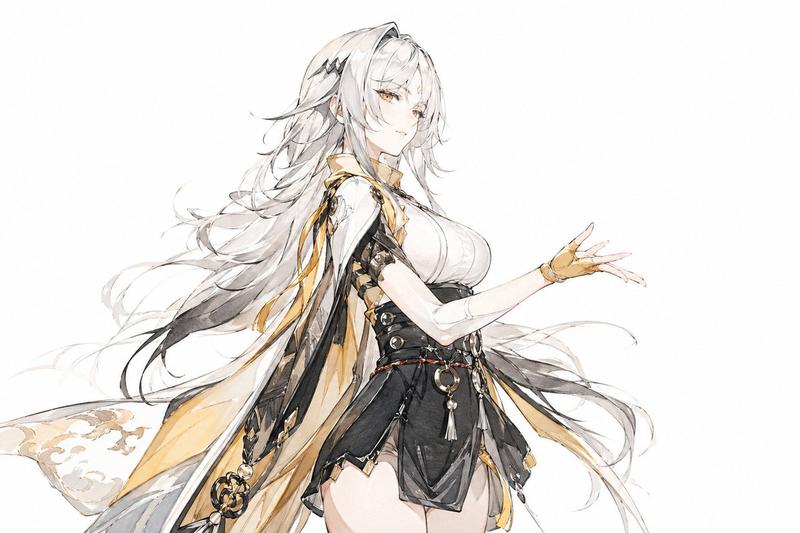
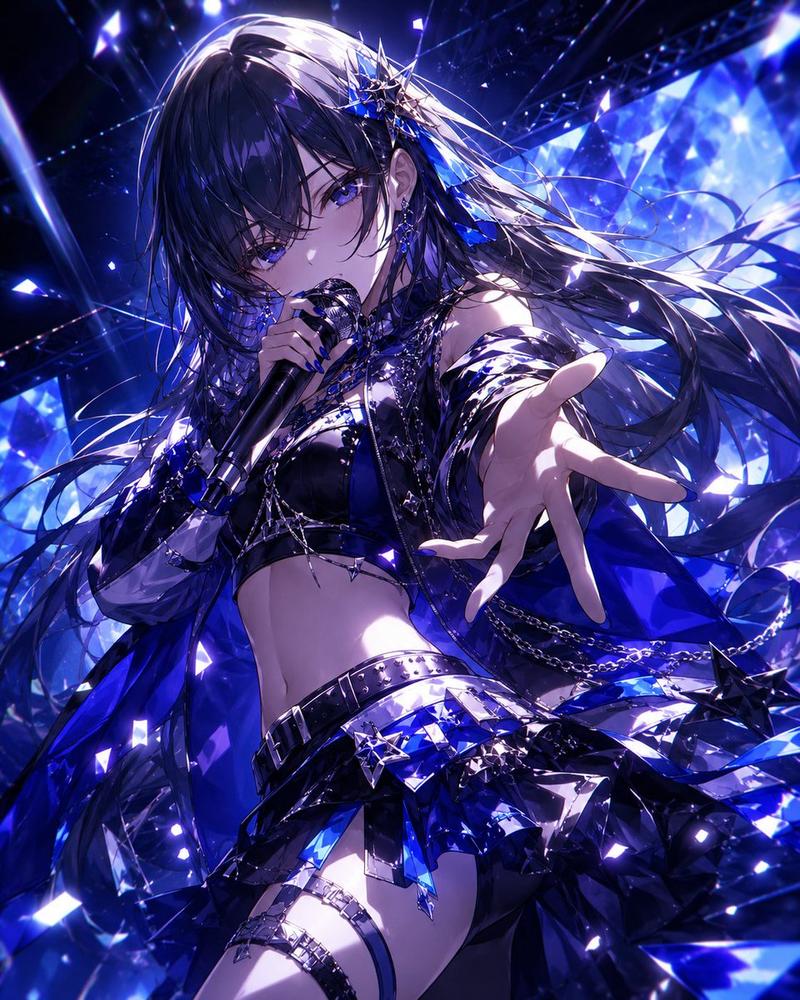
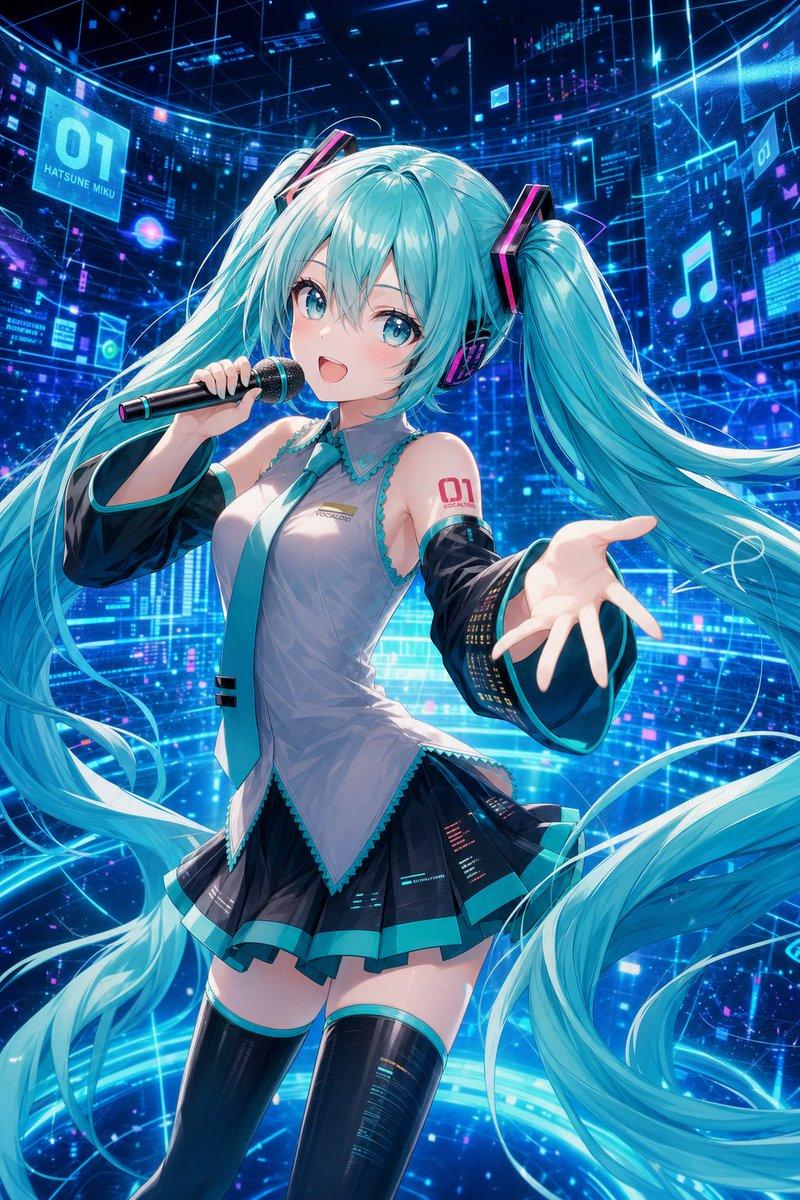
Create a vertical dark anime character poster of {argument name="character name" default="Kushina Uzumaki"}, a powerful red-haired kunoichi woman in a dramatic three-quarter pose, shown from thighs up against a deep blue-black smoky background. She has extremely long, flowing {argument name="hair color" default="crimson red"} hair whipping across the entire composition in thick ribbon-like strands, partially covering her face, with a large muted square blur censoring the central face area. Her expression is mostly hidden, but the pose feels intense and commanding: torso turned sideways, one bare arm extended toward the viewer with long fingers splayed in forced perspective. She wears a dark sleeveless shinobi-inspired dress with a high pale collar, fitted black bodice, layered black and dark red skirt panels, side slits, and visible black fishnet mesh at the chest and thigh. Surround her with one continuous glowing red chakra chain looping diagonally around her body, with bright segmented links and smoky red energy trails; add three floating paper talismans with handwritten sealing symbols, including one tag near the upper right, one at lower left, and one near the lower right. In the upper left corner, add faint handwritten text reading “漩涡玖辛奈 / Kushina Uzumaki”. Use a moody desaturated color palette, rough ink linework, painterly anime shading, dynamic hair motion, subtle grain, cinematic lighting, and a dark occult ninja atmosphere, with a small artist-signature-like mark in the lower right.- Category
- Charts & Infographics
- Model
- GPT Image 2
- Creator
- 𝟡𝟜 𝚅̷𝙰̷𝙽̷ ᴾᴸᴬʸᶠᴼᴿᴳᴱ
- Source ID
- 19312
- Published
- May 9, 2026
Views8