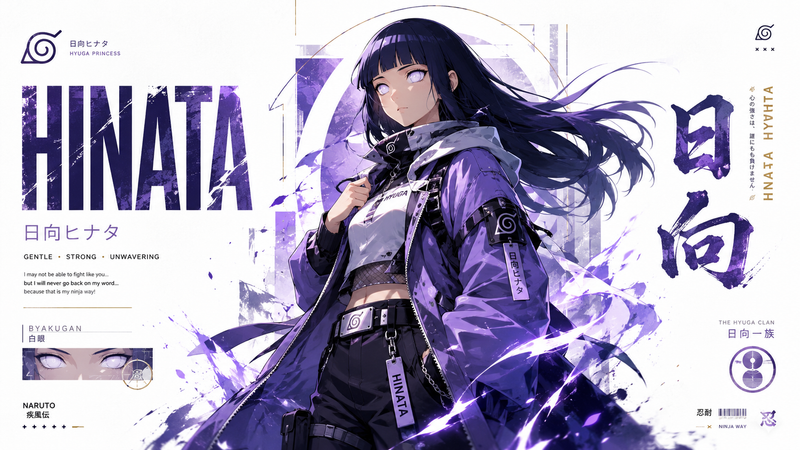
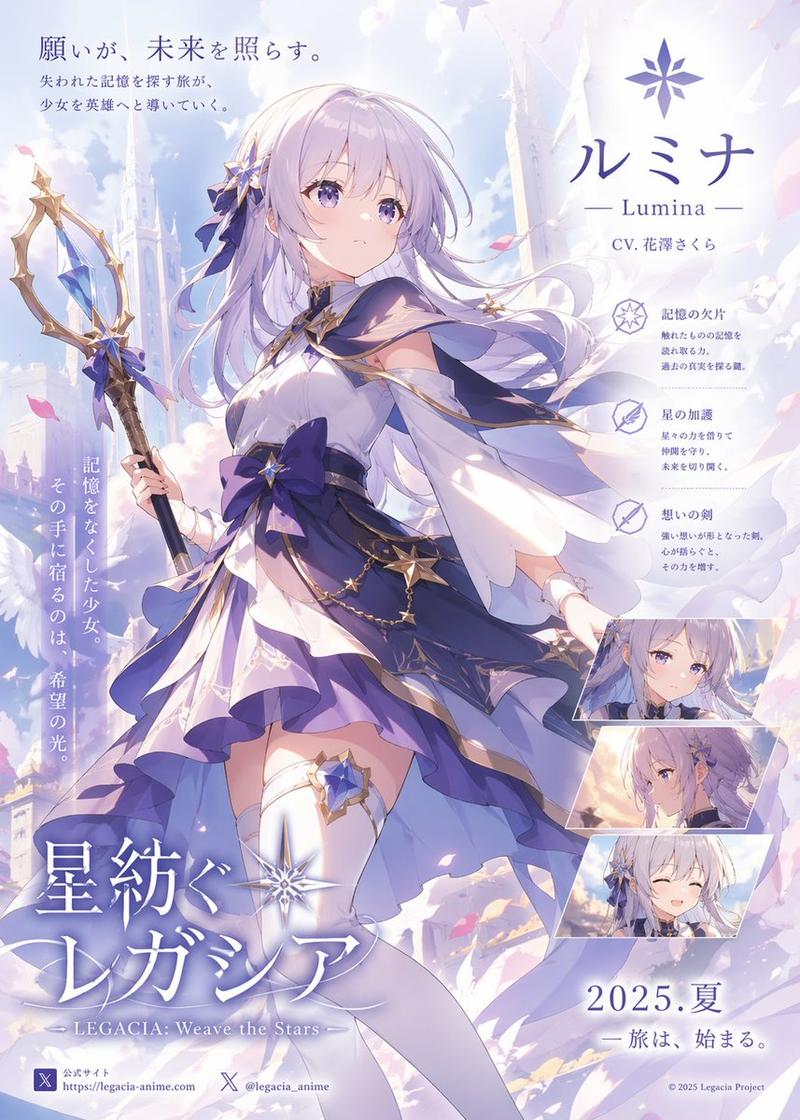
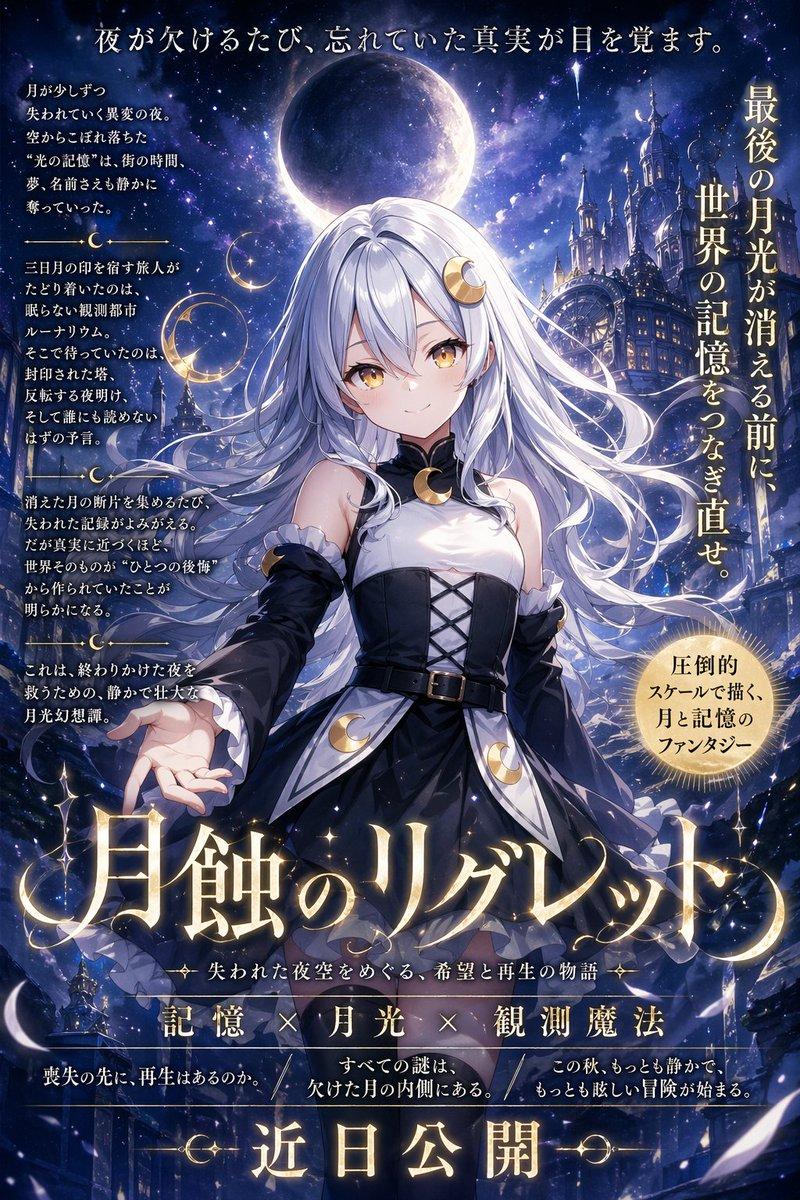
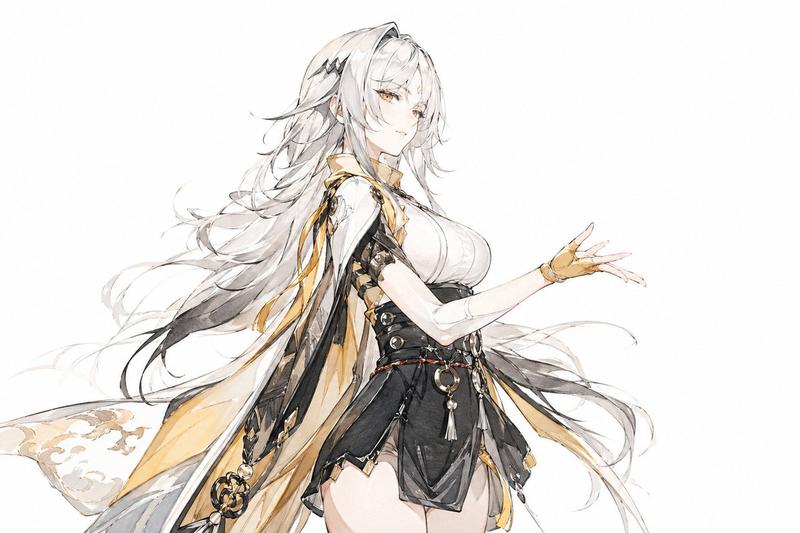
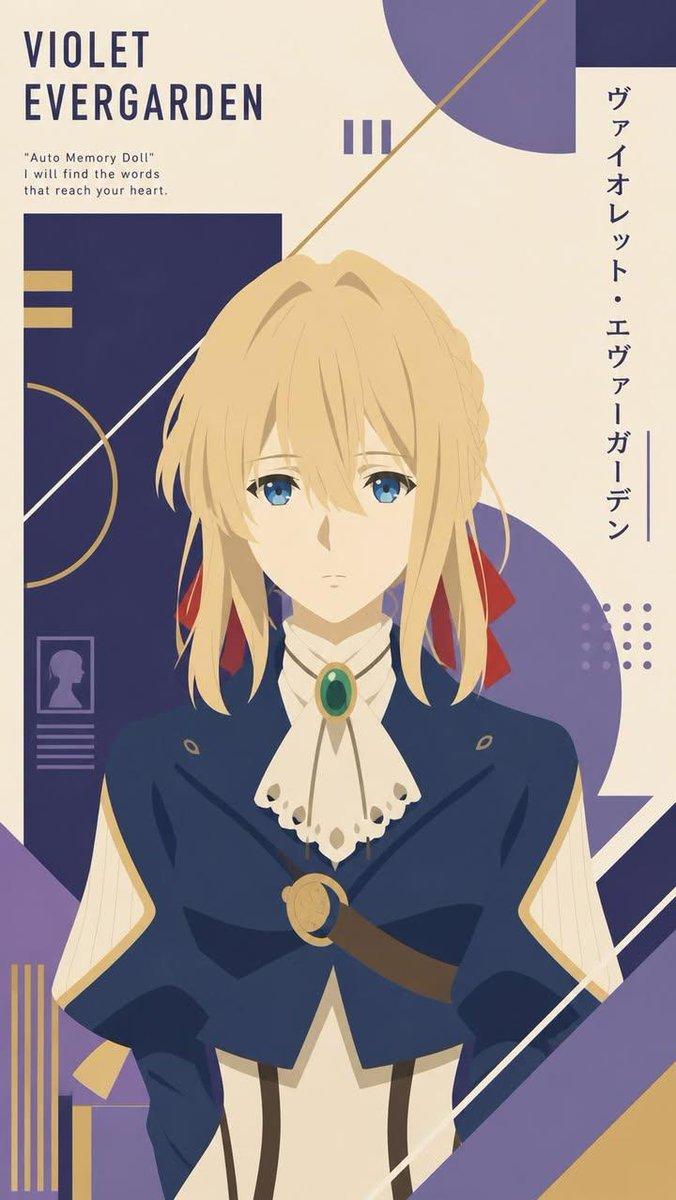
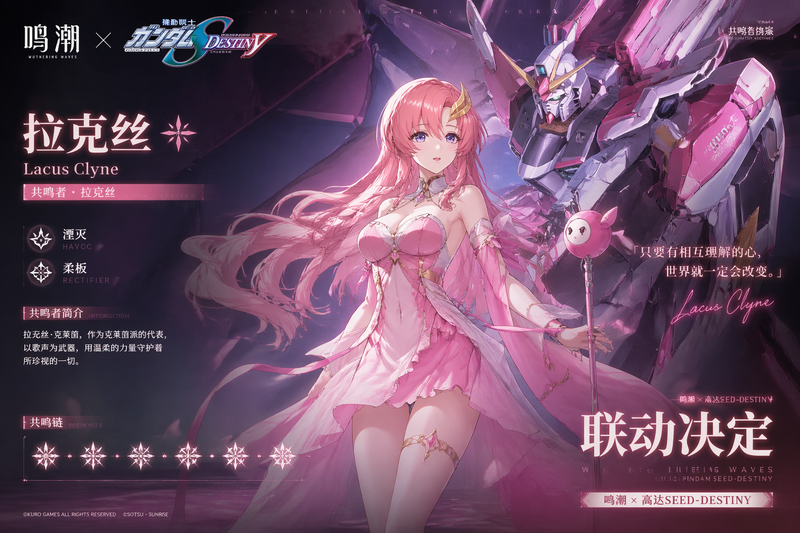
奇幻动漫女巫电影海报
Prompt
Create a dramatic vertical fantasy anime movie poster for {argument name="franchise title" default="LEGENDS OF URIA"}, with a clean white background, bold royal-purple graphic accents, and premium cinematic key art styling. The central figure is {argument name="character name" default="LORANA"}, a tall elegant dark witch shown from mid-thigh up in a heroic three-quarter pose, facing slightly right, with her face partially obscured by flowing long black hair. She has extremely long windblown hair streaming leftward across the composition, pale skin, a confident mysterious presence, and a dark sorceress design. Her outfit is a fitted black mini dress with structured gold trim, a sweetheart bustier, long black gloves, thigh-high black stockings, a heavy gold chain belt draped around the hips, and a large crimson cape lined in deep purple. She wears ornate red metallic shoulder armor with gold edging and matching red bracers. In her raised right hand, she levitates an old brown spellbook with gold corner details and an eight-pointed star emblem, surrounded by vivid blue magical flames and glowing energy. Behind her, place a diagonal purple panel on the right side with silhouettes of gothic spires and castles fading into the background, plus a faint circular magic sigil behind her hair and shoulders. Add small red flower petals drifting through the scene, thin black decorative lines, tiny diamond icons, dotted texture clusters, and angular red-and-purple motion graphics for a modern fantasy poster layout. At the top left, include the large stylized title text {argument name="series logo text" default="URIA"} in ornate serif fantasy lettering, with smaller text above reading "LEGENDS OF" and small Japanese subtitle text below reading "レジェンド オブ ウリア". Add 1 vertical Japanese tagline on the left side: "千年の時を超え、魔女が帰還する" with the single word "魔女" highlighted in red. At the top right, include 1 compass-like emblem and stacked small text reading "MAGIC DESTINY LEGEND". At the bottom center, add layered Spanish and English release typography: 1 red line reading "EL REGRESO DE LA BRUJA", 1 huge white number reading {argument name="year count text" default="1000"}, 1 smaller white word "AÑOS", and 1 massive purple character name reading {argument name="main name text" default="LORANA"}, with 1 small red katakana label "ローラーナ" beneath it. At the bottom left, include 1 release block with "ESTRENO 2026" and smaller text "SOLO EN CINES Y PLATAFORMAS", plus 3 small fantasy faction-style emblems. At the bottom right, include 1 stacked tagline block with five lines: "UNA LEYENDA", "PERDIDA.", "UN PODER", "PROHIBIDO.", "UN DESTINO", "INEVITABLE." At the very bottom center, add the line "DESTINY WILL BE WRITTEN IN BLOOD AND MAGIC." Use high-detail anime illustration, glossy shading, elegant fantasy poster composition, strong contrast, luxurious crimson, black, gold, and violet palette, with a polished theatrical coming-soon feel.- Category
- Charts & Infographics
- Model
- GPT Image 2
- Creator
- lorhanstudio
- Source ID
- 15784
- Published
- Apr 24, 2026
Views5