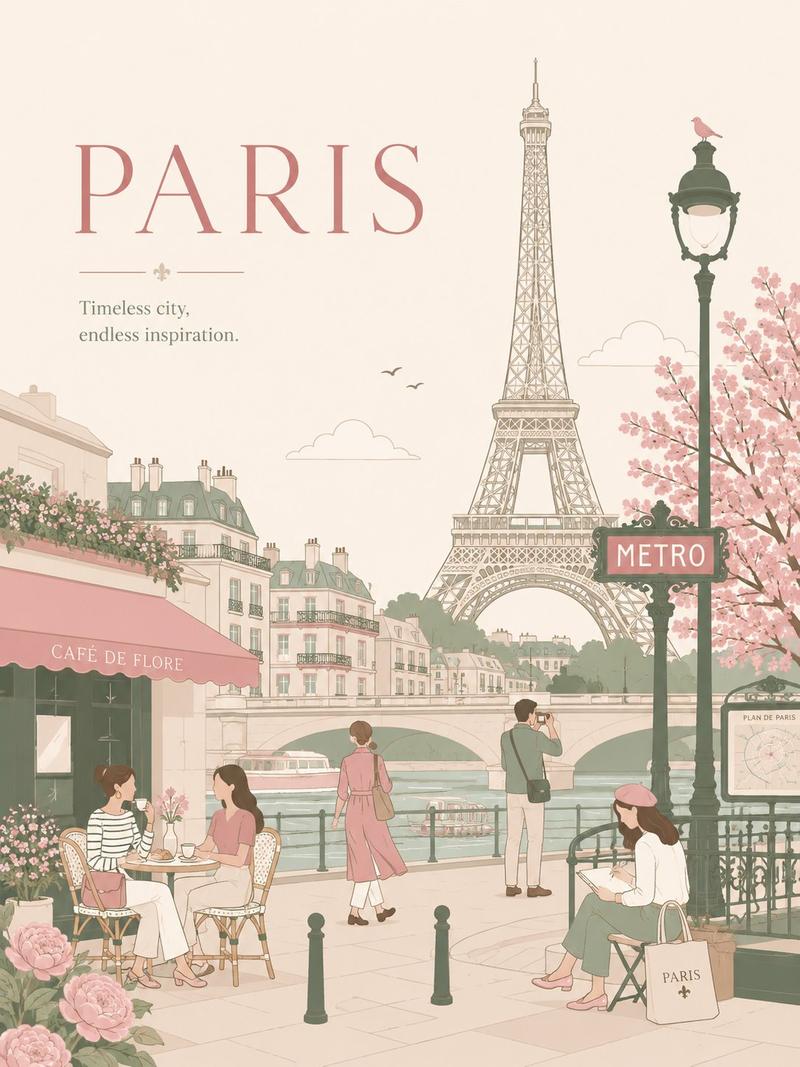
复古巴黎冠军赛决赛海报
Prompt
{"type":"vintage Paris football final poster","format":"vertical travel poster, distressed screen print collage","theme":"Paris France, Eiffel Tower, PSG colors, UEFA Champions League final celebration","main_text":{"date":"{argument name=\"date text\" default=\"30/05/26\"}","city_word":"{argument name=\"city word\" default=\"PARIS\"}","tower_word":"{argument name=\"tower word\" default=\"TOUR EIFFEL\"}","slogan":"{argument name=\"slogan text\" default=\"ICONIC. TIMELESS. UNFORGETTABLE.\"}"},"layout":{"background":"aged off-white paper with blue cloudy paint wash, red and blue brush-stroke corners, grunge ink texture, worn edges","centerpiece":"black graphic Eiffel Tower shaped from stacked block letters spelling TOUR EIFFEL vertically, with the real Eiffel Tower base arch integrated over a photo-like view down the Champ de Mars toward the Trocadéro, tree-lined avenue and tiny crowd at the bottom","oversized_typography":"huge distressed red letters spelling PARIS diagonally across the middle; the A is stylized as an Eiffel Tower silhouette; letters overlap the tower and blue sky paint","top_area":{"count":3,"elements":["top-left title PARIS FRANCE in blue condensed sans-serif","massive blue date 30/05/26 centered across the top","small blue asterisk/star symbol at top-right with tiny TM mark"]},"left_column":{"count":6,"elements":["small globe icon","text block: 1889 SYMBOL OF ELEGANCE","round PSG-style crest with Paris Saint-Germain colors","red fleur-de-lis symbol","blue graffiti signature reading Paris","small caption ARCHITECTURE THAT TOUCHES THE SKY with three icons: asterisk, globe, heart, plus a circled number 26"]},"right_column":{"count":2,"elements":["white UEFA Champions League trophy icon with blue starball logo and text UEFA CHAMPIONS LEAGUE","handwritten blue slogan ICONIC. TIMELESS. UNFORGETTABLE. with underline"]},"bottom_area":{"count":3,"elements":["realistic panoramic park scene under the Eiffel Tower arch","blue barcode centered near the bottom","caption TOUR EIFFEL COLLECTION beneath the barcode"]}},"style":{"color_palette":"Paris Saint-Germain red, deep royal blue, navy black, off-white paper, muted green trees","printing":"bold posterized risograph/screen-print look, rough dry-brush edges, visible ink scuffs, distressed halftone texture","typography":"mix of tall condensed sans-serif, huge rough block letters, stencil-like black tower lettering, handwritten marker annotations","mood":"sporting, collectible, celebratory, iconic Paris landmark poster for a Champions League final"},"composition_notes":"make the poster symmetrical around the Eiffel Tower, keep the date dominant at the top, the red PARIS lettering extremely large, and the trophy clearly visible on the upper right; use no photo reference, generate all elements from text.","customization":{"club crest":"{argument name=\"club crest\" default=\"PSG-style crest\"}"}}- Category
- Charts & Infographics
- Model
- GPT Image 2
- Creator
- FLO - Creative Builder
- Source ID
- 19363
- Published
- May 9, 2026
Views3

![Design a premium 4:5 collectible postal-stamp poster for [CITY], where the entir](https://i.pixshop.app/storage/v1/render/image/public/prompt-source-media/promptsref/work-5882/image-1-4a71217abc02d54a.png?width=800&quality=75&resize=contain)