18

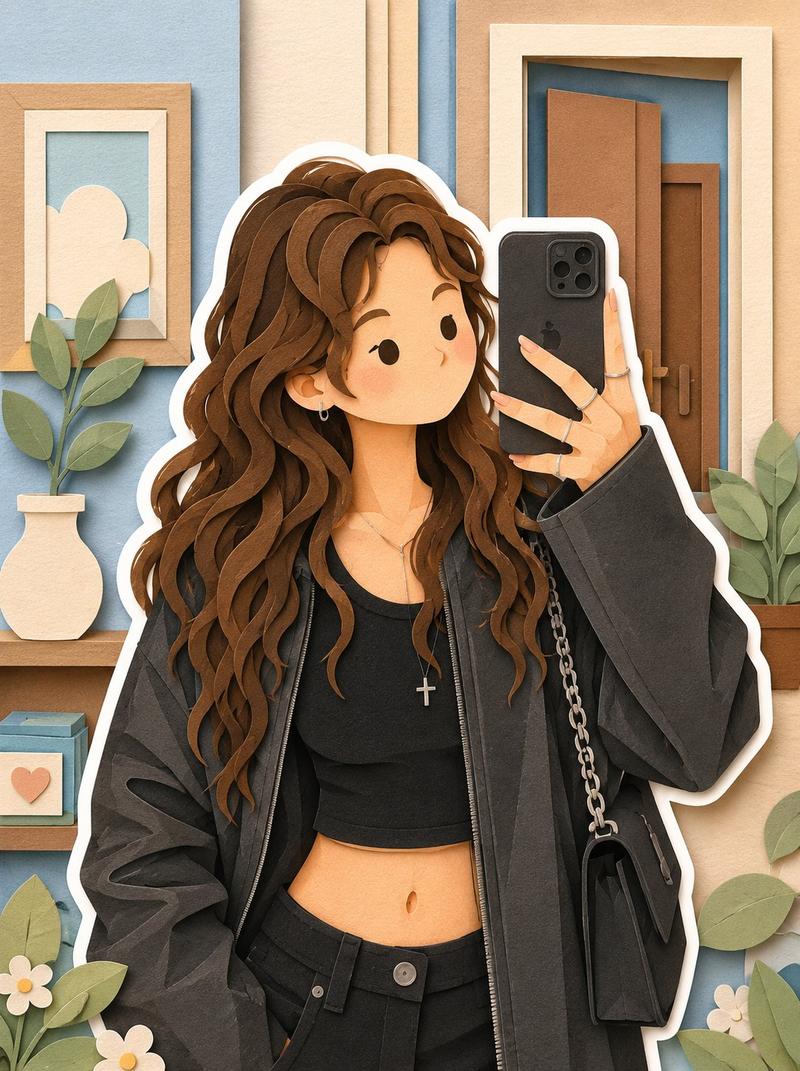
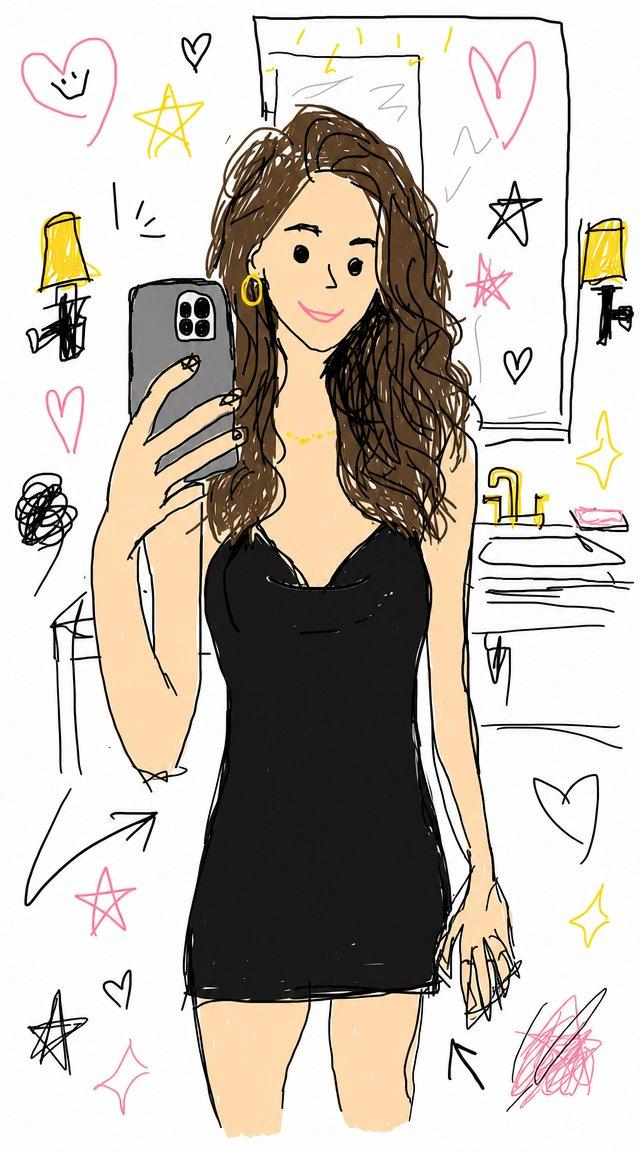
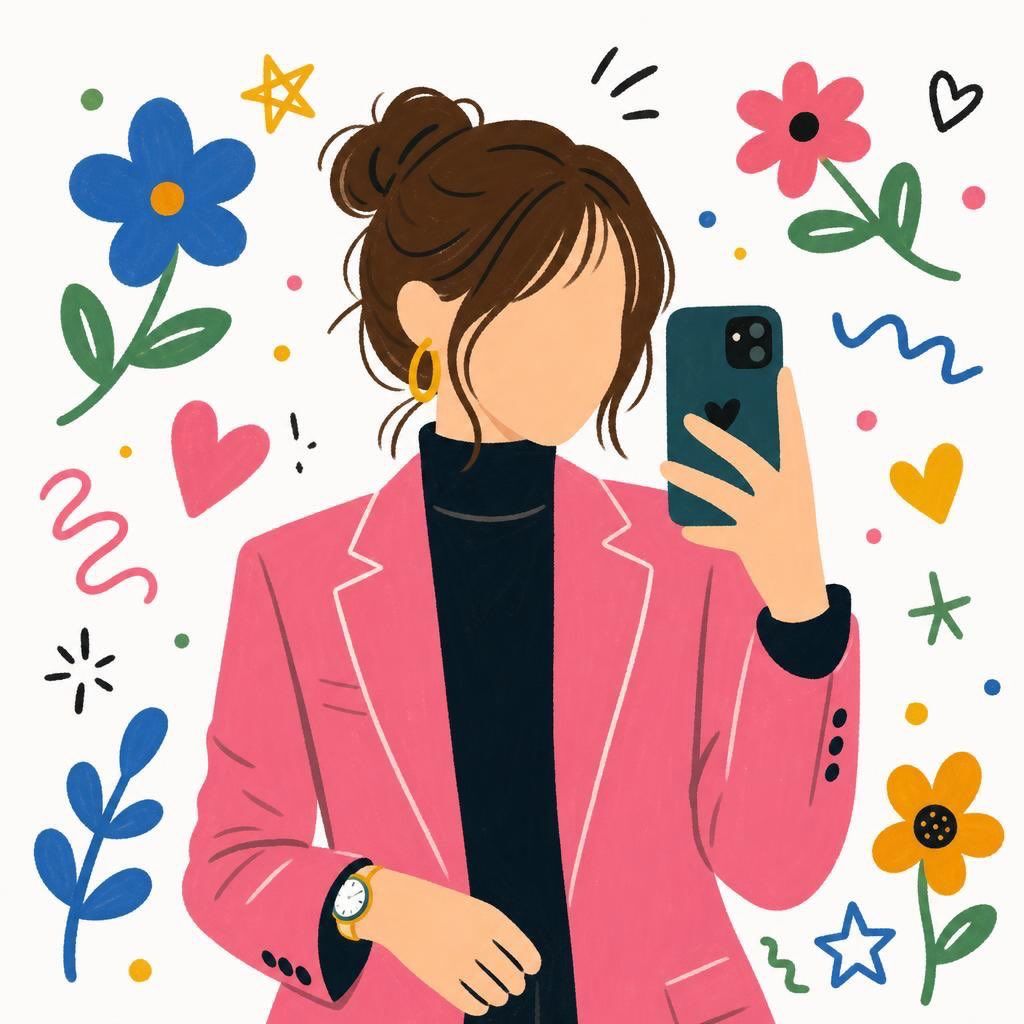
扁平化卡通无脸女孩插画
Enlarge

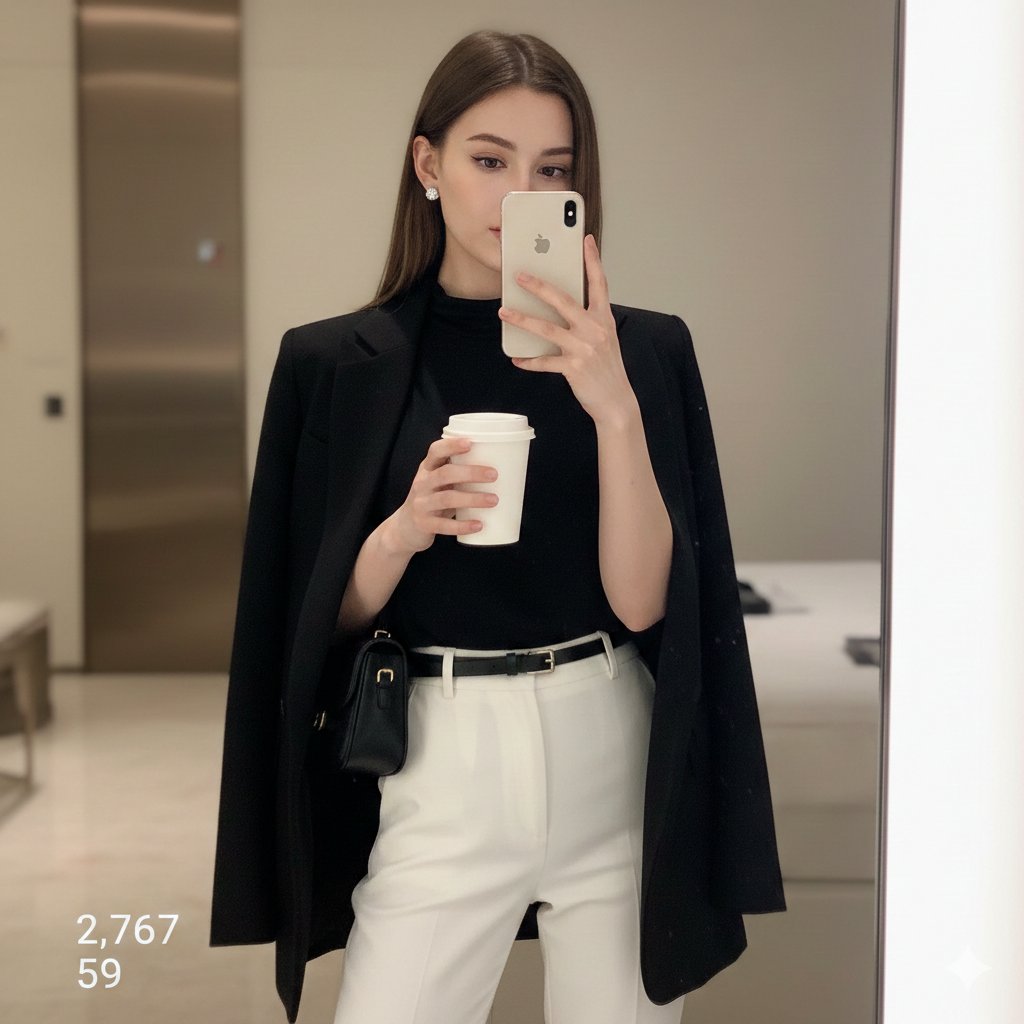
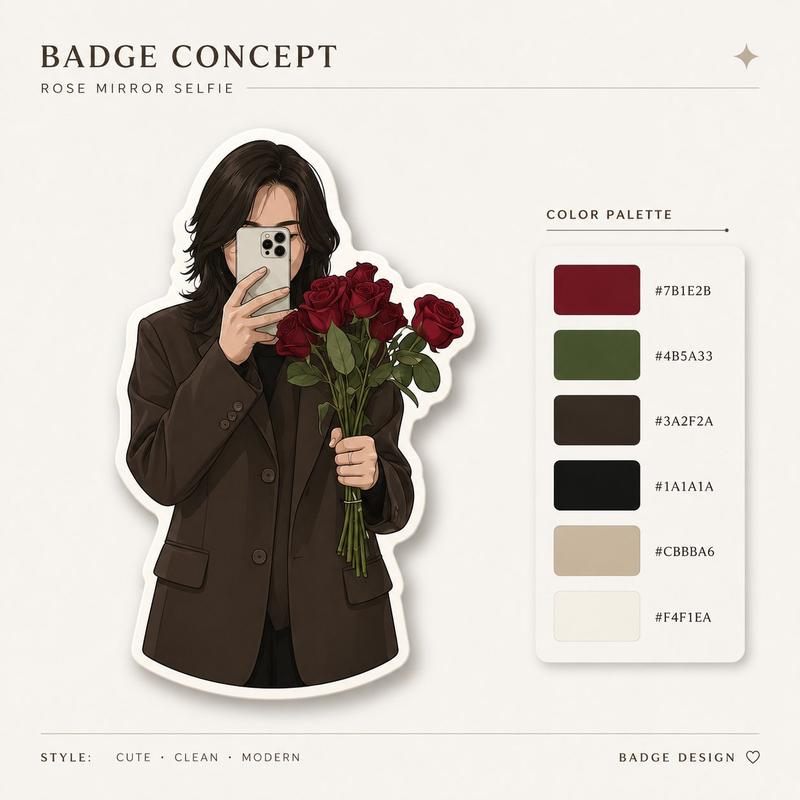
Example images

扁平化卡通无脸女孩插画

Prompt
Cute faceless girl illustration in modern flat cartoon style, brown messy bun hairstyle with loose bangs, wearing a pink blazer over a black turtleneck, holding a smartphone for a mirror selfie, minimal facial details, colorful doodle flowers, hearts, stars and abstract squiggles around her, soft pastel palette, clean white background, aesthetic feminine digital art, playful hand-drawn style, cozy and trendy vibe, high detail, vibrant colors, Pinterest-style illustration. Cute aesthetic café breakfast illustration in colorful flat cartoon style, two iced coffee drinks with whipped cream on a tray, croissants, cheesecake slice with jam, Starbucks-inspired cups, decorative plants and abstract wall art in background, surrounded by doodle hearts, flowers and stars, pastel color palette, playful hand-drawn digital art, cozy café vibe, clean white background, vibrant modern illustration, Pinterest-style aesthetic, soft textures and cheerful composition.
Category
Charts & Infographics
Model
GPT Image 2
Creator
Sairah
Views15
Source ID
19460
Published
May 10, 2026

Guide

About "扁平化卡通无脸女孩插画"

What is this prompt for?

"扁平化卡通无脸女孩插画" AI image prompt for GPT Image 2 (Charts & Infographics). 一张现代扁平化卡通风格的无脸女孩插画,扎着凌乱丸子头,身穿粉色西装外套,非常适合 Pinterest 风格的审美数字艺术。 Copy it on Picva and recre…

The full copyable prompt and example visuals above are ready for AI image generation or one-click recreate in Picva.

How to use this prompt

  1. Step 1

    Open the prompt detail

    Review the example visuals, category, and full prompt text for "扁平化卡通无脸女孩插画".

  2. Step 2

    Copy the prompt

    Copy the prompt body from this page, or load it directly in Studio.

  3. Step 3

    Pick a model (GPT Image 2)

    Prefer GPT Image 2. If you switch models, keep subject and composition and tweak style terms.

  4. Step 4

    Generate and export

    Recreate the look in Picva, or export into your workflow for editing and publishing.

FAQ

What is the "扁平化卡通无脸女孩插画" prompt?
It is an AI image-generation prompt for GPT Image 2 in the Charts & Infographics category. This page includes the full prompt text, example visuals, and a one-click recreate path in Picva.
How do I use this prompt to generate an image?
Copy the prompt from this page, or use Generate / Studio. Paste it into a compatible image model, or recreate the look in Picva with optional reference images.
Which model is this prompt for?
This page lists GPT Image 2. Most descriptive prompts also transfer to nearby image models such as GPT Image, Flux, or Midjourney with light style tweaks.
Can I use the result commercially?
You can usually copy the prompt for creation, but commercial use of the final image depends on the model terms, reference-image rights, and the generated content. Follow the source author and platform rules.