18

柔和分层纸艺立体模型
Enlarge

柔和分层纸艺立体模型

Prompt
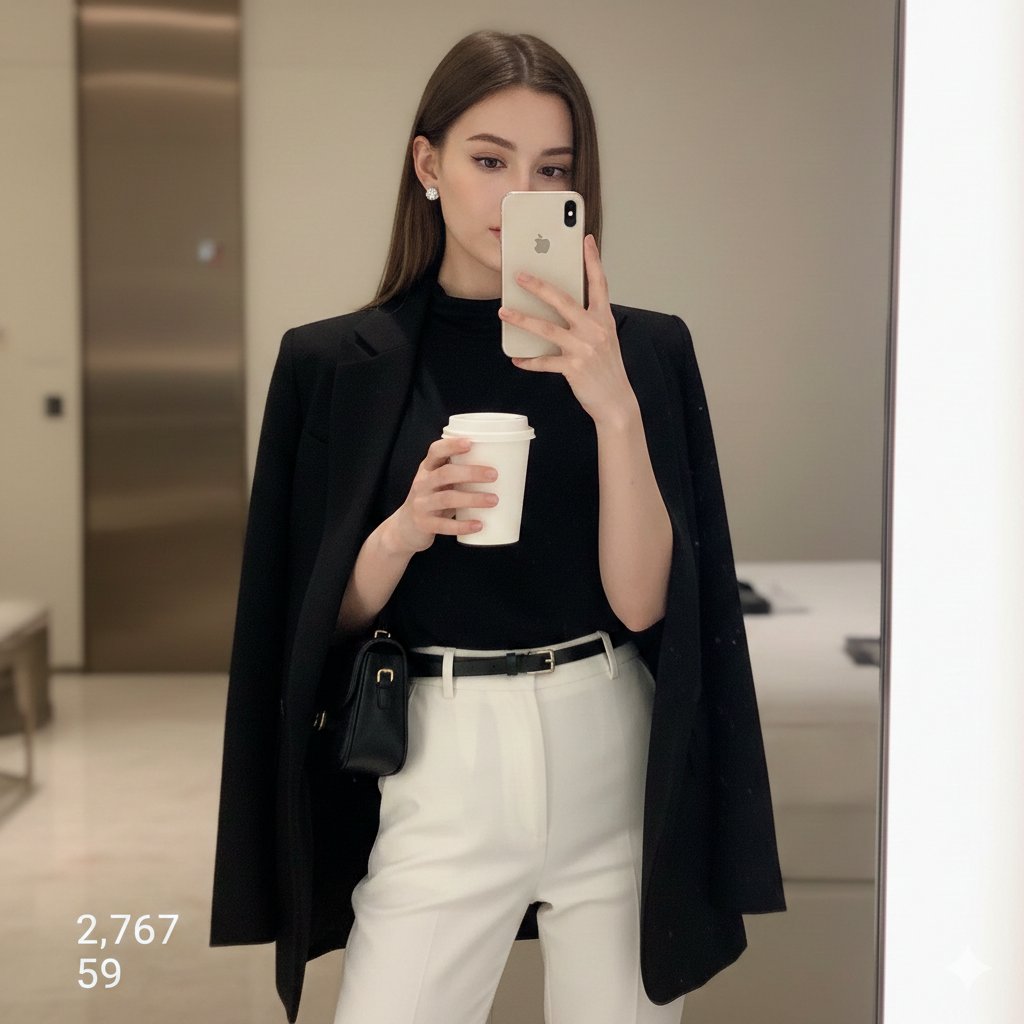
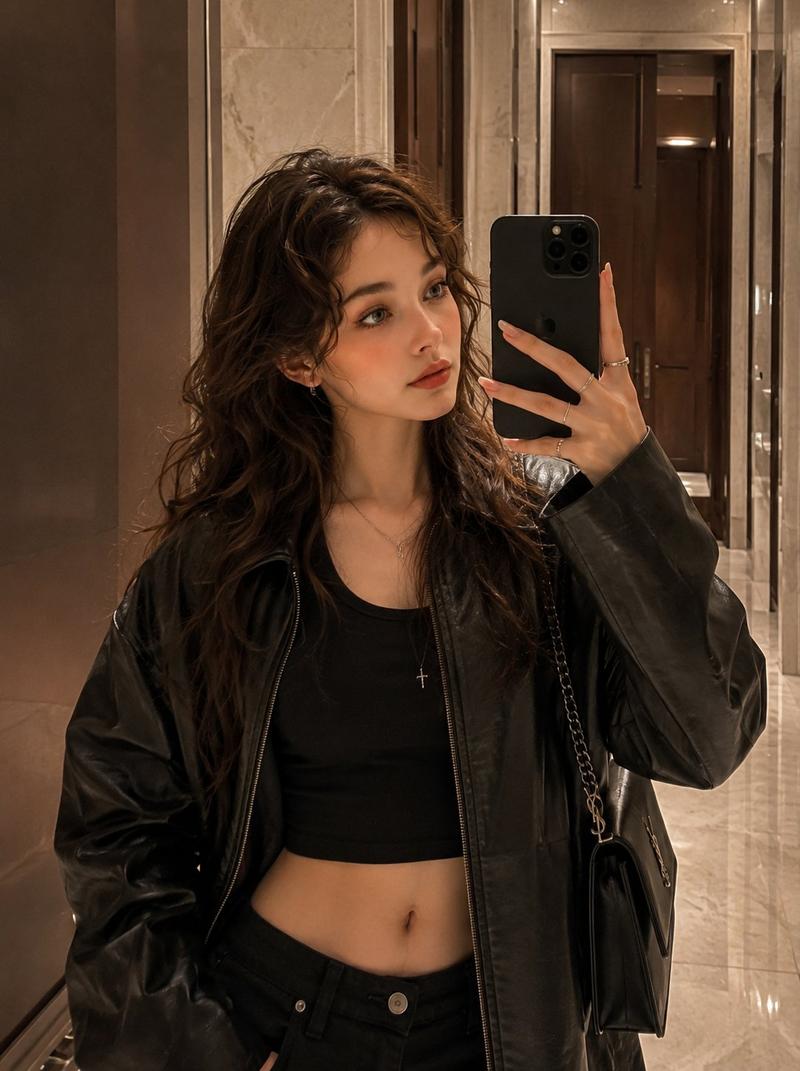
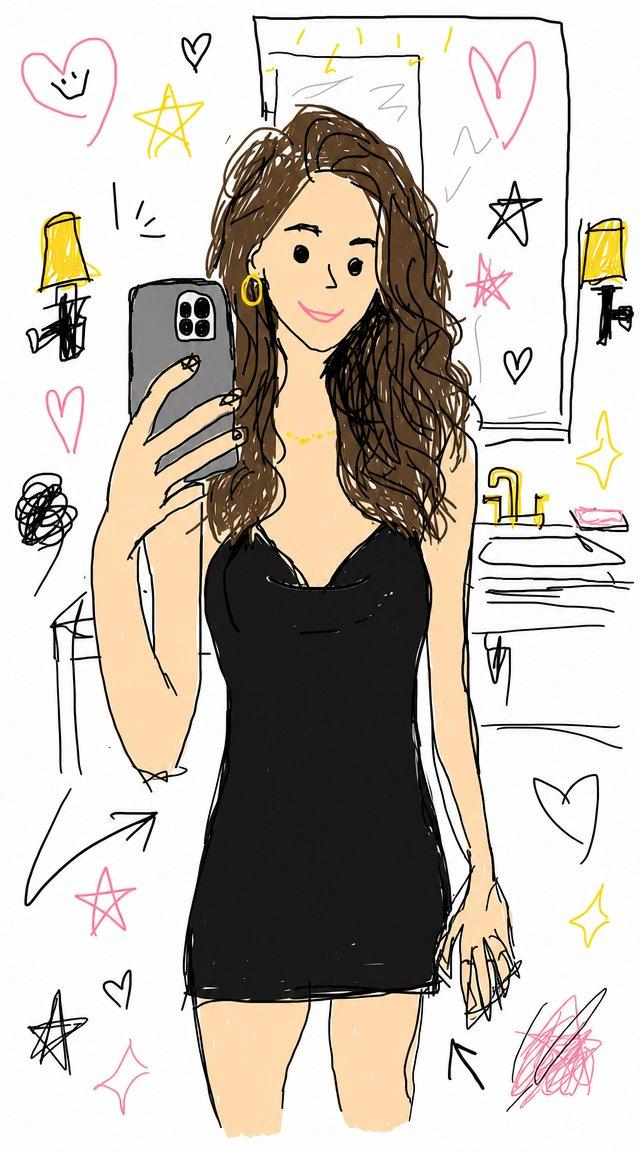
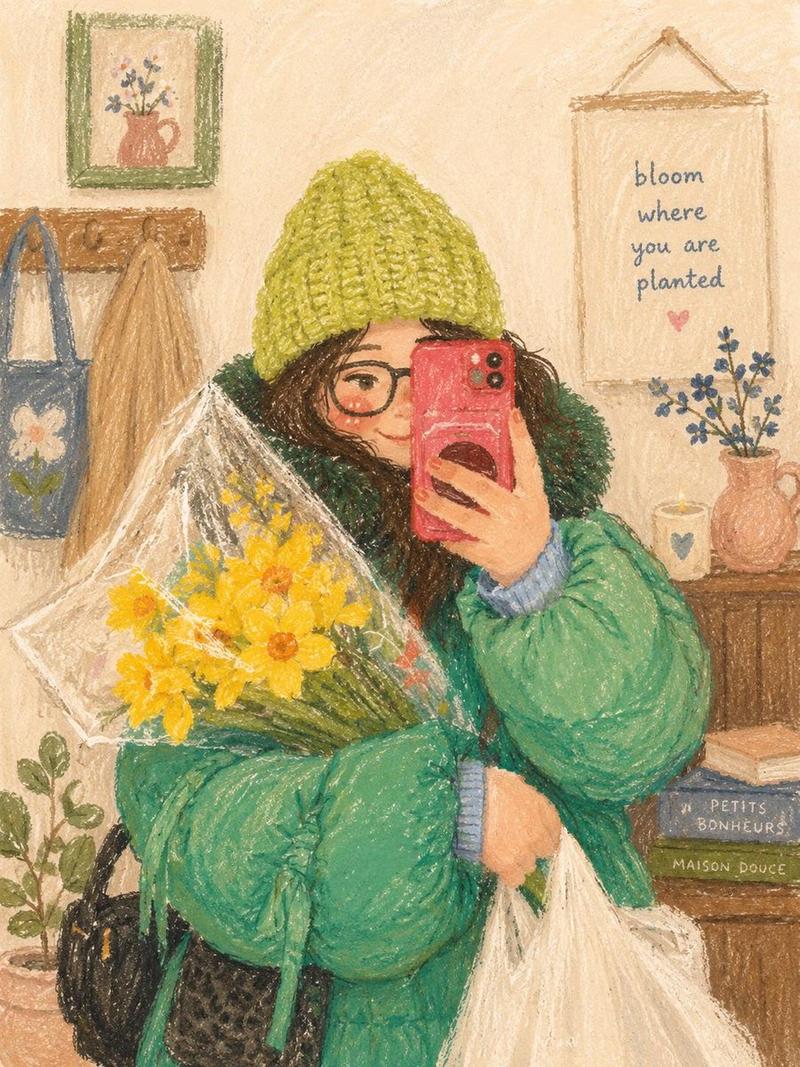
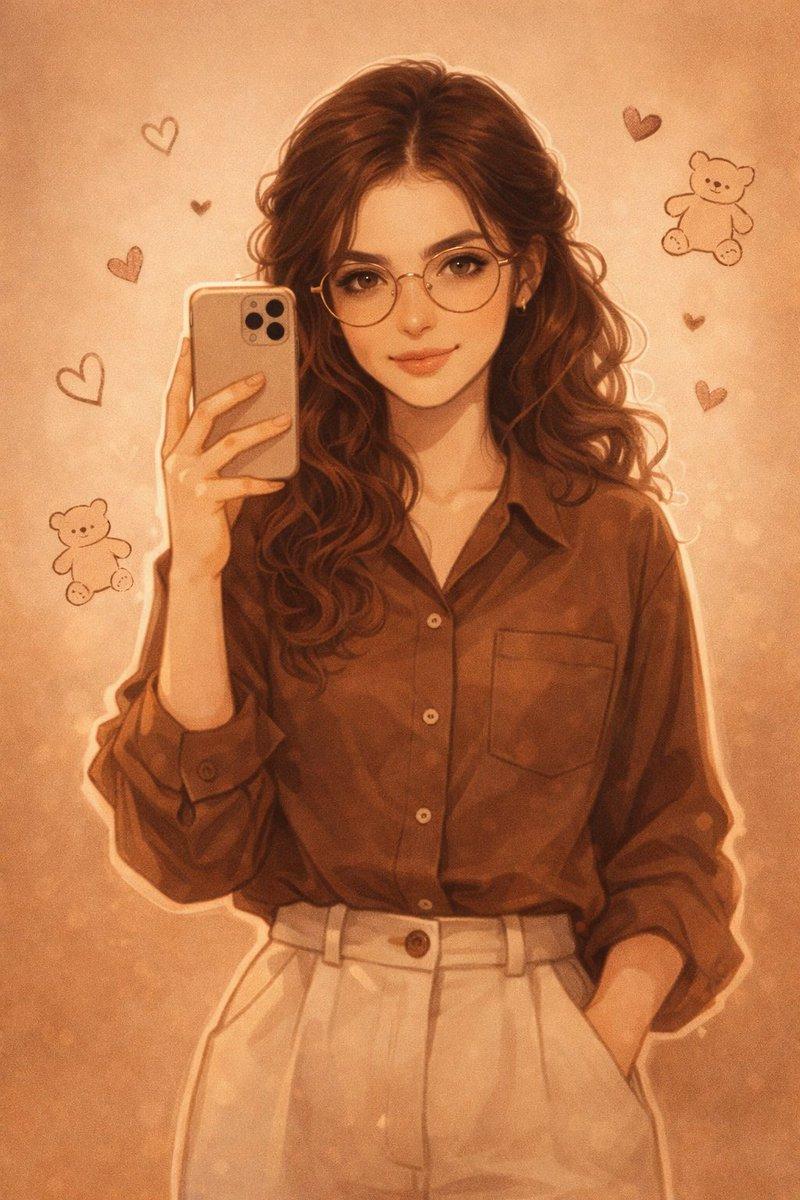
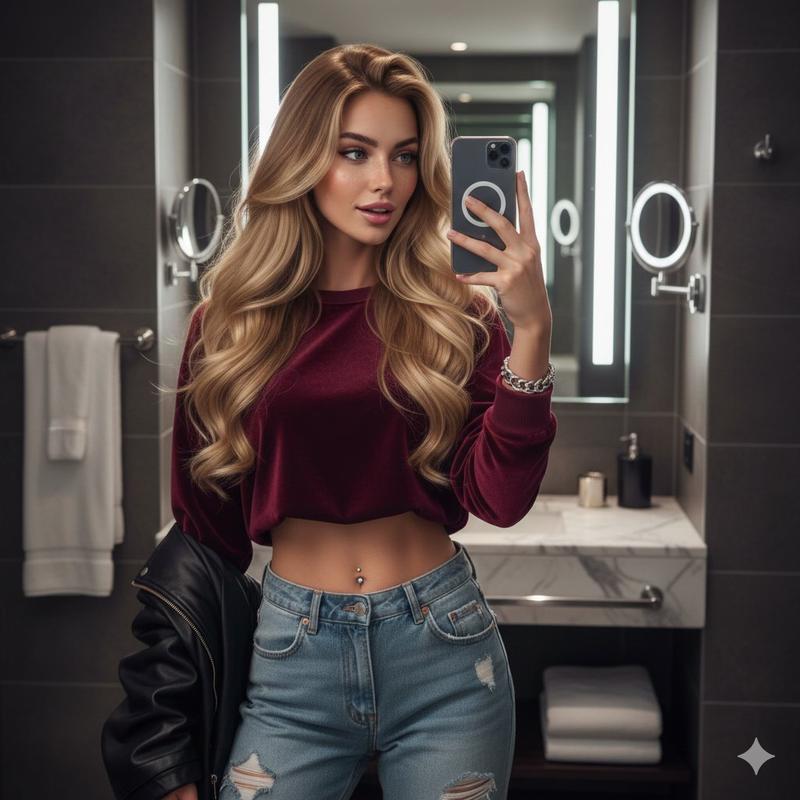
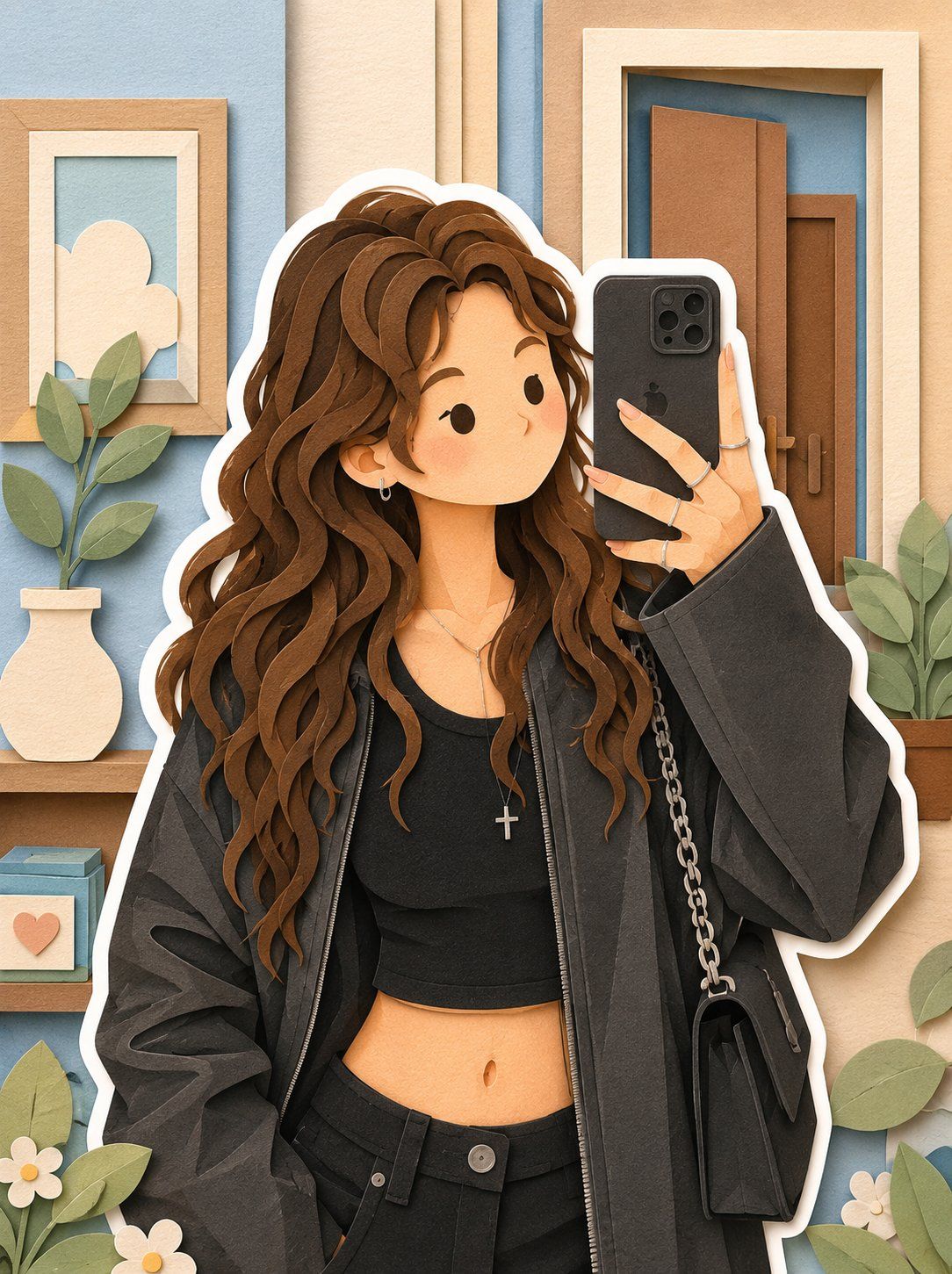
Transform this image into a soft, layered papercraft illustration inspired by the aesthetic of a handcrafted papercraft diorama. Use smooth, rounded shapes, simplified cute character proportions, and minimal facial features (such as dot eyes and subtle blush) to create a warm, charming, and inviting appearance. Build the scene using stacked paper layers with a strong sense of depth and dimension. Include delicate shadows between layers to emphasize the layered construction, while keeping all cut edges clean and precise, resembling laser-cut cardstock. Add a solid white outline around each main character, similar to a thick sticker border or a white paper backing. This outline should clearly separate the characters from the background and feel like an intentional layered paper element rather than a glow effect. Use a calming pastel color palette featuring muted blues, soft greens, and warm neutral tones. Maintain an overall balanced and soothing atmosphere. Lighting should be soft, diffused, and evenly distributed, enhancing the three-dimensional paper-layer effect while avoiding harsh contrast or dramatic shadows.
Category
Brand & Logos
Model
GPT Image 2
Views0
Source ID
25322
Published
Jun 12, 2026

Guide

About "柔和分层纸艺立体模型"

What is this prompt for?

"柔和分层纸艺立体模型" AI image prompt for GPT Image 2 (Brand & Logos). 一个将图像转换为具有深度、柔和色调和贴纸边框的手工纸艺插图的提示词。 Copy it on Picva and recreate the look in one click.

The full copyable prompt and example visuals above are ready for AI image generation or one-click recreate in Picva.

How to use this prompt

  1. Step 1

    Open the prompt detail

    Review the example visuals, category, and full prompt text for "柔和分层纸艺立体模型".

  2. Step 2

    Copy the prompt

    Copy the prompt body from this page, or load it directly in Studio.

  3. Step 3

    Pick a model (GPT Image 2)

    Prefer GPT Image 2. If you switch models, keep subject and composition and tweak style terms.

  4. Step 4

    Generate and export

    Recreate the look in Picva, or export into your workflow for editing and publishing.

FAQ

What is the "柔和分层纸艺立体模型" prompt?
It is an AI image-generation prompt for GPT Image 2 in the Brand & Logos category. This page includes the full prompt text, example visuals, and a one-click recreate path in Picva.
How do I use this prompt to generate an image?
Copy the prompt from this page, or use Generate / Studio. Paste it into a compatible image model, or recreate the look in Picva with optional reference images.
Which model is this prompt for?
This page lists GPT Image 2. Most descriptive prompts also transfer to nearby image models such as GPT Image, Flux, or Midjourney with light style tweaks.
Can I use the result commercially?
You can usually copy the prompt for creation, but commercial use of the final image depends on the model terms, reference-image rights, and the generated content. Follow the source author and platform rules.