Monochrome Eyewear Campaign Silhouette
Prompt
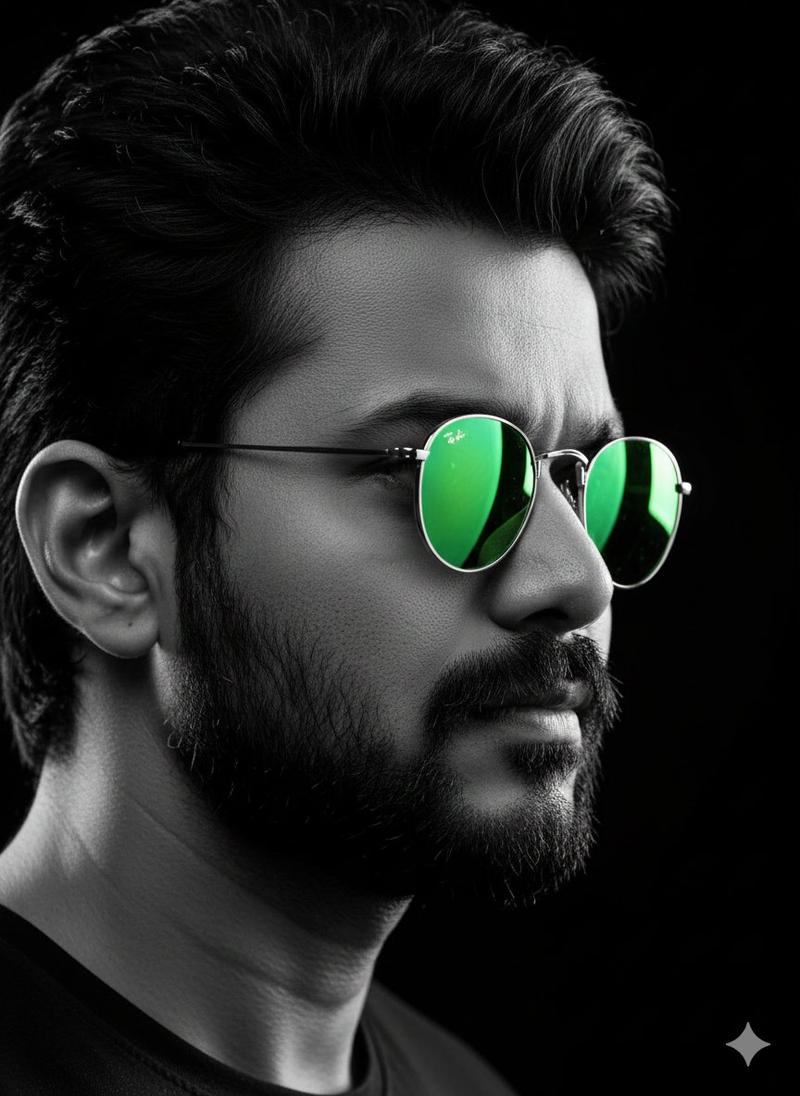
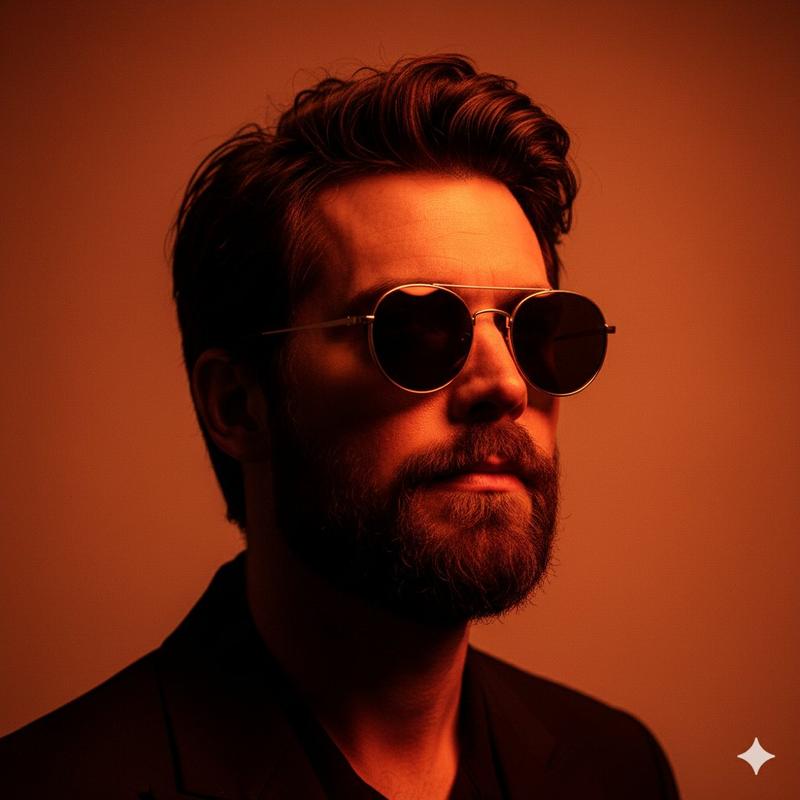
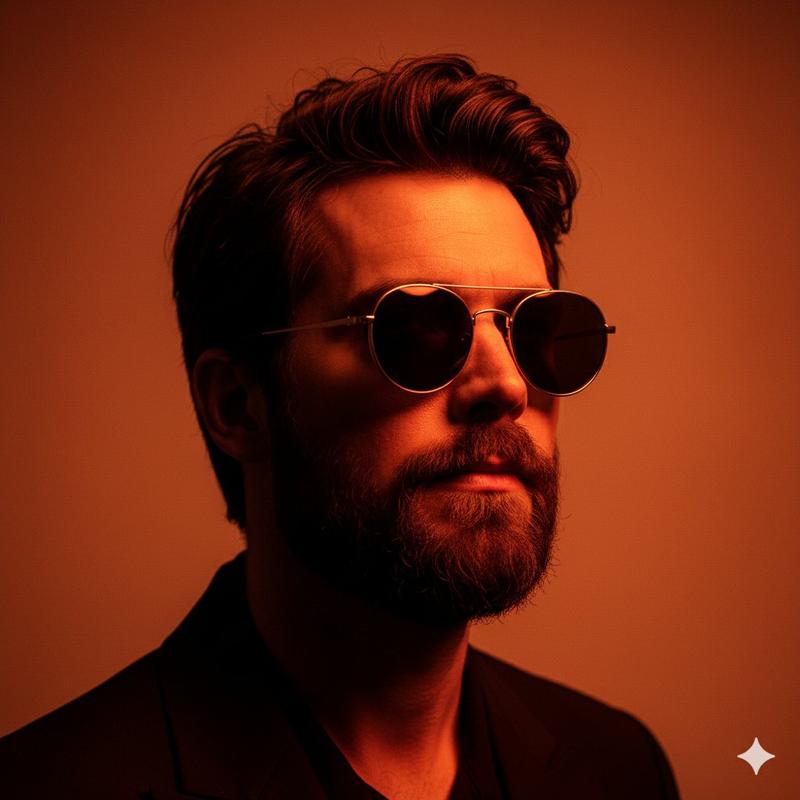
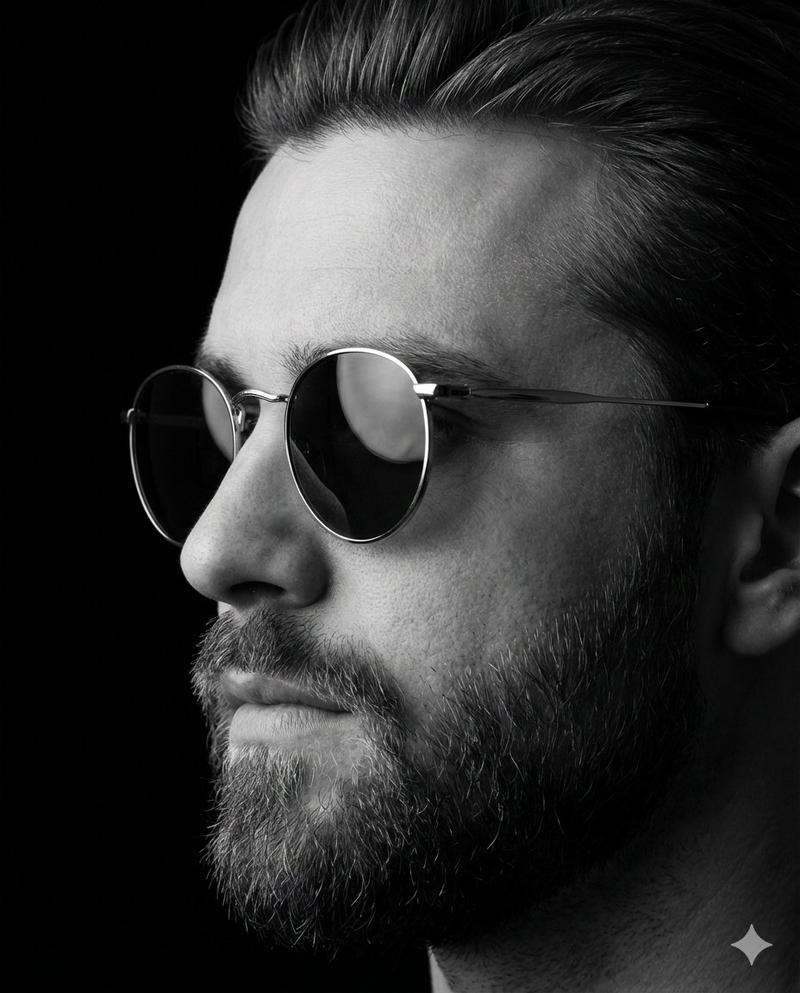
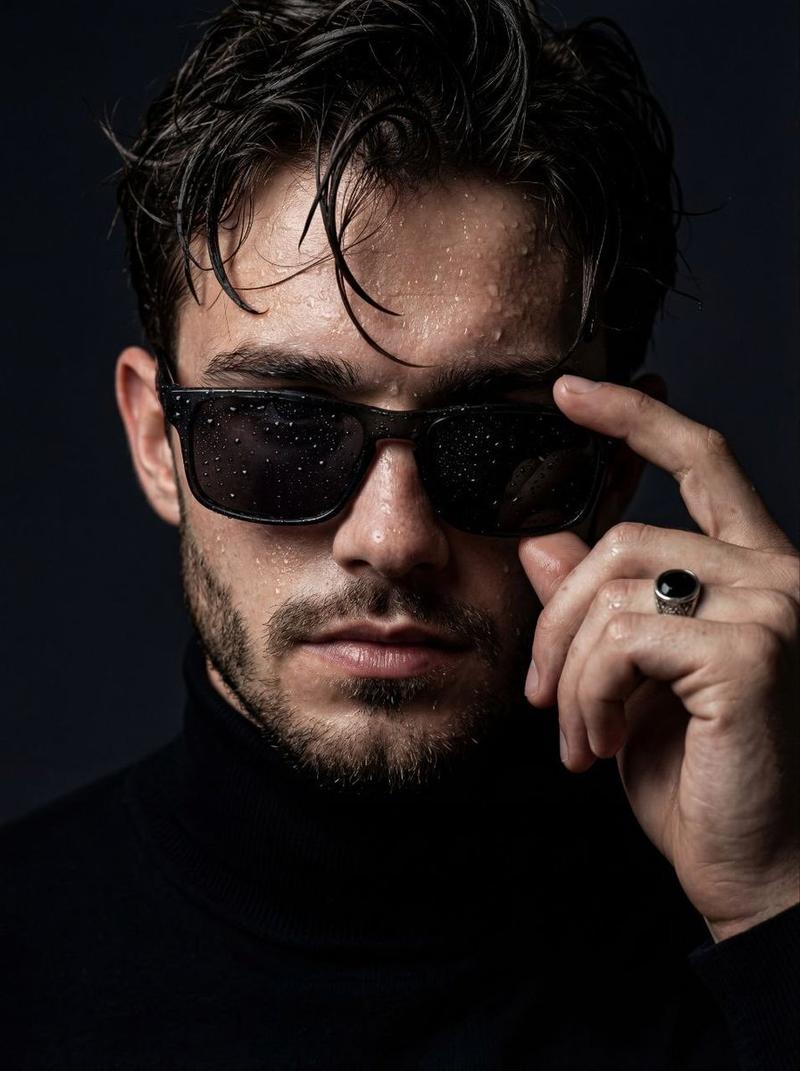
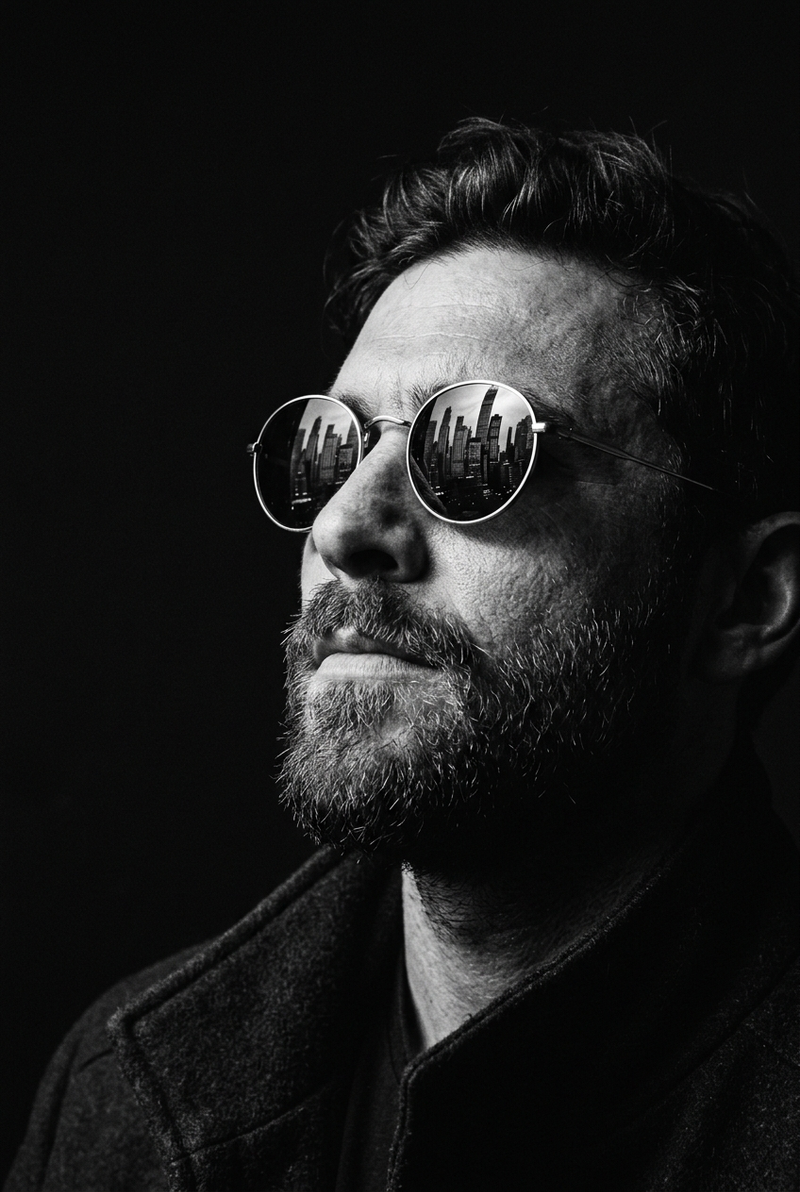
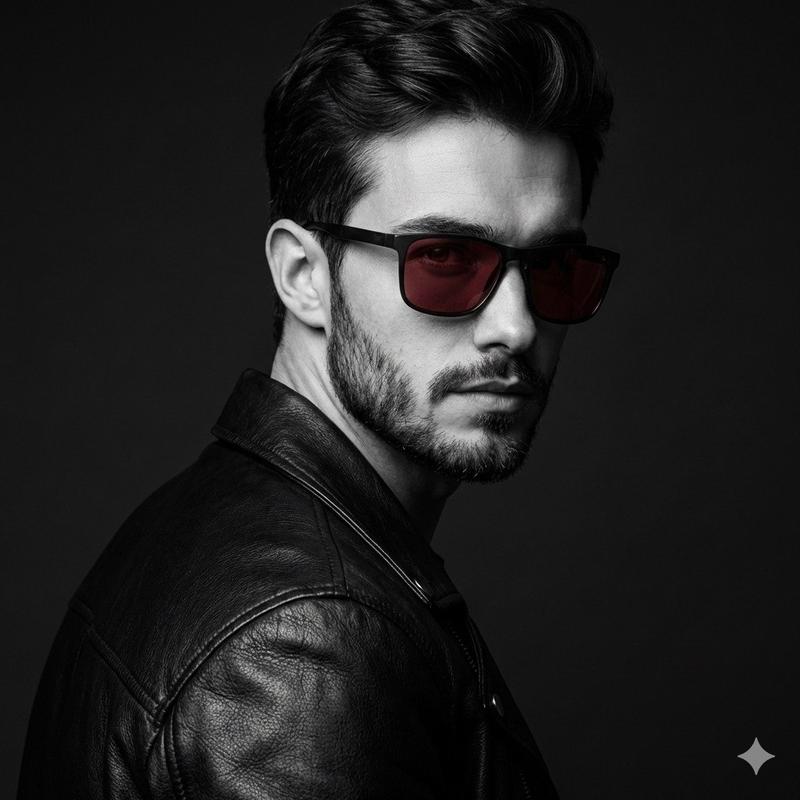
A dramatic black-and-white studio portrait of a {argument name="subject" default="stylish bearded man"} captured in a medium close-up profile shot against a completely black seamless background. The man faces toward the right side of the frame with his head slightly tilted forward, creating a bold editorial silhouette. He has a messy hair with sharp texture and a perfectly groomed full beard with visible individual hair strands and detailed mustache definition.

He wears {argument name="eyewear" default="glossy dark Clubmaster-style sunglasses"} with subtle metallic bridge details and reflective lenses. His right hand is raised naturally toward his face, gently adjusting the sunglasses with partially bent fingers. The hand is sharply detailed, showing realistic skin texture, knuckles, and soft shadows.

The subject is dressed in a {argument name="outfit" default="fitted matte black shirt"} with slight fabric texture, visible folds, and a cuff button catching a soft highlight. The entire image uses a high-contrast monochrome aesthetic with strong chiaroscuro lighting. A Rembrandt-style studio light from the right side creates crisp highlights on the forehead, cheekbone, nose bridge, beard edge, and hand while leaving the back side of the face and neck fading into deep shadow.

Shot with an 85mm prime lens at eye level using a shallow depth of field, keeping the face and sunglasses razor sharp while the edges fall subtly out of focus. The background is pure matte black with no visible texture or gradients, emphasizing the cinematic luxury fashion aesthetic.

Ultra-realistic editorial photography, premium eyewear campaign style, moody masculine portrait, luxury fashion advertisement look, sharp beard texture, glossy sunglasses reflections, dramatic studio shadows, clean monochrome tones, high detail skin texture, minimal composition, modern men’s fashion branding- Category
- Charts & Infographics
- Model
- GPT Image 2
- Creator
- SPEEDYAI
- Source ID
- 19464
- Published
- May 9, 2026
Views4