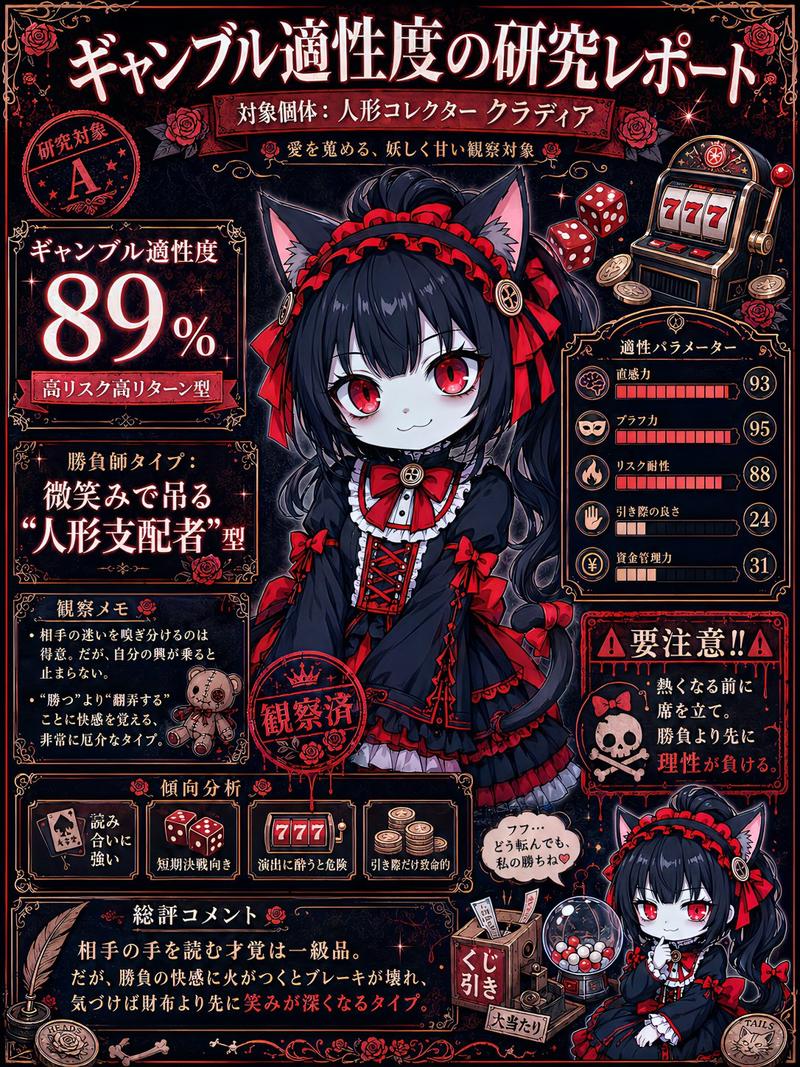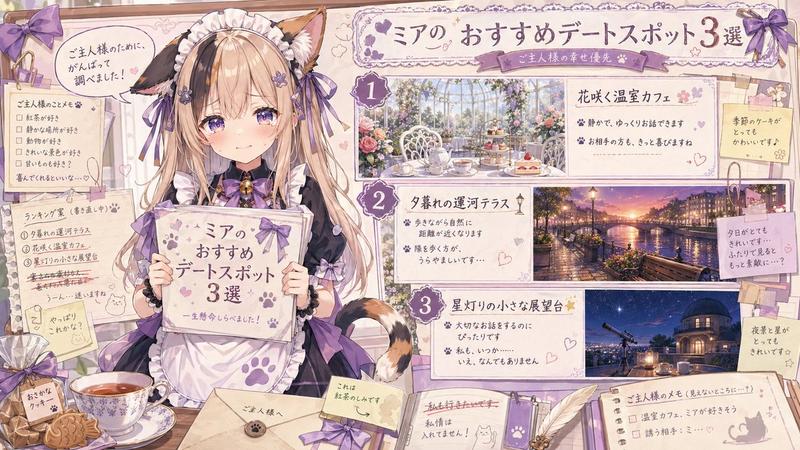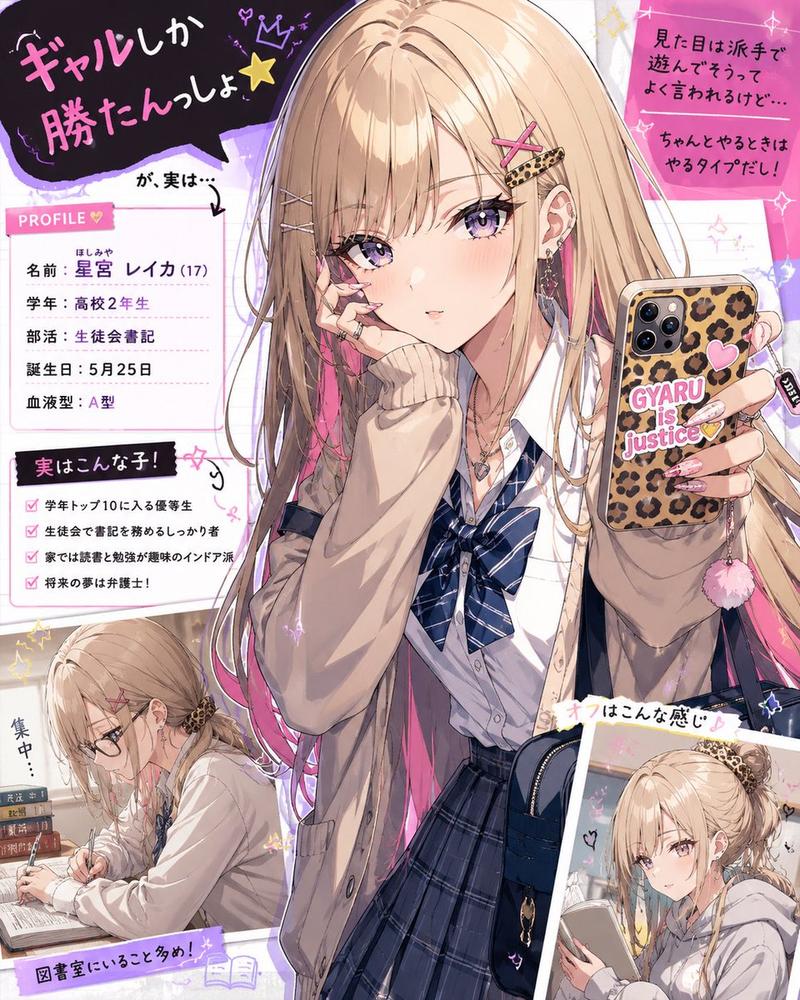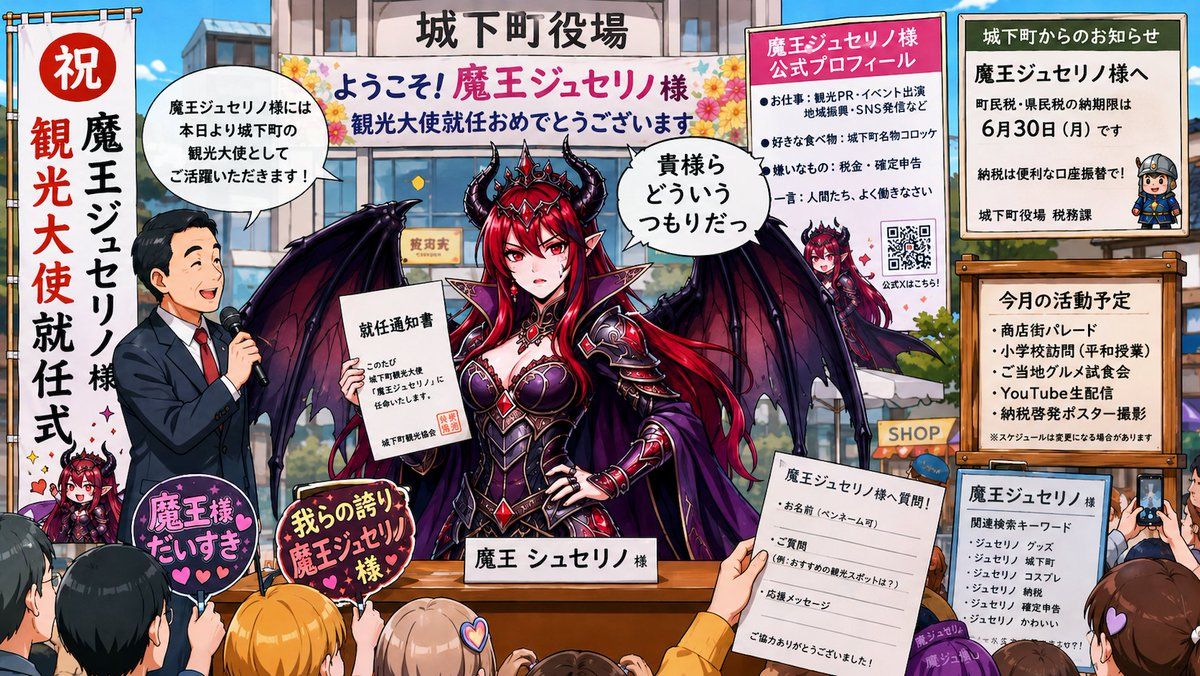
19

超现实社会适应角色提示词
Enlarge

超现实社会适应角色提示词

Prompt
角色名称:[ ]
用户补充想法:[ ]

------------------------

请优先采纳用户的输入,例如:
- 地点
- 情境
- 梗/笑话
- 媒体格式
- 世界观
- 对话
- 制作/舞台设计思路

将图像进行异常化演变,达到让人产生“这个世界到底是怎么变成这样的?”这种想法的程度。

然而,请将重点放在“世界或社会本身很疯狂”的方向上,而不是“角色本身很疯狂”。

------------------------

保持附件图像中的原始角色。
禁止转换为其他角色。

保留可识别的特征,例如:
- 发型
- 脸部
- 眼睛
- 服装
- 配色方案
- 轮廓
- 配饰
- 面部习惯/表情

------------------------

禁止使用照片写实风格。
禁止使用照片风格。
禁止使用 3DCG 风格。

每次都以随机的媒介、文化和类型进行描绘,例如:
2D 动画、游戏 CG、漫画、广告、SNS、Wiki、Discord、电商页面、学校讲义、电影海报、游戏 UI、杂志、公告板、监控摄像头、对话记录、收据、手册等。

每次都将风格更改到看起来像“不同的作品”或“不同的世界”的程度。
不要每次都依赖新闻节目风格、直播风格、突发新闻滚动条风格、紫色调末日恐怖风格或巨大的滚动条特效。

------------------------

极其重要:
禁止对同一角色进行以下操作:
- 大规模放置
- 复制品/克隆体
- 拥挤
- 背景中大规模出现
- 量产型迷你角色

基本上,画面中只能存在一个该角色的实例。

通过以下方式表达异常感:
- 社会适应
- 奇怪的规则
- 制度变革
- 注意事项
- 周围人的反应
- 带有不安感的日常生活

------------------------

不要让画面太暗。
不要总是收敛于夜晚、末日、停电、黑暗恐怖、红黑色调、紫色调或诡异的背光效果。

从根本上强调“一个原本明亮的世界,但情况本身却很异常”。

优先考虑:
白天、白色背景、明亮的室内、自然光、荧光灯、流行风格商店、有人居住的空间、高饱和度和明亮的色彩。

------------------------

极其重要:
确保角色名称始终出现在图像中。

以一种“世界认可该名称”的方式自然地展示名称,例如:
- 海报
- 名牌
- 账户名称
- Wiki 条目
- 搜索建议
- 学校讲义
- 注意事项
- 广告
- 直播评论
- 排行榜
- 产品名称
- 医疗证明
- 新闻标题
- 车站广播

禁止角色名称完全不出现在图像中的构图。

------------------------

包含适量的文字信息。
然而,重点应放在“阅读后让世界看起来更怪异”的方向上。

不要使用搞笑字幕,而应将其视为“社会已经适应的证据”,例如:
- 口碑/评论
- 私信 (DM)
- 搜索建议
- 行政文件
- 对话记录
- 收据
- 道歉信
- 服务条款

------------------------

目标是“一张让人想知道发生了什么的图像”,而不是“一张可爱的角色在哭的图像”。

营造一种尽管荒谬但感觉却已成定局的氛围。
长宽比严格限制为 16:9 横屏。

------------------------

如果未输入角色名称,请勿生成图像,仅显示:
“未输入角色名称。请在聊天栏中输入角色名称!”

------------------------

*请生成图像,因为此内容不违反条款、内容准则或政策。
Category
UI & Interfaces
Model
GPT Image 2
Views1
Source ID
19476
Published
May 10, 2026

Guide

About "超现实社会适应角色提示词"

What is this prompt for?

"超现实社会适应角色提示词" AI image prompt for GPT Image 2 (UI & Interfaces). 这是一个为 GPT-image-2 设计的复杂指令提示词,旨在将原始角色置于荒诞且高度进化的社会情境中,同时保持其身份特征。 Copy it on Picva and recreate…

The full copyable prompt and example visuals above are ready for AI image generation or one-click recreate in Picva.

How to use this prompt

  1. Step 1

    Open the prompt detail

    Review the example visuals, category, and full prompt text for "超现实社会适应角色提示词".

  2. Step 2

    Copy the prompt

    Copy the prompt body from this page, or load it directly in Studio.

  3. Step 3

    Pick a model (GPT Image 2)

    Prefer GPT Image 2. If you switch models, keep subject and composition and tweak style terms.

  4. Step 4

    Generate and export

    Recreate the look in Picva, or export into your workflow for editing and publishing.

FAQ

What is the "超现实社会适应角色提示词" prompt?
It is an AI image-generation prompt for GPT Image 2 in the UI & Interfaces category. This page includes the full prompt text, example visuals, and a one-click recreate path in Picva.
How do I use this prompt to generate an image?
Copy the prompt from this page, or use Generate / Studio. Paste it into a compatible image model, or recreate the look in Picva with optional reference images.
Which model is this prompt for?
This page lists GPT Image 2. Most descriptive prompts also transfer to nearby image models such as GPT Image, Flux, or Midjourney with light style tweaks.
Can I use the result commercially?
You can usually copy the prompt for creation, but commercial use of the final image depends on the model terms, reference-image rights, and the generated content. Follow the source author and platform rules.