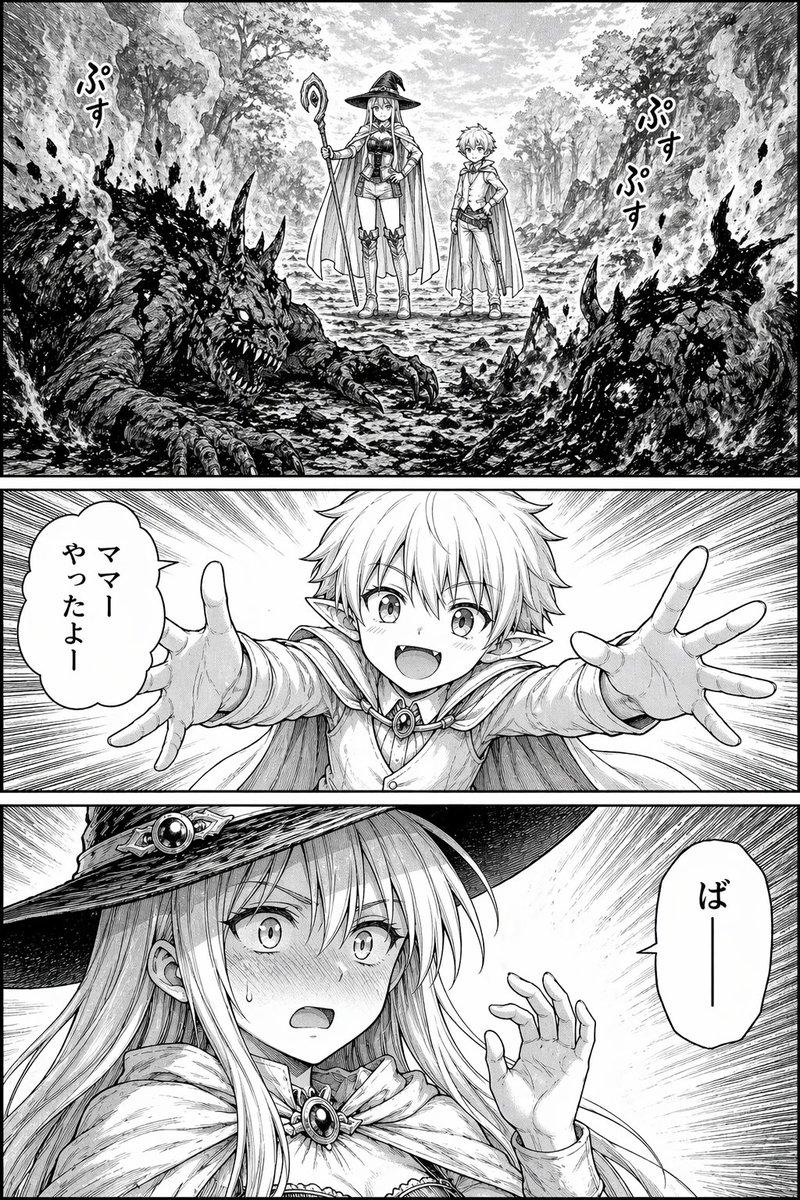
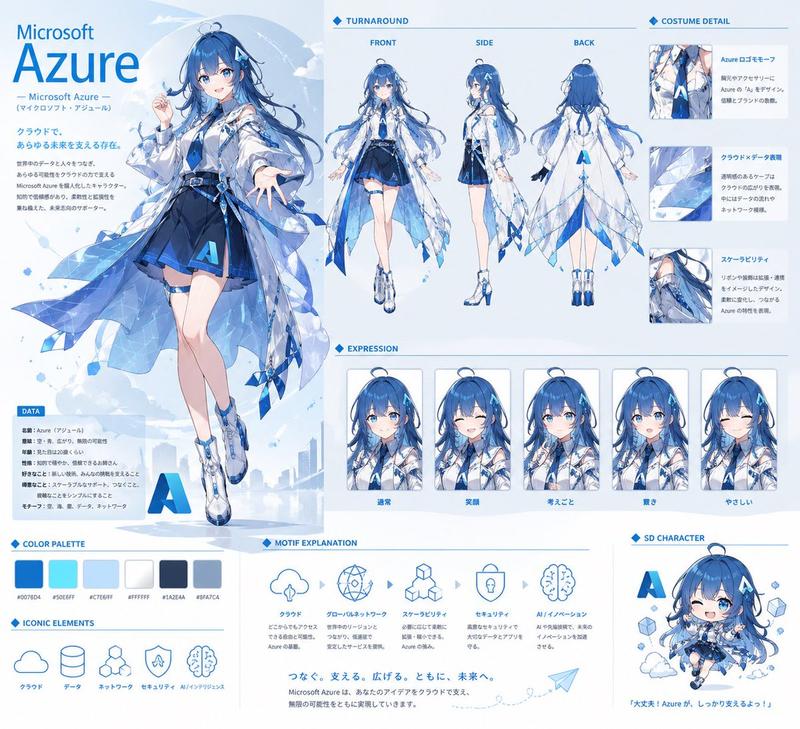
奇幻漫画角色介绍页
Prompt
{
  "type": "manga page",
  "style": "{argument name=\"art style\" default=\"black and white manga screentone\"}",
  "character_count": 5,
  "panel_count": 6,
  "layout": {
    "panels": [
      {
        "position": "top, full width",
        "character": "Beatrice, long blonde hair, dark hooded cloak, pointing forward",
        "text": ["伝説の遺跡に知識と仲間の力で挑むの!準備はいい?", "さあ、行くわよ!", "未来人書学者 {argument name=\"character 1 name\" default=\"ベアトリス\"}"]
      },
      {
        "position": "middle left",
        "character": "Nova, long black hair, elf ears, black dress, arms crossed",
        "text": ["面倒事は嫌いだけど…付き合ってあげる。", "魔王の娘 {argument name=\"character 2 name\" default=\"ノヴァ\"}"]
      },
      {
        "position": "middle right",
        "character": "Crim, short hair, armored corset, holding sword",
        "text": ["もちろん!魔物を倒してみんなで勝つよ!", "勇者 {argument name=\"character 3 name\" default=\"クリム\"}"]
      },
      {
        "position": "bottom left, upper",
        "character": "Lilia, witch hat, holding staff",
        "text": ["わくわく!!私、役に立ちたい!たくさん学んで成長するよ!", "冒険者の卵 リリア"]
      },
      {
        "position": "bottom right, tall vertical",
        "character": "Camilla, dragon horns, wings, tail, black armor, large sword",
        "text": ["私の力、必要なら使う。", "ドラゴン娘 カミラ"]
      },
      {
        "position": "bottom left, lower",
        "description": "Group shot of all 5 characters standing in a landscape",
        "text": ["出発だ!", "ザッ", "個性豊かな仲間たちと共に伝説への第一歩が今、始まる――!"]
      }
    ],
    "footer": "{argument name=\"ending text\" default=\"おわり\"}"
  }
}- Category
- Posters & Typography
- Model
- GPT Image 2
- Creator
- らけしで / Mizmic Studio
- Source ID
- 13845
- Published
- Apr 16, 2026
Views2