18

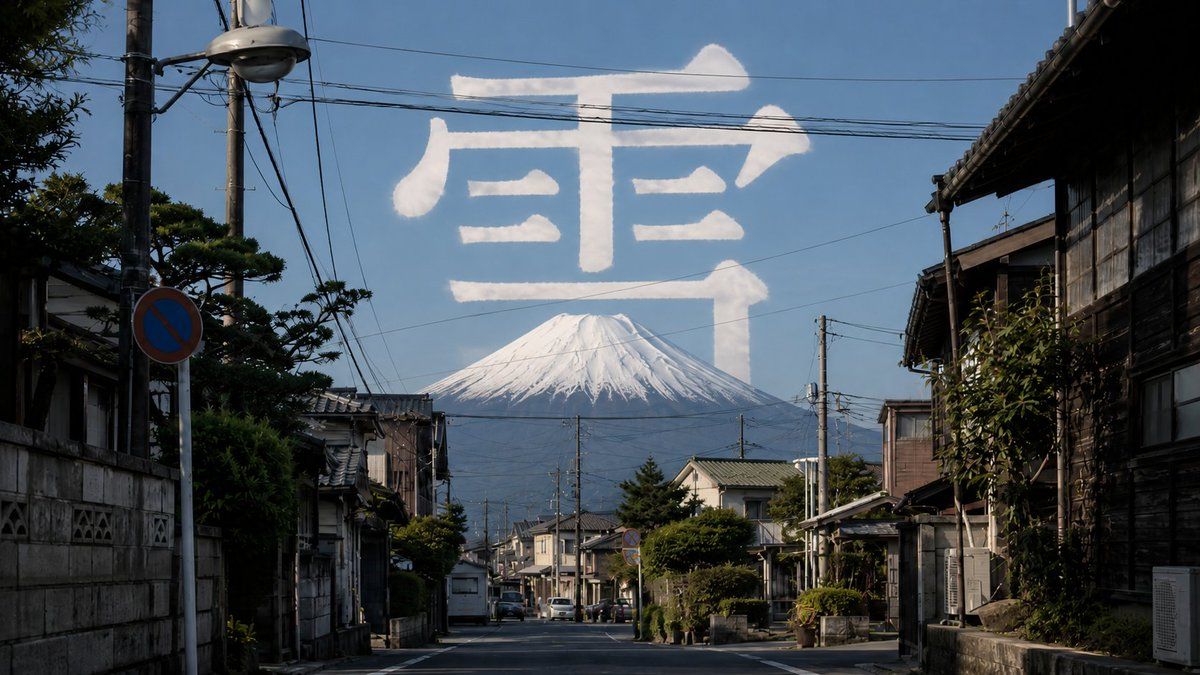
富士山街道与云朵汉字
Enlarge

富士山街道与云朵汉字

Prompt
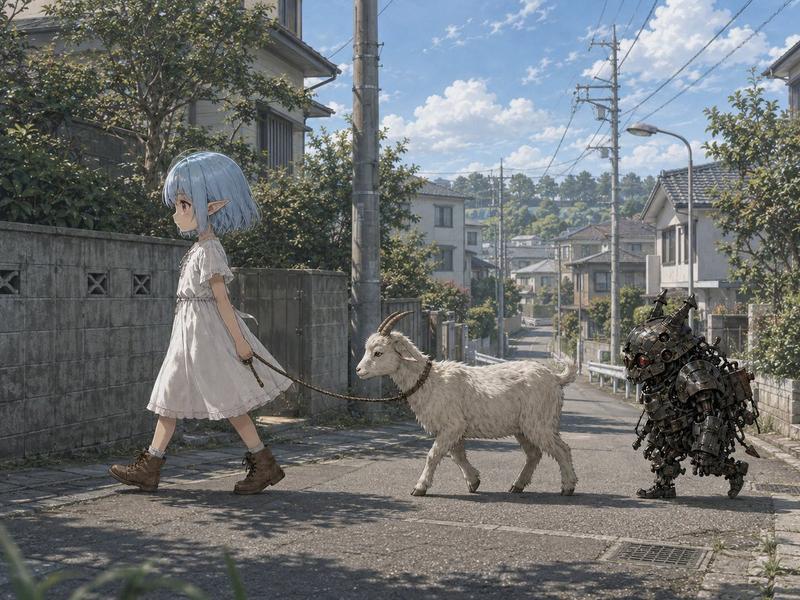
Create a photorealistic wide-angle street photograph in a quiet traditional Japanese neighborhood, looking straight down an empty residential road lined with old wooden houses, tiled roofs, concrete walls, small gardens, utility poles, overhead power lines, a streetlamp, parked compact cars, and a blue no-parking road sign. In the far background, place a large snow-capped {argument name="mountain" default="Mount Fuji"} centered at the end of the street under a clear deep blue sky. Across the upper sky, form one enormous white cloud-like Japanese character reading {argument name="sky character" default="雪"}, as if written with soft fluffy clouds or vapor trails, semi-translucent and naturally lit, spanning almost the full width of the frame above the mountain. Use realistic midday sunlight with crisp shadows, documentary travel-photography composition, high detail, natural colors, atmospheric depth, and no people in the foreground.
Category
Charts & Infographics
Model
GPT Image 2
Views4
Source ID
19534
Published
May 10, 2026

Guide

About "富士山街道与云朵汉字"

What is this prompt for?

"富士山街道与云朵汉字" AI image prompt for GPT Image 2 (Charts & Infographics). 一张照片级真实的日本街道场景,远处可见富士山,天空中悬浮着一个由云朵组成的巨大汉字。 Copy it on Picva and recreate the look in one…

The full copyable prompt and example visuals above are ready for AI image generation or one-click recreate in Picva.

How to use this prompt

  1. Step 1

    Open the prompt detail

    Review the example visuals, category, and full prompt text for "富士山街道与云朵汉字".

  2. Step 2

    Copy the prompt

    Copy the prompt body from this page, or load it directly in Studio.

  3. Step 3

    Pick a model (GPT Image 2)

    Prefer GPT Image 2. If you switch models, keep subject and composition and tweak style terms.

  4. Step 4

    Generate and export

    Recreate the look in Picva, or export into your workflow for editing and publishing.

FAQ

What is the "富士山街道与云朵汉字" prompt?
It is an AI image-generation prompt for GPT Image 2 in the Charts & Infographics category. This page includes the full prompt text, example visuals, and a one-click recreate path in Picva.
How do I use this prompt to generate an image?
Copy the prompt from this page, or use Generate / Studio. Paste it into a compatible image model, or recreate the look in Picva with optional reference images.
Which model is this prompt for?
This page lists GPT Image 2. Most descriptive prompts also transfer to nearby image models such as GPT Image, Flux, or Midjourney with light style tweaks.
Can I use the result commercially?
You can usually copy the prompt for creation, but commercial use of the final image depends on the model terms, reference-image rights, and the generated content. Follow the source author and platform rules.