16

富士山列车壁纸
Enlarge

富士山列车壁纸

Prompt
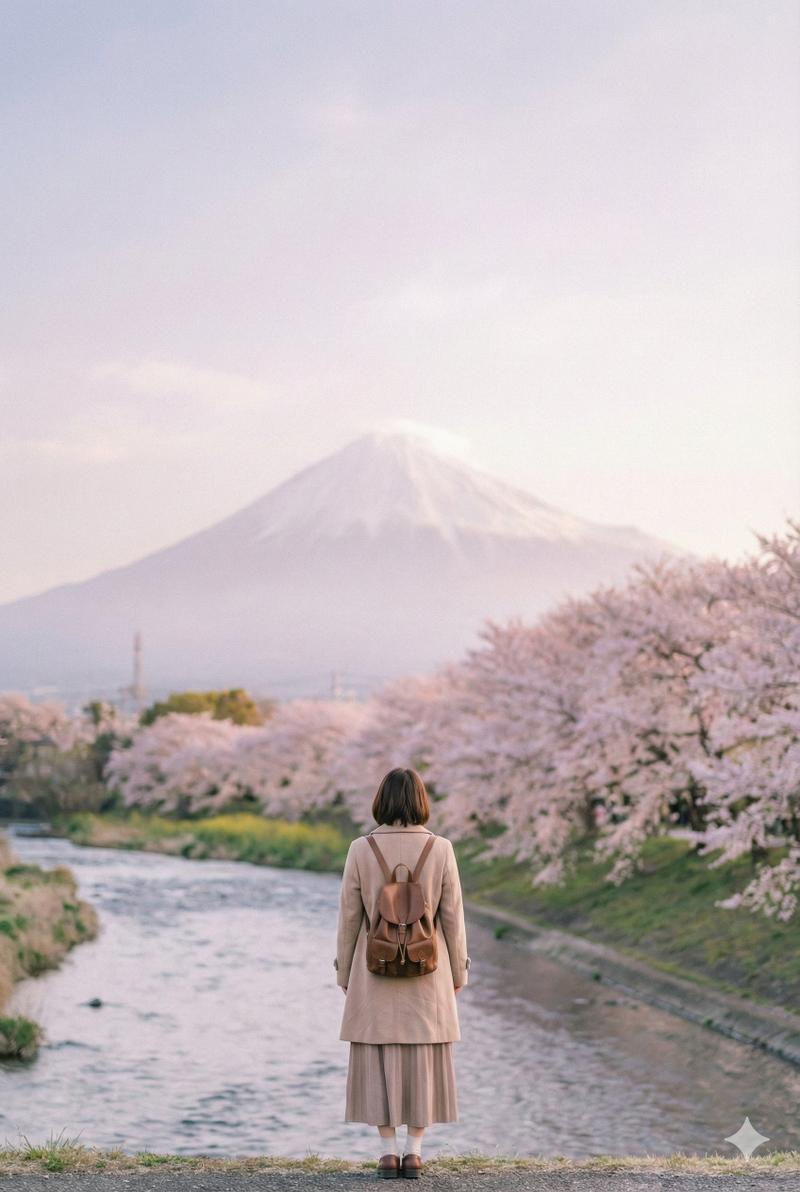
Using REFERENCE_0 only as the cinematic desktop-wallpaper inspiration, replace the beachside Venice street scene with a new everyday travel scene in Japan. Create a wide 16:9, ultra-detailed 4K wallpaper showing {argument name="destination landmark" default="Mount Fuji"} dominating the background, with a {argument name="vehicle" default="Japanese commuter train"} crossing a bridge in the foreground during {argument name="time of day" default="warm golden-hour sunset"}. Include exactly 3 visible connected train cars on 1 long bridge, with a riverbed below, wooded hills to the left, distant towns and layered mountains at the base of the landmark, and a clean blue sky with a few softly lit clouds. Preserve the reference’s realistic travel-photography feel, warm cinematic lighting, natural color grading, sharp detail, and wallpaper-friendly composition, but do not keep the original palm trees, ocean beach, shops, cars, road, or signage. No text, no logos, no people as main subjects, no watermark.
Category
Charts & Infographics
Model
GPT Image 2
Creator
Aiarty
Views1
Source ID
23664
Published
Jun 1, 2026

Guide

About "富士山列车壁纸"

What is this prompt for?

"富士山列车壁纸" AI image prompt for GPT Image 2 (Charts & Infographics). 通过将参考的街道场景转换为日本列车与富士山的景观,创作一张 16:9 的电影感旅行壁纸。 Copy it on Picva and recreate the look in one c…

The full copyable prompt and example visuals above are ready for AI image generation or one-click recreate in Picva.

How to use this prompt

  1. Step 1

    Open the prompt detail

    Review the example visuals, category, and full prompt text for "富士山列车壁纸".

  2. Step 2

    Copy the prompt

    Copy the prompt body from this page, or load it directly in Studio.

  3. Step 3

    Pick a model (GPT Image 2)

    Prefer GPT Image 2. If you switch models, keep subject and composition and tweak style terms.

  4. Step 4

    Generate and export

    Recreate the look in Picva, or export into your workflow for editing and publishing.

FAQ

What is the "富士山列车壁纸" prompt?
It is an AI image-generation prompt for GPT Image 2 in the Charts & Infographics category. This page includes the full prompt text, example visuals, and a one-click recreate path in Picva.
How do I use this prompt to generate an image?
Copy the prompt from this page, or use Generate / Studio. Paste it into a compatible image model, or recreate the look in Picva with optional reference images.
Which model is this prompt for?
This page lists GPT Image 2. Most descriptive prompts also transfer to nearby image models such as GPT Image, Flux, or Midjourney with light style tweaks.
Can I use the result commercially?
You can usually copy the prompt for creation, but commercial use of the final image depends on the model terms, reference-image rights, and the generated content. Follow the source author and platform rules.