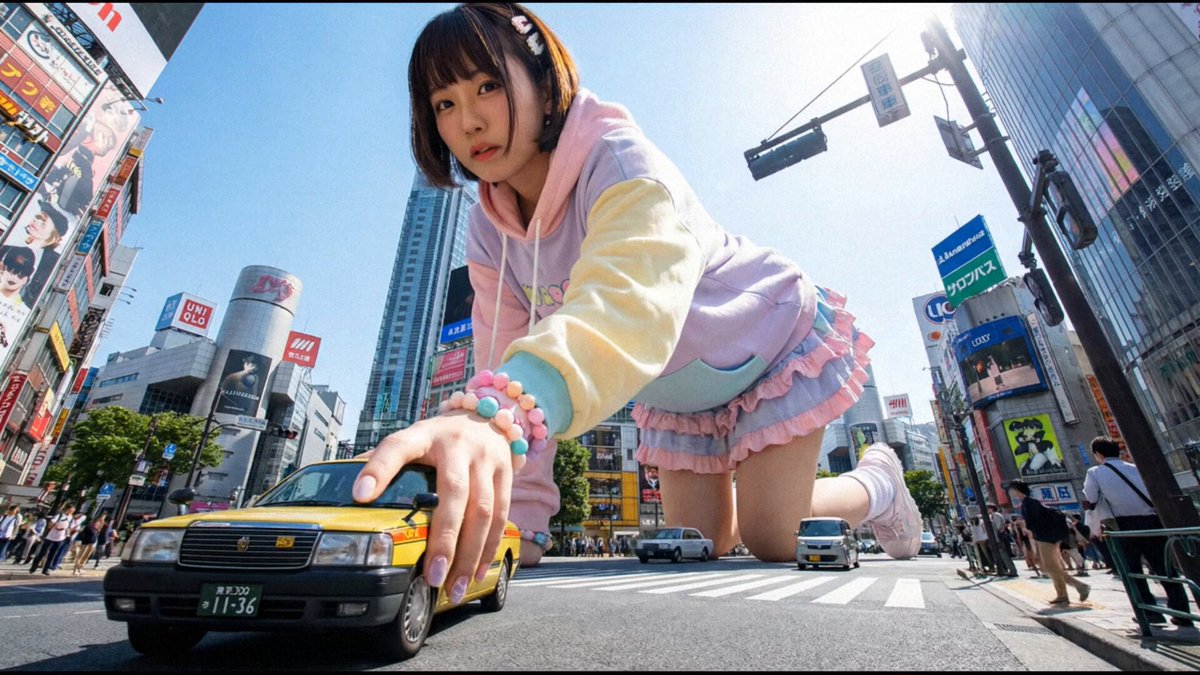
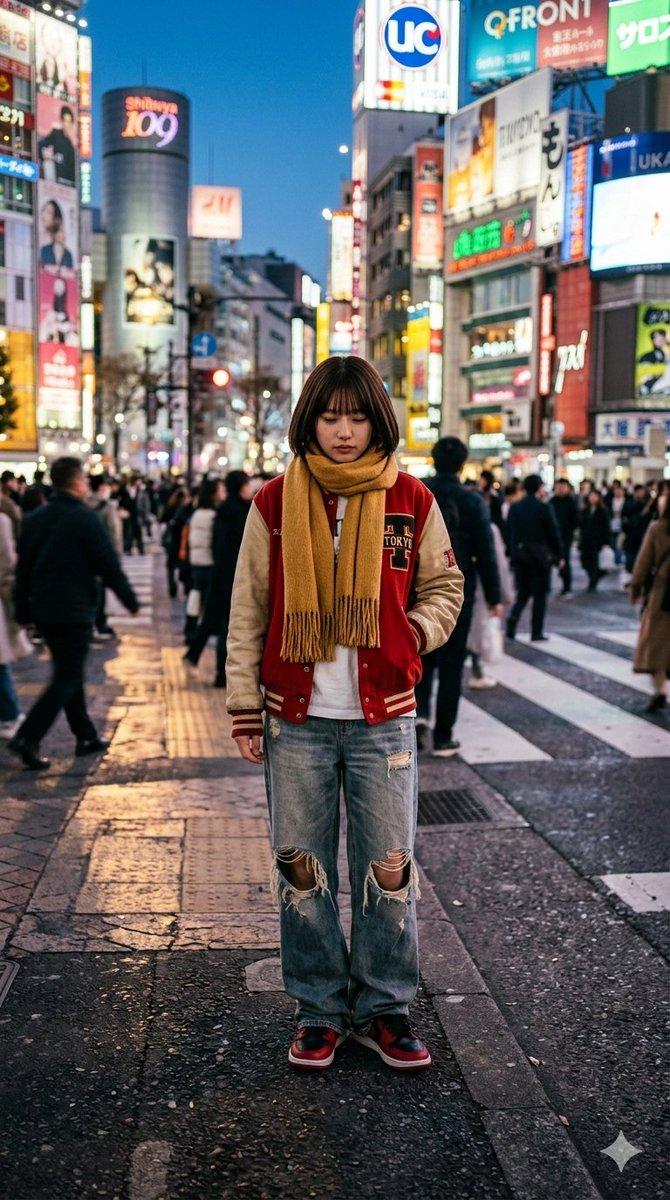
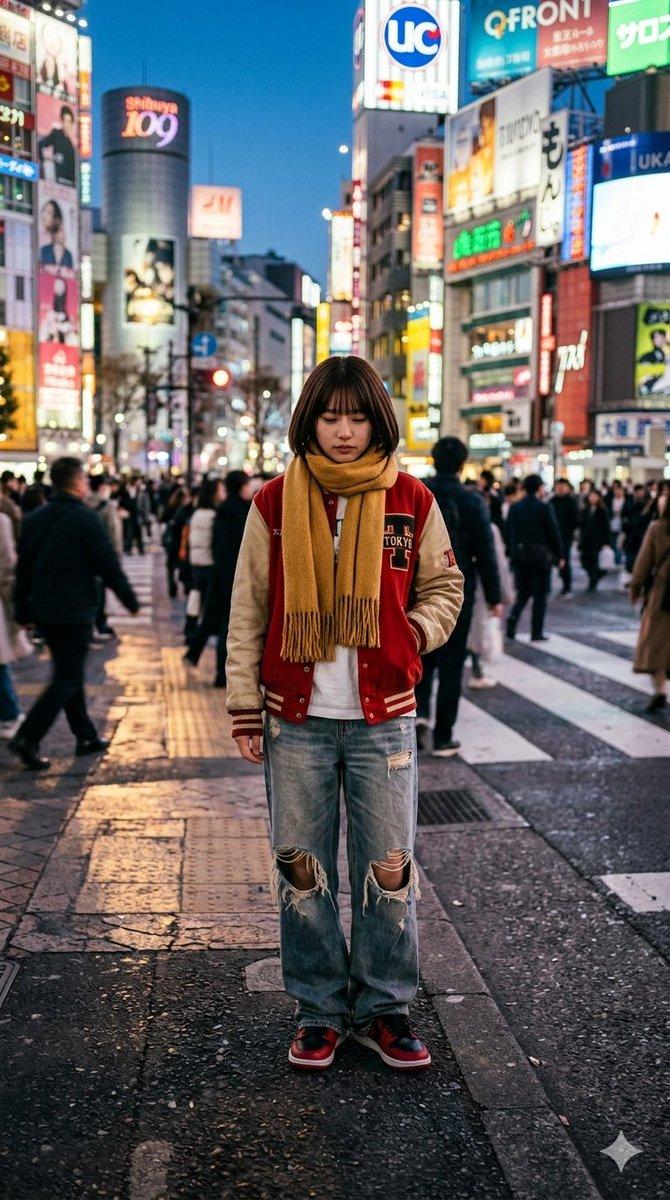
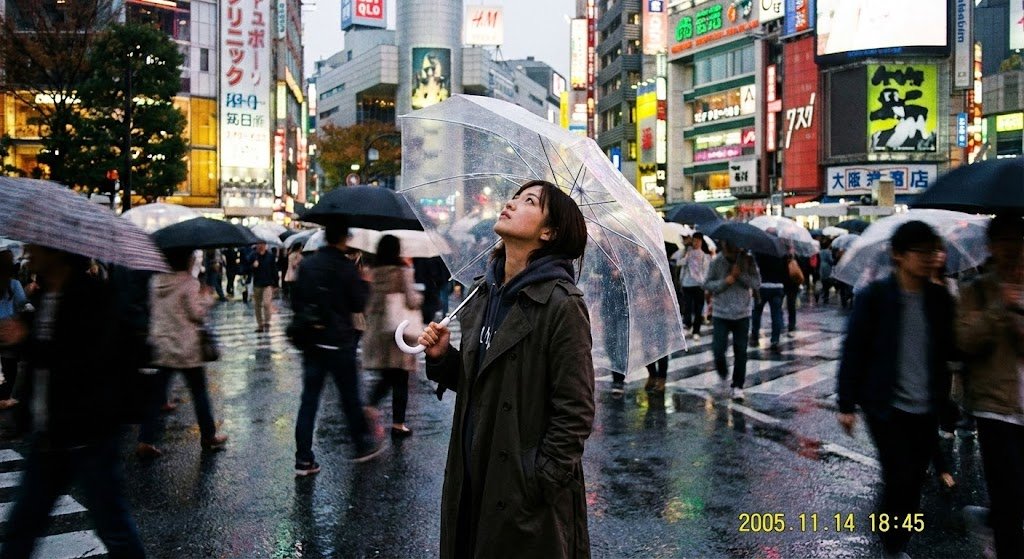
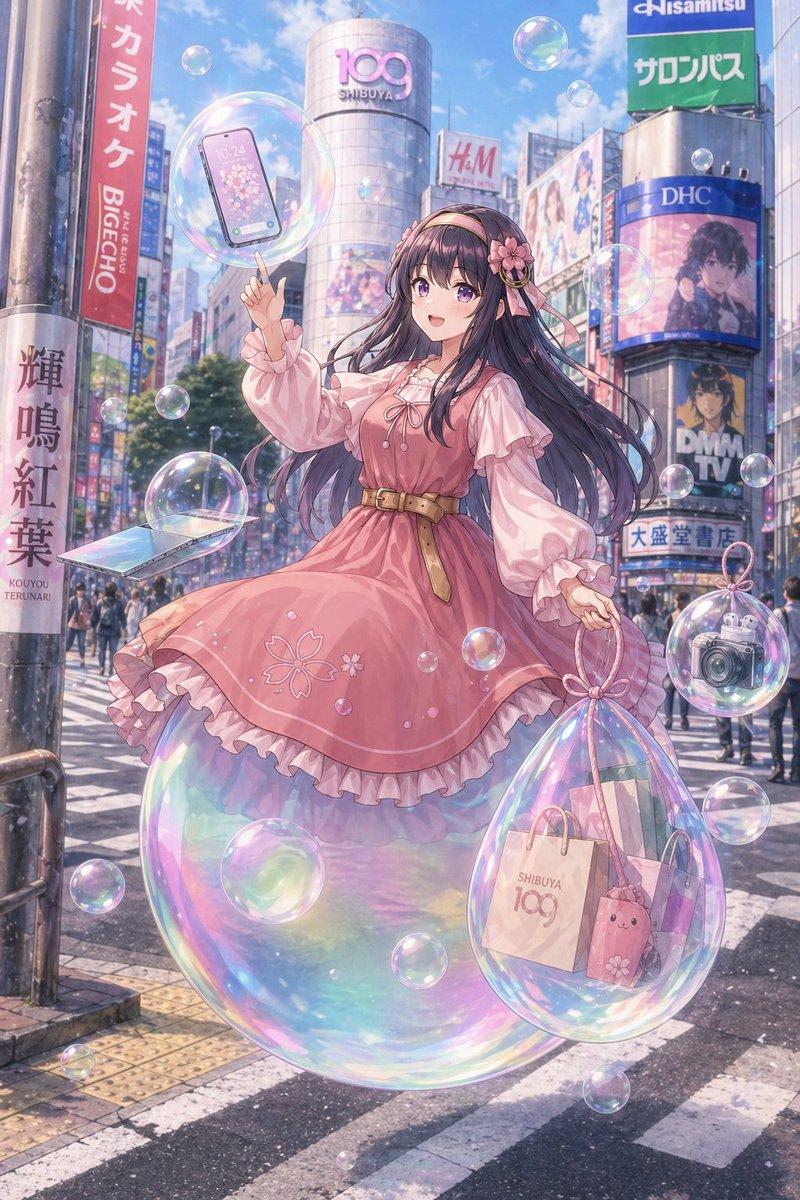
鱼眼镜头下的涩谷妖怪自拍
Prompt
Create a dynamic ultra-wide fisheye action selfie photo at {argument name="location" default="Shibuya Crossing, Tokyo"} on a bright sunny day, shot from a low front-facing camera with strong circular lens vignetting and exaggerated perspective. In the foreground, show one fashionable teenage schoolgirl with {argument name="hair color" default="long wavy pastel-blonde hair"}, wearing a Japanese school uniform with a gray cardigan, white shirt, dark bow tie, blue plaid skirt, knee socks, black loafers, and a small brown shoulder bag. Her face is intentionally covered by a flat square privacy blur/censor block, while her nearest hand reaches dramatically toward the camera, huge from perspective distortion, with glossy manicured nails; her other arm stretches outward as if posing mid-crosswalk. Behind her, place one enormous floating fantasy yokai/kaiju creature towering above the city buildings: a cute but strange green-and-brown owl-deer-dragon spirit with antlers, crescent horn shapes, leaf-feather body patterns, long ribbon-like tendrils, glowing lime outlines, and a calm smiling face. Surround the scene with dense pedestrian traffic, zebra crossing stripes, tall commercial buildings, colorful Japanese signage, glass façades, realistic street shadows, and midday urban energy. Blend photorealistic street photography with a flat 2D illustrated monster composited convincingly into the sky, using crisp daylight, high detail, motion-filled crowds, playful surreal scale contrast, and a viral social-media snapshot feeling. The creature’s palette should emphasize {argument name="creature accent color" default="neon lime green"}, and the overall mood should feel {argument name="mood" default="whimsical, chaotic, and cinematic"}.- Category
- Charts & Infographics
- Model
- GPT Image 2
- Creator
- Ren
- Source ID
- 19536
- Published
- May 10, 2026
Views0