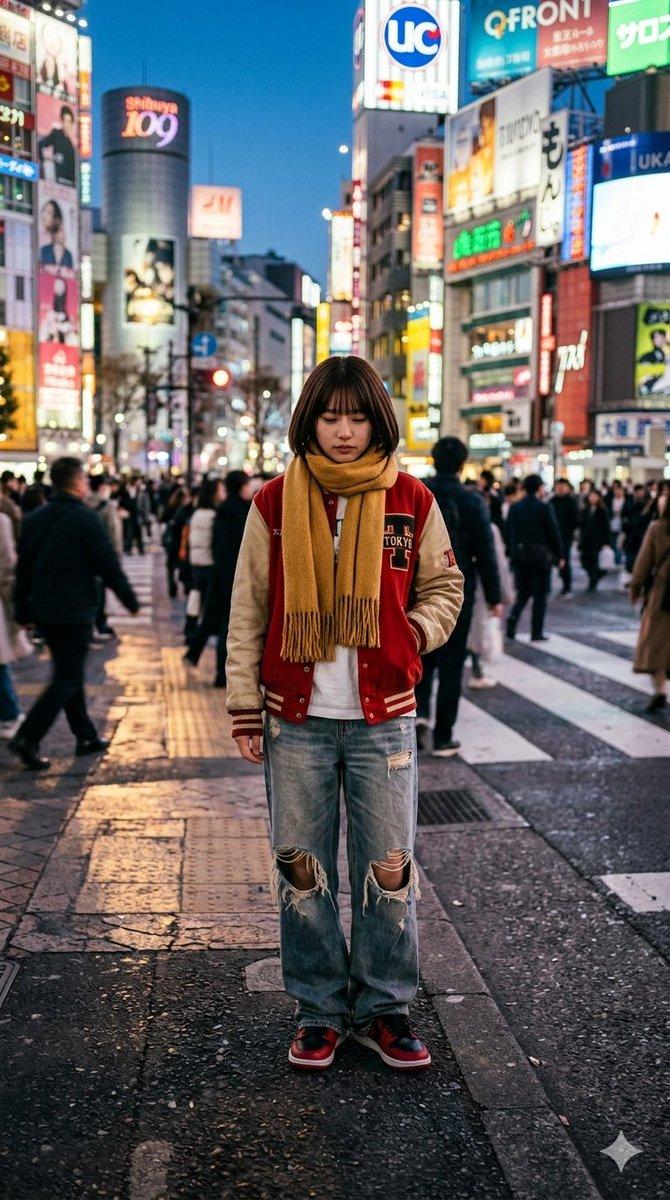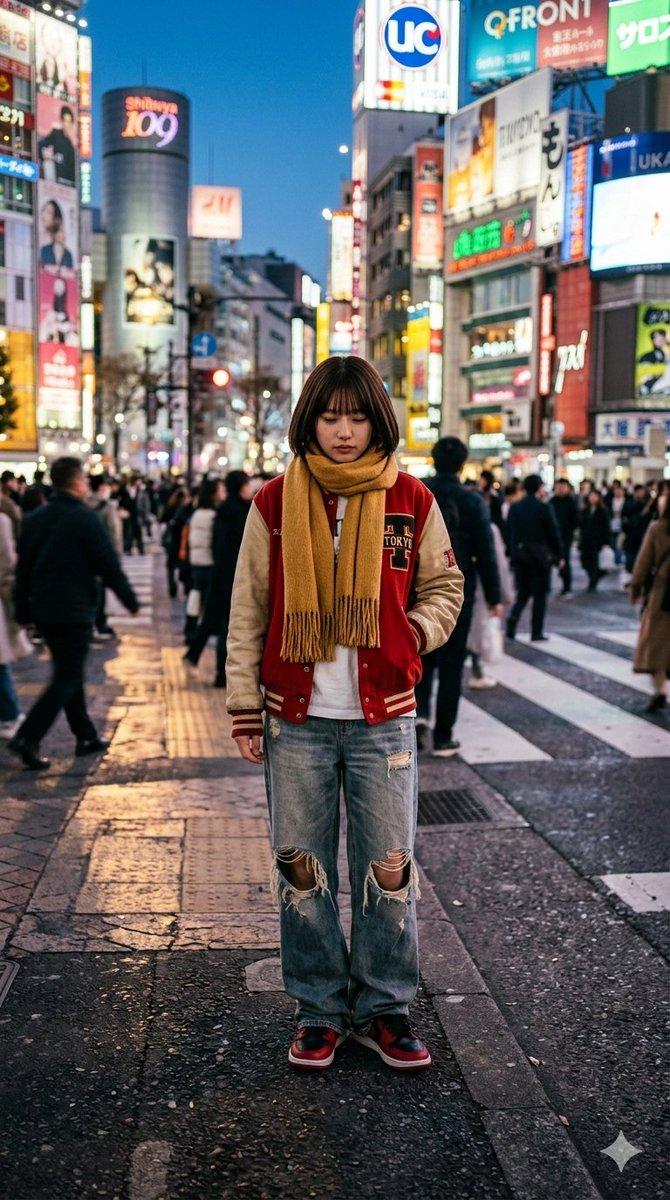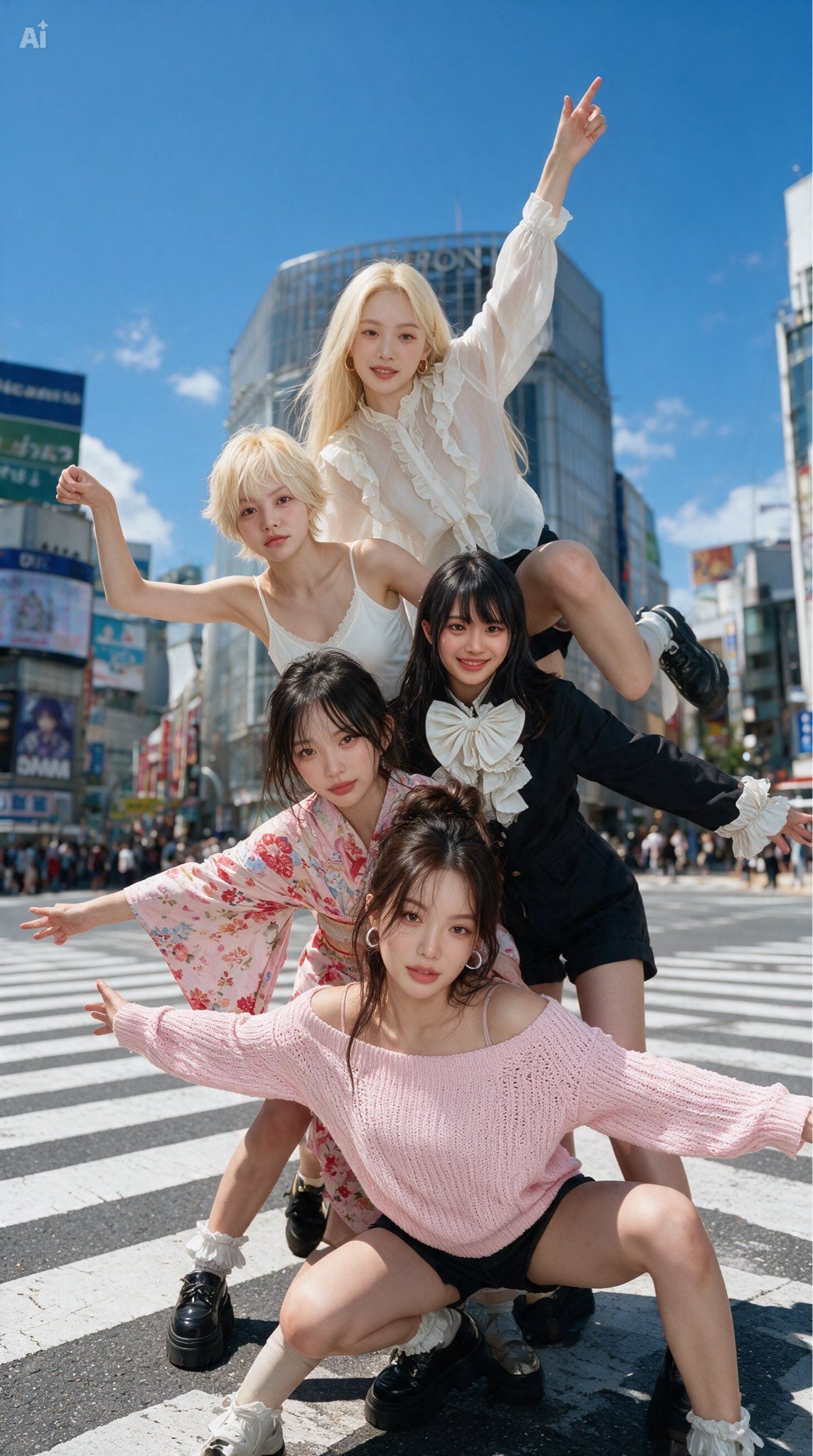
将火柴人组合转化为时尚照片
Prompt
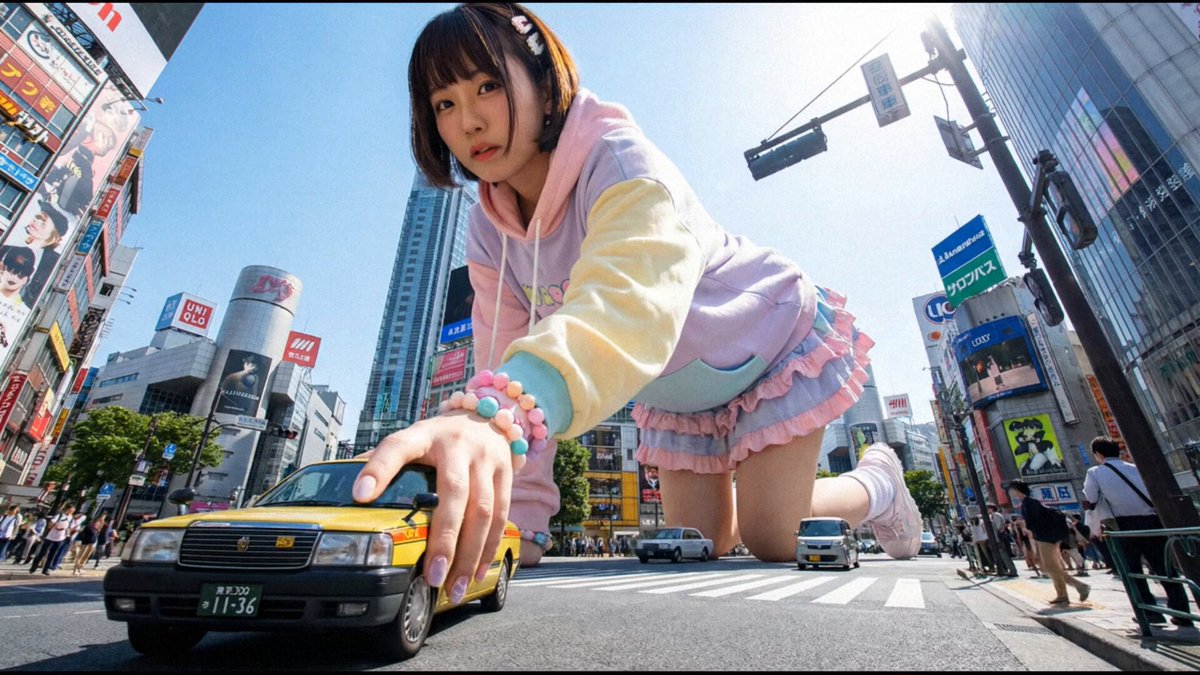
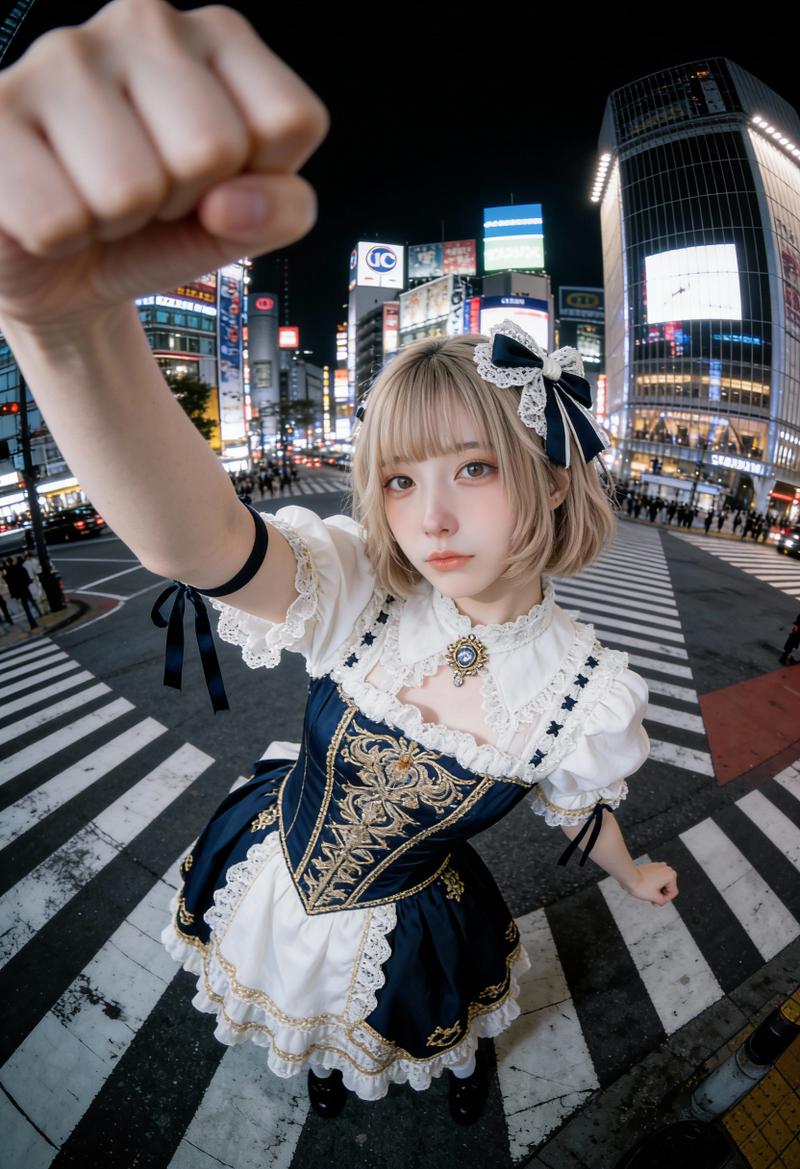
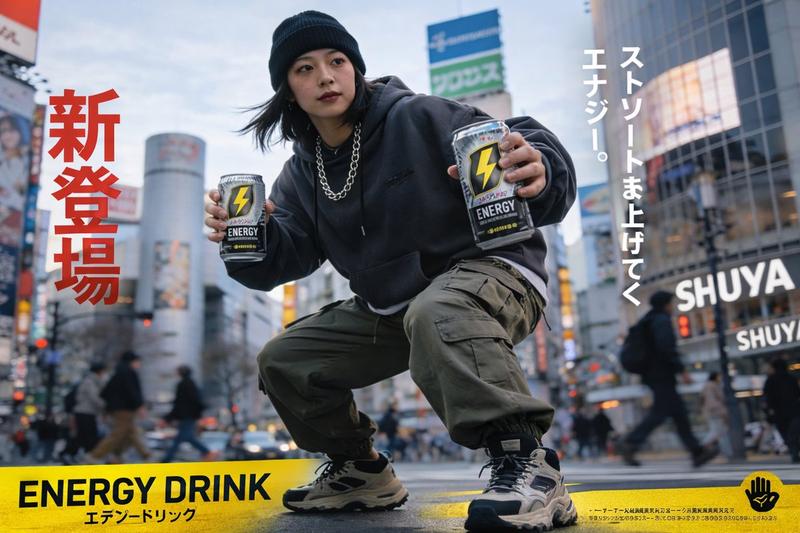
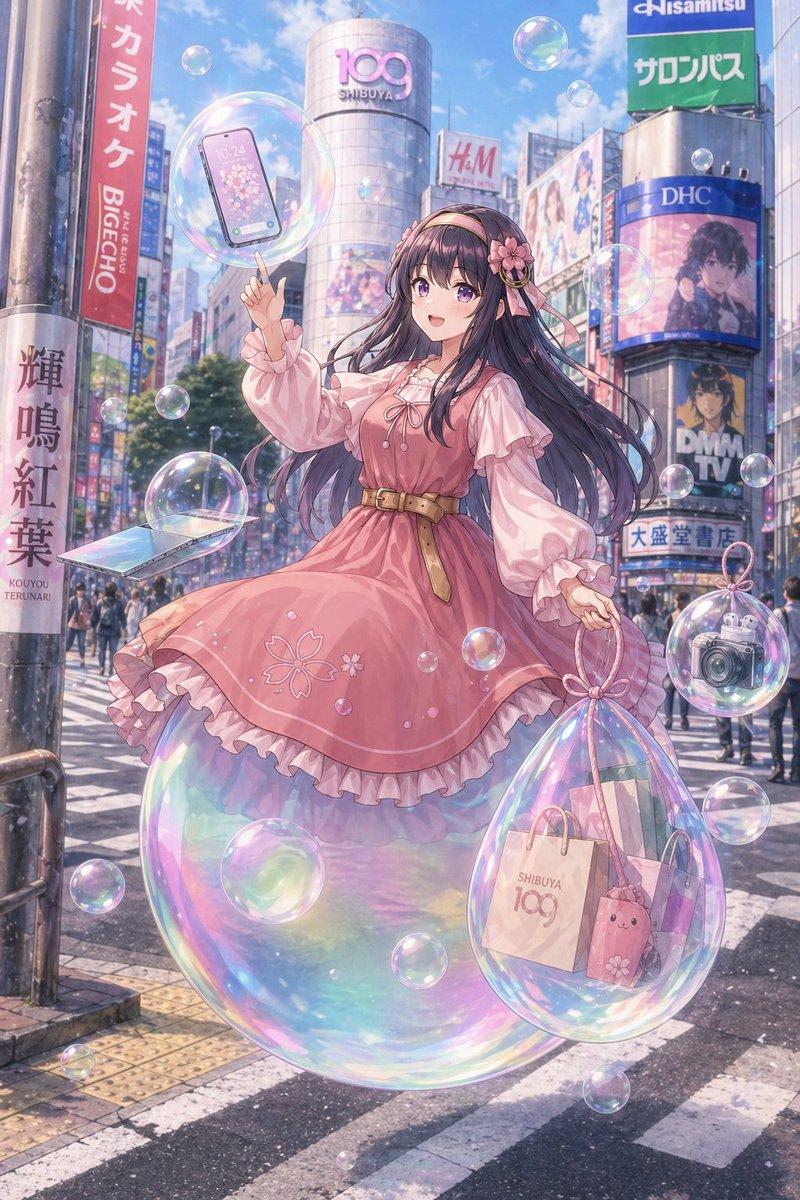
Using REFERENCE_0 as a rough pose-and-composition guide, transform the hand-drawn stick figure sketch into a clear, realistic fashion photo. Replace the five stick figures with exactly five young women arranged in the same stacked group formation and matching the drawn arm/leg gestures: 1 front woman crouching low with both arms extended outward, 1 woman behind-left leaning forward with one arm extended, 1 woman behind-right in a dark outfit leaning sideways with one arm extended, 1 upper-left blonde woman raising one bent arm, and 1 top woman sitting high on the group with one arm pointing upward. Set the scene at a busy Tokyo-style city crosswalk under a bright blue sky, with tall commercial buildings, billboards, pedestrians in the distance, and zebra-crossing stripes. Make it a crisp, high-resolution, natural daylight editorial street-fashion photograph, not a drawing. Keep the full-body vertical composition and the energetic pyramid-like arrangement from the reference. Add varied stylish outfits in soft feminine fashion, including {argument name="front outfit" default="a pale pink off-shoulder knit sweater with black shorts"}, {argument name="kimono outfit" default="a pink floral kimono-style dress"}, {argument name="dark outfit" default="a black outfit with a large white bow"}, {argument name="blonde outfit" default="a white sleeveless top"}, and {argument name="top outfit" default="a white ruffled blouse with black shorts"}. Avoid retaining the tablet frame, black background, cyan sketch lines, trash icon, or photographed-hand artifacts from the reference.- Category
- Posters & Typography
- Model
- GPT Image 2
- Creator
- Kyohei Fukuda
- Source ID
- 28174
- Published
- Jul 9, 2026
Views0