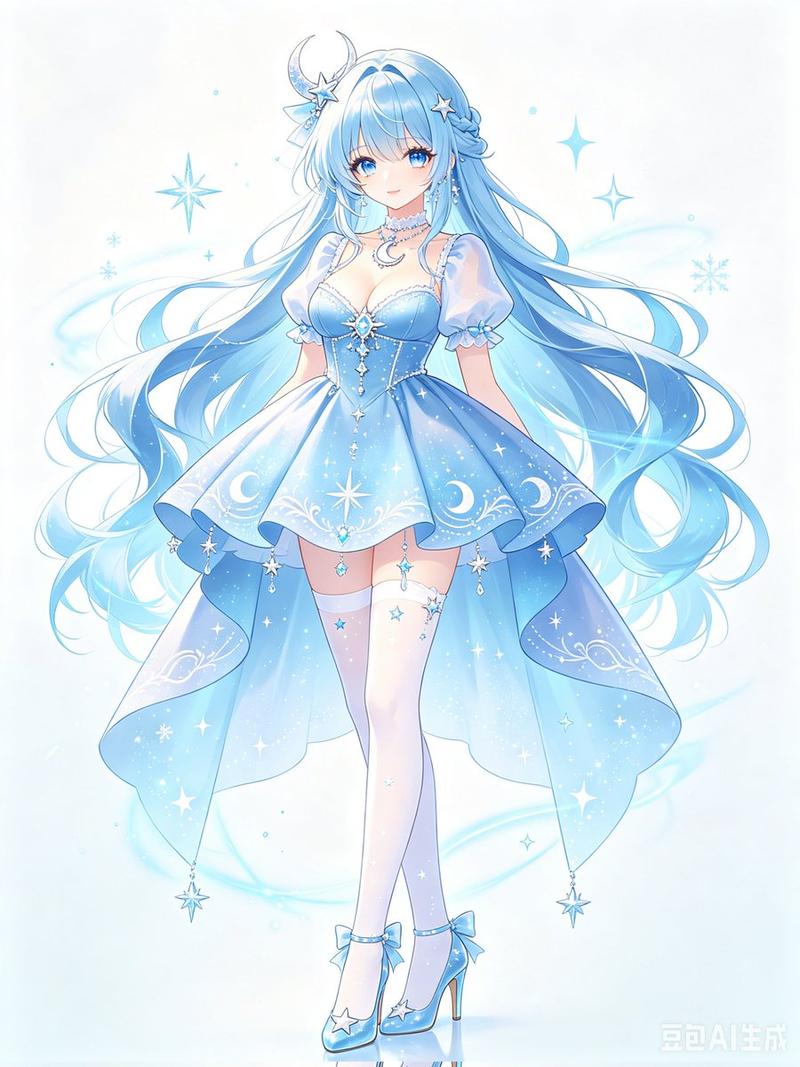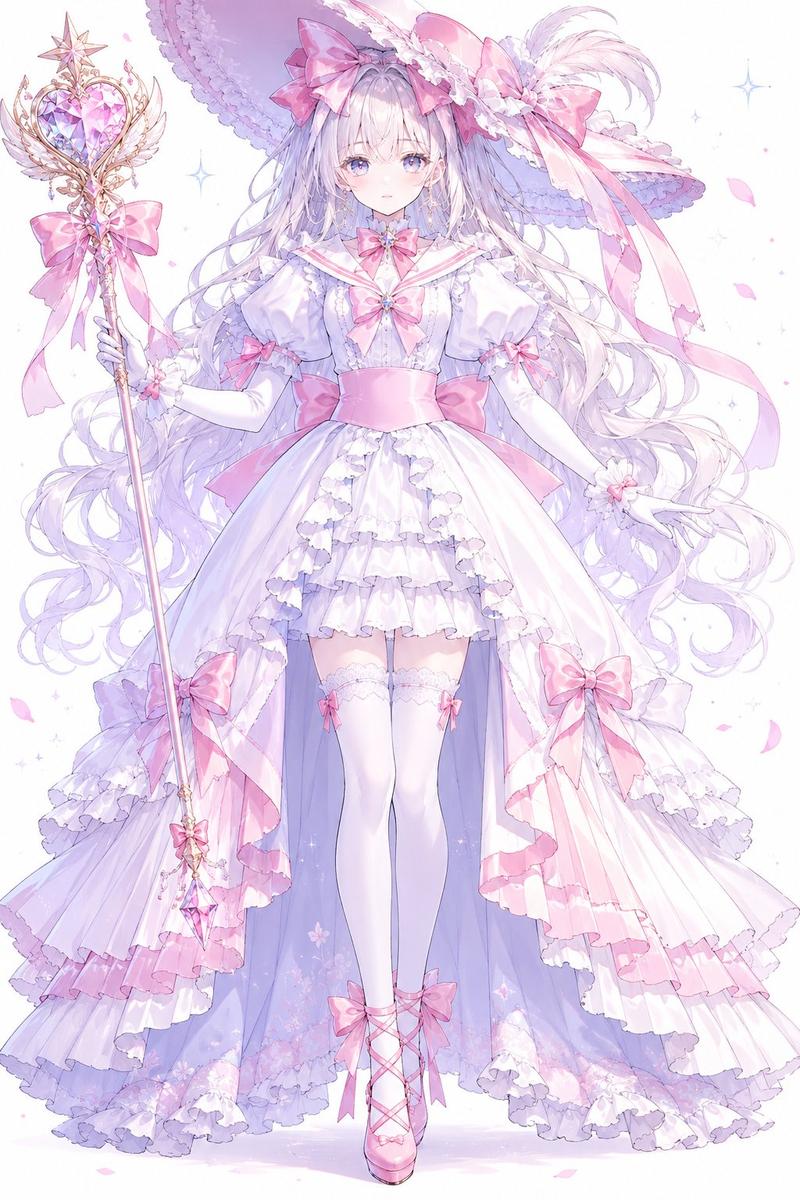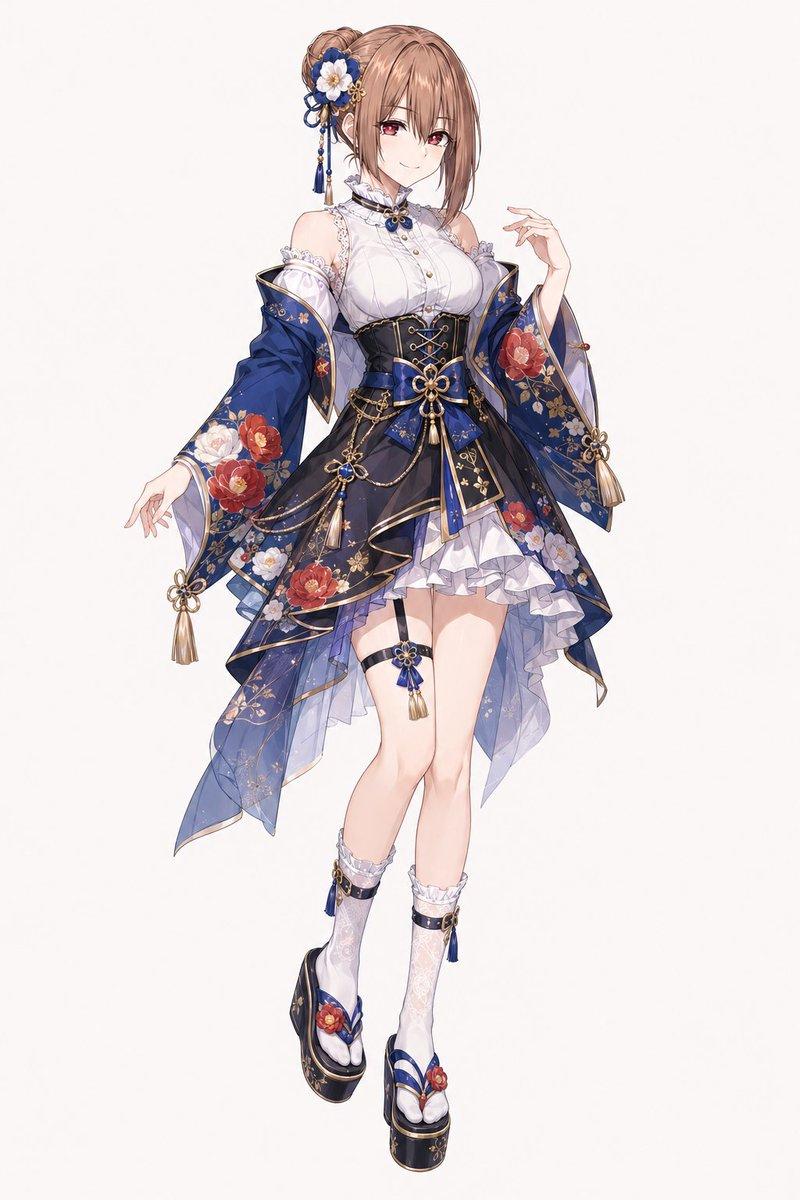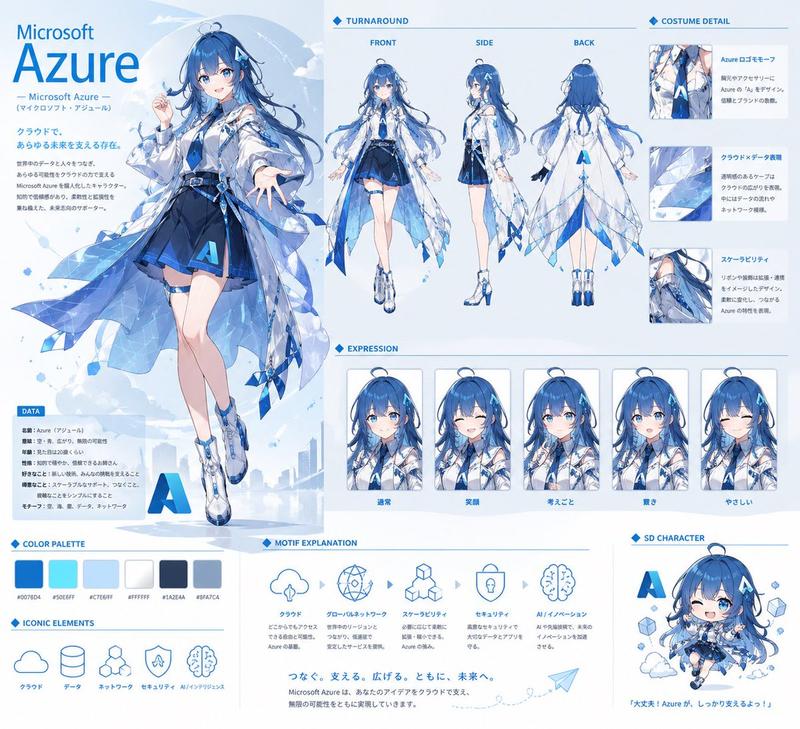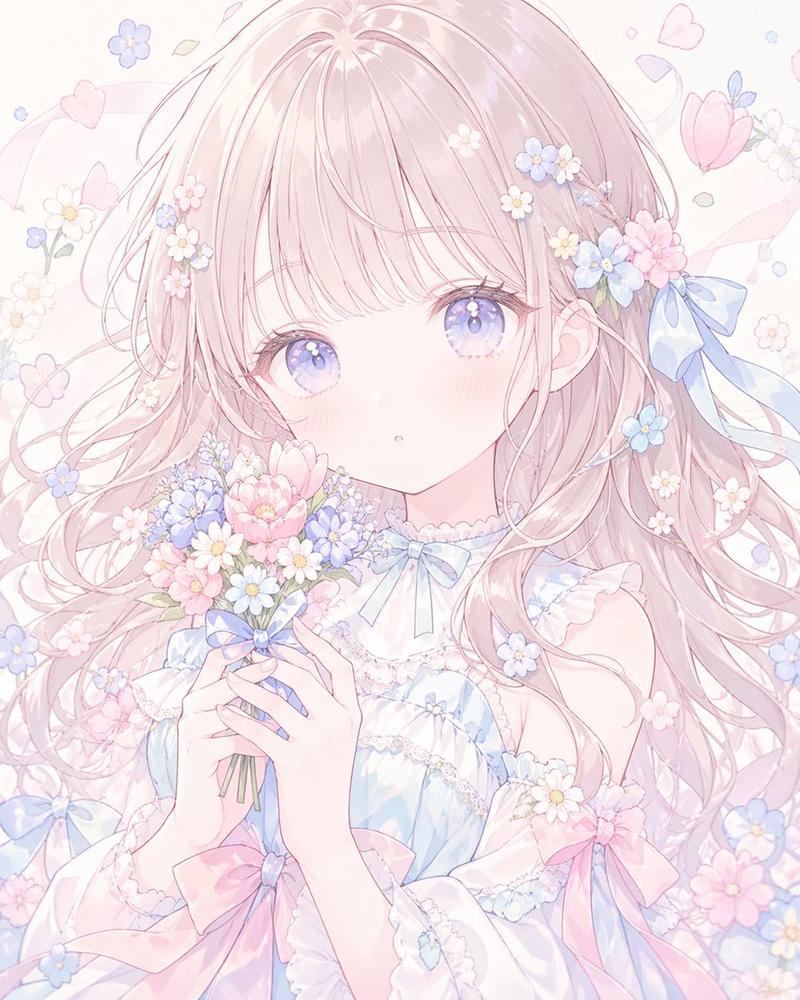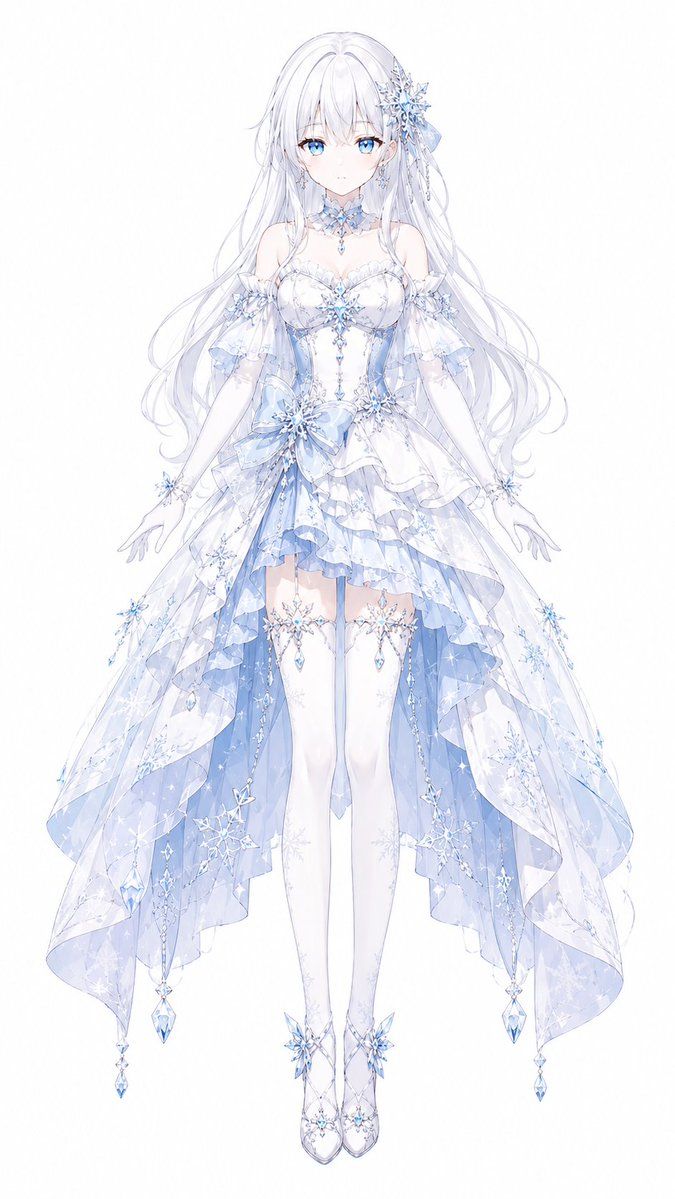
冰雪魔法少女设计
Prompt
Create a full-body front-facing anime magical girl transformation costume design on a clean white background, centered like a character concept sheet. The character is {argument name="character name" default="Ryuna"}, a delicate ice-and-snow themed magical girl with very long flowing {argument name="hair color" default="silvery white"} hair, soft translucent strands, and a large crystalline snowflake hair ornament with pale blue ribbons on one side. Her face is covered by a plain pale square placeholder, while the rest of the figure is rendered in elegant, high-detail pastel anime illustration. She wears an ornate {argument name="costume theme" default="white and icy blue snow princess magical girl dress"}: an off-shoulder sweetheart bodice with lace trim, fitted corset panels, crystal snowflake brooches, dangling blue gems, sheer puff sleeves, long white gloves, a choker made of frost-like lace and jewels, and a layered asymmetrical skirt. The skirt has multiple translucent ruffled layers, a short front hem, long trailing side panels, pale blue inner fabric, sparkling snowflake patterns, crystal chains, star-like charms, and hanging teardrop gems at the edges. Add thigh-high white stockings with delicate snowflake garters and dangling crystals, plus elegant white heels decorated with icy blue snowflake ornaments. The pose is graceful and symmetrical with arms slightly lowered and hands open, legs together, as if floating during a transformation sequence. Use a color palette of {argument name="color palette" default="white, pearl, pale ice blue, lavender shadows, and clear crystal highlights"}, with fine line art, watercolor-like translucency, shimmering sparkles, intricate lace, faceted gems, snowflake motifs, and a luminous ethereal finish.- Category
- Charts & Infographics
- Model
- GPT Image 2
- Creator
- ざいぜる
- Source ID
- 19596
- Published
- May 10, 2026
Views11