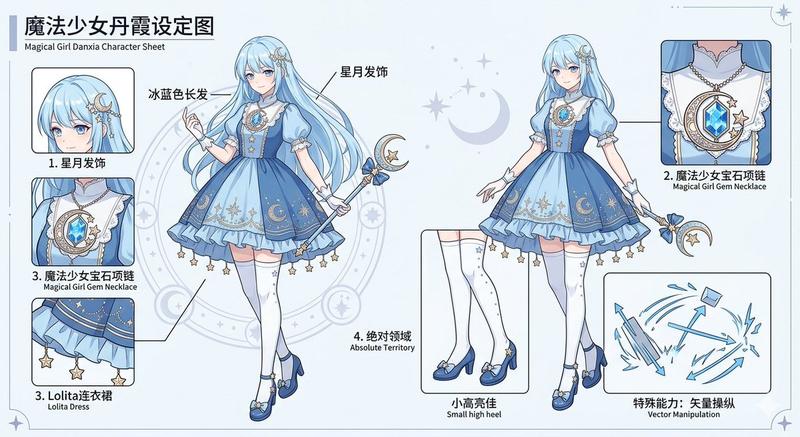
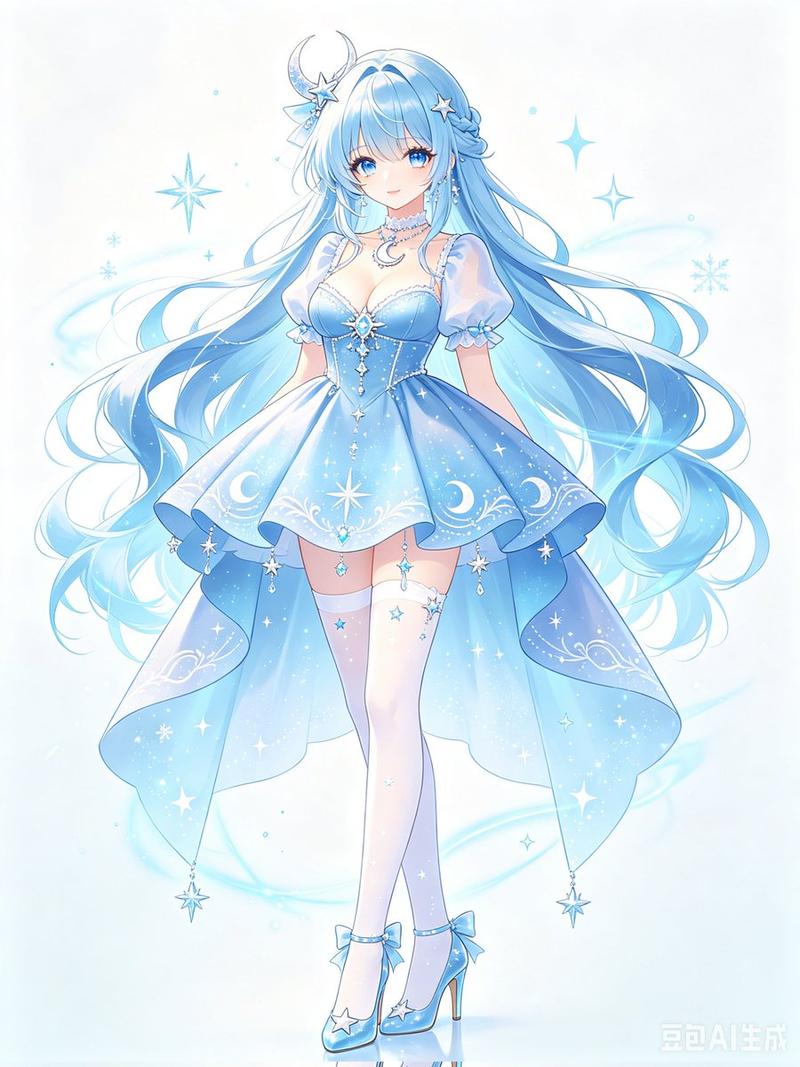
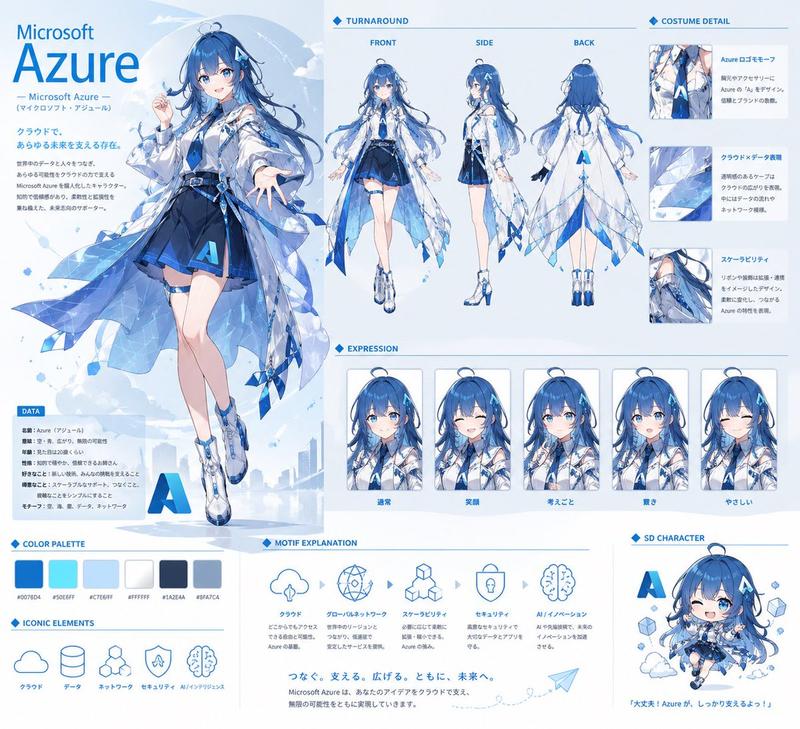
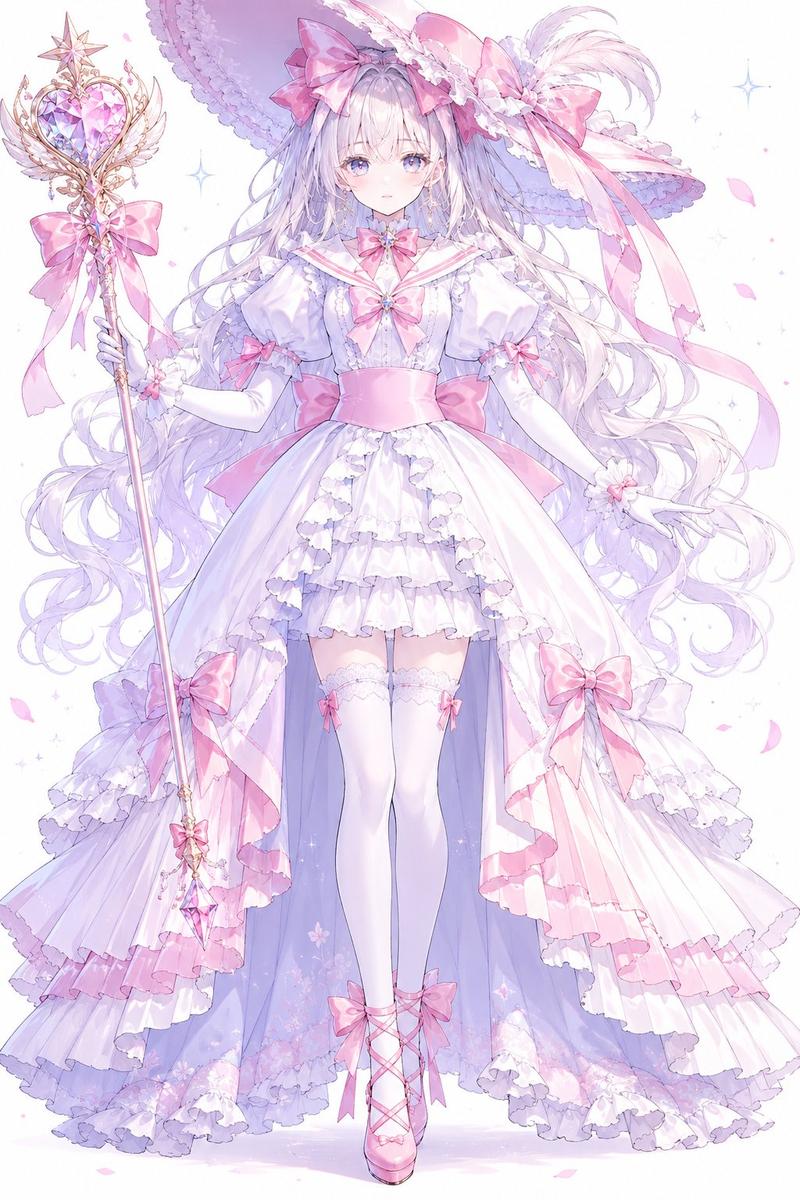
蓝色魔法少女参考图
Prompt
{"type":"anime character reference sheet","style":"luxurious pastel magical-girl fashion design board, clean white background, delicate icy-blue ornament lines, soft sparkles, snowflake and star motifs, polished gpt-image-2 anime illustration","character":{"name":"{argument name=\"character name\" default=\"丹霞\"}","theme":"ice and moon magical girl","age":"15","height":"160 cm","appearance":{"gender_presentation":"girl","build":"slender teenage build, long legs","hair":{"color":"{argument name=\"hair color\" default=\"ice blue\"}","style":"very long straight hair with slight waves at the ends, thick bangs, one ahoge strand on top, side braids and ribbon ornaments, crescent moon hair accessory, small flower and bead decorations"},"outfit":{"dress":{"primary_color":"{argument name=\"outfit color\" default=\"light blue and white\"}","design":"short magical-girl dress with puff sleeves, white bodice, blue sailor-style bow at the chest, layered skirt with starry gradient, large waist bow, crescent moon emblem on the apron layer, long trailing side panels, tiny stars and snowflake sparkles across the fabric"},"legwear":"white thigh-high stockings with blue star-and-snowflake garters","shoes":"blue Mary Jane heels with ankle straps, bows, and star charms","accessories":["crescent moon hair ornament","blue ribbon side ornaments","star pendant chest ribbon","layered star-and-bead necklace"]},"power":"{argument name=\"power description\" default=\"操控冰雪魔法\"}"},"layout":{"orientation":"vertical poster","centerpiece":"1 full-body front-facing standing pose in the center","sections":[{"title":"魔法少女丹霞","position":"top center","count":1,"labels":["main title"]},{"title":"character bust portrait","position":"top left","count":1,"labels":["upper-body portrait"]},{"title":"views","position":"top right","count":2,"labels":["正面","侧面"]},{"title":"绝对领域","position":"left middle","count":4,"labels":["姓名:丹霞","年龄:15岁","身高:160cm","能力:操控冰雪魔法"]},{"title":"detail callouts","position":"right side","count":4,"labels":["chest bow and pendant close-up","necklace close-up","skirt fabric and crescent motif close-up","shoe close-up"]},{"title":"magic emblem","position":"bottom left","count":1,"labels":["crescent moon crystal insignia"]},{"title":"配色系","position":"bottom left","count":5,"labels":["5 blue swatches"]}],"decorative_elements":{"count":6,"labels":["ornamental border lines","sparkle stars","snowflakes","dotted callout guide lines","soft gradient panels","tiny diamond dividers"]}},"text_style":"elegant Chinese title typography in deep blue, all other labels in neat printed Chinese","composition":"symmetrical high-end character design sheet with generous negative space, crisp panel framing, refined decorative spacing, premium game concept art presentation","color_palette":["deep royal blue","sky blue","ice blue","powder blue","white","pale gold accents"]}- Category
- Charts & Infographics
- Model
- GPT Image 2
- Creator
- 丹霞²
- Source ID
- 17412
- Published
- Apr 30, 2026
Views15