17

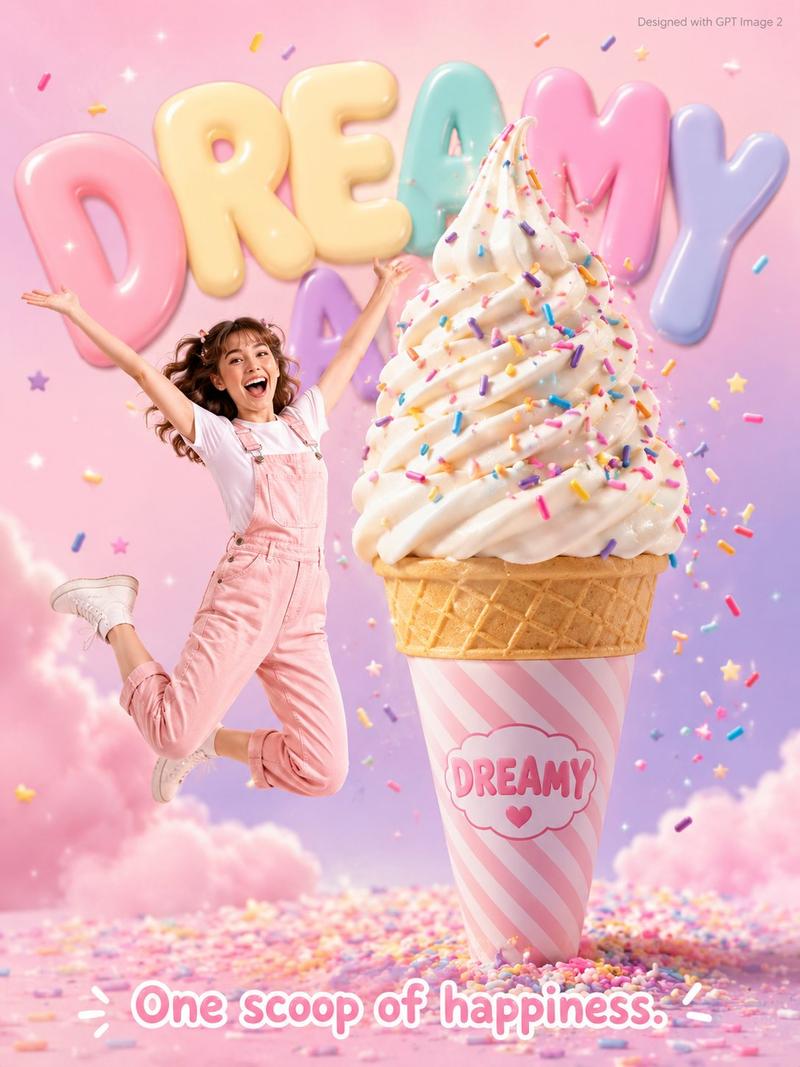
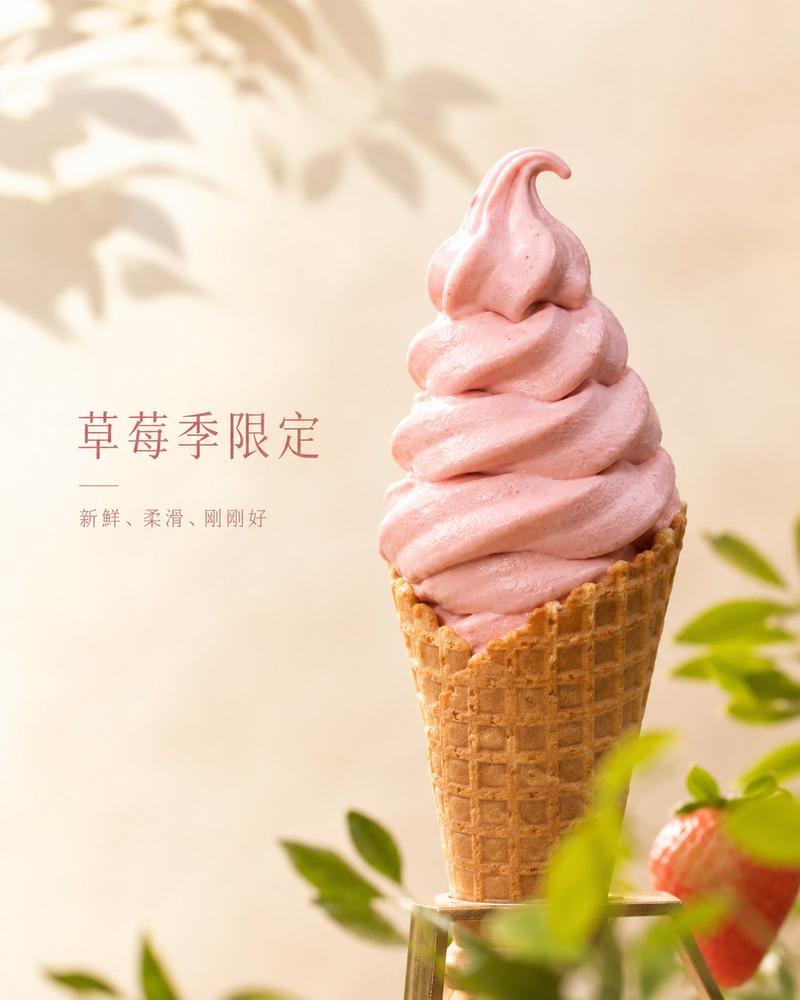
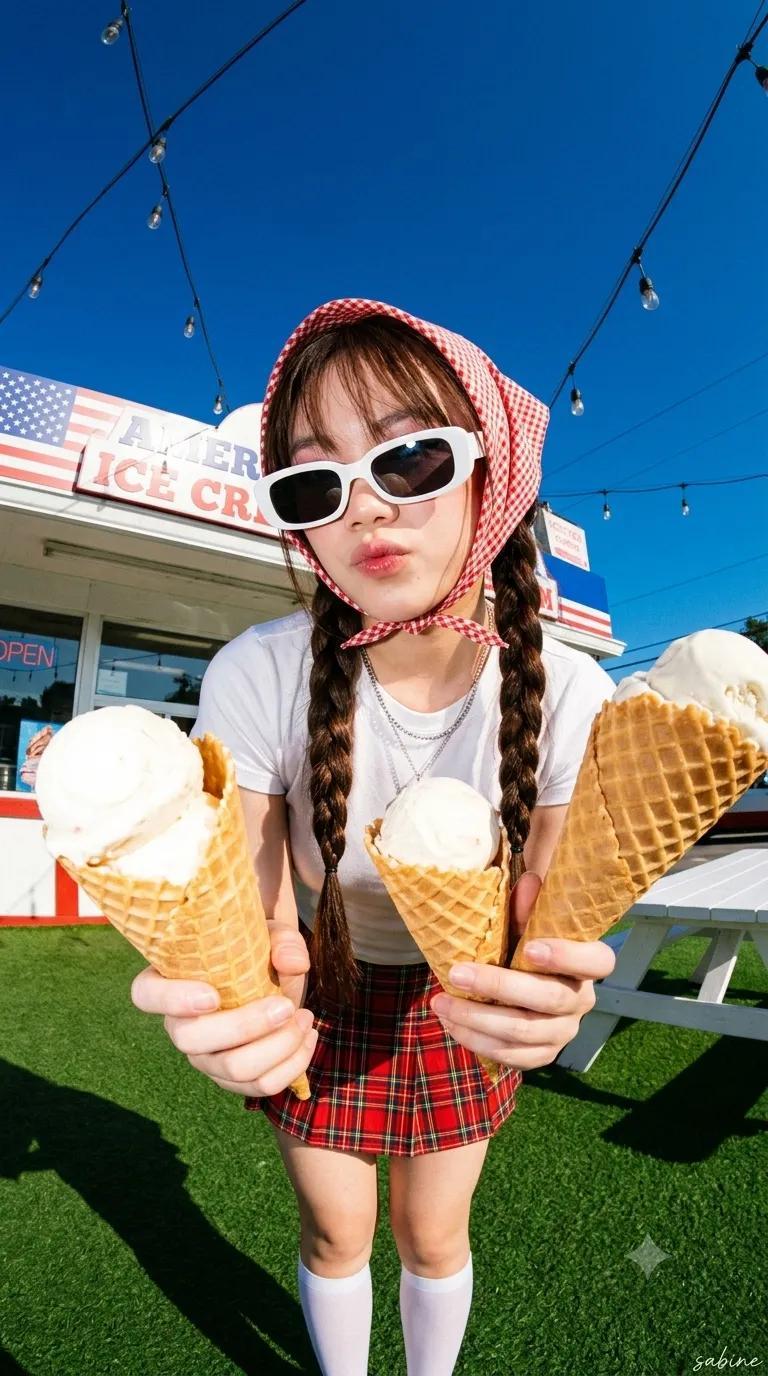
梦幻甜点广告海报
Enlarge

梦幻甜点广告海报

Prompt
A fun dessert advertisement poster featuring an {argument name="subject" default="excited young woman in pastel pink overalls"} jumping joyfully beside a {argument name="centerpiece" default="giant soft-serve ice cream cone 3x her height"}, covered in {argument name="toppings" default="rainbow sprinkles falling through the air"}, with “DREAMY” written on the cone wrapper. Soft cotton candy pink and lavender gradient background filled with floating sprinkles and star confetti. Large bubbly rounded typography “DREAMY” in pastel colors fills the background. Tagline at the bottom reads: “One scoop of happiness.” Small grey text in the top-right corner says “Designed with GPT Image 2.” Photorealistic kawaii dessert commercial style, playful lighting, ultra-detailed, cheerful candy aesthetic.
Category
Charts & Infographics
Model
GPT Image 2
Creator
𝐌
Views3
Source ID
19652
Published
May 11, 2026

Guide

About "梦幻甜点广告海报"

What is this prompt for?

"梦幻甜点广告海报" AI image prompt for GPT Image 2 (Charts & Infographics). 一张充满趣味与活力的卡哇伊风格冰淇淋广告海报,以俏皮的主体和鲜艳的马卡龙色调为特色。 Copy it on Picva and recreate the look in one cl…

The full copyable prompt and example visuals above are ready for AI image generation or one-click recreate in Picva.

How to use this prompt

  1. Step 1

    Open the prompt detail

    Review the example visuals, category, and full prompt text for "梦幻甜点广告海报".

  2. Step 2

    Copy the prompt

    Copy the prompt body from this page, or load it directly in Studio.

  3. Step 3

    Pick a model (GPT Image 2)

    Prefer GPT Image 2. If you switch models, keep subject and composition and tweak style terms.

  4. Step 4

    Generate and export

    Recreate the look in Picva, or export into your workflow for editing and publishing.

FAQ

What is the "梦幻甜点广告海报" prompt?
It is an AI image-generation prompt for GPT Image 2 in the Charts & Infographics category. This page includes the full prompt text, example visuals, and a one-click recreate path in Picva.
How do I use this prompt to generate an image?
Copy the prompt from this page, or use Generate / Studio. Paste it into a compatible image model, or recreate the look in Picva with optional reference images.
Which model is this prompt for?
This page lists GPT Image 2. Most descriptive prompts also transfer to nearby image models such as GPT Image, Flux, or Midjourney with light style tweaks.
Can I use the result commercially?
You can usually copy the prompt for creation, but commercial use of the final image depends on the model terms, reference-image rights, and the generated content. Follow the source author and platform rules.