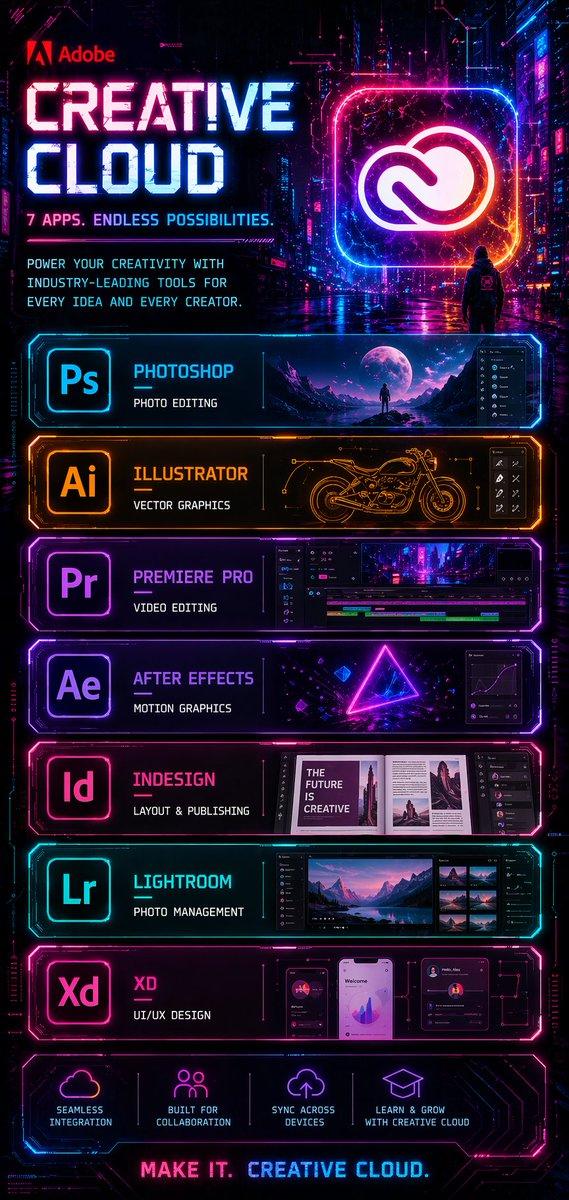
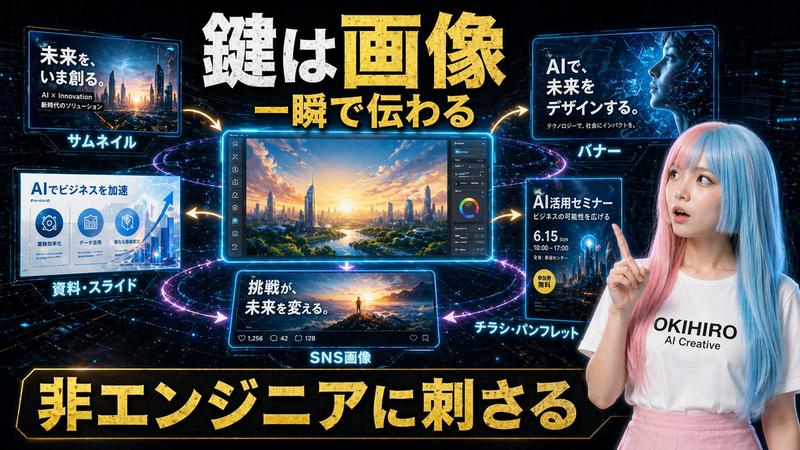
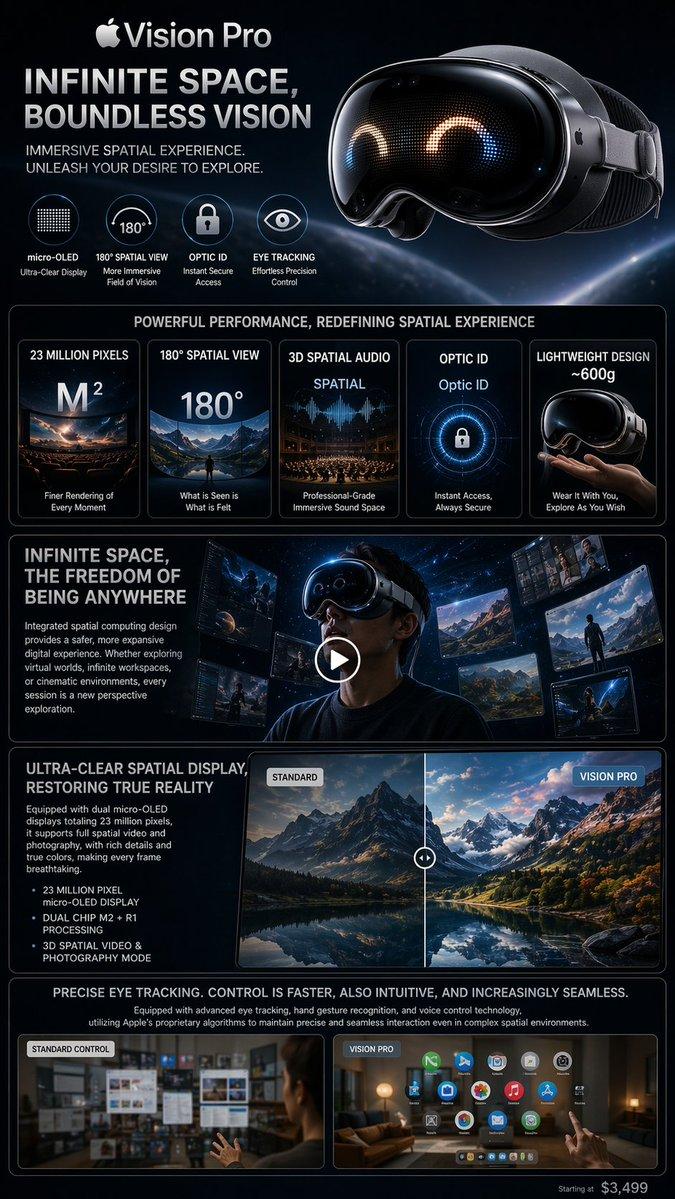
未来感玻璃质感 UI 产品横幅
Prompt
{"type":"futuristic promotional key visual for an AI image product","format":"wide 16:9 social media banner","overall_style":"premium sci-fi glassmorphism interface, cinematic dark background, translucent floating panels, glowing neon cyan and warm coral rim lights, volumetric haze, high contrast, sharp typography, realistic 3D UI render","text_content":{"top_left_small":"Built with GPT-Image-2 on MyShell","main_headline":"{argument name=\"headline text\" default=\"GLASS SYSTEM\"}","subheadline":"{argument name=\"subheadline text\" default=\"Interfaces that feel alive.\"}","supporting_line":"{argument name=\"supporting line\" default=\"GPT-Image-2 x MyShell visual direction.\"}","bottom_left_brand_line":"GPT-Image-2 x Seedance 2.0 | MyShell","button_text":"{argument name=\"button text\" default=\"Try GPT-Image-2 on MyShell\"}"},"layout":{"left_side":"large stacked uppercase headline occupying the left half, pale icy blue to white letters with subtle coral highlights and soft glow; smaller supporting copy beneath","right_side":"large transparent rounded-rectangle tablet interface floating in perspective, with layered glass panels behind it","bottom_bar":"one long translucent rounded call-to-action strip spanning the bottom, coral outline glow, star icon on the far left and glowing pill-shaped button on the right","background":"black-to-deep-navy gradient with faint horizontal light streaks, holographic lines, reflections on a glossy floor, circular neon rings under the interface"},"ui_elements":{"count_total":"16 discrete visible UI elements","main_preview":{"count":1,"description":"large central image card inside the glass tablet showing an epic alien planet over a reflective lake, mountain silhouettes, a tiny lone figure, twilight sky in blue and rose tones"},"right_thumbnail_column":{"count":3,"items":["top square floral image thumbnail with muted pink flowers and a dark central square","middle city skyline thumbnail with reflective water and tall futuristic towers","bottom canyon or lava valley thumbnail with glowing orange light trails"]},"bottom_thumbnail_strip":{"count":5,"items":["small dark landscape thumbnail with glowing lights","small planet lake scene thumbnail","small blue mountain or forest scene thumbnail","small futuristic city waterfront thumbnail","small orange canyon light-trail thumbnail"]},"left_floating_control_cards":{"count":3,"items":["PROMPT card with short horizontal input lines and a cyan connector node","STYLE card with a grid of tiny dots and a cyan connector node","LIGHT card with a circular dial and a coral connector node"]},"connector_nodes":{"count":4,"items":["cyan node beside the PROMPT card","cyan node beside the STYLE card","coral node beside the LIGHT card","cyan node on the tablet edge where the connector lines meet"]},"bottom_bar_components":{"count":3,"items":["glowing square star icon button at bottom left","brand text segment in the center-left of the bar","large coral glowing rounded CTA button at bottom right"]}},"color_palette":{"primary":"icy cyan and glass blue","accent":"{argument name=\"accent glow color\" default=\"warm coral pink\"}","background":"near black, deep navy, smoky gray","text":"white and pale blue"},"typography":"bold condensed geometric sans-serif for the headline, clean modern sans-serif for smaller text, crisp readable advertising copy","rendering_notes":"make the interface feel alive with subtle light pulses, transparent stacked glass depth, refractions, rounded corners, thin illuminated outlines, realistic screen reflections, and an expensive tech-launch aesthetic; keep all visible English text legible and aligned like a polished product campaign banner"}- Category
- Charts & Infographics
- Model
- GPT Image 2
- Creator
- MyShell.AI
- Source ID
- 19696
- Published
- May 11, 2026
Views4