20

赛博朋克 AI 创意工作空间
Enlarge

赛博朋克 AI 创意工作空间

Prompt
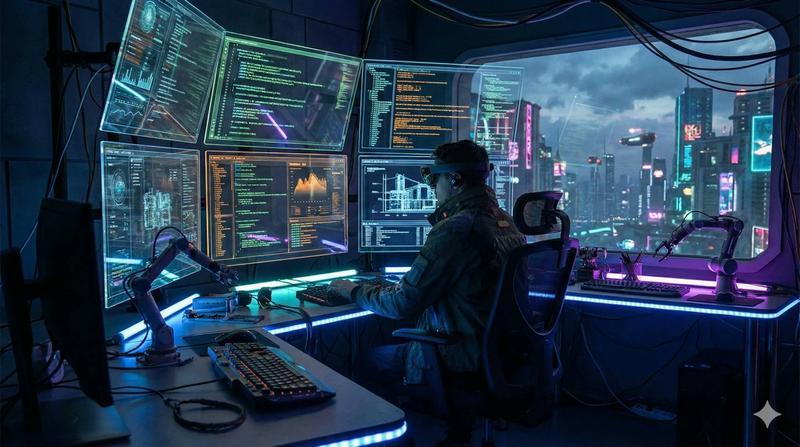
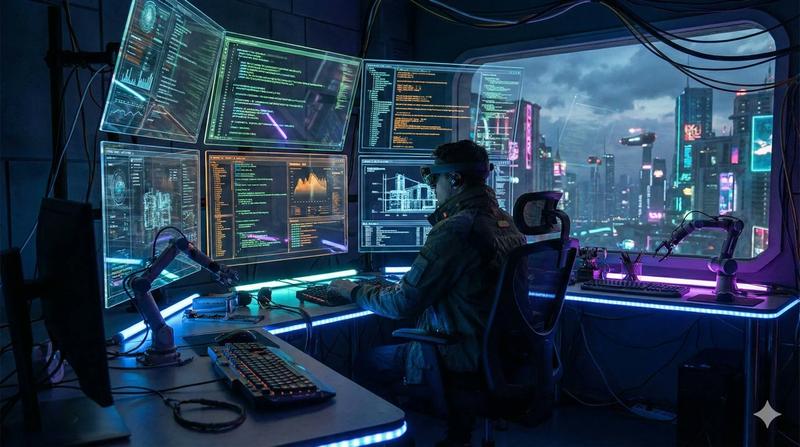
An ultra-modern AI creative workspace powered by GPT IMAGE 2 inside ChatGPT, {argument name="atmosphere" default="cinematic cyberpunk atmosphere"}, glowing holographic interfaces, {argument name="lighting" default="futuristic neon blue and purple lighting"}, realistic reflections, AI-generated artwork appearing in mid-air screens, highly detailed environment, {argument name="focus" default="creative digital artist"} working with advanced AI tools, dramatic shadows, viral tech aesthetic, cinematic camera angle, hyper realistic, 4K ultra quality, depth of field, volumetric lighting, futuristic UI elements, immersive sci-fi mood, trending AI visuals
Category
Charts & Infographics
Model
GPT Image 2
Views7
Source ID
19419
Published
May 10, 2026

Guide

About "赛博朋克 AI 创意工作空间"

What is this prompt for?

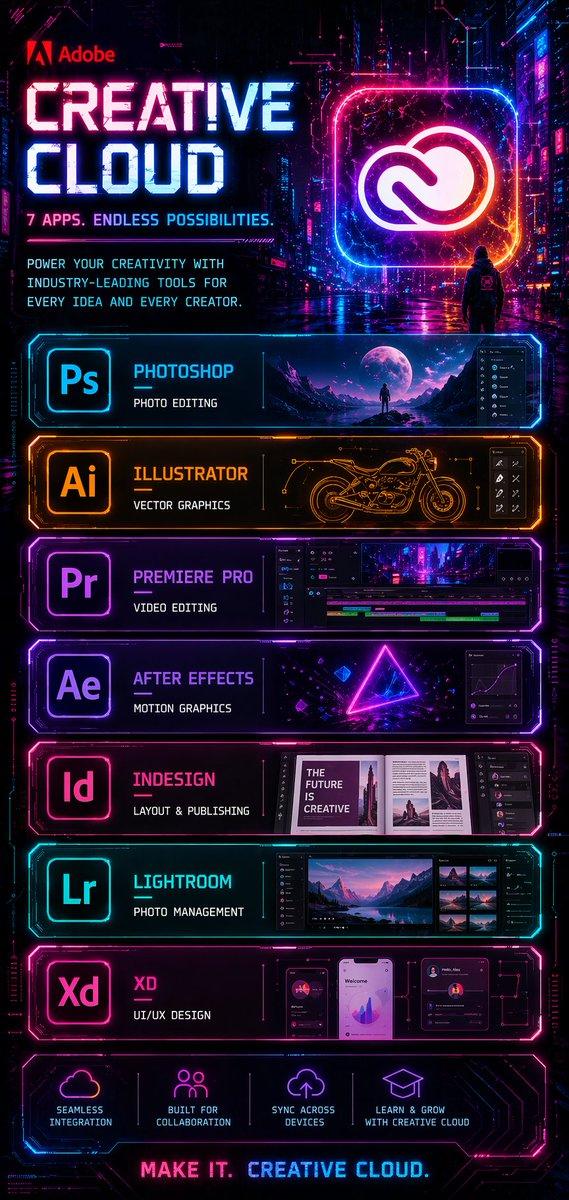
"赛博朋克 AI 创意工作空间" AI image prompt for GPT Image 2 (Charts & Infographics). 一个融合全息界面与霓虹赛博朋克美学的超现代 AI 工作空间,极具未来感。 Copy it on Picva and recreate the look in one cl…

The full copyable prompt and example visuals above are ready for AI image generation or one-click recreate in Picva.

How to use this prompt

  1. Step 1

    Open the prompt detail

    Review the example visuals, category, and full prompt text for "赛博朋克 AI 创意工作空间".

  2. Step 2

    Copy the prompt

    Copy the prompt body from this page, or load it directly in Studio.

  3. Step 3

    Pick a model (GPT Image 2)

    Prefer GPT Image 2. If you switch models, keep subject and composition and tweak style terms.

  4. Step 4

    Generate and export

    Recreate the look in Picva, or export into your workflow for editing and publishing.

FAQ

What is the "赛博朋克 AI 创意工作空间" prompt?
It is an AI image-generation prompt for GPT Image 2 in the Charts & Infographics category. This page includes the full prompt text, example visuals, and a one-click recreate path in Picva.
How do I use this prompt to generate an image?
Copy the prompt from this page, or use Generate / Studio. Paste it into a compatible image model, or recreate the look in Picva with optional reference images.
Which model is this prompt for?
This page lists GPT Image 2. Most descriptive prompts also transfer to nearby image models such as GPT Image, Flux, or Midjourney with light style tweaks.
Can I use the result commercially?
You can usually copy the prompt for creation, but commercial use of the final image depends on the model terms, reference-image rights, and the generated content. Follow the source author and platform rules.