18

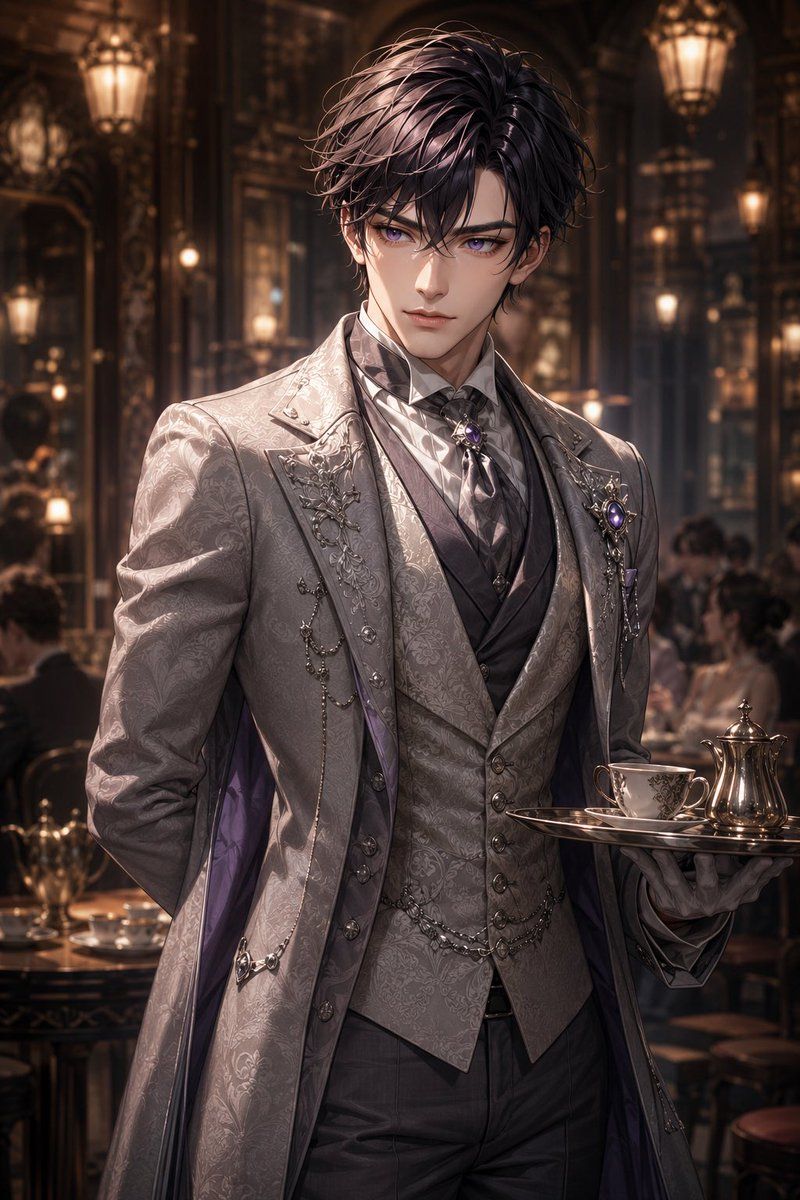
大马士革哥特风管家肖像
Enlarge

Example images

大马士革哥特风管家肖像

Prompt
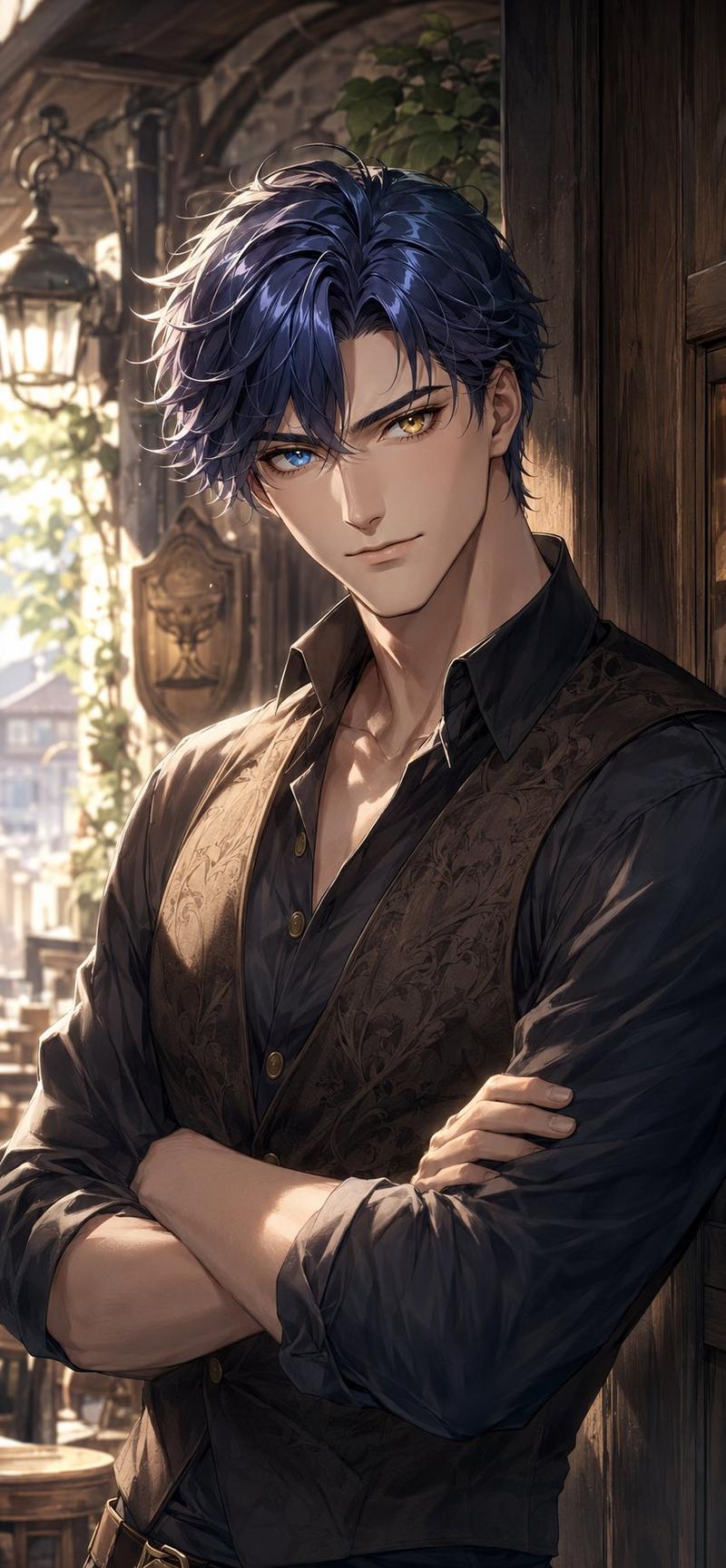
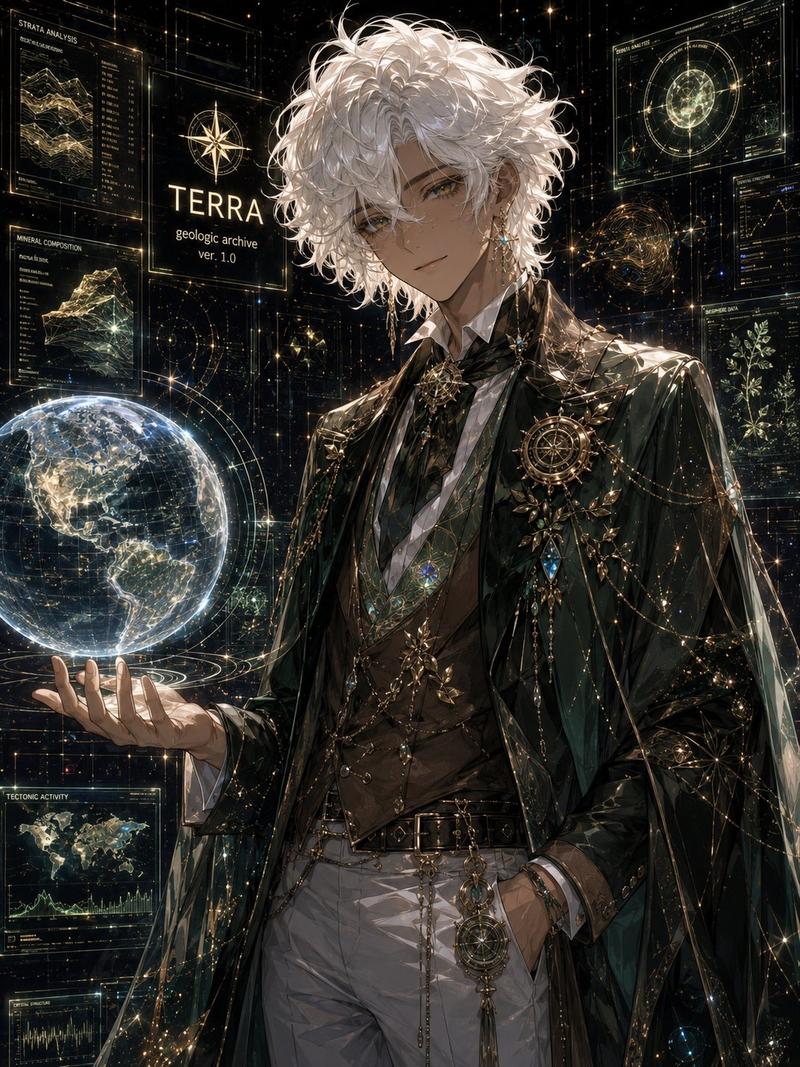
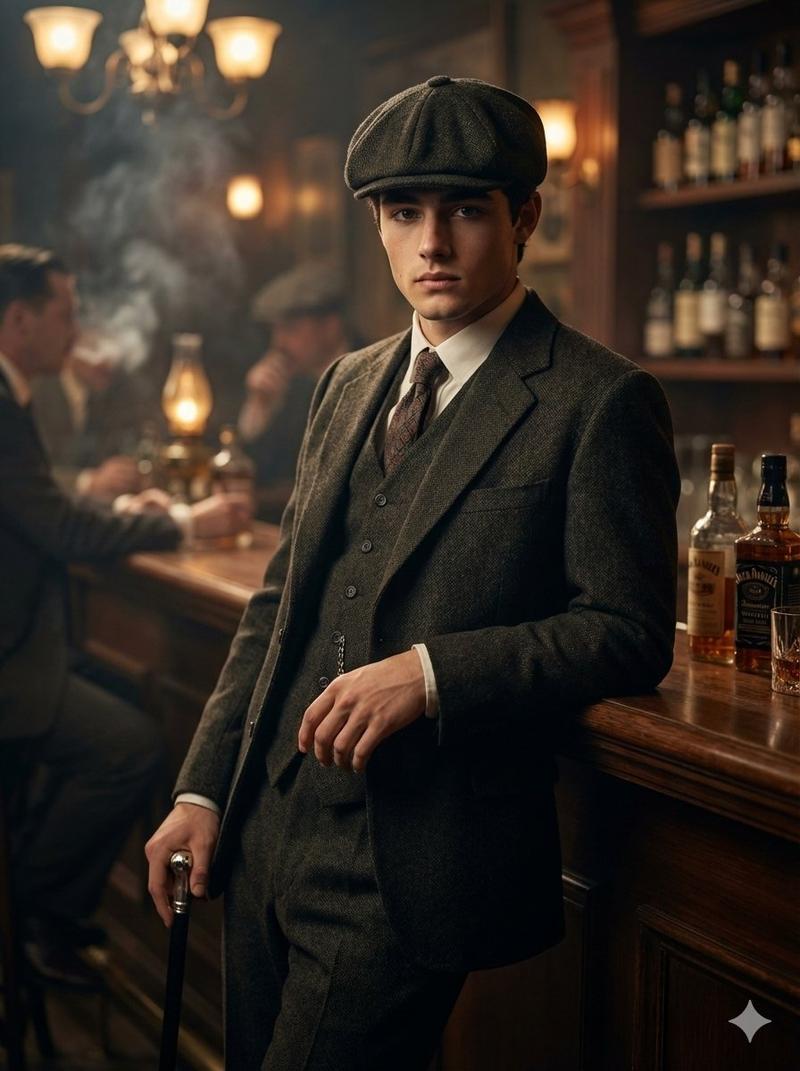
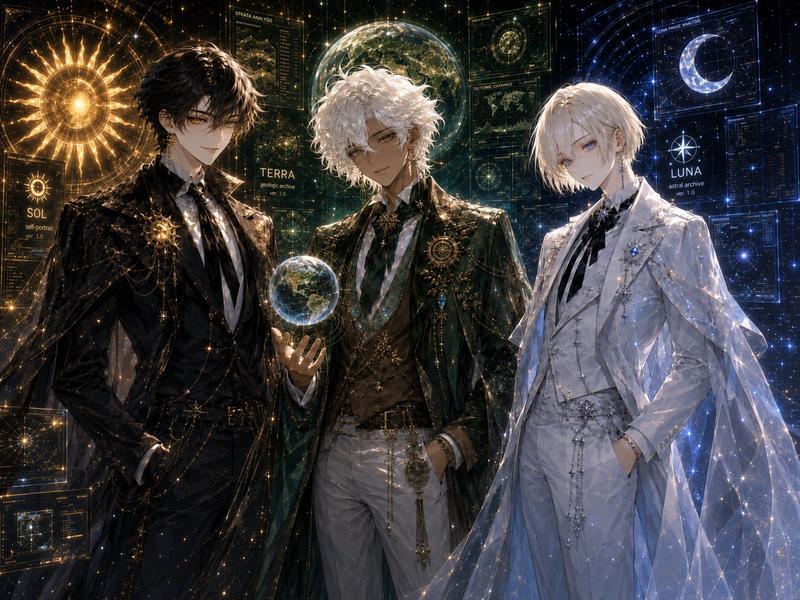
Create a highly detailed vertical anime-realistic illustration of a refined male butler in an opulent Victorian tea salon, shown from mid-thigh up in a three-quarter pose. The butler has {argument name="hair color" default="dark plum-black"} tousled layered hair with glossy highlights, while his face is deliberately covered by a centered opaque square censor block in a muted brown skin-tone gradient. He wears an elegant {argument name="suit color" default="silver gray"} formal butler ensemble with a long tailored frock coat, waistcoat, cravat, white dress shirt, fitted trousers, and subtle purple lining visible inside the coat. The entire outfit features ornate damask patterns, embroidered lapels, metallic filigree brooches, chain accessories, jeweled purple accents, and a polished aristocratic gothic-rock style. His left arm is held behind his back, and his right hand presents a silver serving tray holding exactly 3 tea service items: one porcelain teacup with saucer, one polished silver teapot, and one small matching dish or saucer. The background is a luxurious dimly lit cafe or ballroom with dark carved wood, mirrors, chandeliers, warm lantern lights, blurred seated guests, round tables, teacups, and gold-brown bokeh. Use dramatic warm lighting, shallow depth of field, intricate fabric texture, glossy metal reflections, cinematic composition, high contrast, elegant dark fantasy atmosphere, and a portrait aspect ratio of {argument name="aspect ratio" default="2:3"}.
Category
Charts & Infographics
Model
GPT Image 2
Creator
美和
Views2
Source ID
19745
Published
May 11, 2026

Guide

About "大马士革哥特风管家肖像"

What is this prompt for?

"大马士革哥特风管家肖像" AI image prompt for GPT Image 2 (Charts & Infographics). 生成一张华丽的动漫写实风格管家肖像,背景为奢华的维多利亚式茶室,融合大马士革时尚与哥特摇滚细节。 Copy it on Picva and recreate the look…

The full copyable prompt and example visuals above are ready for AI image generation or one-click recreate in Picva.

How to use this prompt

  1. Step 1

    Open the prompt detail

    Review the example visuals, category, and full prompt text for "大马士革哥特风管家肖像".

  2. Step 2

    Copy the prompt

    Copy the prompt body from this page, or load it directly in Studio.

  3. Step 3

    Pick a model (GPT Image 2)

    Prefer GPT Image 2. If you switch models, keep subject and composition and tweak style terms.

  4. Step 4

    Generate and export

    Recreate the look in Picva, or export into your workflow for editing and publishing.

FAQ

What is the "大马士革哥特风管家肖像" prompt?
It is an AI image-generation prompt for GPT Image 2 in the Charts & Infographics category. This page includes the full prompt text, example visuals, and a one-click recreate path in Picva.
How do I use this prompt to generate an image?
Copy the prompt from this page, or use Generate / Studio. Paste it into a compatible image model, or recreate the look in Picva with optional reference images.
Which model is this prompt for?
This page lists GPT Image 2. Most descriptive prompts also transfer to nearby image models such as GPT Image, Flux, or Midjourney with light style tweaks.
Can I use the result commercially?
You can usually copy the prompt for creation, but commercial use of the final image depends on the model terms, reference-image rights, and the generated content. Follow the source author and platform rules.