19

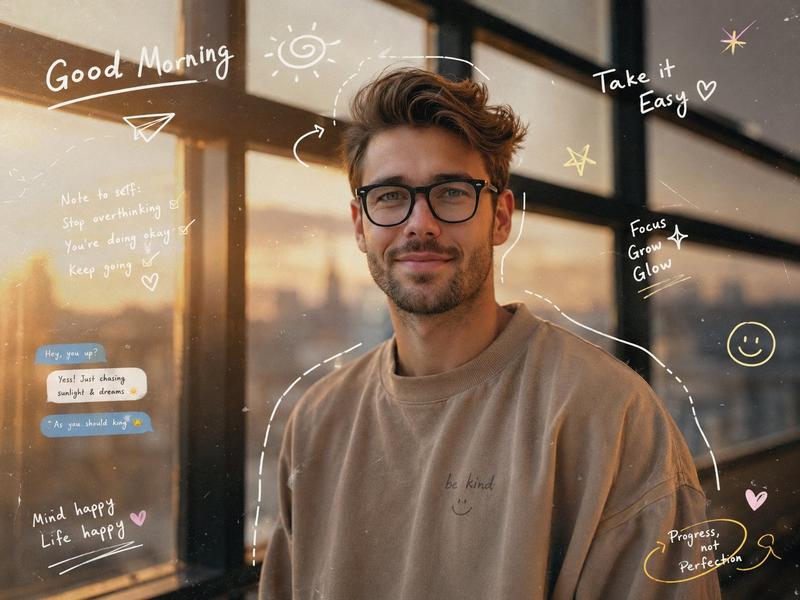
Z 世代美学涂鸦肖像
Enlarge

Z 世代美学涂鸦肖像

Prompt
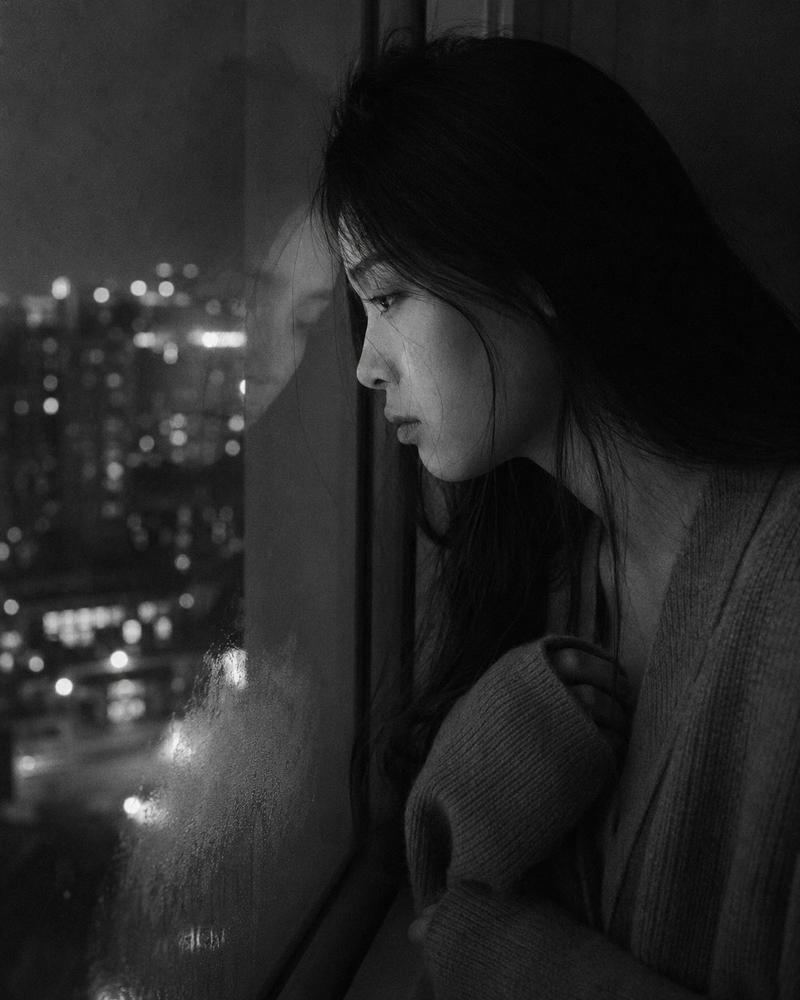
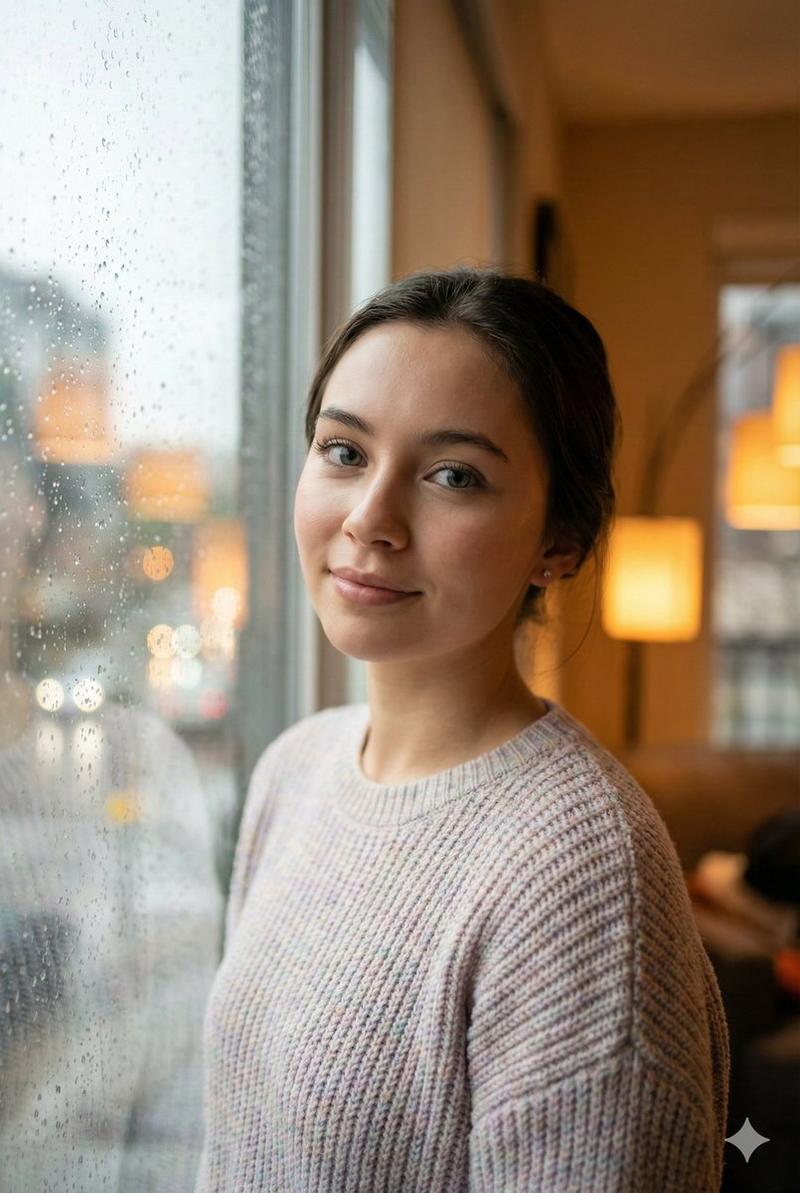
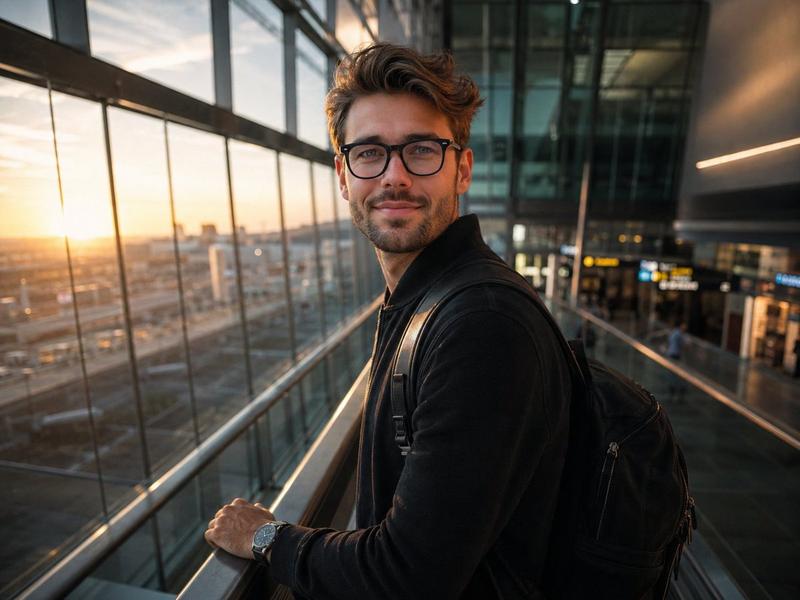
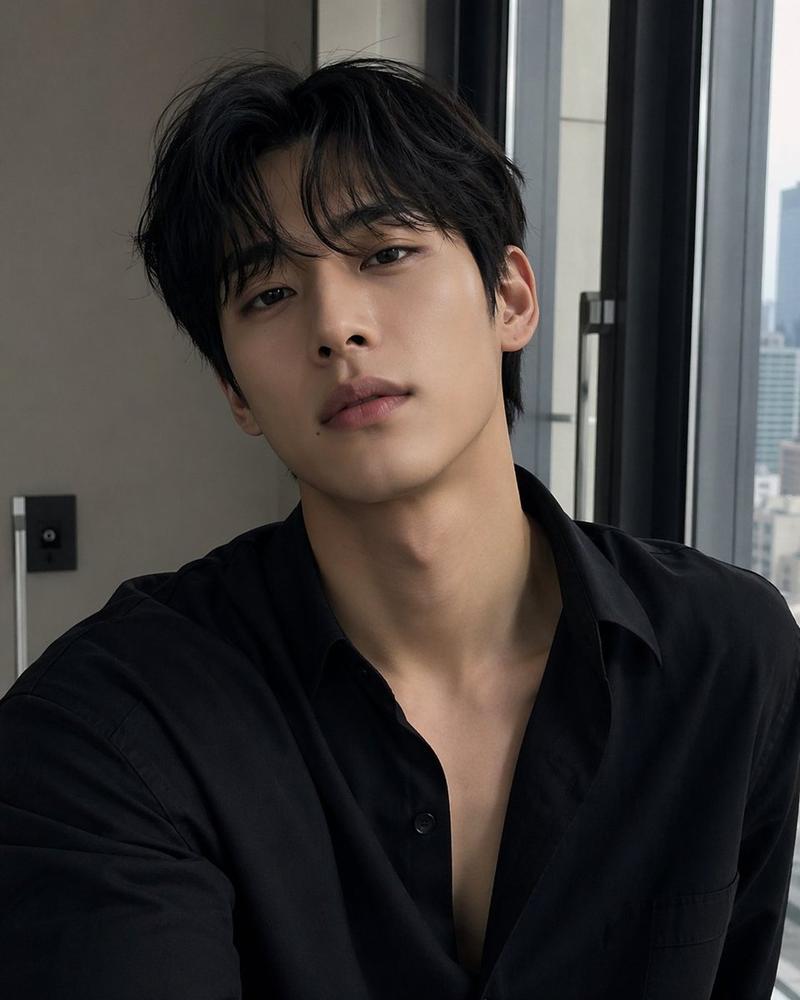
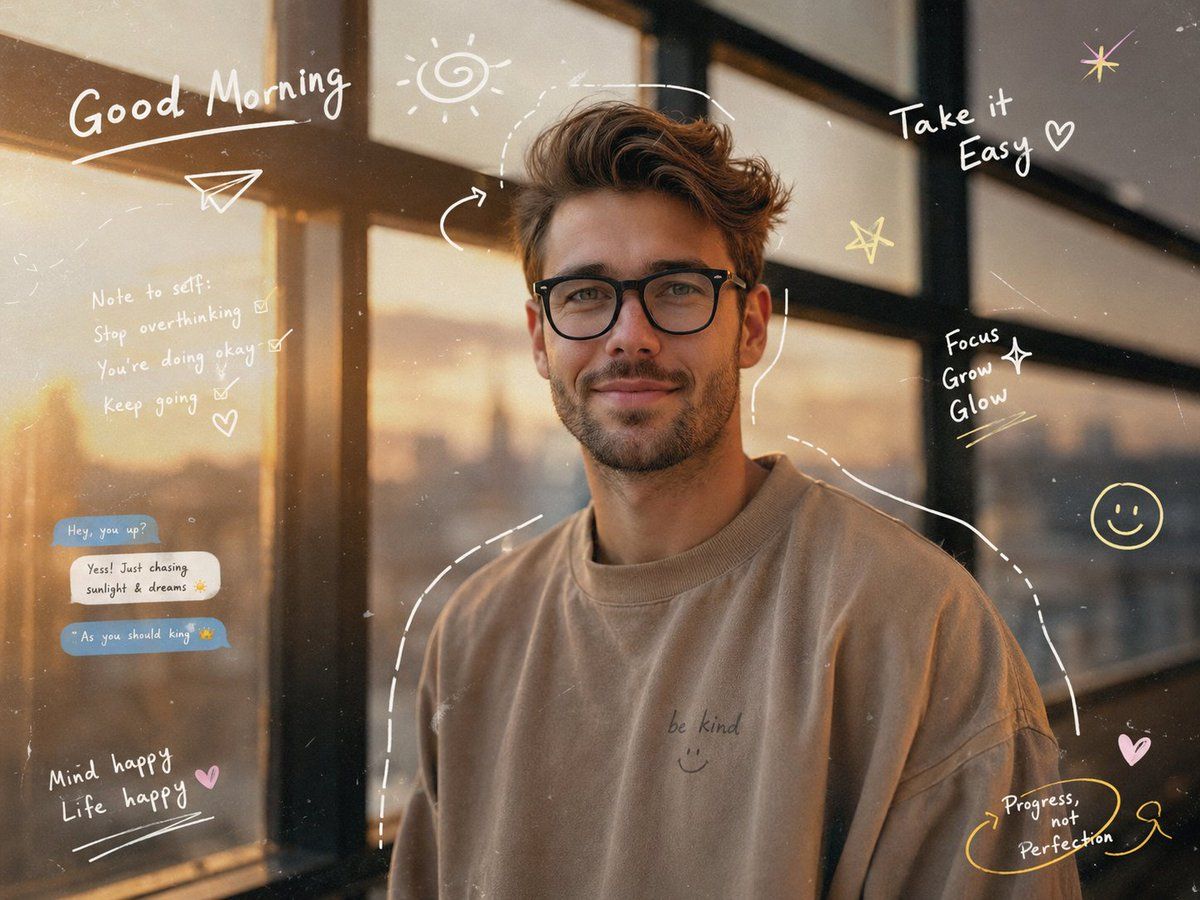
Cinematic aesthetic portrait of a {argument name="subject" default="stylish young man"} standing near a window during golden sunrise, wearing {argument name="clothing" default="oversized neutral-toned streetwear"}, soft warm sunlight hitting his face, dreamy morning atmosphere, reflective light patterns, natural candid pose, ultra realistic skin texture, shallow depth of field, clean Instagram-inspired composition. Add soft hand-drawn pastel doodles and artistic scribble elements around him — {argument name="doodle elements" default="playful arrows, stars, smiley faces, swirls, sketch outlines, tiny hearts, handwritten notes, and casual chat-style annotations"} for a creative Gen-Z vibe. Include subtle film grain, soft glow, warm reflections, cozy mood, highly detailed visuals, modern editorial photography style, minimal yet artistic aesthetic, 4K ultra realistic, balanced colors, trendy social media look.
Category
Charts & Infographics
Model
GPT Image 2
Creator
Karlos
Views6
Source ID
19804
Published
May 12, 2026

Guide

About "Z 世代美学涂鸦肖像"

What is this prompt for?

"Z 世代美学涂鸦肖像" AI image prompt for GPT Image 2 (Charts & Infographics). 一张融合了艺术感 Z 世代风格涂鸦与草图的年轻男性电影感肖像,非常适合社交媒体和杂志编辑风格。 Copy it on Picva and recreate the look in…

The full copyable prompt and example visuals above are ready for AI image generation or one-click recreate in Picva.

How to use this prompt

  1. Step 1

    Open the prompt detail

    Review the example visuals, category, and full prompt text for "Z 世代美学涂鸦肖像".

  2. Step 2

    Copy the prompt

    Copy the prompt body from this page, or load it directly in Studio.

  3. Step 3

    Pick a model (GPT Image 2)

    Prefer GPT Image 2. If you switch models, keep subject and composition and tweak style terms.

  4. Step 4

    Generate and export

    Recreate the look in Picva, or export into your workflow for editing and publishing.

FAQ

What is the "Z 世代美学涂鸦肖像" prompt?
It is an AI image-generation prompt for GPT Image 2 in the Charts & Infographics category. This page includes the full prompt text, example visuals, and a one-click recreate path in Picva.
How do I use this prompt to generate an image?
Copy the prompt from this page, or use Generate / Studio. Paste it into a compatible image model, or recreate the look in Picva with optional reference images.
Which model is this prompt for?
This page lists GPT Image 2. Most descriptive prompts also transfer to nearby image models such as GPT Image, Flux, or Midjourney with light style tweaks.
Can I use the result commercially?
You can usually copy the prompt for creation, but commercial use of the final image depends on the model terms, reference-image rights, and the generated content. Follow the source author and platform rules.