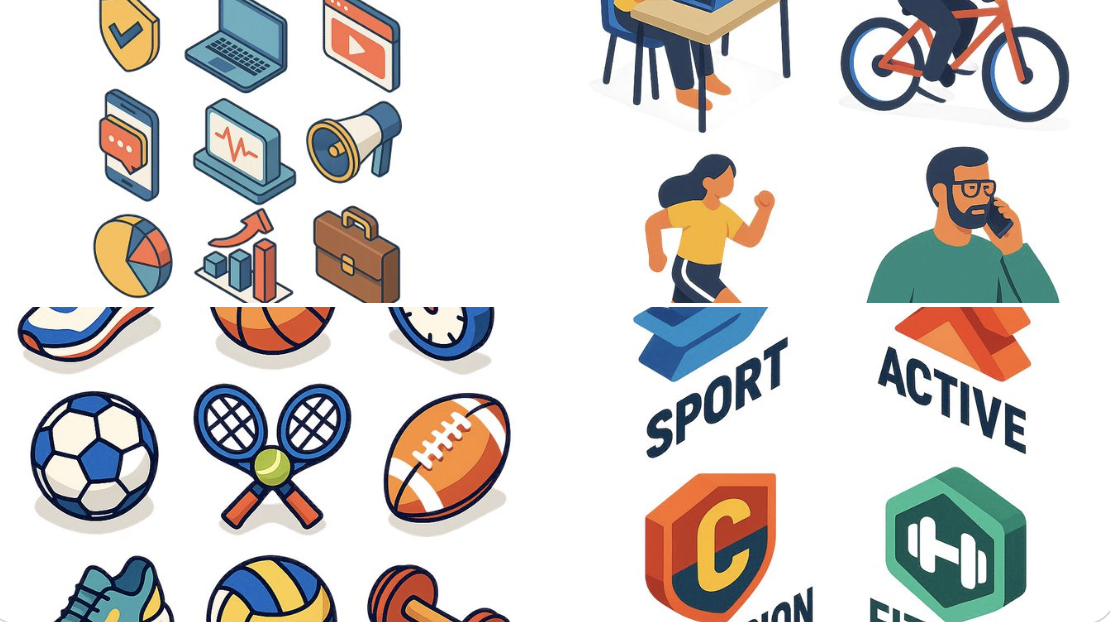
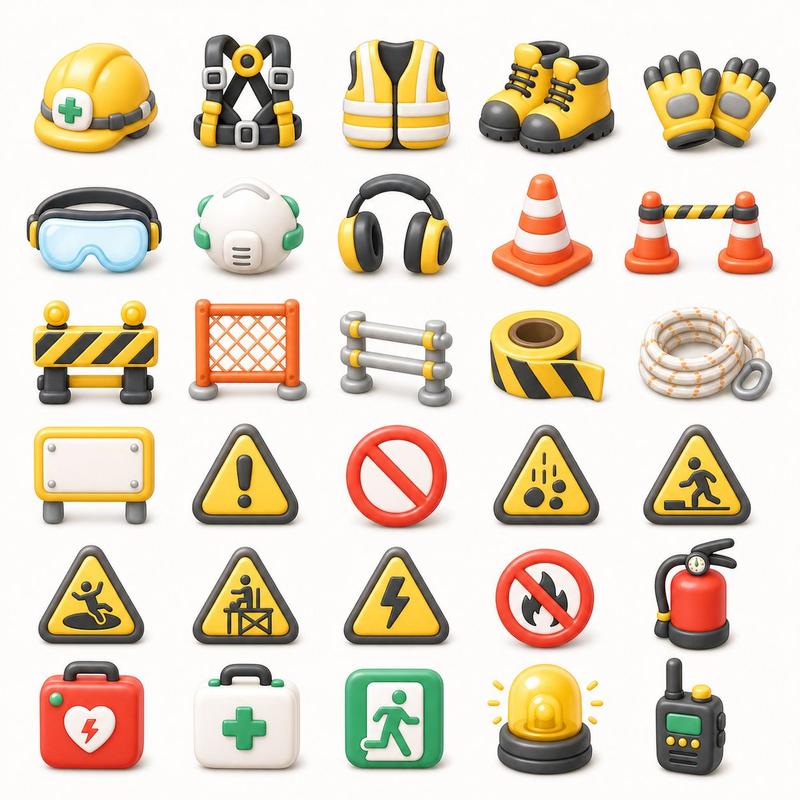
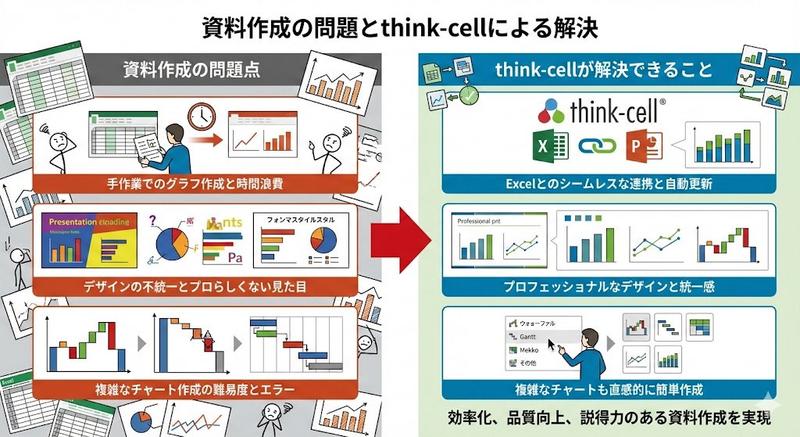
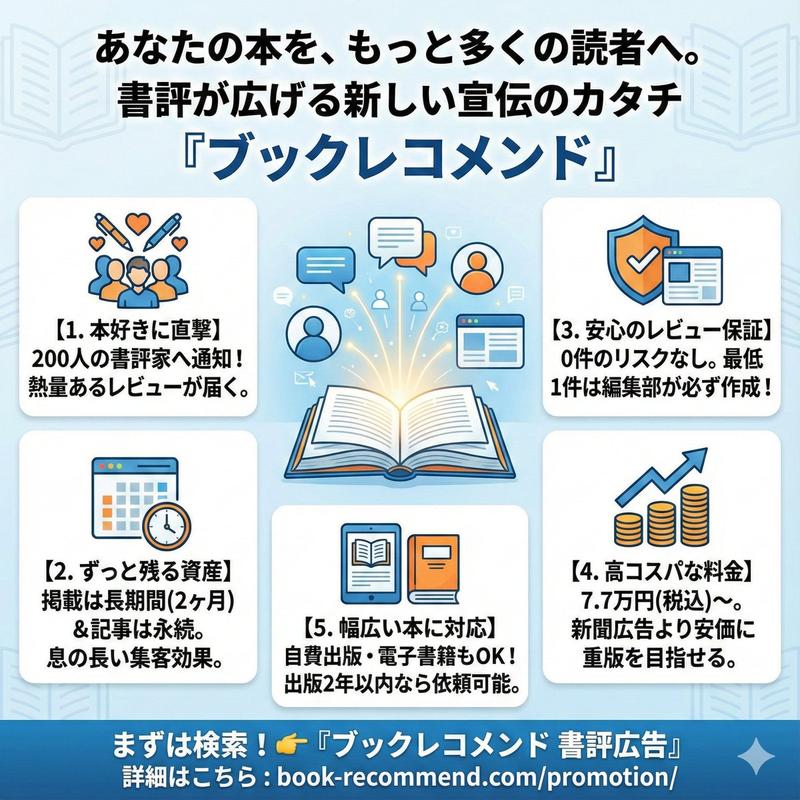
商务演示图标集
Prompt
Goal: Create a clean vector icon set for business presentation illustrations, suitable for slide decks and documents.

Canvas: Wide 16:9 white background, evenly spaced grid layout with 40 discrete icons arranged in 5 rows and 8 columns. Use generous margins and consistent icon sizing.

Visual style: Flat modern corporate vector style with rounded shapes, minimal shading, crisp edges, and a friendly SaaS/business look. Use a limited palette of {argument name="primary blue" default="bright blue"}, {argument name="accent green" default="fresh green"}, {argument name="accent orange" default="vivid orange"}, dark navy outlines, light gray UI details, and occasional yellow. No text labels, no watermark, no realistic texture.

Icon contents: Include exactly 40 icons in this order, left to right by row:
Row 1: 1) three people meeting at a table with speech bubbles, 2) bar chart with upward growth arrow, 3) line graph with three colored points and rising arrow, 4) three vertical upward arrows in blue green orange, 5) presentation screen with pie chart and pointer, 6) laptop with dashboard cards, 7) tablet with colored dashboard blocks.
Row 2: 8) kanban board with three columns and colored task cards, 9) glowing light bulb idea icon, 10) target with arrow hitting bullseye, 11) handshake with blue and green sleeves, 12) monthly calendar grid with one orange date, 13) document page with blue folded corner and lines, 14) checklist document with green check marks.
Row 3: 15) cloud upload icon with upward arrow, 16) dark blue gear settings icon, 17) magnifying glass search icon, 18) blue envelope email icon, 19) video conference monitor with four participants, 20) gold trophy award icon, 21) four-piece puzzle in blue green orange.
Row 4: 22) green circle check mark, 23) pie chart in blue green orange, 24) organization chart with connected colored nodes, 25) thumbs-up approval icon, 26) team/group icon with three people, 27) bar chart with rising green arrow, 28) green shield with white check mark.
Row 5: 29) money bag with dollar sign and stacked coins, 30) calculator with orange key, 31) analog clock, 32) yellow file folder, 33) overlapping chat bubbles with ellipsis, 34) dark blue briefcase with yellow clasp, 35) blue globe wireframe.

Layout constraints: Maintain a balanced grid and consistent visual weight; leave open white space between icons; keep all icons centered in their cells; avoid adding captions or extra elements. The final image should feel like a reusable {argument name="asset type" default="business icon library"} for {argument name="use case" default="presentation materials"}.- Category
- Charts & Infographics
- Model
- GPT Image 2
- Creator
- キャット@AIをマスターせよ
- Source ID
- 20096
- Published
- May 13, 2026
Views2