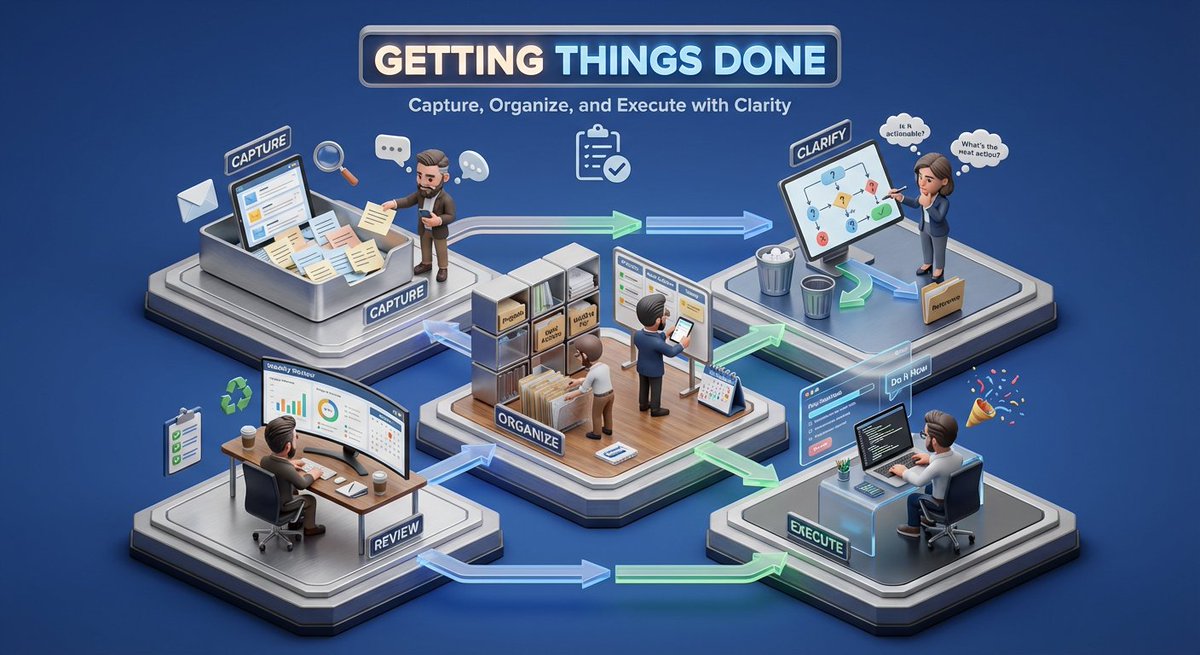
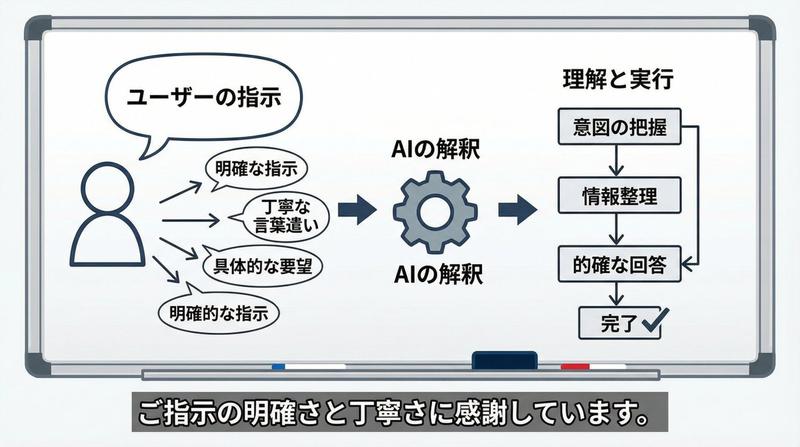
等距工作流自动化插图
Prompt
Create a clean isometric corporate website illustration on a white background, showing a stylized laptop at the center with a workflow automation diagram on its screen. A human figure in a red sweater, black pants, and white shoes stands to the right of the laptop, reaching forward and pressing a red rounded-square node on the screen. Use a modern vector/3D hybrid style with thick black outlines, soft gray shadows, white surfaces, and a limited palette of orange, red, black, and light gray. Include exactly 7 distinct surrounding objects connected by black circuit-like lines with small orange circular junctions: 1 large orange gear in the upper left behind the laptop screen, 1 small red gear on the right, 1 white rounded cube with an orange top tile in the upper right, 1 white/red rounded cube with a pie-chart icon in the lower left, 1 small white rounded cube with an orange check mark at the bottom center, 1 stacked white server-like cube with an orange top and small orange/red dots in the lower right, and 1 central laptop with a visible keyboard and trackpad. On the laptop screen include exactly 5 workflow UI elements: 2 red rounded-square nodes with white circular centers, 1 orange rounded rectangle in the middle, 1 white rounded rectangle with three small colored dots, and 1 black curved connector leading to the right red node. Keep the composition airy, minimal, friendly, and suitable as a corporate site hero asset for {argument name="business theme" default="automation and digital workflow"}. No text, no logos, no photorealism, no clutter.- Category
- Charts & Infographics
- Model
- GPT Image 2
- Creator
- はすきー|Midjourneyマニア🐺
- Source ID
- 27365
- Published
- Jul 1, 2026
Views1