19

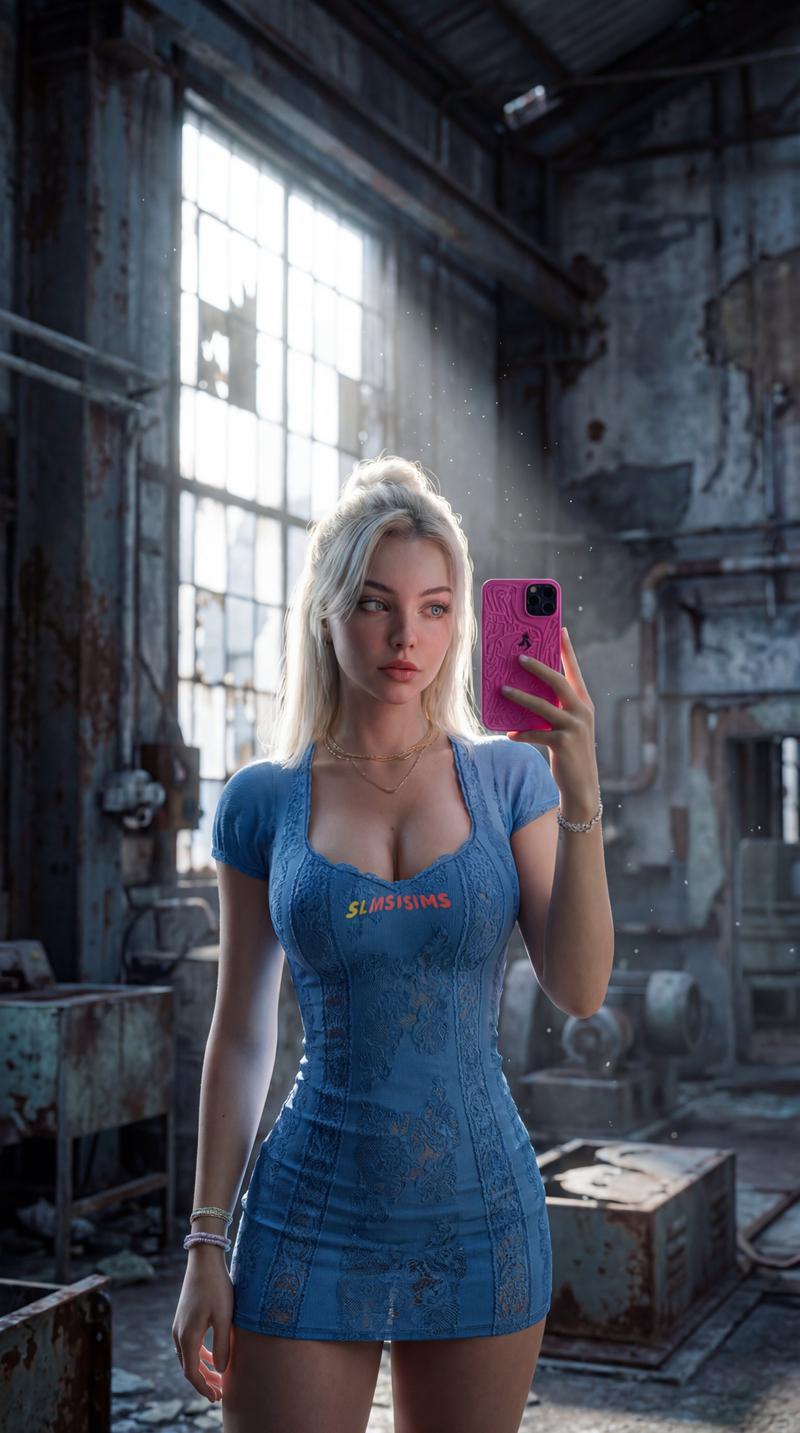
废弃仓库中的孤独身影
Enlarge

废弃仓库中的孤独身影

Prompt
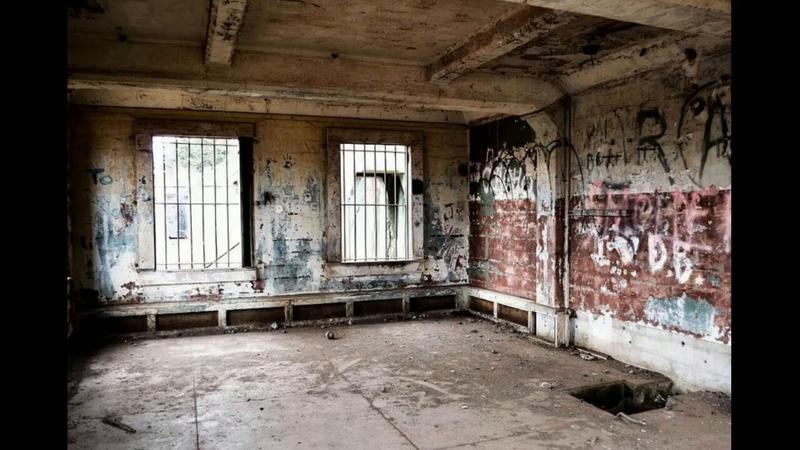
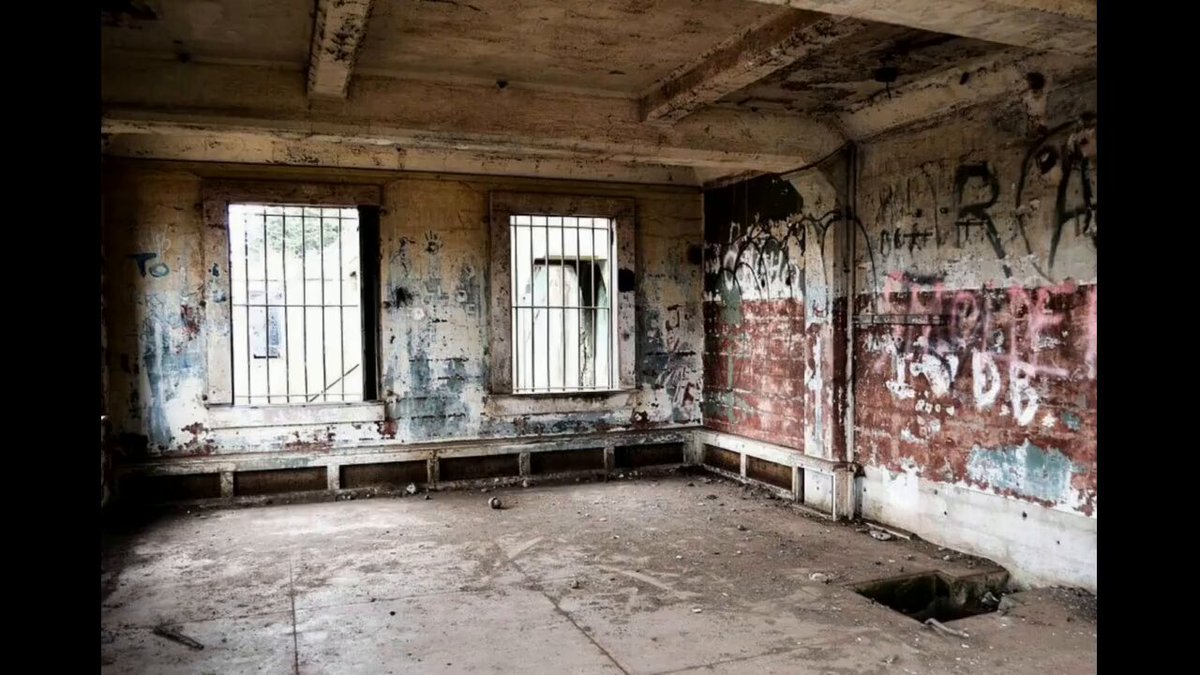
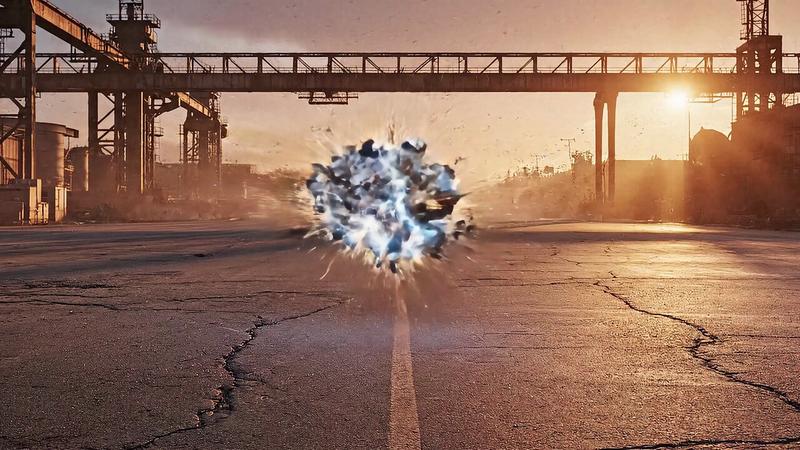
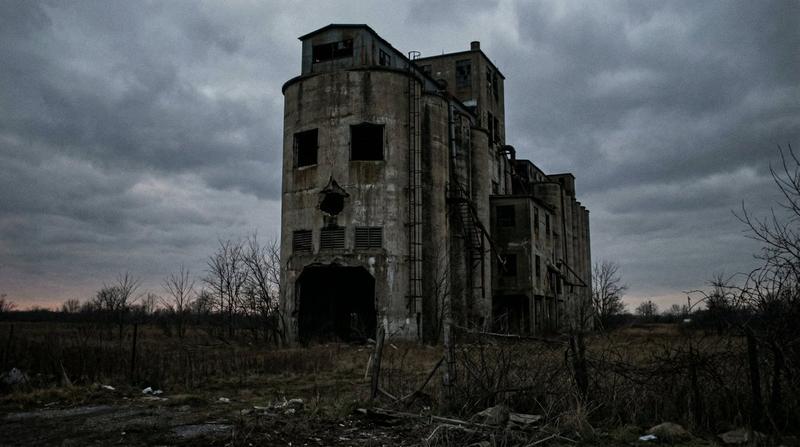
Create a cinematic 35mm film photograph of a lone person in a long dark coat standing near the center of an abandoned industrial warehouse at golden hour. The building is vast, decayed, and partially ruined, with tall broken window frames across the back wall, exposed steel beams, cracked concrete columns, peeling paint, rusted railings, debris, dry weeds, and overgrown plants pushing through the floor. The low sun shines directly through the left-center windows, producing a bright warm flare and long dramatic shadows stretching across the dusty concrete toward the camera. Compose in a wide 16:9 horizontal frame with the subject small against the architecture, slightly right of center, facing the glowing windows, creating a quiet contemplative mood. Use natural warm amber sunlight mixed with deep cool shadows, high dynamic range, realistic texture, visible film grain, slight softness, and analog color grading. Add strong accidental film light leaks: a vertical saturated red-pink band along the far left edge and a warm orange-red flare bleeding in from the right edge. Photorealistic, atmospheric, documentary-style urban exploration photography, no text, no watermark.
Category
Charts & Infographics
Model
GPT Image 2
Views5
Source ID
20121
Published
May 13, 2026

Guide

About "废弃仓库中的孤独身影"

What is this prompt for?

"废弃仓库中的孤独身影" AI image prompt for GPT Image 2 (Charts & Infographics). 一个电影感胶片摄影提示词,用于在破败的工业仓库中创作出带有戏剧性漏光效果的黄金时刻场景。 Copy it on Picva and recreate the look in on…

The full copyable prompt and example visuals above are ready for AI image generation or one-click recreate in Picva.

How to use this prompt

  1. Step 1

    Open the prompt detail

    Review the example visuals, category, and full prompt text for "废弃仓库中的孤独身影".

  2. Step 2

    Copy the prompt

    Copy the prompt body from this page, or load it directly in Studio.

  3. Step 3

    Pick a model (GPT Image 2)

    Prefer GPT Image 2. If you switch models, keep subject and composition and tweak style terms.

  4. Step 4

    Generate and export

    Recreate the look in Picva, or export into your workflow for editing and publishing.

FAQ

What is the "废弃仓库中的孤独身影" prompt?
It is an AI image-generation prompt for GPT Image 2 in the Charts & Infographics category. This page includes the full prompt text, example visuals, and a one-click recreate path in Picva.
How do I use this prompt to generate an image?
Copy the prompt from this page, or use Generate / Studio. Paste it into a compatible image model, or recreate the look in Picva with optional reference images.
Which model is this prompt for?
This page lists GPT Image 2. Most descriptive prompts also transfer to nearby image models such as GPT Image, Flux, or Midjourney with light style tweaks.
Can I use the result commercially?
You can usually copy the prompt for creation, but commercial use of the final image depends on the model terms, reference-image rights, and the generated content. Follow the source author and platform rules.