19

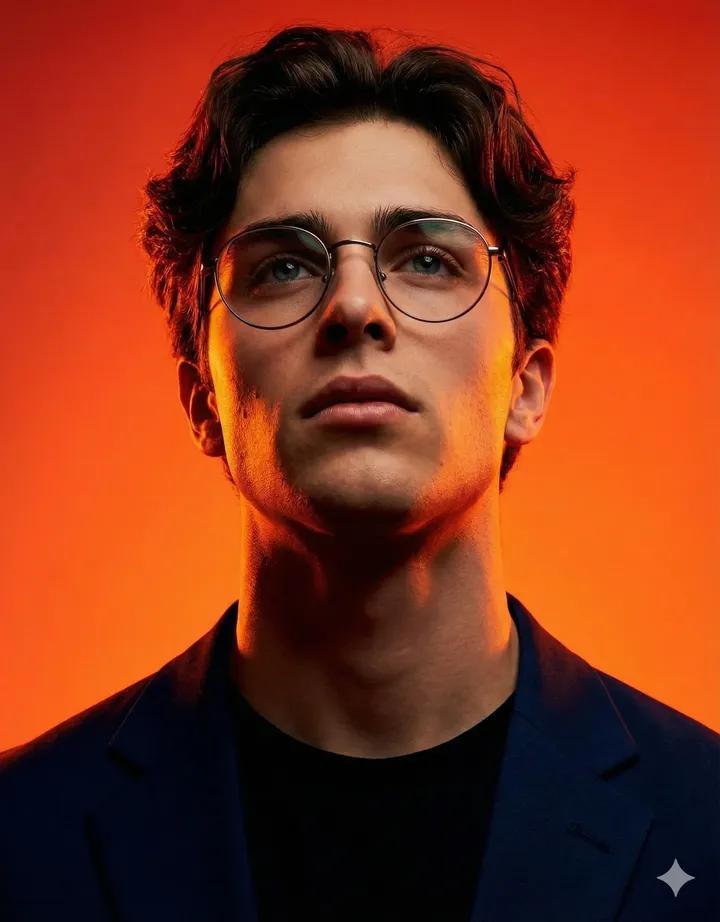
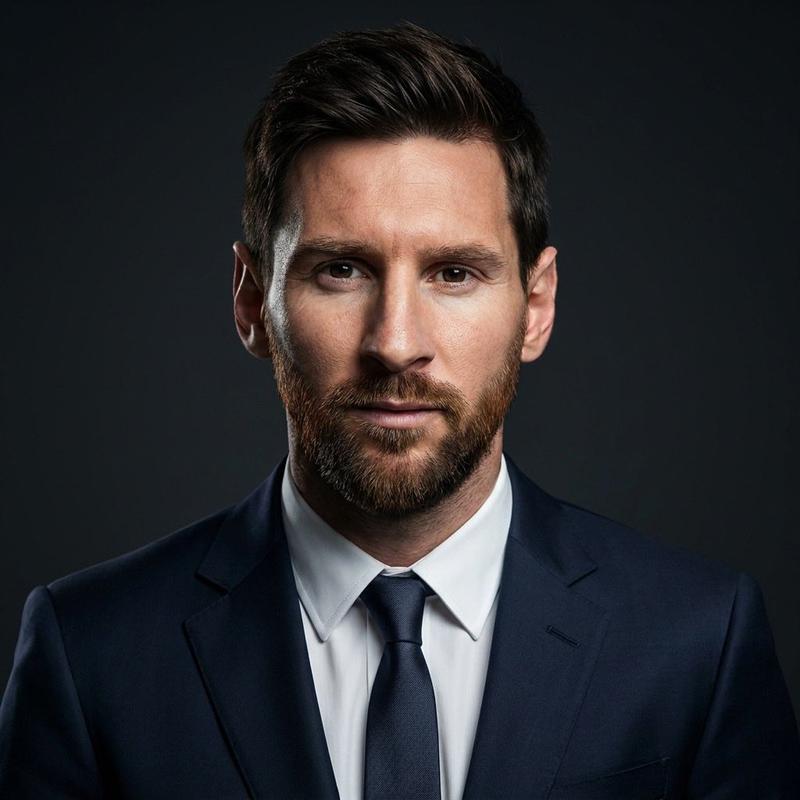
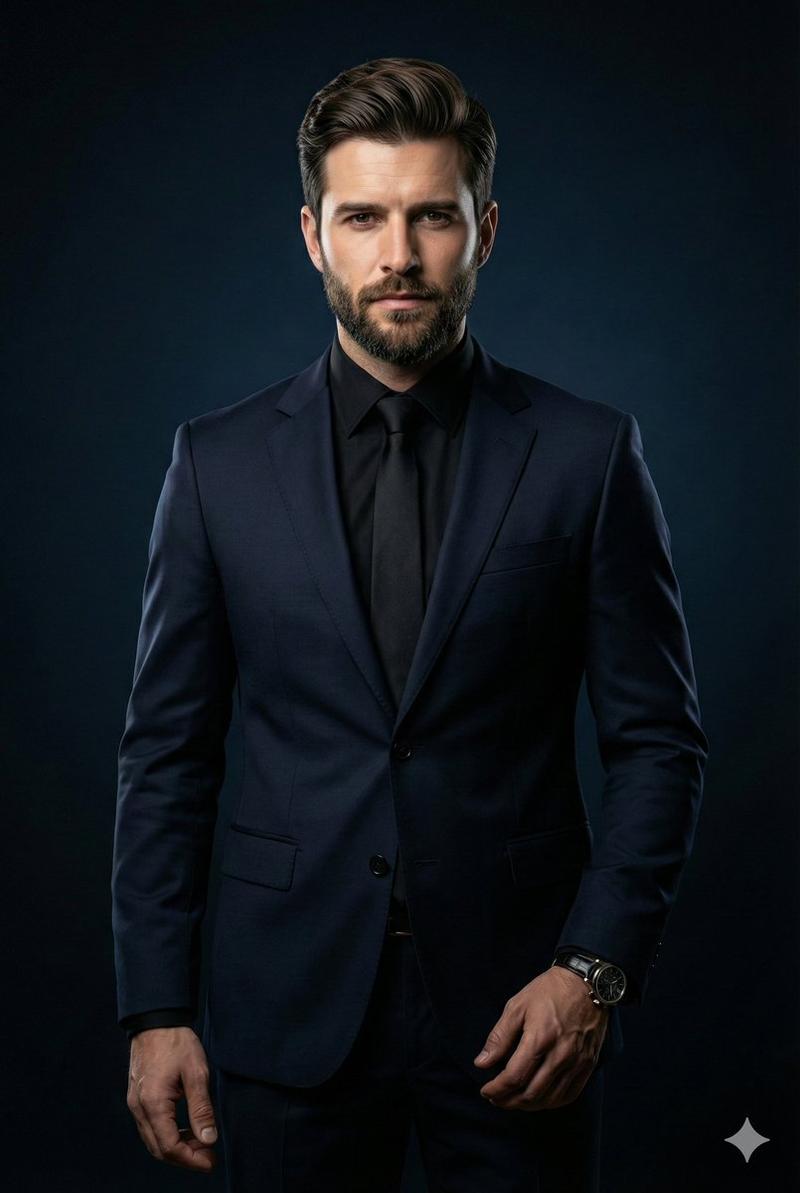
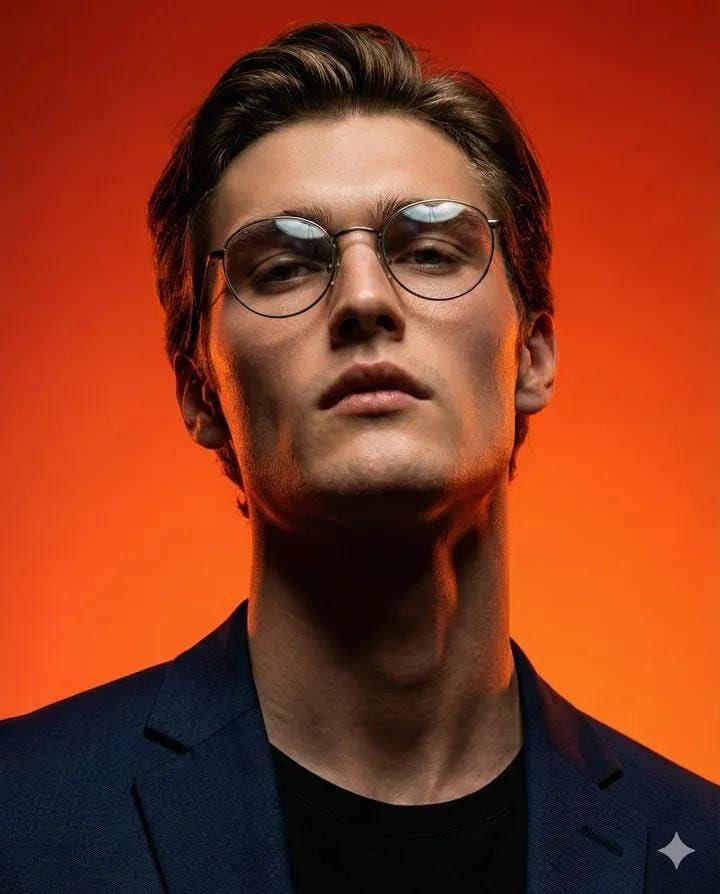
电影感男性肖像编辑摄影
Enlarge

电影感男性肖像编辑摄影

Prompt
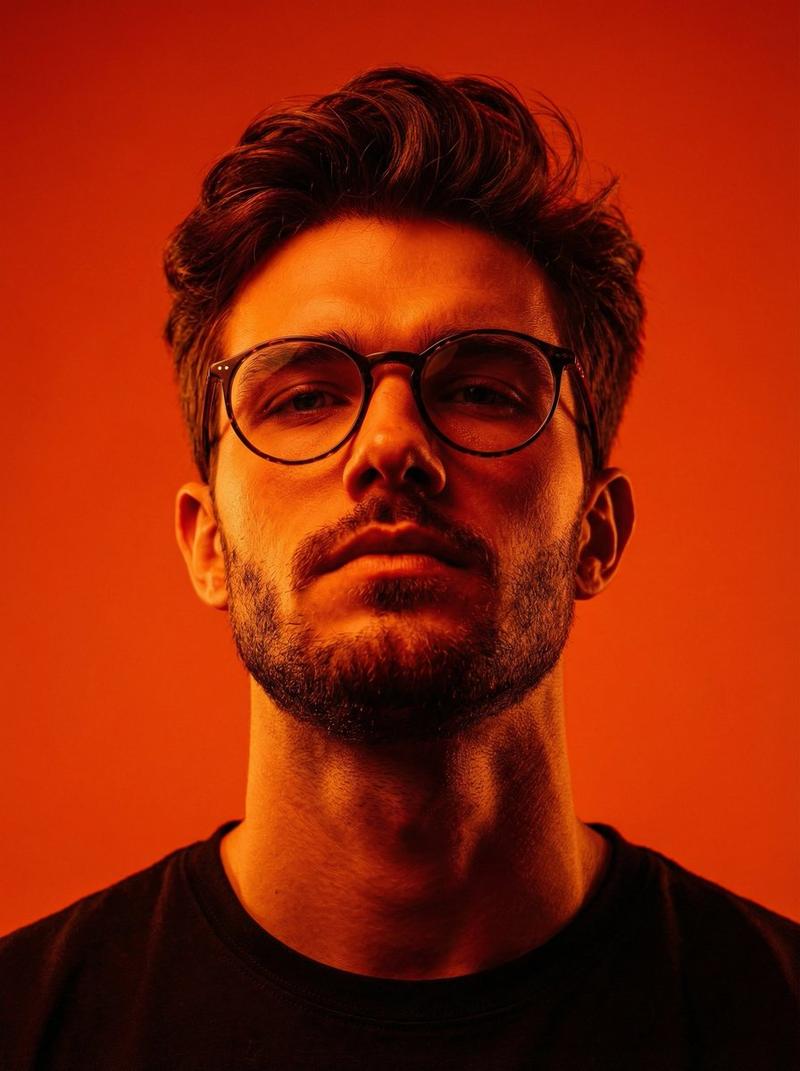
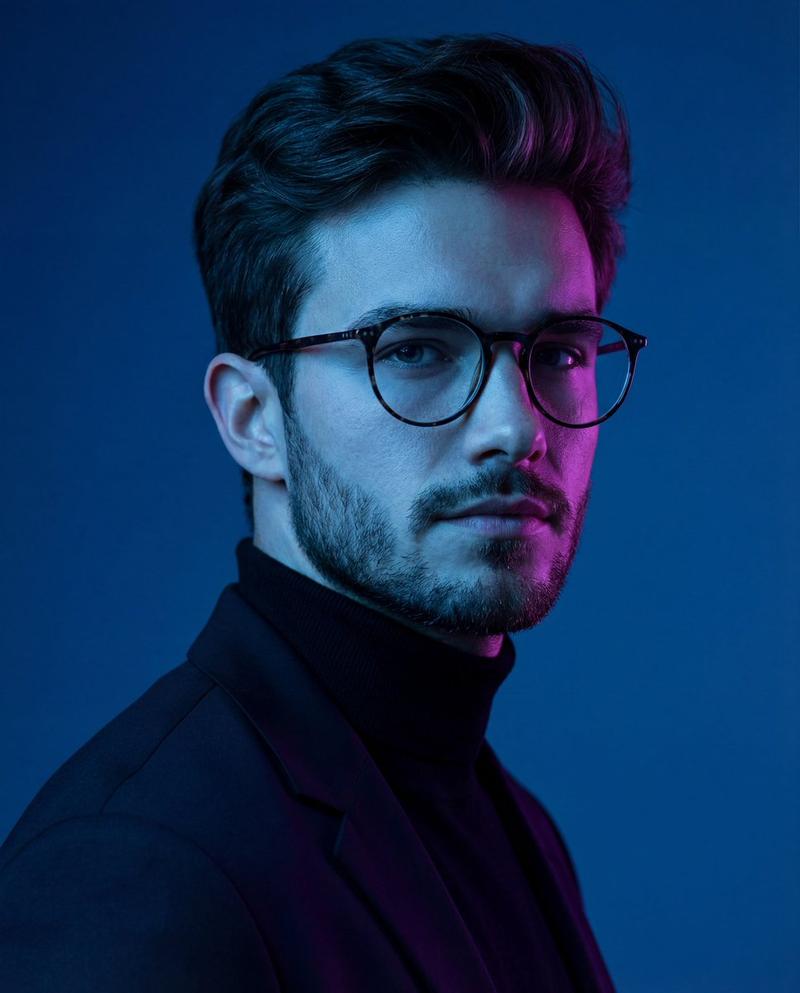
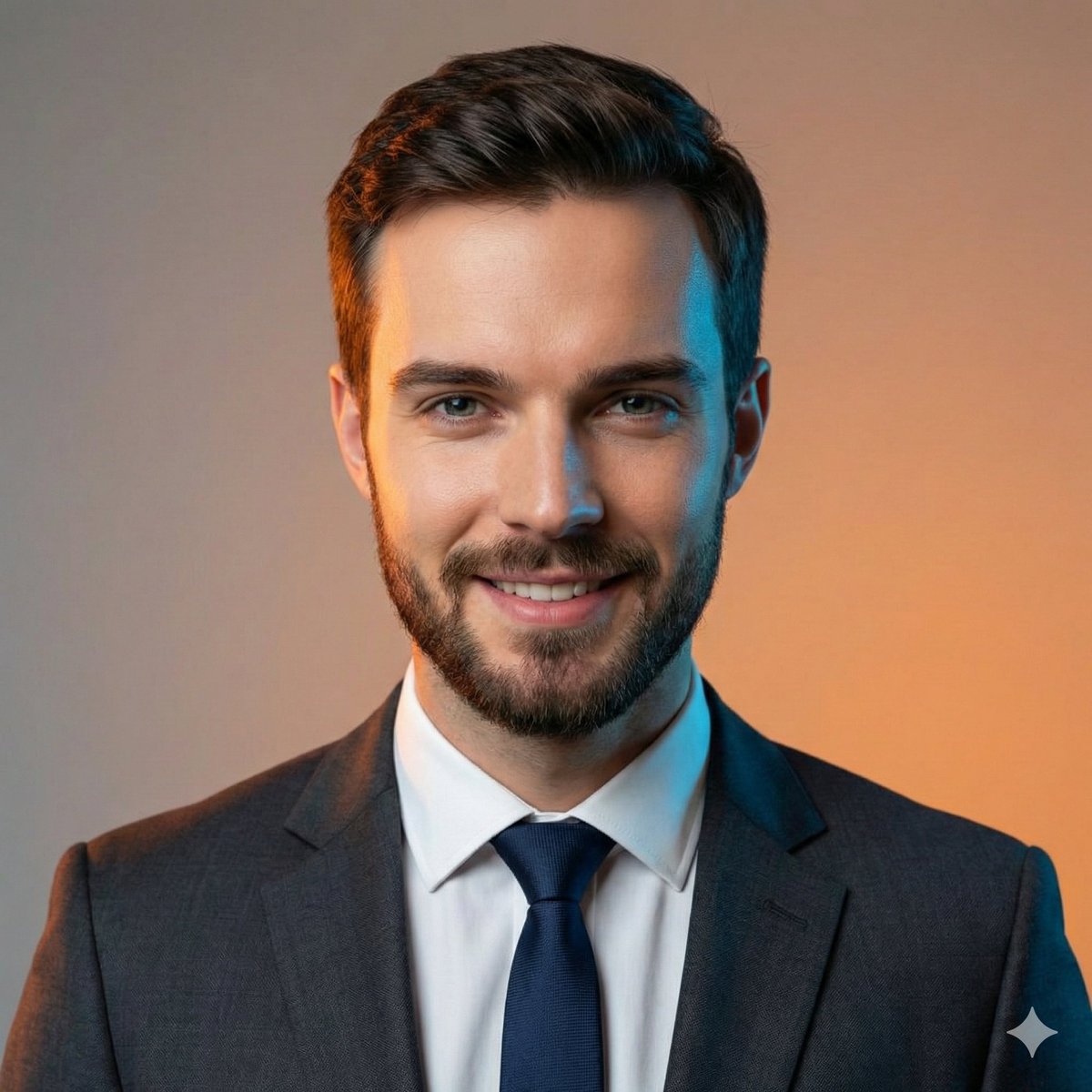
Ultra-realistic cinematic portrait of a {argument name="subject" default="young man"} with fair skin, messy brown hair, light stubble beard, and round black eyeglasses. His facial features are soft yet defined, with blue/grey eyes and a calm, focused expression. He is looking slightly upward and away from the camera, conveying quiet confidence.

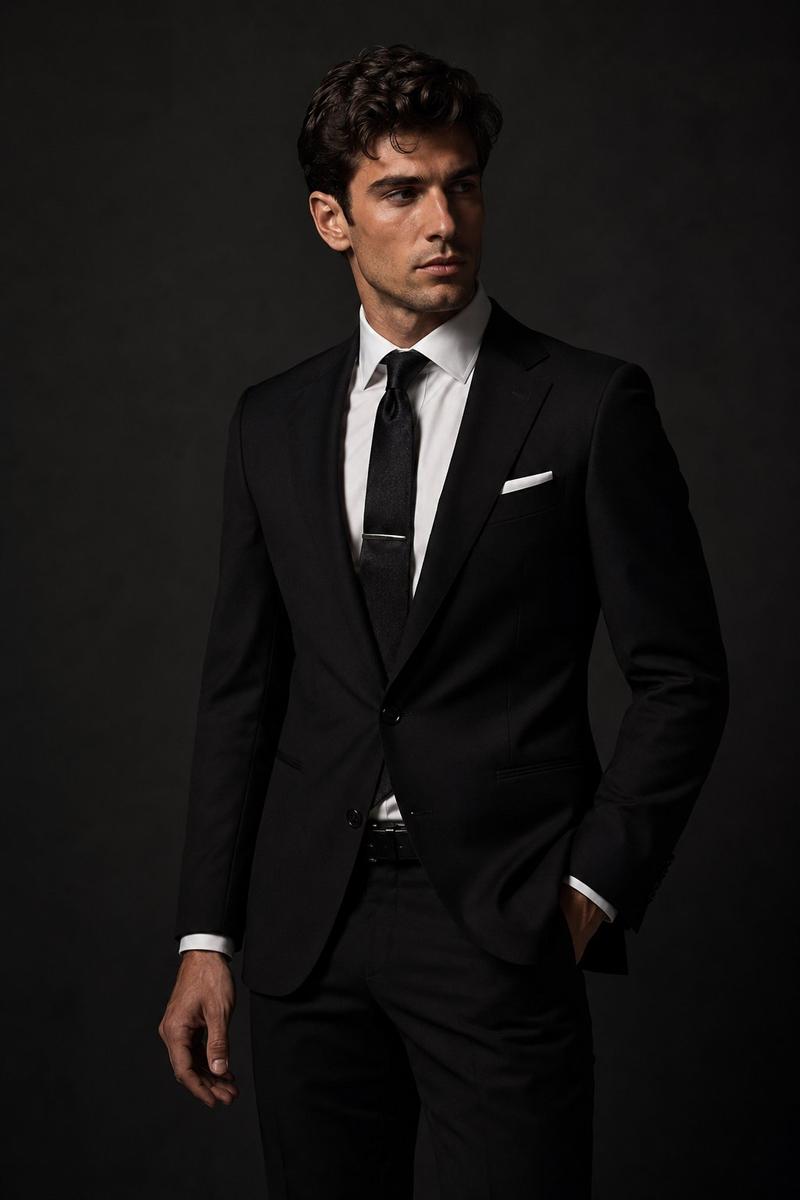
Outfit: {argument name="outfit" default="tailored black suit, crisp white shirt, black tie"}, clean and minimal styling.

Background: {argument name="background" default="deep red gradient studio backdrop"} with subtle floating particles, faint dust, and cinematic haze.

Lighting: dramatic studio lighting with strong red rim light from behind outlining the hair and shoulders, soft diffused key light on the face, gentle shadows adding depth. Slight glow reflecting on glasses.

Composition: medium close-up, centered framing, slightly low-angle perspective to enhance presence and authority. Sharp focus on face, shallow depth of field.

Style: high-end editorial, luxury fashion campaign, hyper-detailed skin texture, realistic imperfections, 8K resolution, crisp and cinematic.

Mood: powerful, composed, mysterious, executive energy.

Camera: 85mm portrait lens, f/1.8, shallow depth of field, studio quality, ultra sharp.

Color palette: dominant deep reds and blacks with natural skin tones, high contrast, cinematic grading.
Category
Posters & Typography
Model
GPT Image 2
Creator
Duet | AI
Views13
Source ID
20184
Published
May 14, 2026

Guide

About "电影感男性肖像编辑摄影"

What is this prompt for?

"电影感男性肖像编辑摄影" AI image prompt for GPT Image 2 (Posters & Typography). 一份详细的提示词,用于创作高端、超写实电影感肖像,呈现戏剧性的影棚灯光和奢华时尚美学。 Copy it on Picva and recreate the look in one…

The full copyable prompt and example visuals above are ready for AI image generation or one-click recreate in Picva.

How to use this prompt

  1. Step 1

    Open the prompt detail

    Review the example visuals, category, and full prompt text for "电影感男性肖像编辑摄影".

  2. Step 2

    Copy the prompt

    Copy the prompt body from this page, or load it directly in Studio.

  3. Step 3

    Pick a model (GPT Image 2)

    Prefer GPT Image 2. If you switch models, keep subject and composition and tweak style terms.

  4. Step 4

    Generate and export

    Recreate the look in Picva, or export into your workflow for editing and publishing.

FAQ

What is the "电影感男性肖像编辑摄影" prompt?
It is an AI image-generation prompt for GPT Image 2 in the Posters & Typography category. This page includes the full prompt text, example visuals, and a one-click recreate path in Picva.
How do I use this prompt to generate an image?
Copy the prompt from this page, or use Generate / Studio. Paste it into a compatible image model, or recreate the look in Picva with optional reference images.
Which model is this prompt for?
This page lists GPT Image 2. Most descriptive prompts also transfer to nearby image models such as GPT Image, Flux, or Midjourney with light style tweaks.
Can I use the result commercially?
You can usually copy the prompt for creation, but commercial use of the final image depends on the model terms, reference-image rights, and the generated content. Follow the source author and platform rules.