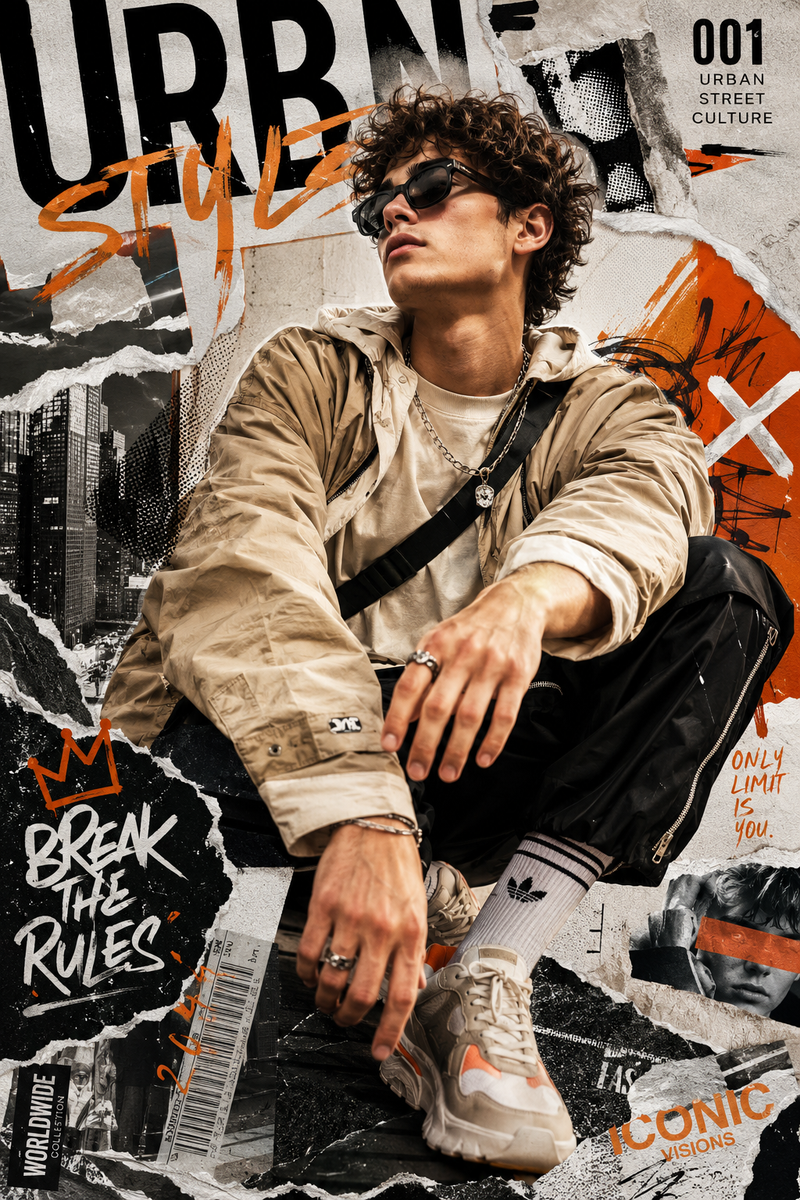
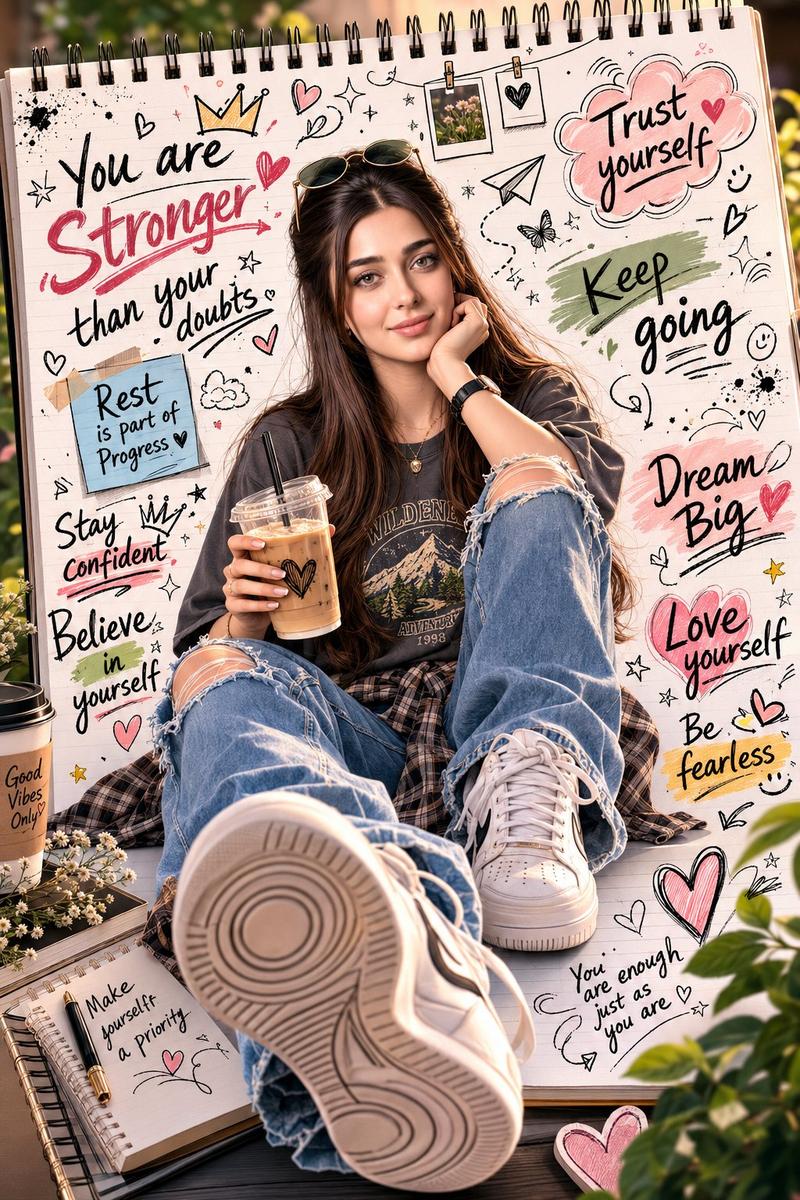
3D 毛绒玩具风格“关于我”海报
Prompt
Create a highly detailed 4:5 portrait “About Me” poster in a premium 3D Fluffy Toy aesthetic, turning the subject from the uploaded photo into an adorable soft-textured collectible character while fully preserving the real facial identity and structure. Use realistic fluffy fabric textures, smooth designer-toy surfaces, subtle stitching details, cinematic lighting, polished shadows, and ultra-clean 8K rendering. The poster should feel like a mix of designer toy packaging, modern Asian fashion editorials, and trendy lifestyle magazine covers. Include layered typography, playful graphic accents, floating fluffy props, sticker-style decorations, glossy 3D elements, plush textures, soft gradients, and stylish editorial layouts. Avoid empty spaces — the composition should feel rich, dynamic, fashionable, and professionally art-directed. Create a new pose different from the reference image with natural model energy: relaxed posture, expressive gestures, slight body lean, stylish hand interaction, and warm charismatic facial expression. Outfit should feature modern street-fashion styling such as oversized jackets, knitwear, loose-fit pants, sneakers, accessories, rings, necklaces, beanies, or glasses with harmonious fashionable colors and premium soft materials. Use cinematic mid-shot or slightly low-angle composition with immersive depth while keeping all poster elements clearly visible. Integrate these details naturally into the typography design: Name: {argument name="name" default="[Name]"}, Birth City: {argument name="city" default="[City]"}, Status: {argument name="status" default="[Status]"}, Favorite Sport: {argument name="sport" default="[Sport]"}- Category
- Charts & Infographics
- Model
- GPT Image 2
- Creator
- Nexora
- Source ID
- 20193
- Published
- May 14, 2026
Views2