14

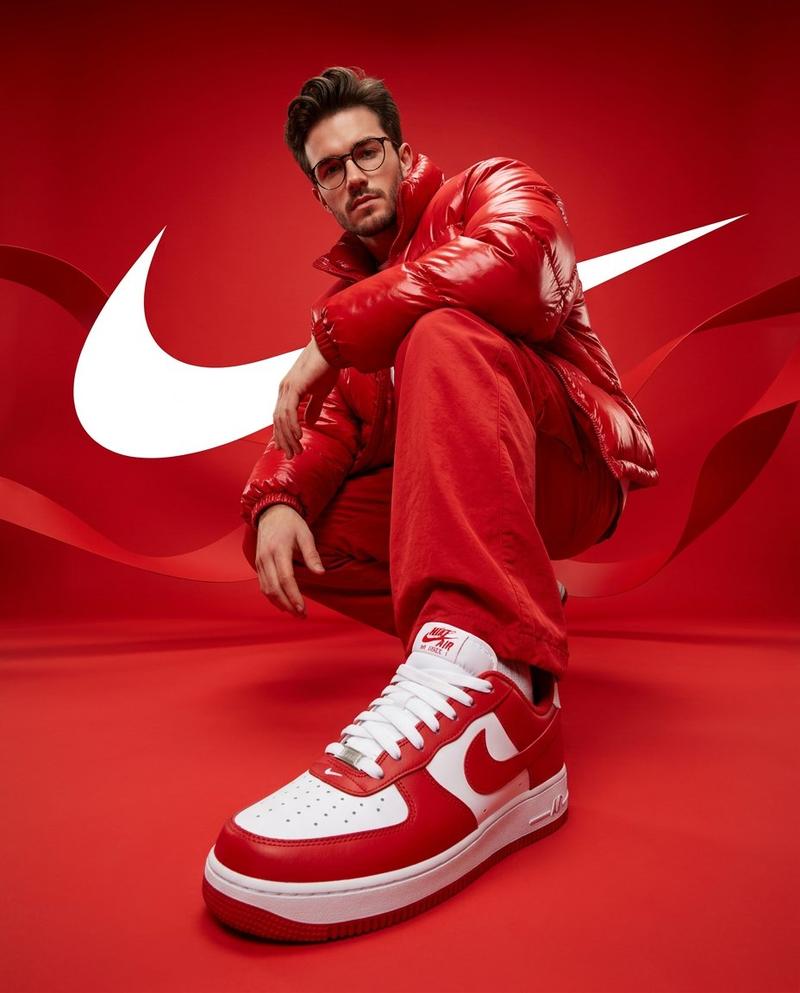
Chill-out 电影感海报
Enlarge

Chill-out 电影感海报

Prompt
Create a hyper-realistic 8K UHD cinematic poster portrait of a {argument name="subject" default="man"} inspired by the reference image, with a similar hairstyle, facial structure, and body build while maintaining a natural realistic look. Shot as if captured on a 35mm lens, f/1.8, with sharp focus, creamy bokeh, cinematic color grading, and detailed DSLR skin texture. Design a modern graphic poster titled “{argument name="title" default="Chill-out"}.”
The man wears a {argument name="clothing" default="red hoodie"}, black cuffed joggers, red and white Air Jordan high-top sneakers, dark sunglasses, and silver rings. He sits in a relaxed reclined pose leaning against oversized typography, one leg bent and the other slightly extended toward the viewer. His body angles right while his face turns toward the camera in a confident three-quarter view. Background is matte textured black.
Large bold white sans-serif text “chill” and “out” forms a bench-like structure, with “chill” underlined. Add orange circles, squares, thin white grid lines, and phrases: “Life is so much easier when you just chill-out” and “Less stress, more chill.”
Category
Charts & Infographics
Model
GPT Image 2
Creator
Harboris
Views6
Source ID
15862
Published
Apr 25, 2026

Guide

About "Chill-out 电影感海报"

What is this prompt for?

"Chill-out 电影感海报" AI image prompt for GPT Image 2 (Charts & Infographics). 一份详细的提示词,用于创作一张超写实 8K 电影感海报,展示一名姿态放松的男子,并包含特定的排版和单反相机风格摄影元素。 Copy it on Picva and re…

The full copyable prompt and example visuals above are ready for AI image generation or one-click recreate in Picva.

How to use this prompt

  1. Step 1

    Open the prompt detail

    Review the example visuals, category, and full prompt text for "Chill-out 电影感海报".

  2. Step 2

    Copy the prompt

    Copy the prompt body from this page, or load it directly in Studio.

  3. Step 3

    Pick a model (GPT Image 2)

    Prefer GPT Image 2. If you switch models, keep subject and composition and tweak style terms.

  4. Step 4

    Generate and export

    Recreate the look in Picva, or export into your workflow for editing and publishing.

FAQ

What is the "Chill-out 电影感海报" prompt?
It is an AI image-generation prompt for GPT Image 2 in the Charts & Infographics category. This page includes the full prompt text, example visuals, and a one-click recreate path in Picva.
How do I use this prompt to generate an image?
Copy the prompt from this page, or use Generate / Studio. Paste it into a compatible image model, or recreate the look in Picva with optional reference images.
Which model is this prompt for?
This page lists GPT Image 2. Most descriptive prompts also transfer to nearby image models such as GPT Image, Flux, or Midjourney with light style tweaks.
Can I use the result commercially?
You can usually copy the prompt for creation, but commercial use of the final image depends on the model terms, reference-image rights, and the generated content. Follow the source author and platform rules.