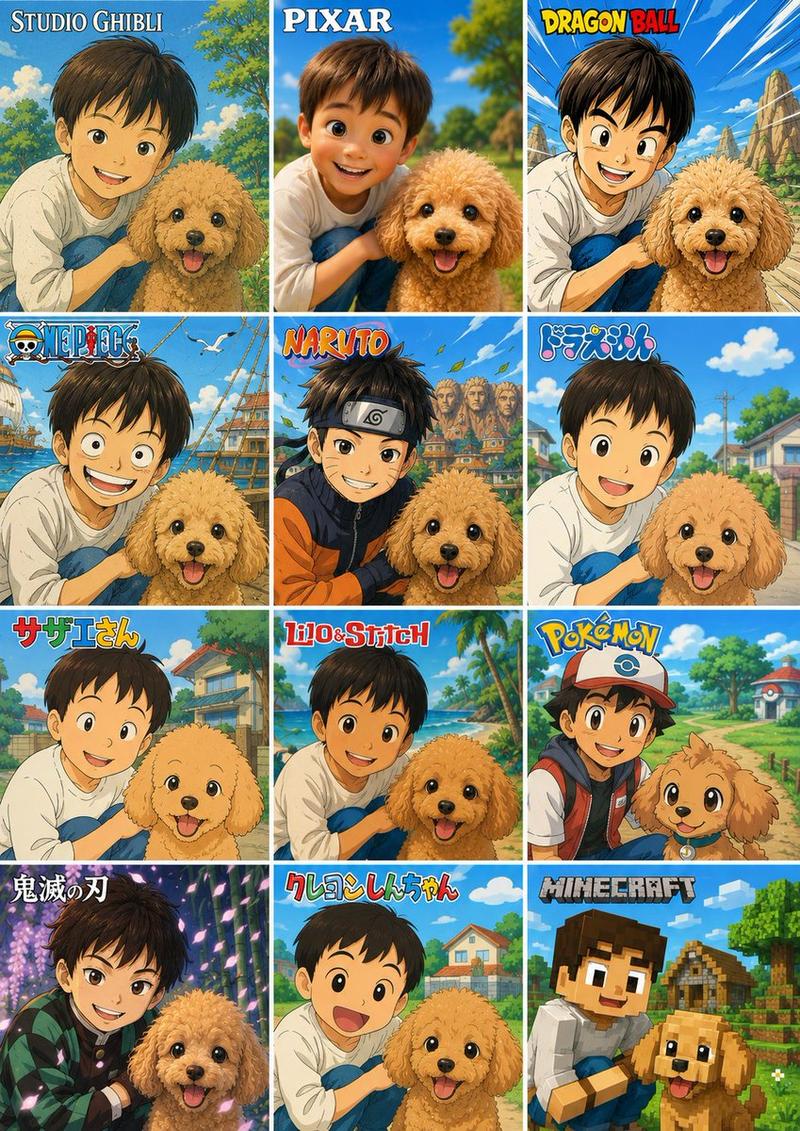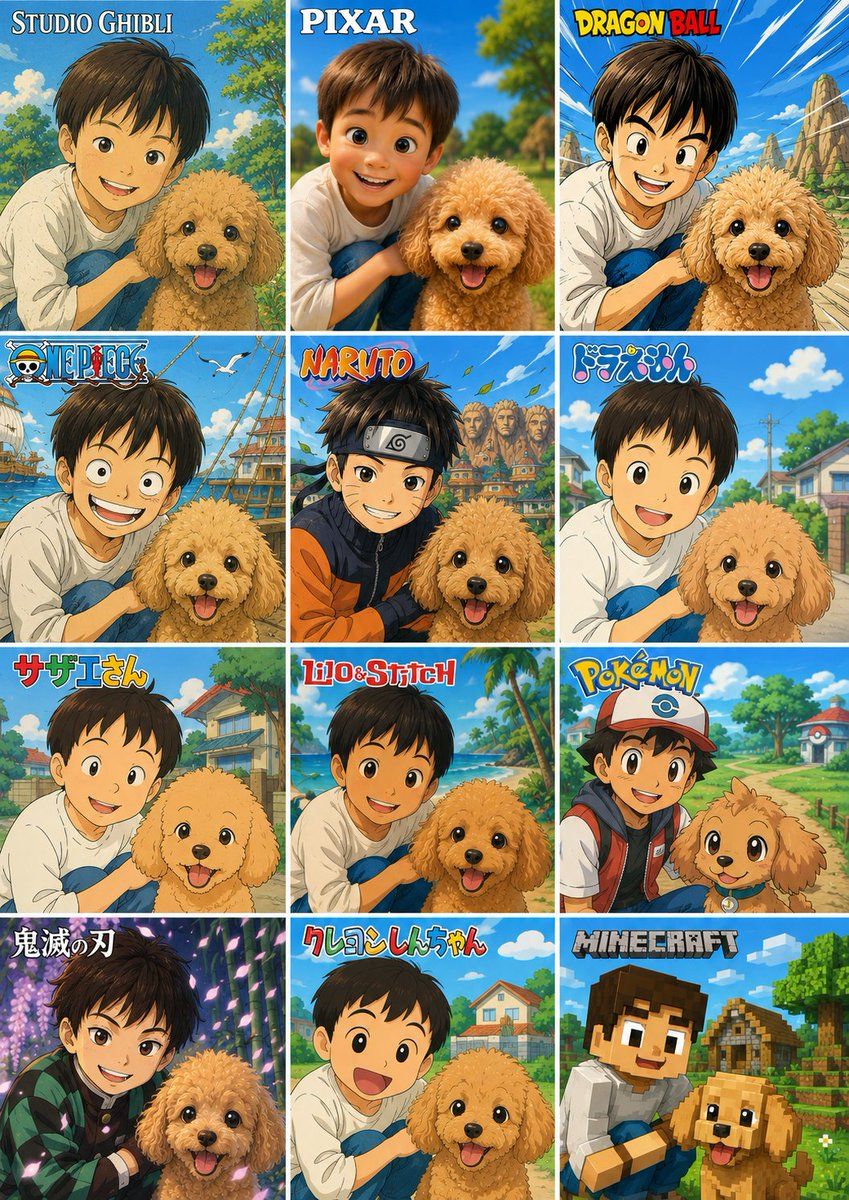
12 种风格动漫照片拼贴
Prompt
Using the provided reference photo as the subject base, create a vertical 3-column by 4-row comparison collage that transforms the same child-and-dog scene into exactly 12 popular animation/game-inspired visual styles. Keep the child and dog recognizable in pose, relative placement, clothing, and outdoor park feeling, and preserve any existing face anonymization/privacy masking from the reference rather than inventing facial details. Add a bold style-title logo at the top of each panel.

Canvas and layout: Use a tall poster layout with 12 equal rectangular panels separated by thin white grid lines, arranged as 3 columns x 4 rows. Each panel should show the same subject pairing from the reference but redrawn in a different style, with bright saturated colors and clean promotional collage composition.

Panels, in order from top-left to bottom-right, exactly 12:
1. “STUDIO GHIBLI” — soft hand-painted fantasy countryside look.
2. “PIXAR” — polished 3D animated movie look.
3. “DRAGON BALL” — dynamic action-anime look with speed lines and rocky landscape.
4. “ONE PIECE” — adventurous nautical anime look with ship/sea elements.
5. “NARUTO” — ninja-anime look with village background and orange/black outfit influence.
6. “ドラえもん” — cheerful rounded Japanese cartoon suburb style.
7. “サザエさん” — classic family-anime neighborhood style.
8. “Lilo&Stitch” — tropical island cartoon look with beach and palm trees.
9. “POKÉMON” — bright monster-adventure world look; add a cap/backpack vibe to the child and a cute creature-like treatment for the dog.
10. “鬼滅の刃” — dramatic sword-anime look with purple lighting and patterned haori influence.
11. “クレヨンしんちゃん” — simple cute children’s cartoon style with big expressive shapes.
12. “MINECRAFT” — blocky voxel game style with cubic characters and environment.

Customizable text: Use {argument name="collage title style" default="anime style comparison poster"} as the overall design intent, and keep the panel labels exactly as listed unless replaced by {argument name="panel label set" default="STUDIO GHIBLI, PIXAR, DRAGON BALL, ONE PIECE, NARUTO, ドラえもん, サザエさん, Lilo&Stitch, POKÉMON, 鬼滅の刃, クレヨンしんちゃん, MINECRAFT"}.

Constraints: Do not add extra panels, extra people, or extra pets. Keep the dog’s happy expression and fluffy tan appearance consistent across panels. Keep the child close to the dog in every panel. Maintain visible privacy blocks/anonymization over faces if present in the reference. Make the final image look like a shareable social media collage showcasing one photo converted into many animation styles.- Category
- Posters & Typography
- Model
- GPT Image 2
- Source ID
- 20284
- Published
- May 14, 2026
Views18