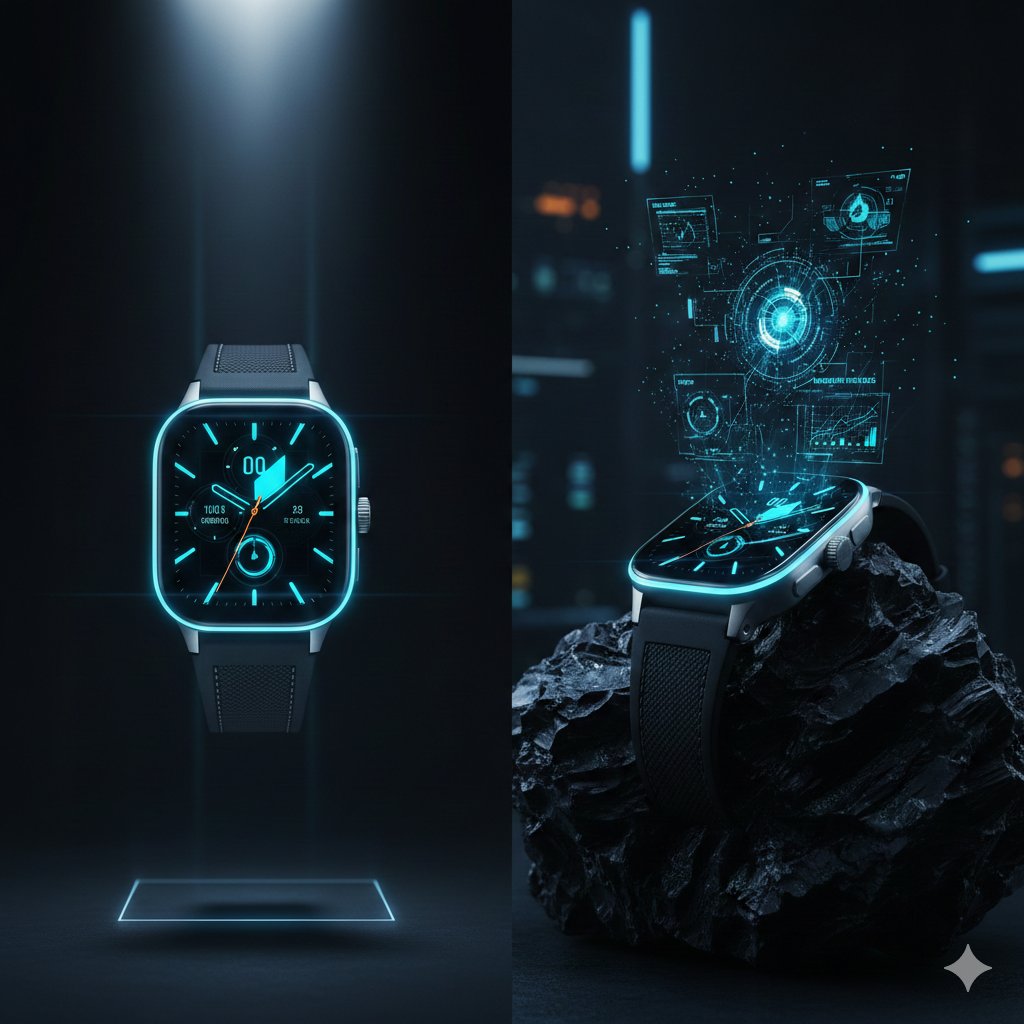
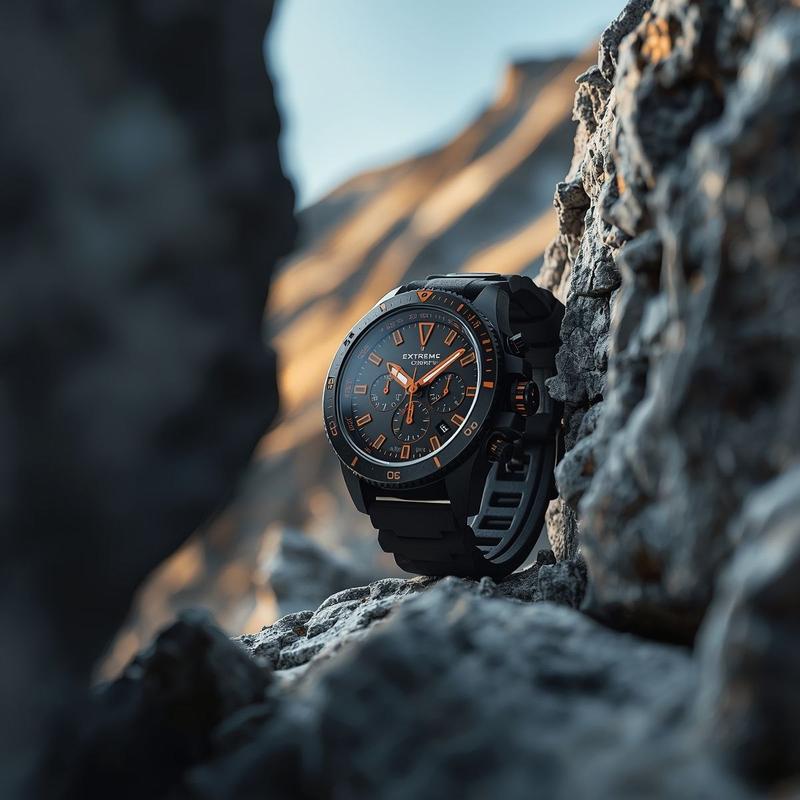
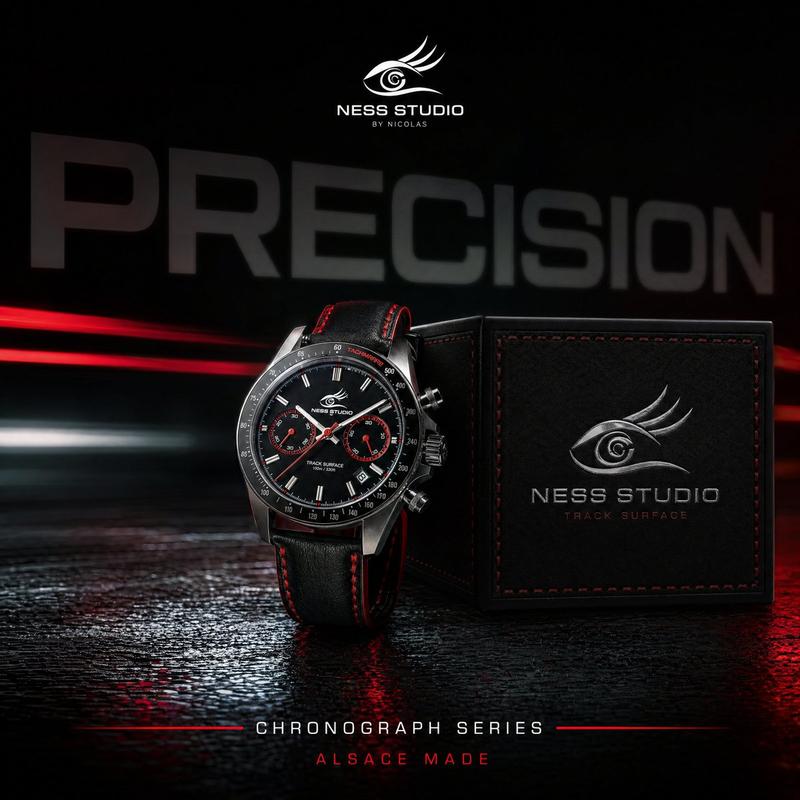
NOXEN 四维腕表广告
Prompt
Goal: Create a luxury square advertising collage for a futuristic wristwatch brand, showing one premium chronograph watch across four elemental dimensions. Use the brand name {argument name="brand name" default="NOXEN"} and the monogram {argument name="brand monogram" default="N"}.

Canvas: Square 1:1 image divided into exactly 4 equal panels in a clean 2x2 grid, separated by thin white divider lines. Each panel is a cinematic product poster with dramatic lighting, high contrast, sharp watch detail, and premium commercial photography realism.

Overall subject: A masculine luxury stainless-steel chronograph wristwatch with integrated metal bracelet, octagonal/rounded bezel with small screws, black dial, three subdials, baton hour markers, central hands, crown and pushers on the right side, and subtle brand text on the dial. The watch should remain recognizable as the same model in all 4 panels while material color and environment change.

Panel count and details: Exactly 4 distinct watch posters:
1. Top-left panel: matte black watch in a dark smoky void, surrounded by black dust, volcanic ash, floating debris, and mist. Monochrome black-and-charcoal palette with silver highlights. Place the monogram above the brand name near the top center. Add the small tagline {argument name="darkness tagline" default="ENGINEERED IN DARKNESS"} near the bottom center.
2. Top-right panel: polished gold watch surrounded by a dramatic splash of liquid gold, bubbles, and warm amber reflections. Black background with intense golden highlights. Place the monogram above the brand name near the top center. Add the small tagline {argument name="gold tagline" default="CRAFTED IN GOLD"} near the bottom center.
3. Bottom-left panel: silver steel watch frozen inside a translucent block of cracked blue ice, with frosty mist, icy rock texture, and cold blue lighting. Place a large monogram above the brand name near the bottom center, with the small tagline {argument name="time tagline" default="BUILT BEYOND TIME"} beneath it.
4. Bottom-right panel: black and dark steel watch with neon green accents in a cyberpunk futuristic city at night, glowing skyscrapers, circuit-like lines, holographic HUD rings, and emerald light beams. Place a large glowing monogram above the brand name near the top center. Add the small tagline {argument name="future tagline" default="FUTURE. ENGINEERED."} near the bottom center.

Typography: Elegant luxury serif or widely spaced uppercase lettering for the brand name, thin uppercase tracking for taglines, centered and minimal. Text must be crisp and legible: brand name appears in all 4 panels, the monogram appears in all 4 panels, and each panel has exactly one tagline as listed.

Visual style: Ultra-realistic high-end watch advertising, macro product photography, cinematic lighting, glossy reflections, deep blacks, premium contrast, sharp metal textures, atmospheric particles, no people, no extra logos, no watermark, no additional text beyond the specified brand, monogram, and four taglines.- Category
- Charts & Infographics
- Model
- GPT Image 2
- Creator
- Riya_Cute 🇺🇸
- Source ID
- 20325
- Published
- May 14, 2026
Views6