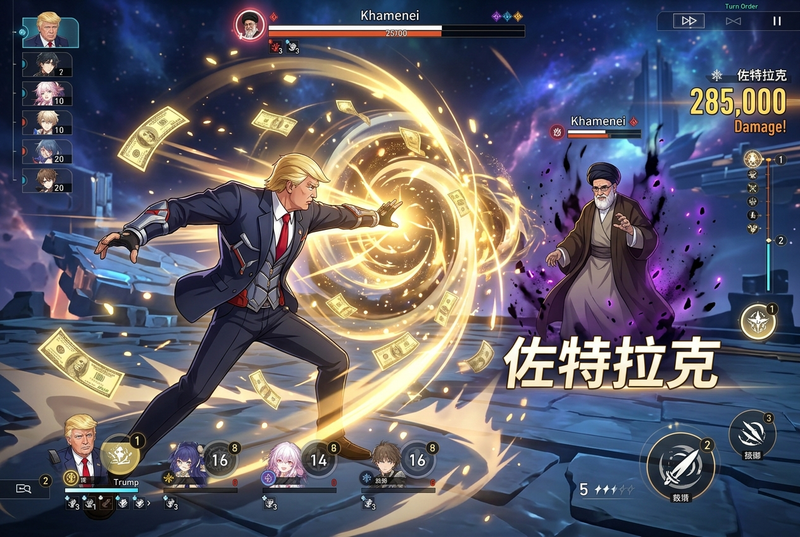
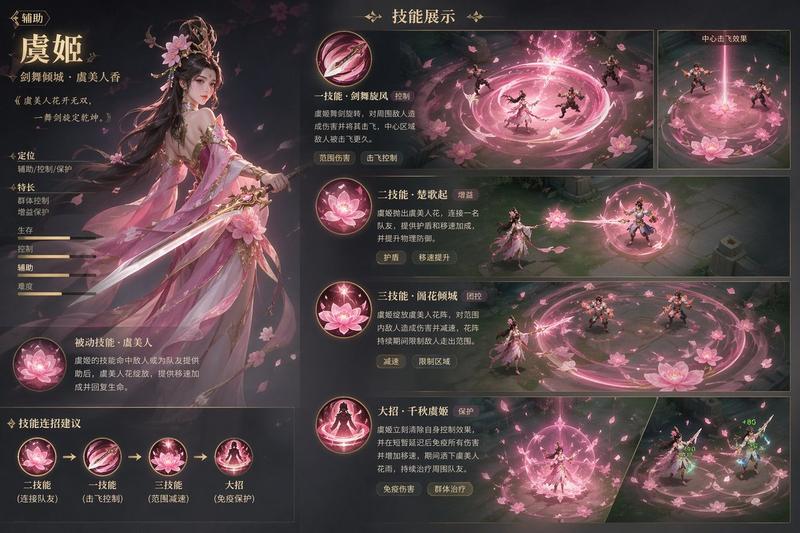
赛博天使机甲战斗 HUD
Prompt
Goal: Create a widescreen futuristic anime action game screenshot of a cybernetic aerial battle, like a polished sci-fi hack-and-slash rhythm combat HUD.

Canvas: 16:9 landscape frame, dark teal and black digital arena viewed from a high three-quarter camera angle. The background is a vast circular cyber grid made of concentric rings, circuit-board patterns, holographic city blocks, and vertical equalizer-like teal light bars around the horizon.

Main subject: At the center, an anime-style female cyber angel named {argument name="character name" default="Xione Origin"} with long flowing {argument name="hair color" default="silver-white"} hair, pale skin, sharp futuristic armor, and translucent mechanical wing blades. She is mid-flight in a dynamic pose, wielding glowing energy blades and controlling four small white blade drones orbiting her. Her color palette is black, gunmetal, white, and neon cyan, with bright teal thruster trails and gold spark impacts.

Action composition: Show exactly 5 hostile mecha enemies: 1 large armored enemy in the upper right being struck by a bright explosion, 1 large bulky enemy in the lower left, 1 medium enemy on the right edge, 1 medium enemy lower right, and 1 smaller enemy near the mid-right. Add red targeting lines, red warning labels, triangular danger icons, and laser beams pointing toward the player. The central attack forms a huge sweeping cyan crescent slash and circular arc around the heroine, while exactly 4 white blade drones leave golden trails: one upper left, one left-middle, one bottom center, and one lower right. Include particle sparks, lens flares, motion blur, and curved light ribbons to emphasize speed.

HUD and text elements: Add a complete game interface overlay with crisp futuristic typography. Top left: character portrait, label “XIONE ORIGIN”, health “4200 / 4200”, “100%”, and “CODE SYNC — OK”. Left center: “COMBO” with large number {argument name="combo count" default="256"} and small “EXCELLENT”. Top right: “TIME” with {argument name="time remaining" default="04:37"}, “SCORE” with {argument name="score" default="238,650"}, and “MULTIPLIER x4.8”. Right center: “ENEMY 12” and “+120”. Bottom right: circular radar/minimap with teal cone indicator and red enemy dots. Bottom left: exactly 4 ability icons labeled “QUANTUM EDGE”, “PHOTON CHARGE”, “PHASE BREAK”, and “ORIGIN DRIVE”, each with small keyboard prompts such as Z, X, C, and SPACE.

Visual style: High-detail anime sci-fi illustration blended with AAA game UI concept art, dark cinematic lighting, neon cyan accents, red enemy warnings, golden impact sparks, clean sharp linework, dense holographic details, ultra-wide battlefield readability, dramatic depth, no borders, no watermark.

Constraints: Keep all visible text in English, make the interface look like an actual action-game screenshot, preserve the exact counts of 5 enemies, 4 blade drones, and 4 ability icons, and avoid adding extra characters or extra UI panels beyond the described HUD.- Category
- Charts & Infographics
- Model
- GPT Image 2
- Creator
- Xione/しおね【公式】
- Source ID
- 20383
- Published
- May 15, 2026
Views11