高端未来感 AI 工作空间
Prompt
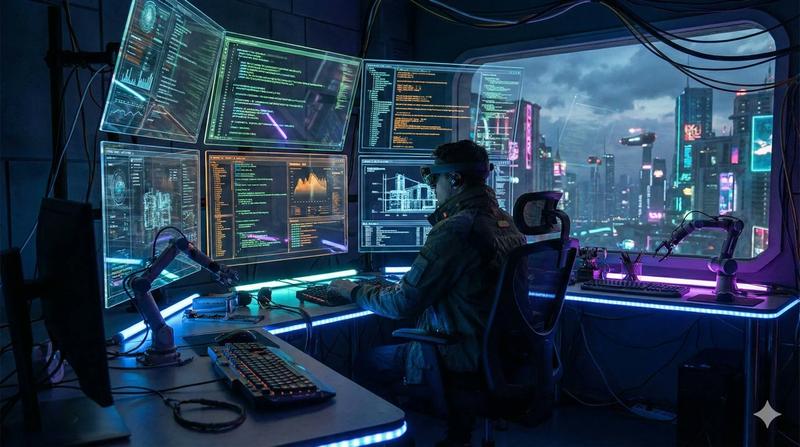
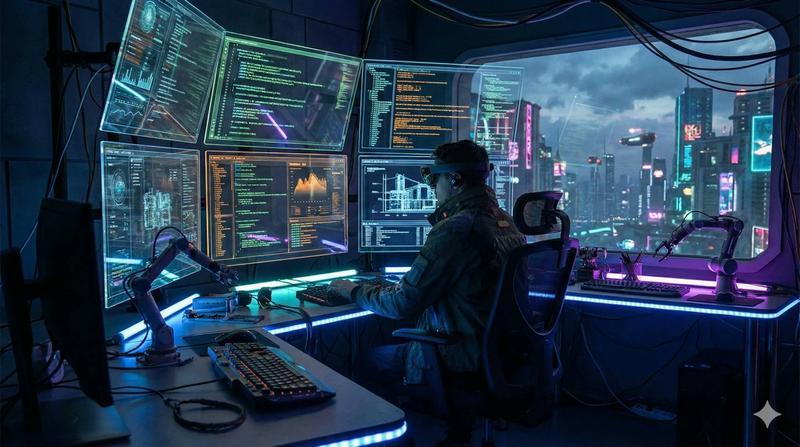
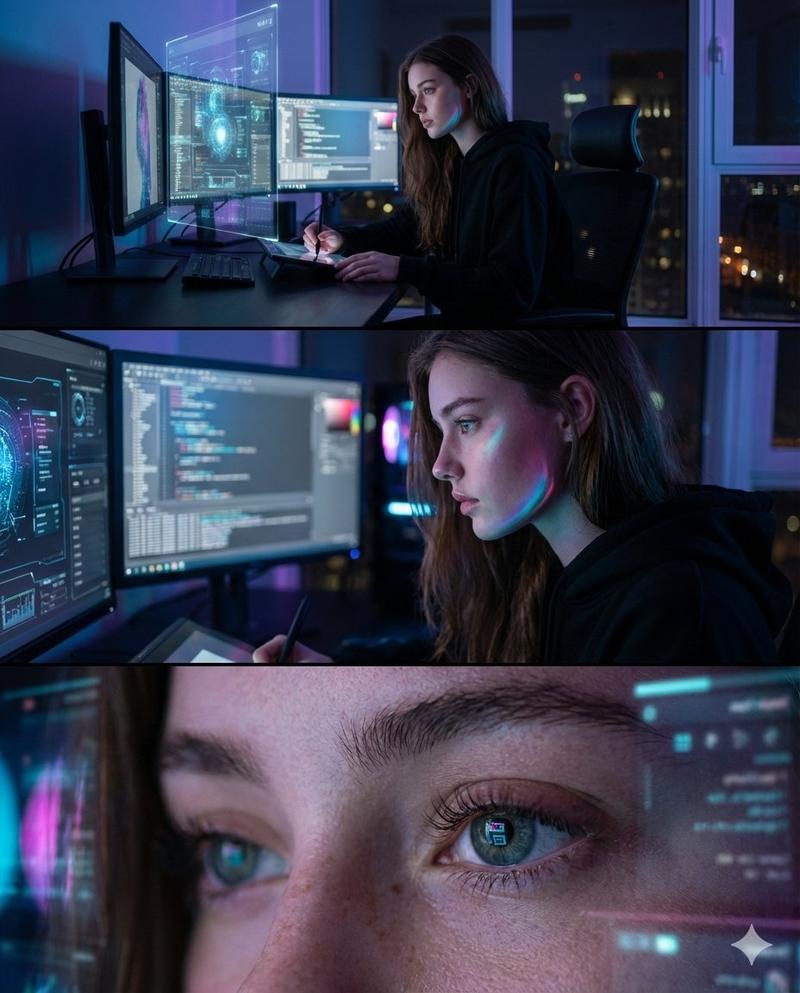
A cinematic futuristic control-room workspace in a dark premium tech aesthetic, viewed from behind a single person seated at a sleek desk, centered in the foreground, facing a wall of floating transparent holographic interface panels. The scene is illuminated by electric blue and cyan light on a nearly black background, with a brilliant glowing AI core or neural sphere at the center of the composition slightly above the desk line, radiating dozens of branching luminous data streams that connect to every screen like a digital nervous system. The person is a silhouetted professional wearing dark clothing in a modern office chair, framed symmetrically to emphasize scale and immersion. On the desk are 3 main desktop monitors filled with code and technical dashboards, 1 open laptop on the left, 1 slim task lamp on the right, 1 coffee mug, and a few minimal office accessories. Surrounding the figure are exactly 10 large floating UI windows: 1 left vertical profile/navigation panel with a circular avatar and the name {argument name="character name" default="ALEXANDER"}, plus menu items; 1 upper-left project information card titled {argument name="project name" default="PROJECT CHRONOS"}; 1 top-center code editor window titled "CODE SYNTHESIS" showing dense programming text; 1 upper-center-right assistant panel titled "AI ASSISTANT" with a glowing waveform and short chat text; 1 upper-right data window titled "DATA STREAM"; 1 mid-left media generation panel titled "GENERATING VISUAL ASSET" showing a dramatic sci-fi landscape with tall rock spires and multiple thumbnail previews beneath; 1 small central progress card titled "EXECUTING WORKFLOW" with progress bars; 1 mid-right world map analytics panel titled "GLOBAL NETWORK" with glowing connection points; 1 lower-left engineering render panel titled "3D MODEL RENDER" displaying a futuristic mechanical engine or spacecraft component; 1 lower-right dashboard titled "SYSTEM MONITOR" with circular percentage charts and graphs. Also include exactly 2 smaller side panels: 1 lower-left voice panel titled "VOICE INTERFACE" with waveform visualization, and 1 right-side narrow panel titled "ACTIVITY LOG" with status entries. Add several tiny floating micro-cards and image thumbnails scattered between the main windows, connected by light trails, to suggest multitasking AI orchestration. The interface design should feel ultra-polished, glassmorphic, transparent, edge-lit, and premium, with thin neon borders, subtle grid lines, small icons, and high-end sci-fi UI typography. Use a dramatic wide-angle composition, deep depth, crisp detail, volumetric glow, reflective surfaces, and a balanced symmetrical layout centered on the radiant AI nexus. The overall mood is visionary, luxurious, and intelligent, like {argument name="headline text" default="the future of creative AI interfaces"} made real, combining software engineering, generative design, global connectivity, and autonomous workflow management in one immersive scene.- Category
- Charts & Infographics
- Model
- GPT Image 2
- Creator
- NexAIverse | IA útil diaria
- Source ID
- 14627
- Published
- Apr 21, 2026
Views0