18

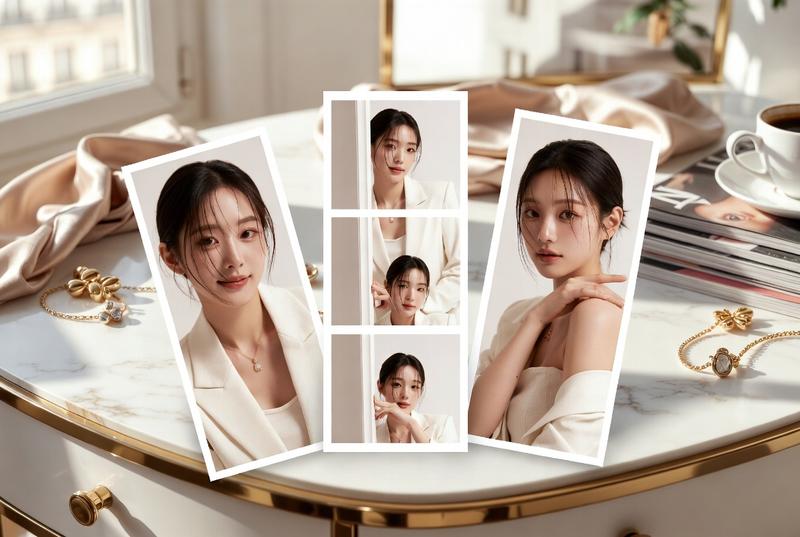
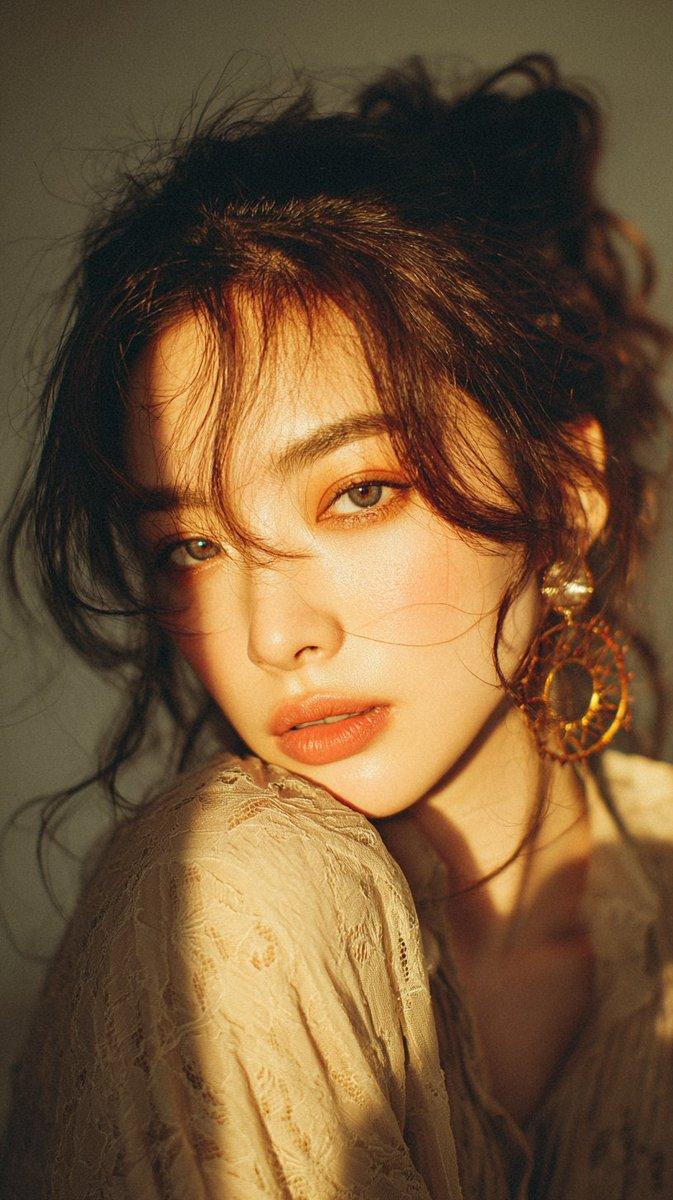
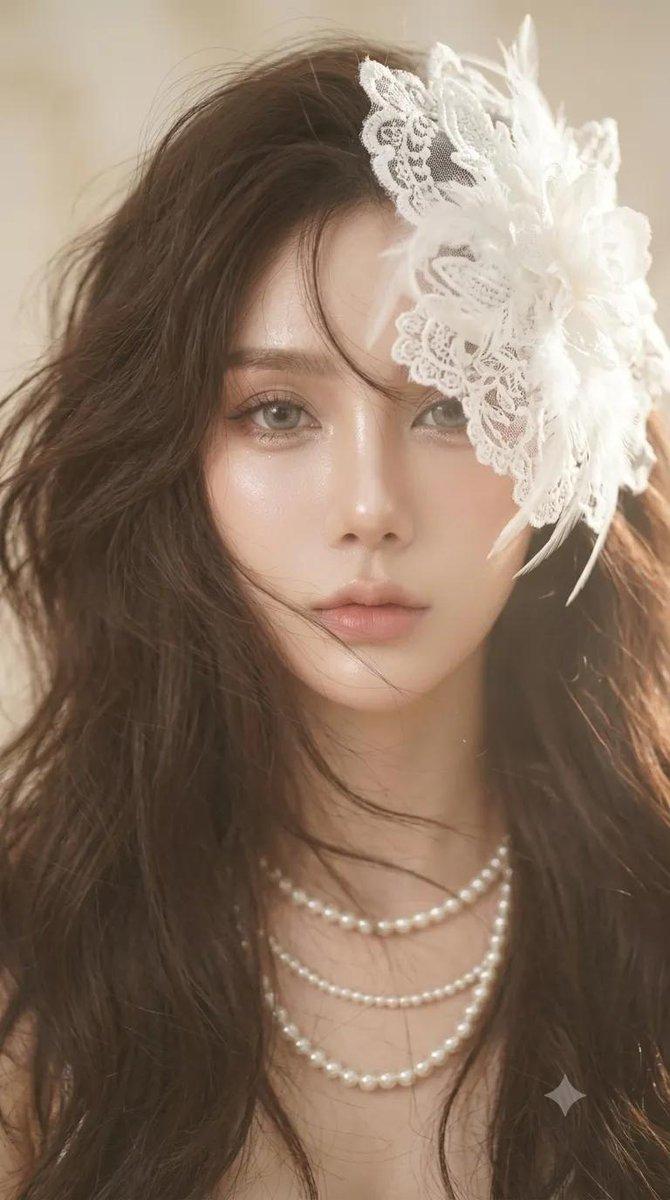
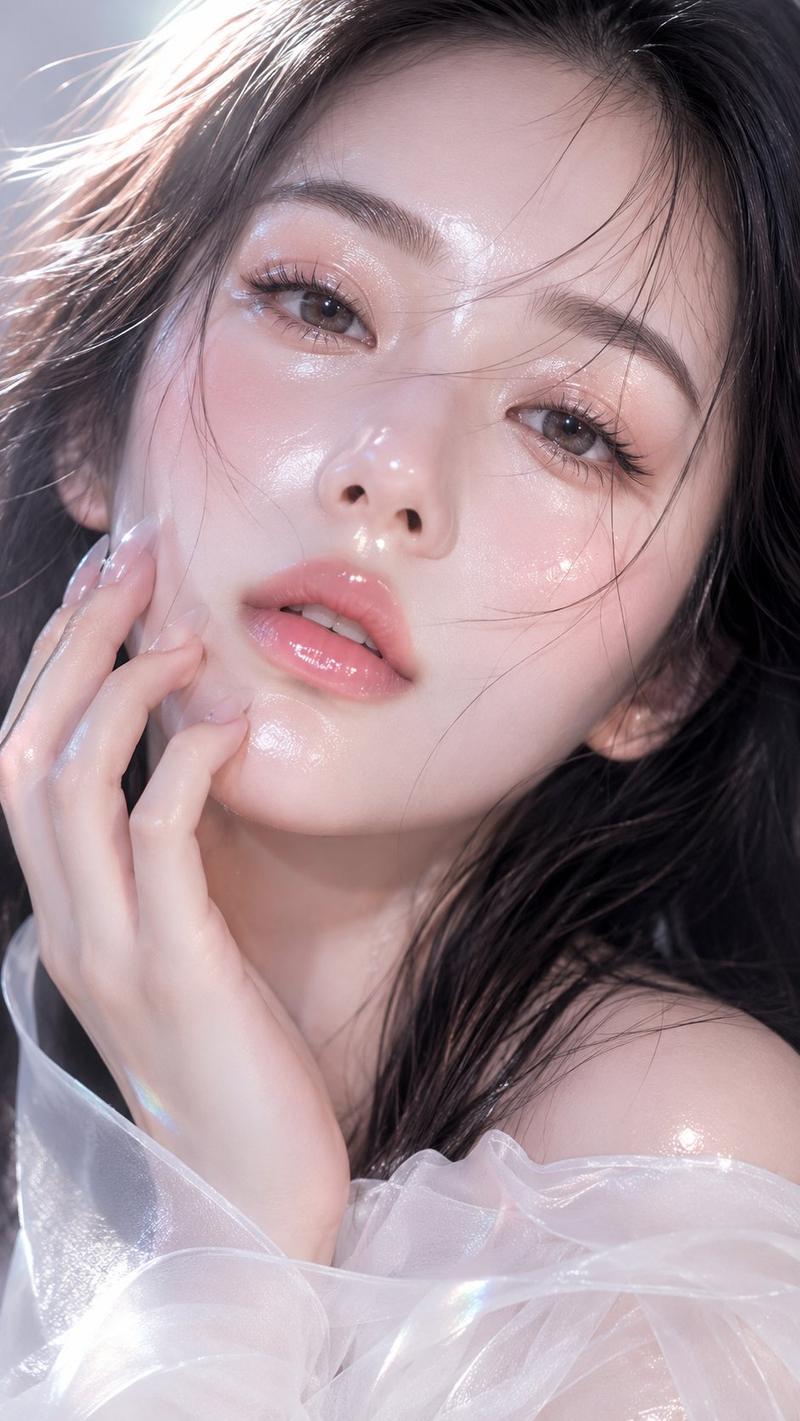
中性风少年镜面反射肖像
Enlarge

中性风少年镜面反射肖像

Prompt
Dreamy cinematic close-up portrait of an {argument name="subject" default="androgynous East Asian boy"} lying beside a mirror, soft black medium-length messy hair, glossy lips, delicate eyeliner, pale smooth skin, melancholic gaze looking directly into camera reflection, {argument name="color palette" default="warm peach and ivory color palette"}, blooming highlights, soft haze diffusion, shallow depth of field, mirror reflection composition, fingers with silver rings touching face, tiny glowing cherry blossom petals floating in foreground, ethereal atmosphere, intimate framing, ultra soft lighting, heavy bokeh, overexposed highlights, creamy skin tones, luxury editorial photography, Japanese magazine aesthetic, fragile emotional mood, shot on 85mm lens f1.2, cinematic DOF, realistic skin texture, subtle motion blur, analog glow, premium fashion campaign, highly detailed, vertical composition, 9:16
Category
Charts & Infographics
Model
GPT Image 2
Creator
DotDot_AI
Views6
Source ID
20496
Published
May 15, 2026

Guide

About "中性风少年镜面反射肖像"

What is this prompt for?

"中性风少年镜面反射肖像" AI image prompt for GPT Image 2 (Charts & Infographics). 一组空灵且忧郁的奢华编辑风格肖像提示词,包含中性风少年、镜面反射以及光晕效果。 Copy it on Picva and recreate the look in one cl…

The full copyable prompt and example visuals above are ready for AI image generation or one-click recreate in Picva.

How to use this prompt

  1. Step 1

    Open the prompt detail

    Review the example visuals, category, and full prompt text for "中性风少年镜面反射肖像".

  2. Step 2

    Copy the prompt

    Copy the prompt body from this page, or load it directly in Studio.

  3. Step 3

    Pick a model (GPT Image 2)

    Prefer GPT Image 2. If you switch models, keep subject and composition and tweak style terms.

  4. Step 4

    Generate and export

    Recreate the look in Picva, or export into your workflow for editing and publishing.

FAQ

What is the "中性风少年镜面反射肖像" prompt?
It is an AI image-generation prompt for GPT Image 2 in the Charts & Infographics category. This page includes the full prompt text, example visuals, and a one-click recreate path in Picva.
How do I use this prompt to generate an image?
Copy the prompt from this page, or use Generate / Studio. Paste it into a compatible image model, or recreate the look in Picva with optional reference images.
Which model is this prompt for?
This page lists GPT Image 2. Most descriptive prompts also transfer to nearby image models such as GPT Image, Flux, or Midjourney with light style tweaks.
Can I use the result commercially?
You can usually copy the prompt for creation, but commercial use of the final image depends on the model terms, reference-image rights, and the generated content. Follow the source author and platform rules.